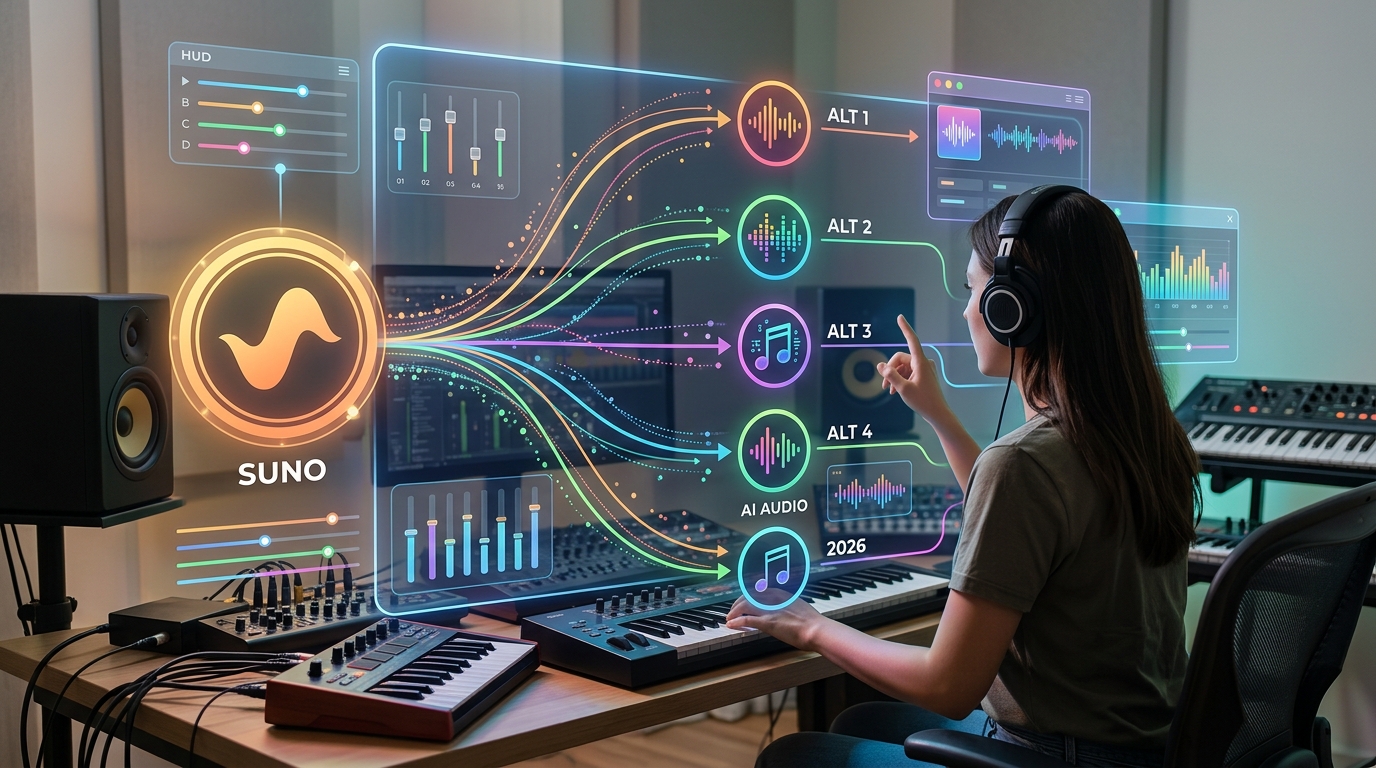
Best Suno Alternatives for Creators : A Practical Guide
Making music used to require expensive studio time, instruments, or a producer. Today, AI music generators can turn a few written words into a full track with vocals, or create background music for a video in minutes. Suno became one of the best-known names in this space, but it is not the only option, and it may not be the right fit for every project. If you are looking for Suno alternatives, this guide explains what they offer, how to match each tool to your goal, and how to check licensing before you publish or earn money from your music.
What Are Suno Alternatives?
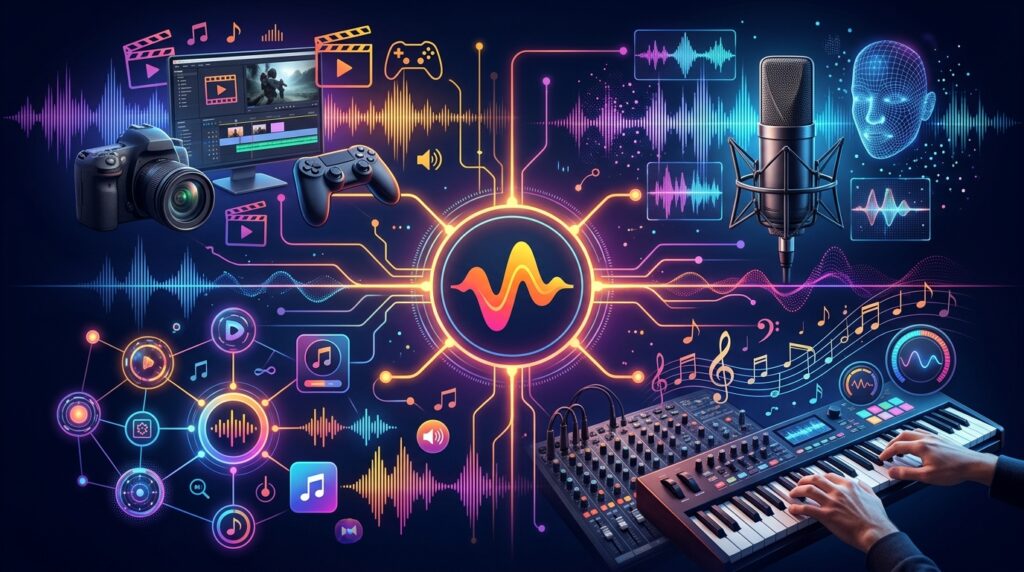
Suno is an AI music generator that creates complete songs, including melody, arrangement, and vocals, from a text prompt. Suno alternatives are other platforms that do similar work, or that focus on a narrower job such as background music, voice cloning, or professional composition.
The main categories include:
- Full-song generators: Tools that create songs with vocals from text or lyrics.
- Background music tools: Platforms that produce royalty-free instrumentals for videos, podcasts, and presentations.
- Composition software: Tools that export MIDI or sheet-style files for musicians who want more control.
- Voice and audio suites: Products that combine music, voice, and sound effects, often for business use.
- Distribution-focused tools: Services that help you publish tracks to streaming platforms.
Each category serves a different creator. A YouTube editor needs different things than a songwriter testing melodies, and a freelancer producing jingles for clients has different legal needs than a hobbyist sharing songs with friends.
Which Suno Alternatives Are Worth Considering?

Reviewers in 2026 often mention a similar group of tools. The list below reflects the positioning described in one published roundup, along with common patterns across several reviews. Treat it as a starting point rather than a final ranking.
- Tad AI: Presented as an all-in-one option for song generation, lyrics, audio editing, vocal removal, and music video creation.
- Udio: Often praised for realistic vocals and detailed track editing. It has been moving toward licensed models following label agreements.
- Sonauto: Suited to users who want more control over generation settings.
- Musicfy: Known for AI voice work and converting text into instrumental parts.
- Loudly: Offers royalty-free music for social media, subject to its license terms.
- SOUNDRAW: Lets you adjust mood, tempo, genre, and arrangement for background tracks.
- Beatoven.ai: Creates original background music for videos, podcasts, and creative projects.
- Mubert: Designed for developers and businesses that need AI music through an API.
- AIVA: Focused on professional composition and MIDI export.
- Soundful: Offers different licensing options and downloadable stems.
- Boomy: Aimed at beginners who want to create songs quickly and submit them to streaming platforms.
Step-by-Step Guide: How to Choose the Right Tool
Choosing among Suno alternatives is easier when you follow a clear order. Each step narrows the field, so you avoid paying for features you won’t use.
Step 1: Define What You Are Making

What to do: Write one sentence describing your finished output, such as “a 30-second jingle for a bakery’s Instagram” or “a full pop song with vocals for personal listening.”
How to do it: Note the format (song, instrumental, video soundtrack, or stems), the length, and where it will appear.
Why it matters: The right tool depends on the output. A vocal-heavy song tool is wasteful for a silent product video, and a background music library may disappoint someone who wants a sung chorus.
Example: A small café owner in Sydney needs looping background music for a promotional reel. A full-song generator is probably more than she needs. A mood-based background tool is a better fit.
Step 2: Decide Whether You Need Vocals

What to do: Decide whether your project requires singing, spoken voice, or no vocals at all.
How to do it: If you need vocals, compare tools based on sample quality. Listen to several demos in the genre you plan to use, because vocal realism varies widely by style.
Why it matters: Vocals are the most noticeable and the most difficult part of AI music. Many tools produce convincing instrumentals but weaker singing.
Example: A songwriter in London testing a demo may prioritize expressive vocals. A podcaster in Tokyo who only needs intro music can skip vocals entirely.
Step 3: Check the Licensing Before You Create

What to do: Read the commercial use terms before generating anything you plan to publish, sell, or use in client work.
How to do it: Check whether free-tier output is restricted to personal use, whether paid plans grant commercial rights, and whether the license is perpetual or tied to a subscription. Look for terms about attribution, platform-specific restrictions, and indemnification.
Why it matters: Licensing is the most expensive mistake to fix after publishing. A track used commercially under the wrong plan can lead to takedowns, disputes, or lost client trust.
Example: A freelancer producing music for a client’s YouTube ads should confirm that the license covers advertising and monetized channels, not just personal use.
Step 4: Compare Editing and Creative Control

What to do: Decide how much you want to adjust the output after generation.
How to do it: Test whether the tool lets you extend a track, replace sections, export stems, or change the arrangement. Tools differ a lot here.
Why it matters: Many creators are happy with a first draft. Others need precise control over transitions, instruments, or length. Discovering a limitation after you’ve paid for a plan is frustrating.
Example: A producer who wants to rebuild a bridge may choose a tool with stem export or MIDI support, even if its vocals are less impressive.
Step 5: Look at Pricing and Usage Limits

What to do: Estimate how many tracks you’ll generate each month and compare plans that fit that volume.
How to do it: Check credit limits, daily caps, and whether failed generations consume credits. Verify current prices directly on each provider’s pricing page, because reviewer sites often list different figures.
Why it matters: Subscription costs add up, and some tools charge for retries. A cheaper plan can become expensive if you regenerate tracks many times.
Example: A beginner testing ideas may start with a free tier to explore styles, then move to a paid plan only when a track is ready for commercial use.
Step 6: Test Two or Three Tools With the Same Prompt

What to do: Use an identical prompt on your shortlisted tools and compare the results side by side.
How to do it: Write one clear prompt describing the genre, mood, tempo, and length. Generate at least two versions per tool, save the outputs, and listen on headphones and speakers.
Why it matters: Demo videos show a tool’s best results. Your own test reveals how it handles your style, your prompts, and your listening standards.
Step 7: Plan Your Publishing and Monetization Path
What to do: Decide where the music will appear, such as YouTube, streaming platforms, client projects, or apps.
How to do it: Confirm that each platform accepts AI-generated content and what disclosure rules it requires. Keep records of the tool, plan, date, and license terms for every track you publish.
Why it matters: Platform rules differ, and records protect you if questions arise later.
Common Mistakes to Avoid
Choosing based on one reviewer’s ranking. Lists often reflect the reviewer’s priorities, which may not match yours. Solution: Use lists to build a shortlist, then test the tools yourself.

Assuming a commercial license means full ownership. A license grants permission to use the output under certain terms, which is not the same as owning every legal right. Solution: Read what the license covers and ask a qualified professional about high-stakes projects.
Using free-tier music for paid work. Free plans often restrict commercial use. Solution: Confirm the plan before generating anything for clients or monetized channels.
Ignoring copyright uncertainty. Copyright treatment of AI-generated works is still developing in many countries. Solution: Check official guidance, such as the U.S. Copyright Office’s publications on AI, and keep your own project records.
Overpaying for features you don’t use. Premium plans with advanced editing can be wasted on simple background music. Solution: Match your budget to the actual output you need each month.
Useful Tips for Beginners
Start with a clear purpose before opening any tool. A specific goal, such as a 45-second intro track, makes every comparison easier.
Save your prompts and results. A simple spreadsheet with the tool name, plan, date, prompt, and license notes can save you hours later.
Listen on multiple devices. Music that sounds fine on laptop speakers may sound thin on phone speakers or in a video mix.
Check license terms again before major releases. AI music platforms update terms and pricing frequently, and agreements with record labels are changing the landscape.
If you are a freelancer, AI music can help you offer intro tracks, podcast jingles, or video soundtracks to clients. Build your offer around clear licensing and fair pricing rather than promising guaranteed results. For more guides on digital tools and online work, explore Digital Task Compass.
For a grounding in how copyright treatment applies to AI-generated works in the United States, read the U.S. Copyright Office’s guidance on artificial intelligence. Rules differ by country, so use it as a starting point and check local guidance where you publish.
Frequently Asked Questions
Are Suno alternatives free to use?
Many offer free tiers, but free plans often limit downloads, track length, or commercial use. Check the terms before using any output for monetized or client work.
Can I use AI-generated music on YouTube or social media?
Often yes, but it depends on the platform’s rules and the tool’s license. Confirm that your plan covers the channels where you plan to publish, and follow any disclosure requirements.
Which Suno alternative is best for background music?
Background-focused tools such as SOUNDRAW or Beatoven.ai are designed for video and podcast use. They usually offer mood and tempo controls, which suit creators more than full-song features do.
Do I own the music I create with AI?
Ownership depends on the tool’s terms and your country’s copyright rules. A commercial license lets you use the output, but copyright protection for AI-generated material may be limited or unclear. Consult a qualified professional for significant projects.
Final Thoughts on Choosing Suno Alternatives

The right tool depends on what you are making, whether you need vocals, how much editing control you want, and what licenses you require. Full-song generators suit songwriters and experimenters. Background music platforms suit video creators. Composition software suits musicians who want control. No single option wins every category.
Before you commit, take one practical step this week. Write a one-sentence project brief, test two tools with the same prompt, and read the commercial terms of the plan you would actually buy. A small, organized test will tell you more than any ranking, including this one, and it will help you choose which Suno alternatives fit your workflow with confidence.