
What Is Shopify? A Practical Guide to Uses, Pros, Cons, and Setup
Starting an online shop used to mean hiring developers, setting up payment systems, and fixing security problems before you sold a single item. Today, many freelancers, job seekers, and small business owners launch their first store in a weekend. Shopify is one of the main reasons why. If you have searched for what is Shopify, you are probably deciding whether it’s worth your time and money. This guide explains it in plain language, covers its real advantages and disadvantages, shows how its AI tools work, and walks you through configuring a store that can succeed.
What Is Shopify?

Shopify is an ecommerce platform that lets you build, run, and grow an online store. It handles the parts most sellers find hardest: the storefront, product pages, shopping cart, checkout, payment processing, shipping options, and order management. You log in to a web-based admin panel, add your products, choose a theme, and start selling.
The company was founded in Canada in 2006 and now serves merchants in many countries, including the United States, the United Kingdom, Australia, Japan, South Korea, and Singapore. Its main audience is small and medium businesses, but large brands also use its enterprise tier.
What Is Shopify Used For?

Shopify suits more than traditional retail. Common uses include:
- Selling physical products, such as clothing, home goods, or handmade crafts, with shipping and inventory tracking.
- Selling digital products, such as templates, printables, courses, or software licenses, through apps that deliver files automatically.
- Running a dropshipping or print-on-demand business, where suppliers ship orders directly to customers.
- Selling on social media and marketplaces, through connected channels such as Instagram, TikTok, Facebook, and Google.
- Offering wholesale or B2B sales, with customer groups, volume pricing, and invoicing on higher-tier plans.
Example: A graphic designer in Melbourne sells printable planners through a simple Shopify store. A home baker in Manchester uses Shopify to take local preorders and manage delivery slots with a booking app. A freelance photographer in Seoul sells prints and presets from one storefront without building a website from scratch.
Advantages of Shopify
Shopify’s strengths are easy to see once you start using it:

- Fast setup: You can have a working store in a day or two using a ready-made theme.
- Built-in checkout and payments: Shopify Payments is available for most supported countries, which reduces setup work.
- Scalability: The same store can grow from a few products to thousands, with more advanced tools as you need them.
- Large app ecosystem: Thousands of apps add features such as reviews, email marketing, and loyalty points.
- Reliable hosting and security: Shopify manages hosting, SSL certificates, and platform updates for you.
- Mobile-friendly design: Most themes adapt well to phones, where many shoppers buy.
Disadvantages of Shopify

No platform is perfect, and Shopify has trade-offs you should understand before committing:
- Monthly costs add up: Subscription fees continue even on quiet months, and popular apps can cost extra each month.
- Transaction fees if you skip Shopify Payments: Using a third-party payment gateway can trigger additional fees on lower-tier plans, so check the current rules.
- Limited deep customization: You can edit themes and use code, but very unusual designs or complex workflows may need a developer.
- App dependency: Some features you expect may require paid apps, which increases your total cost.
- Learning curve: The admin panel has many settings. Beginners often feel overwhelmed during their first week.
How Much Does Shopify Cost in 2026?
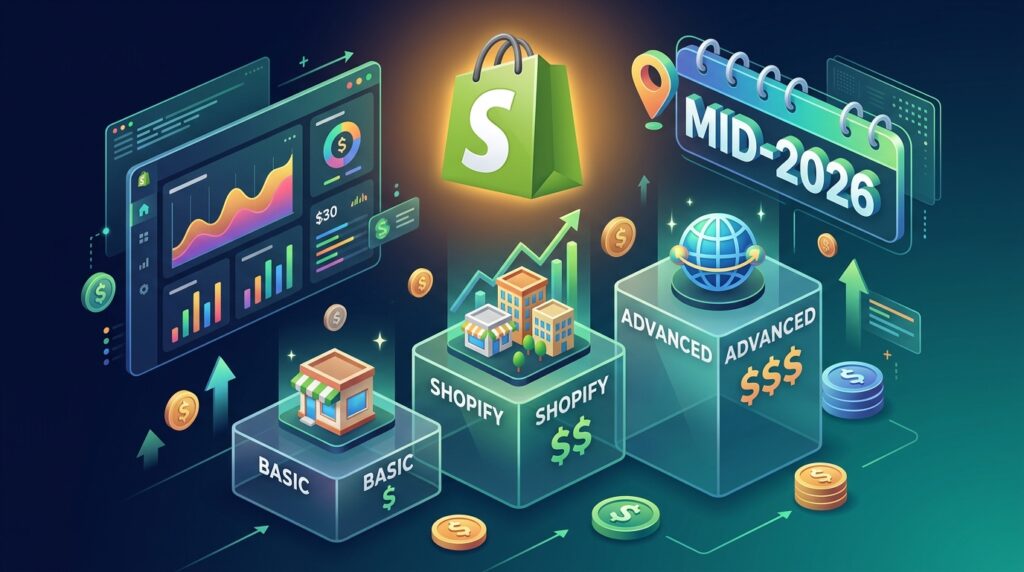
Shopify’s public listings show several plans. As of mid-2026, the monthly list prices in US dollars are approximately:
- Starter: $5 per month, for selling through social media and links.
- Basic: $39 per month, for a full online store.
- Grow: $105 per month, for growing stores that need more staff accounts and reporting.
- Advanced: $399 per month, for larger stores with advanced reporting.
- Plus: from about $2,300 per month, for enterprise-level businesses.
Annual billing typically saves about 25% on the core plans. Prices vary by country and contract, so always confirm current figures on Shopify’s official pricing page before budgeting. Remember that your real costs include apps, themes, domain names, marketing, and payment processing fees, not just the subscription.
How Does Shopify Work With AI?

Shopify has built AI tools directly into its admin, and the feature set has expanded quickly. Here is what merchants commonly use:
- Sidekick: A built-in AI assistant you can ask questions in plain language, such as “What were my best-selling products last month?” It can also help with routine store tasks, depending on your plan and region.
- Shopify Magic: Generate buttons inside various admin tools that help draft product descriptions, email text, and other content. You still need to review everything before publishing.
- Product image editing: Newer tools help adjust product photos, making it easier to create consistent visuals without a separate design program.
- AI-discoverable catalogs: Shopify has introduced ways to make product data easier for AI shopping assistants to understand and recommend.
- Agentic storefronts: Some qualifying merchants can present products within AI conversations on platforms such as ChatGPT, Perplexity, and Microsoft Copilot. Availability is limited and changing, so check current eligibility.
Example: A skincare seller writes a rough product description, uses AI to suggest a clearer version, then edits it to match her brand voice and ingredient facts. She uses Sidekick to check which products had the most abandoned carts last week. The AI saves time, but she still makes the final decisions.
Treat AI as a helper, not an autopilot. Always verify claims about ingredients, sizes, shipping times, and prices yourself.
Step-by-Step Guide: How to Configure Your Shopify Store
Setting up a store is easier when you follow a clear order. Each step prepares the next, and skipping ahead often causes costly rework later.
Step 1: Decide Whether Shopify Fits Your Goals
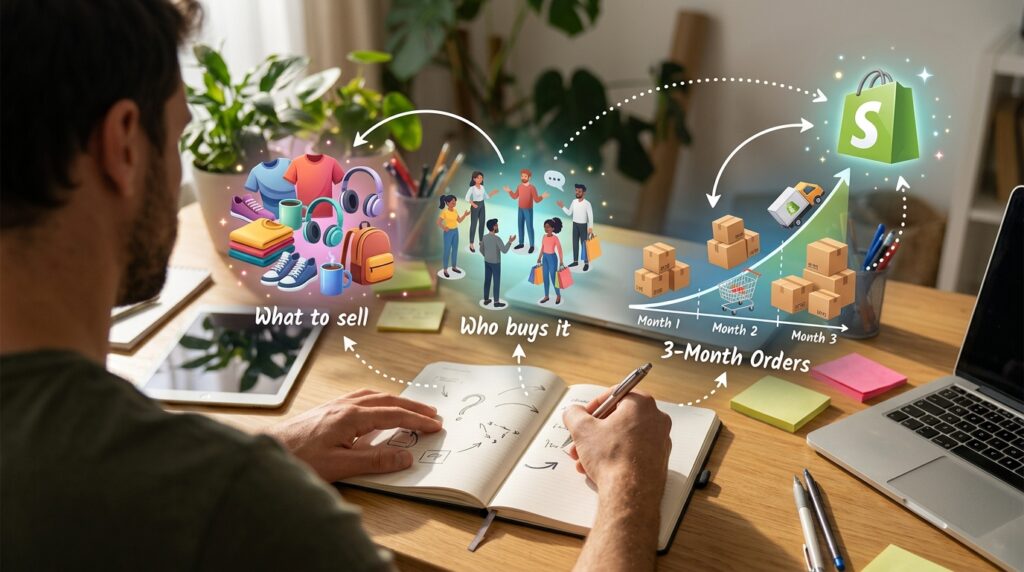
What to do: Write down what you plan to sell, who buys it, and how many orders you expect in the first three months.
How to do it: Ask yourself what Shopify must do for this project. Do you need physical shipping, digital downloads, or only a few social media links? Compare that list with the plans above.
Why it matters: A clear goal prevents you from paying for features you won’t use. It also helps you choose the right plan from the start.
Example: A freelance bookkeeper selling three downloadable templates may begin with a lower-cost plan. A boutique clothing brand shipping hundreds of orders needs a full store plan from day one.
Step 2: Start a Free Trial and Choose a Domain
What to do: Sign up on Shopify’s official website and begin the free trial. Choose a store name, then connect a domain you own or buy one through Shopify.
How to do it: Pick a short, memorable name that matches your brand. Check that the matching social media handles are available before you commit.
Why it matters: Your domain is part of your brand identity. Changing it later can affect search visibility and customer trust.
Step 3: Set Up Payments, Taxes, and Shipping
What to do: Configure Shopify Payments if it’s available in your country, then set your tax rules and shipping zones.
How to do it: Enter your business details, bank account, and tax information. Create shipping rates for your main delivery regions. Test a checkout with a sample order before launch.
Why it matters: Mistakes here cost real money. Wrong tax settings can lead to compliance problems, and unclear shipping costs cause abandoned carts.
Example: A seller in Singapore may need different shipping rates for local and international orders. A UK seller must consider VAT rules, while a US seller may need state sales tax settings.
Step 4: Choose and Customize a Theme
What to do: Pick a theme from Shopify’s theme store, then adjust colors, fonts, and layout.
How to do it: Preview the theme on a phone first. Upload a logo, set your brand colors, and arrange the homepage so your best products appear near the top.
Why it matters: Visitors decide within seconds whether a site looks trustworthy. Clean, consistent design builds confidence before anyone reads a word.
Step 5: Add Products With Clear Information
What to do: Upload products with photos, descriptions, prices, sizes, and inventory levels.
How to do it: Write each product title in plain language. Use one clear photo per angle, and describe materials, dimensions, and care instructions. Use AI tools to draft text if you like, then check every detail.
Why it matters: Shoppers need quick answers. Missing sizes or vague descriptions lead to returns and support emails.
Example: Instead of “Premium Bag,” write “Canvas Tote Bag, 38 x 42 cm, machine washable, handles 5 kg.” Specific details build trust and help search engines understand your products.
Step 6: Build Essential Pages
What to do: Create your About, Contact, Shipping and Returns, and Privacy Policy pages.
How to do it: Use Shopify’s built-in legal templates as a starting point, then edit them to match your actual policies. Add a real email address or contact form.
Why it matters: These pages protect your customers and your business. They also answer the questions most likely to block a sale.
Step 7: Test the Full Customer Journey
What to do: Place test orders, track a sample shipment, and ask a friend to shop your store on their own phone.
How to do it: Use Shopify’s test mode or a test order with a discount code. Check confirmation emails, mobile layout, and checkout speed.
Why it matters: Small bugs can quietly destroy sales. A real-user test often reveals problems you would never notice yourself.
Step 8: Launch and Track Results
What to do: Open your store, announce it to your network, and review your analytics weekly.
How to do it: Watch traffic sources, conversion rate, average order value, and abandoned carts in the Analytics section. Make one change at a time so you can see what works.
Why it matters: Data shows you where customers drop off. Without tracking, you are guessing.
What Makes a Shopify Store Successful?

A successful store is not defined by a single feature. It usually combines several habits:
- Clear value: Visitors understand what you sell and why it matters within seconds.
- Trust signals: Honest reviews, clear return policies, and visible contact details.
- Fast, mobile-friendly checkout: Fewer steps and transparent shipping costs.
- Consistent marketing: Regular social posts, email updates, and search-friendly product pages.
- Good customer service: Quick, polite replies that turn first-time buyers into repeat customers.
Results vary widely by niche, competition, and effort. Treat any income figure you see online with caution, including ones claimed by influencers. Shopify is a tool, and your planning and consistency determine the outcome.
Common Mistakes to Avoid

Once you understand what is Shopify good at, it’s tempting to rush into launching. Watch for these common errors.
Installing too many apps at once. Each app adds cost and can slow your store. Solution: Start with the apps that solve a specific problem, and remove any you don’t use.
Ignoring mobile design. A store that looks fine on a laptop can be hard to use on a phone. Solution: Preview and test every page on a real mobile device before launch.
Hiding shipping and return costs. Surprise fees cause abandoned carts and angry reviews. Solution: Show shipping and return policies early in the product page and checkout.
Using vague product photos. Blurry or single-angle photos reduce trust. Solution: Use clean, well-lit photos from several angles, and show the product in use where possible.
Relying only on AI-generated text. Generic descriptions can sound robotic and may include errors. Solution: Edit every AI draft with your product facts and your brand voice.
Useful Tips for Beginners
Before paying for any app, check whether Shopify already offers the feature built in. Many merchants pay for tools they could have set up for free.
Start with a small product range. Ten well-described products will outperform a catalog of fifty rushed listings.
Write your policies in simple language. Customers are more likely to buy from a store they understand.
Use analytics every week, not just when sales drop. Small weekly adjustments add up faster than one big redesign.
If you are a freelancer or job seeker, a Shopify store can serve as a portfolio for your product photography, copywriting, or design work. For more guides on digital tools and online income ideas, explore Digital Task Compass.
Finally, read Shopify’s official guidance on pricing and features before you commit. Check Shopify’s official pricing page for current plan details in your country.
Frequently Asked Questions
What is Shopify, and is it free to use?
Shopify is a paid ecommerce platform with a free trial. After that, you pay a monthly subscription that depends on your plan, plus payment processing fees and any app costs.
Do I need coding skills to use Shopify?
No. You can set up a basic store using the admin panel and themes. Coding helps for advanced customization, but many merchants never need it.
Is Shopify good for beginners?
Yes, for most people. It has a gentle starting path, though the admin has many settings to learn. Taking the setup steps in order makes the process much easier.
What is the difference between Shopify’s plans?
Plans mainly differ in features, staff accounts, reporting depth, and transaction rates. Starter suits social selling, Basic suits new full stores, and higher plans suit growing or larger businesses.
How does Shopify’s AI help with my store?
Its AI tools can answer store questions, draft content, and help with product images. They save time, but you should always review the output for accuracy and brand fit.
Final Thoughts: Is Shopify Worth It for You?
Shopify makes it practical to launch and run an online store without a technical team. It handles checkout, hosting, and security, and its AI tools can speed up everyday tasks. Its costs, app dependence, and learning curve are real, so compare them carefully against your goals and budget.

Now you know what is Shopify, how it works, and how to set up a store in logical steps. Your next move is simple: write down one product you could sell, start a free trial, and add that first product with clear photos and honest details. Real progress begins with one published page.