
Notion AI vs ChatGPT for Content Planning: Which Actually Saves Time in 2027?
If you plan content — blog posts, social calendars, newsletters, client deliverables — you’ve probably wondered whether it’s worth paying for two separate AI tools, or whether one can genuinely handle the whole job. Both Notion AI and ChatGPT now do far more than draft text: they can organize, summarize, and even populate a calendar for you.
But “can do it” and “saves you real time” aren’t the same thing. In this Notion AI vs ChatGPT comparison, we’ll walk through a practical process for testing both tools against your actual content planning workflow, so you can decide which one — or which combination — genuinely earns a place in your routine going into 2027.
What Is Content Planning With AI Tools?
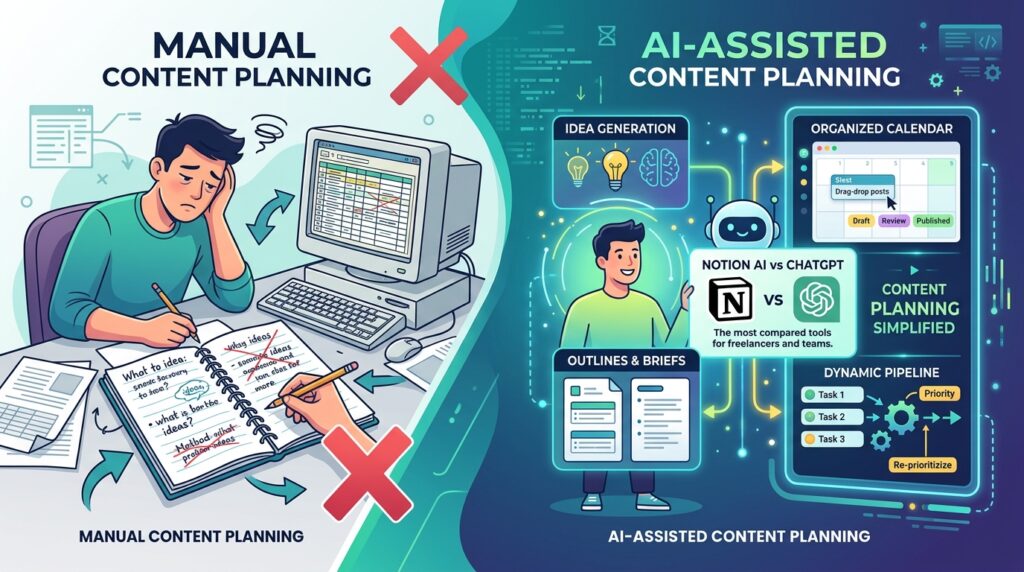
AI-assisted content planning means using a tool to help generate topic ideas, organize them into a calendar, draft outlines or briefs, and keep the whole pipeline updated as priorities shift — instead of doing all of that manually in a spreadsheet or notebook. This guide focuses specifically on Notion AI vs ChatGPT, since they’re the two tools freelancers and content teams compare most often.
Notion AI and ChatGPT approach this differently. Notion AI works inside your existing workspace, meaning it can read your notes, databases, and past content directly, then act on them — filling in a calendar, summarizing research, or running multi-step “Agent” tasks within your existing structure. ChatGPT works more like a flexible assistant outside any one workspace: strong at brainstorming, drafting, and — with its Projects and Scheduled Tasks features — increasingly capable of running recurring planning routines, though it depends on you to move the output into wherever you actually manage your calendar.
Step-by-Step Guide: Testing Notion AI vs ChatGPT for Your Workflow
Step 1: Define What “Saves Time” Actually Means for You
What to do: Before testing either tool, identify which specific part of content planning currently eats the most time.

How to do it: Track your next content planning session for a week and note where the hours actually go: idea generation, calendar organization, writing briefs, or research summarization.
Why it matters: Notion AI and ChatGPT aren’t equally strong at every task. A fair Notion AI vs ChatGPT comparison depends entirely on which specific bottleneck you’re trying to solve — the “faster” tool for brainstorming isn’t necessarily the faster tool for calendar organization.
Example: A freelance content writer might discover that research summarization eats the most time, while a social media manager might find that reformatting the same ideas across five platforms is the real bottleneck.
Step 2: Test Idea Generation Side by Side
What to do: Give both tools the same starting prompt and compare the quality and usefulness of what comes back.
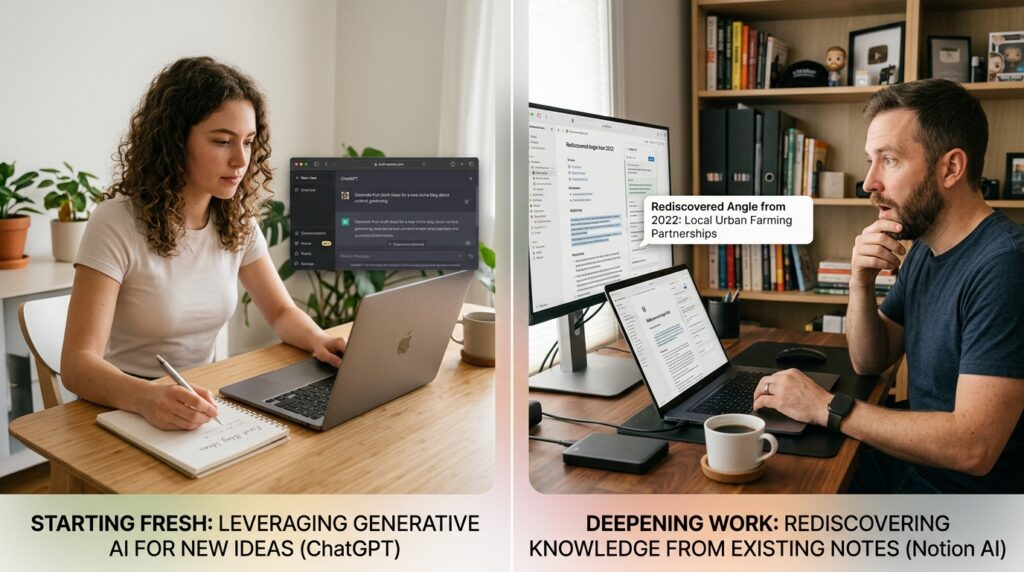
How to do it: In ChatGPT, ask for a list of content ideas around a specific topic and audience. In Notion AI, do the same, but directly inside a database where the ideas can populate as rows.
Why it matters: ChatGPT’s general-purpose training often produces broader, more creative starting ideas, since it isn’t constrained by your existing workspace content. Notion AI’s ideas tend to be more contextually relevant if your workspace already contains relevant notes or past content it can reference, but weaker if the workspace is mostly empty.
Example: A freelancer just starting a new niche blog with no existing Notion content might get more useful first-draft ideas from ChatGPT, while an established creator with two years of notes in Notion might find Notion AI surfaces angles they’d genuinely forgotten about.
Step 3: Test Calendar Population and Organization
What to do: See how much manual work is left after each tool generates a batch of content ideas.
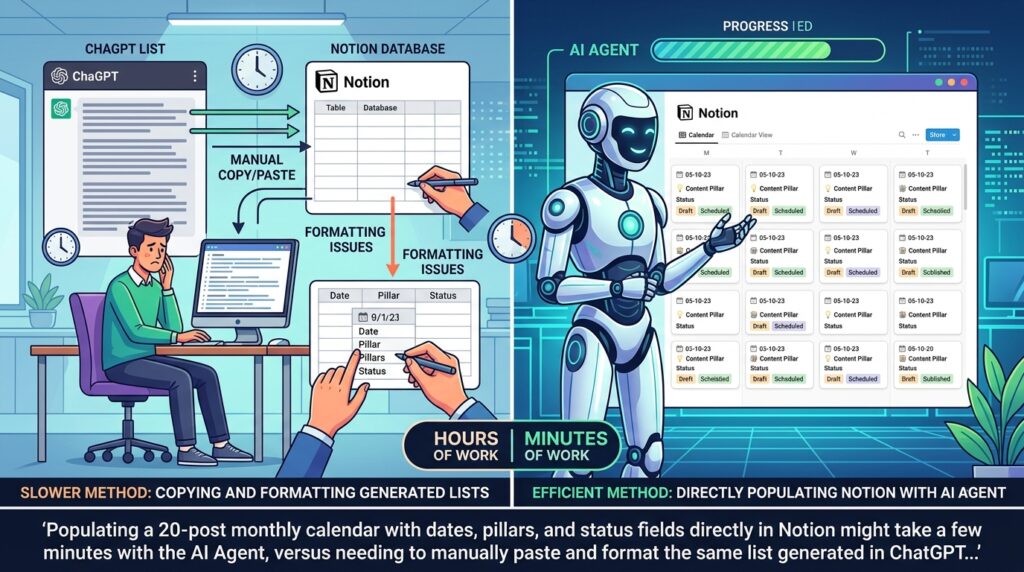
How to do it: With Notion AI, use the AI Agent feature (available on Business and Enterprise plans) to populate a content calendar database directly — assigning dates, content pillars, and status fields in one pass. With ChatGPT, generate the same list, then manually copy or export it into your calendar tool of choice.
Why it matters: This is usually where the real time difference in Notion AI vs ChatGPT shows up. Because Notion AI operates inside the database itself, it can write directly into structured fields. ChatGPT’s output, however well-organized, still needs a manual transfer step unless you build a separate integration.
Example: Populating a 20-post monthly calendar with dates, pillars, and status fields directly in Notion might take a few minutes with the AI Agent, versus needing to manually paste and format the same list generated in ChatGPT.
Step 4: Test Recurring, Scheduled Planning Tasks
What to do: Check whether each tool can run planning tasks automatically on a recurring basis, not just when you actively prompt it.
How to do it: ChatGPT’s Scheduled Tasks feature (available on paid plans) lets you set up recurring prompts — for example, a weekly content idea briefing delivered every Monday morning. Notion AI’s Agent chats can similarly be set up to run recurring instructions within your workspace, depending on your plan.
Why it matters: Recurring automation is where AI tools start saving time passively rather than only when you remember to open the app. If you consistently forget to sit down and brainstorm, a scheduled task removes that dependency on memory.
Example: A solo entrepreneur running a weekly newsletter might set ChatGPT to deliver a Monday morning idea briefing by email, then move only the ideas they like into Notion for scheduling.
Step 5: Test Research Summarization and Brief-Writing
What to do: Compare how each tool handles condensing a messy set of notes or research into a usable content brief.
How to do it: Paste a set of raw meeting notes or research links into both tools and ask for a structured brief. Notion AI’s summarize feature works directly on pages already in your workspace. ChatGPT can summarize pasted text or, with web browsing enabled, pull and summarize live sources.
Why it matters: If your workflow depends on summarizing your own existing notes, Notion AI’s workspace access is a genuine advantage. If you need to research and summarize external sources you haven’t already saved, ChatGPT’s browsing capability may save more time — another reason a single Notion AI vs ChatGPT verdict rarely fits every workflow.
Step 6: Calculate the Real Time Saved, Not Just the Perceived Time Saved
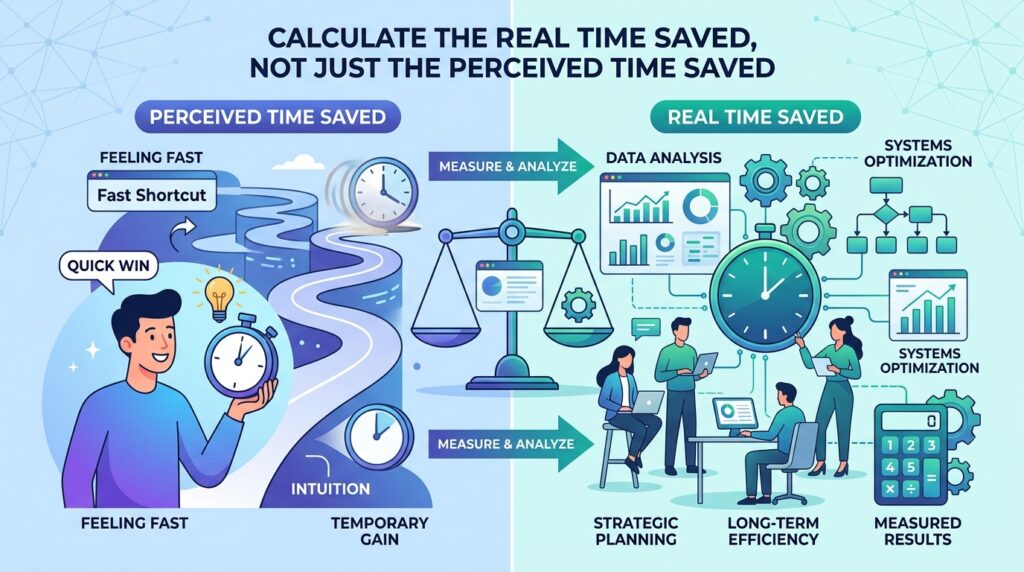
What to do: After a two-week trial of both tools on your actual workload, tally the time spent on planning tasks before and after.
How to do it: Compare your baseline (from Step 1) against your logged time using each tool. Be honest about time spent fixing, reformatting, or double-checking AI output — that counts against the “time saved” figure.
Why it matters: It’s easy to feel like a tool is saving time because the output appears instantly, while ignoring the cleanup work that follows. A genuine Notion AI vs ChatGPT comparison has to account for total time, not just generation speed.
Example: If Notion AI generates a calendar in two minutes but you spend fifteen minutes correcting misassigned dates, the real time saved is much smaller than it first appears.
Step 7: Decide Whether You Need One Tool or Both
What to do: Based on your results, choose a setup rather than assuming you must pick only one tool exclusively.
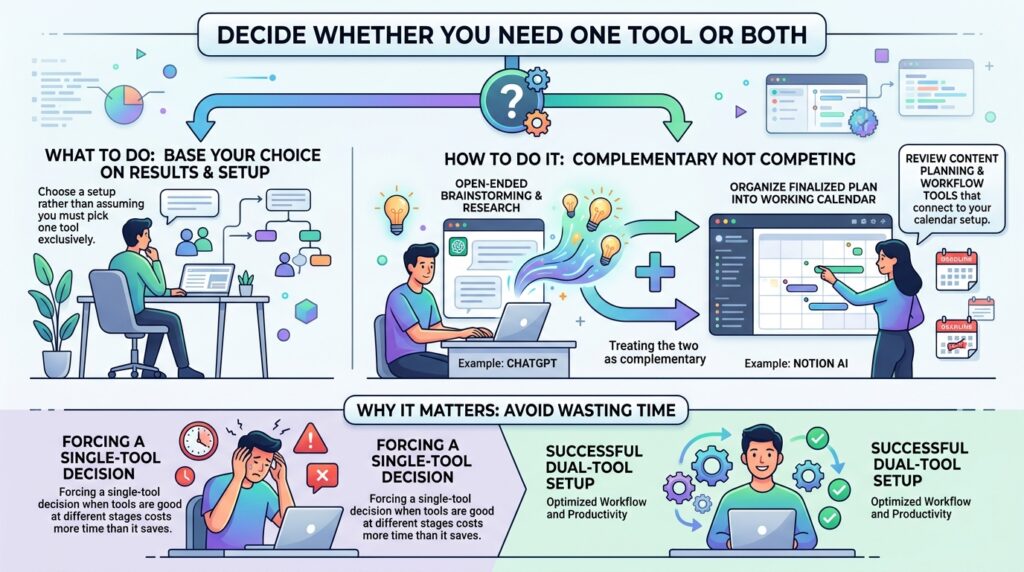
How to do it: Many freelancers and small teams end up using ChatGPT for open-ended brainstorming and research, then Notion AI to organize the finalized plan directly into their working calendar — treating the two as complementary rather than competing. If you’re building out a broader workflow around this, it’s worth reviewing our content planning and workflow tools for other pieces that connect to your calendar setup.
Why it matters: Forcing a single-tool decision when the tools are actually good at different stages of the same process often costs more time than it saves.
Common Mistakes to Avoid
- Comparing raw features instead of your actual workflow. A feature list means little if it doesn’t map to where you personally lose time, as covered in Step 1.
- Ignoring the plan tier requirements. Notion AI’s Agent features and ChatGPT’s Scheduled Tasks are generally gated to paid plans — confirm current pricing and tier requirements before assuming a feature is included.
- Skipping the cleanup-time calculation. As Step 6 covers, generation speed alone is misleading without factoring in correction time.
- Assuming context always helps. Notion AI’s workspace awareness is only useful if your workspace is well-organized; a cluttered or sparse workspace can produce weaker suggestions than a general-purpose tool.
- Forgetting to test recurring automation. A one-time comparison misses the passive time savings (or lack thereof) that scheduled tasks provide over weeks and months.
Useful Tips for Beginners
- Run your comparison test on a real, current project, not a hypothetical example — realistic messiness reveals more than a clean demo would.
- Keep your Notion database structure simple before layering on AI automation; a messy database confuses AI-generated entries just as much as it confuses you.
- Use ChatGPT Projects to keep a running thread of context for a specific content series, rather than starting a fresh chat each time.
- Set a recurring calendar reminder to re-evaluate your tool choice every few months, since both platforms update features frequently.
- Don’t assume more automation is always better — sometimes a five-minute manual step is faster than configuring an automated one, whichever side of the Notion AI vs ChatGPT comparison you lean toward.
Frequently Asked Questions
1. Is Notion AI or ChatGPT better for solo freelancers on a budget? It depends on your existing setup. If you already pay for Notion for organization, testing its built-in AI features first may avoid an extra subscription. If you don’t already use Notion, ChatGPT’s standalone plans might be the simpler starting point. Always check current pricing directly on each provider’s site, since plans change.
2. Can I use both tools together for content planning? Yes, and many freelancers do — using ChatGPT for open-ended brainstorming and research, then Notion AI to organize the finalized ideas directly into a working calendar, as described in Step 7.
3. Do these AI tools guarantee better content performance, not just faster planning? No. Both tools can speed up the planning process, but neither guarantees higher engagement, traffic, or income — content quality and audience fit still depend on your judgment and execution.
4. Which tool is more reliable for teams working across different time zones? Both support collaboration, but Notion AI’s advantage is that it operates inside a shared, persistent workspace everyone can see, which can reduce miscommunication compared to individual ChatGPT conversations that aren’t automatically shared.
5. Will ChatGPT’s Scheduled Tasks or Notion’s AI Agent features change before 2027? Likely yes — both companies update their AI feature sets frequently. Treat any specific feature described here as accurate as of testing, and verify current capabilities on each provider’s official site before relying on them for a long-term workflow.
Final Thoughts
There’s no universal winner in the Notion AI vs ChatGPT debate — the right choice depends on where your specific planning bottleneck actually sits. If your biggest time drain is turning ideas into an organized calendar, Notion AI’s in-workspace automation likely saves more time. If it’s generating fresh ideas or summarizing external research, ChatGPT’s flexibility may serve you better.
Run the two-week test from Step 6 on your own real workload before committing to either tool long-term — that honest comparison will tell you far more than any single feature list, including this one.


