
Cut Your AI Subscription Bill Without Losing Quality
If your AI subscription bill has quietly grown over the past year, you are not alone. Freelance writers in London, remote developers in Toronto, marketing consultants in Sydney, and small business owners in Singapore are all asking the same question: how do I keep the tools that help my work without paying for features I barely use?
AI pricing has been changing quickly. Lower-cost tiers and smaller models now sit alongside premium plans, which means many people pay more than they need to. The good news is that you rarely have to choose between a lower bill and better results. What you need is a simple, repeatable method.
This guide walks you through one step by step, with the reasoning behind each move. Plans change often, so always confirm current prices on each provider’s official pricing page before you switch or cancel anything.
What Is an AI Subscription Bill?
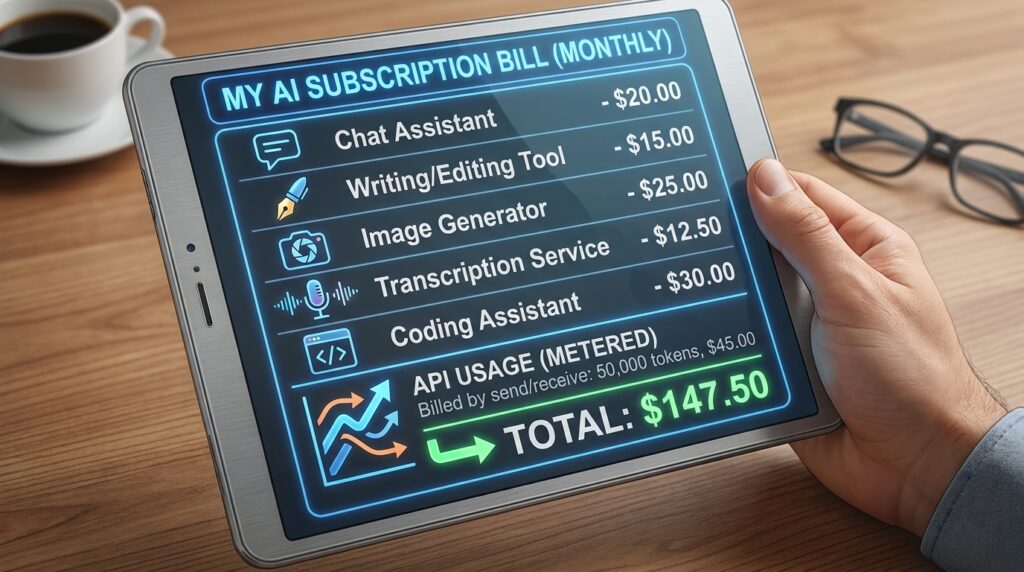
Your AI subscription bill is the combined monthly or annual cost of every AI tool you pay for. For most people, that includes a chat assistant, a writing or editing tool, an image generator, a transcription service, and sometimes a coding assistant. Some people also pay for API usage, which is billed by how much they send and receive rather than a flat fee.
The bill usually grows in small steps. You start with a free trial, upgrade to unlock one feature, add a second tool that overlaps with the first, and forget to cancel a plan you stopped using months ago. Each charge looks harmless alone. Together, they can become a large line in your budget, especially if you pay in several currencies or through different payment methods.
Understanding this structure matters because cutting costs works best when you know where the money goes. Random cancellations often backfire. A systematic review does not.
Step-by-Step Guide to a Lower AI Subscription Bill
Step 1: List Every AI Tool You Pay For

What to do: Create a simple spreadsheet that shows every charge in your AI subscription bill. Use five columns: tool name, monthly cost, renewal date, last time you used it, and the main task it handles.
How to do it: Check your bank and card statements for the past three months. Search your email for “receipt” or “invoice” from AI providers. Look in your phone’s app store settings and your browser extensions too, since some subscriptions are billed through Apple, Google, or the browser.
Why it matters: You cannot manage what you cannot see. Many people find at least one forgotten charge during this step alone.
Example: A freelance copywriter in Manila discovered three separate writing assistants billing her every month. Two of them did the same job as the third.
Step 2: Track Your Real Usage for 30 Days
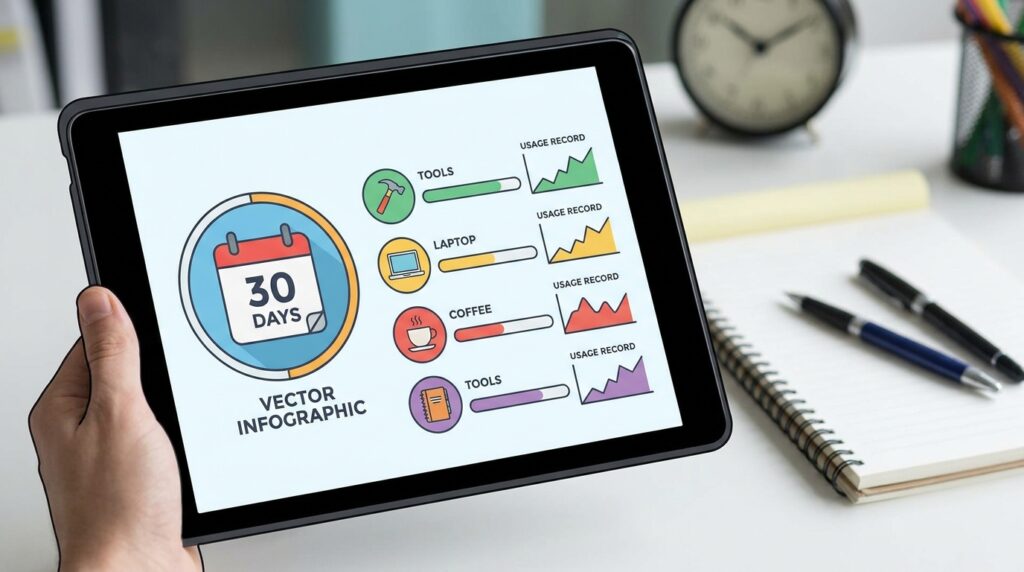
What to do: Record how often you use each tool and what you use it for.
How to do it: Keep a simple log in your notes app or spreadsheet. Where available, check the usage dashboard inside each tool. Note whether a tool replaced a task you would otherwise pay someone to do, or whether it just sits open in a browser tab.
Why it matters: Most people overestimate how much they use premium tools. A 30-day record replaces guesswork with evidence.
Example: A remote project manager in Auckland assumed she used her image generator every day. Her log showed she used it about twice a month, only for social media graphics.
Step 3: Match Each Task to the Right Tool

What to do: For each recurring task, find the cheapest tool or plan that still produces work you are happy with.
How to do it: Pick three tasks you repeat often, such as drafting emails, summarising reports, or outlining blog posts. Run the same prompt through two or three options. Compare the results side by side and score each one on accuracy, tone, and how much editing it needs.
Why it matters: Quality depends on the task, not just the price. A lower-cost model often handles routine drafts well, while a premium model may be worth paying for complex reasoning or final client deliverables.
Example: A marketing consultant in Tokyo kept a premium model for client strategy work but moved brainstorming and first drafts to a cheaper option. Her output stayed strong where it mattered, and her bill dropped.
Step 4: Downgrade Before You Cancel

What to do: Look for a lower-tier plan before you cancel completely.
How to do it: Open each tool’s billing settings and compare plans. Check monthly limits, included features, and whether the lower plan keeps the functions you use every week.
Why it matters: Downgrading keeps your workflow intact. Cancelling outright can break saved projects, shared links, or habits you will need again next month.
Example: A small web design studio in Dublin moved one team member from a top-tier plan to a standard one. The deliverables stayed the same because the extra features had never been used.
Step 5: Compare Monthly and Annual Billing
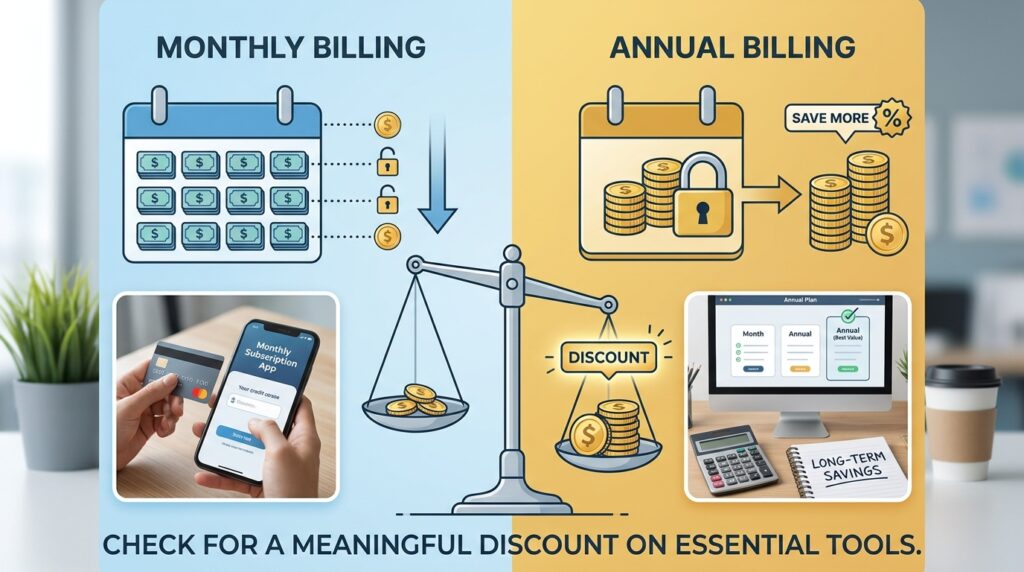
What to do: Check whether annual billing offers a meaningful discount on tools you will definitely keep.
How to do it: Multiply the monthly price by twelve and compare the result with the annual price. Commit to annual plans only for tools you use every week.
Why it matters: Annual plans can reduce costs, but they lock you in. If a better option appears six months later, you may still be paying for the old one.
Example: A content writer in Seoul committed to an annual plan for the assistant she used daily. She kept monthly plans for two tools she needed only during busy seasons.
Step 6: Use Pay-As-You-Go for Occasional Heavy Tasks
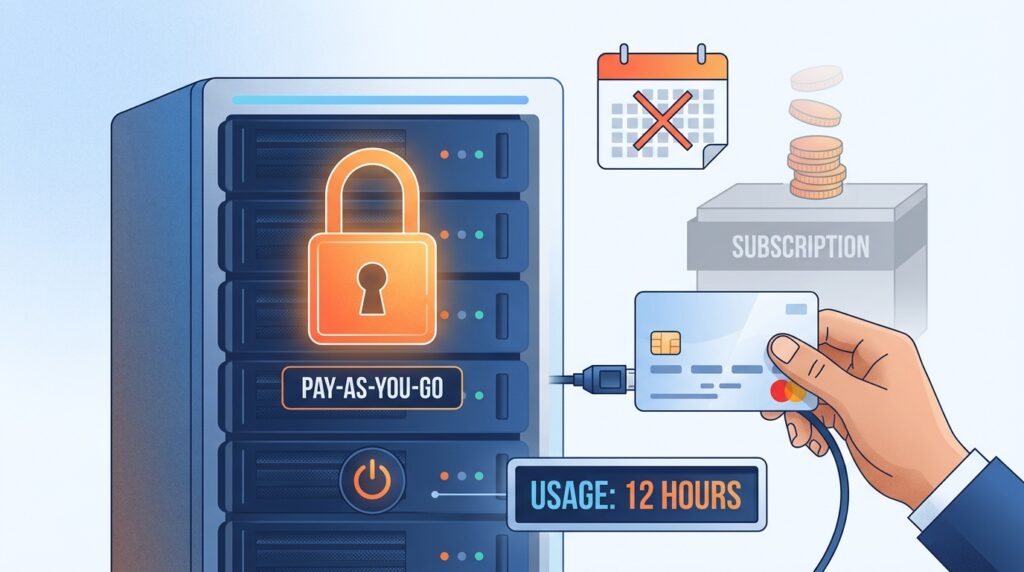
What to do: For work you do only a few times a year, consider usage-based access instead of a monthly subscription.
How to do it: Estimate how much you will use the service in a typical month. Set a spending limit in the provider’s billing settings. Review the first invoice to see whether your estimate was close.
Why it matters: Usage-based pricing stops you from paying for capacity you never use. It can backfire on heavy workloads, so spending caps are essential.
Example: A freelance translator who processes a large document batch each quarter set a monthly spending cap and used pay-as-you-go access only for those projects.
Step 7: Check Whether Your Workplace or Client Already Covers the Tool

What to do: Ask whether an employer, client, school, or professional membership already provides the tool.
How to do it: Review your company’s software list or ask your manager. Some organisations offer team licences, and some professional associations include software access with membership.
Why it matters: Paying for something your employer already covers is one of the easiest savings available. Be careful with confidential data, though. Confirm the tool’s data policy before using it for client work.
Example: A job seeker preparing for interviews found that his university’s alumni portal included a professional tool he had been paying for personally.
Step 8: Build a Quality Check Before Every Switch

What to do: Create a short checklist to confirm that a cheaper option still meets your standards.
How to do it: Save three to five sample tasks that represent your real work. Before you downgrade or cancel, run them through the new option. Rate each output on accuracy, clarity, and editing time.
Why it matters: Without a test, you may save money and then lose hours fixing weak output. A quality check protects your reputation and your income.
Example: A digital marketing freelancer kept a folder of past client briefs. Each time she considered a new plan, she ran the same briefs through it first.
Step 9: Review Your Stack Every 90 Days

What to do: Set a recurring reminder to repeat the audit every three months.
How to do it: Put a calendar event on your phone. Update your spreadsheet, cancel unused plans, and check for price or feature changes.
Why it matters: AI pricing and features change often. The best value in January may not be the best value by summer. Repeating this review keeps your AI subscription bill from creeping back up.
Common Mistakes to Avoid
Mistake 1: Cancelling everything at once. This makes it hard to tell which tool was actually helping. Change one tool at a time, then measure the effect on your work for a week or two.
Mistake 2: Choosing based on price alone. The cheapest option is not always the cheapest in practice if it creates extra editing time. Solve this by running your sample tasks before you switch.
Mistake 3: Ignoring renewal dates. Many subscriptions renew automatically, sometimes at a higher rate. Solve this by noting every renewal date in your spreadsheet and turning off auto-renew when you are unsure. For guidance on managing recurring charges, the FTC consumer guidance on subscriptions explains your rights in the United States, and many countries have similar protections.
Mistake 4: Paying for overlapping features. Two tools that both summarise documents are one tool too many. Solve this by choosing one primary tool for each task.
Mistake 5: Forgetting about usage charges. Pay-as-you-go plans can grow quietly during a busy month. Solve this by setting spending caps and checking your invoice monthly.
Useful Tips
- Keep your audit in one shared place. A cloud spreadsheet lets you update it from your phone during a quick review.
- Batch your AI work. Doing several small requests in one session often costs less than spreading them across the week.
- Write specific prompts. Clear instructions reduce retries, and fewer retries mean less wasted usage.
- Set a monthly budget for your AI subscription bill and check it every Friday. A small weekly habit catches problems early.
- Keep records for business tools. If you freelance, save receipts for software you use for work and check your local tax rules on deductions.
- Build skills alongside savings. If you are growing extra income from home, our guide on remote work and digital income tools covers more practical ways to make your tools pay off.
Frequently Asked Questions
Will a cheaper AI plan reduce output quality?
Not always. Quality depends on the task. Test cheaper options on your own sample work before you decide.
How much should my AI subscription bill be?
There is no universal figure. Compare the cost with the income the tools help you earn or the time they save. If a tool does not pay for itself, consider downgrading or removing it.
Is pay-as-you-go always cheaper?
No. It suits occasional heavy use. If you use a tool every day, a fixed plan is often more predictable and may cost less.
Should I cancel a tool during a busy project?
Usually it is better to wait until the project ends or to downgrade for now. Cancelling mid-project can disrupt your files and workflow.
Final Thoughts on Your AI Subscription Bill

Your AI subscription bill does not have to keep rising to support your work. Start with a simple list of what you pay for, track how you actually use each tool, and test cheaper options against your own tasks before you switch. Then review everything every quarter so the savings last.
Take your next step today. Open your latest bank statement and list the first three AI-related charges you find. You may be surprised by what you discover.