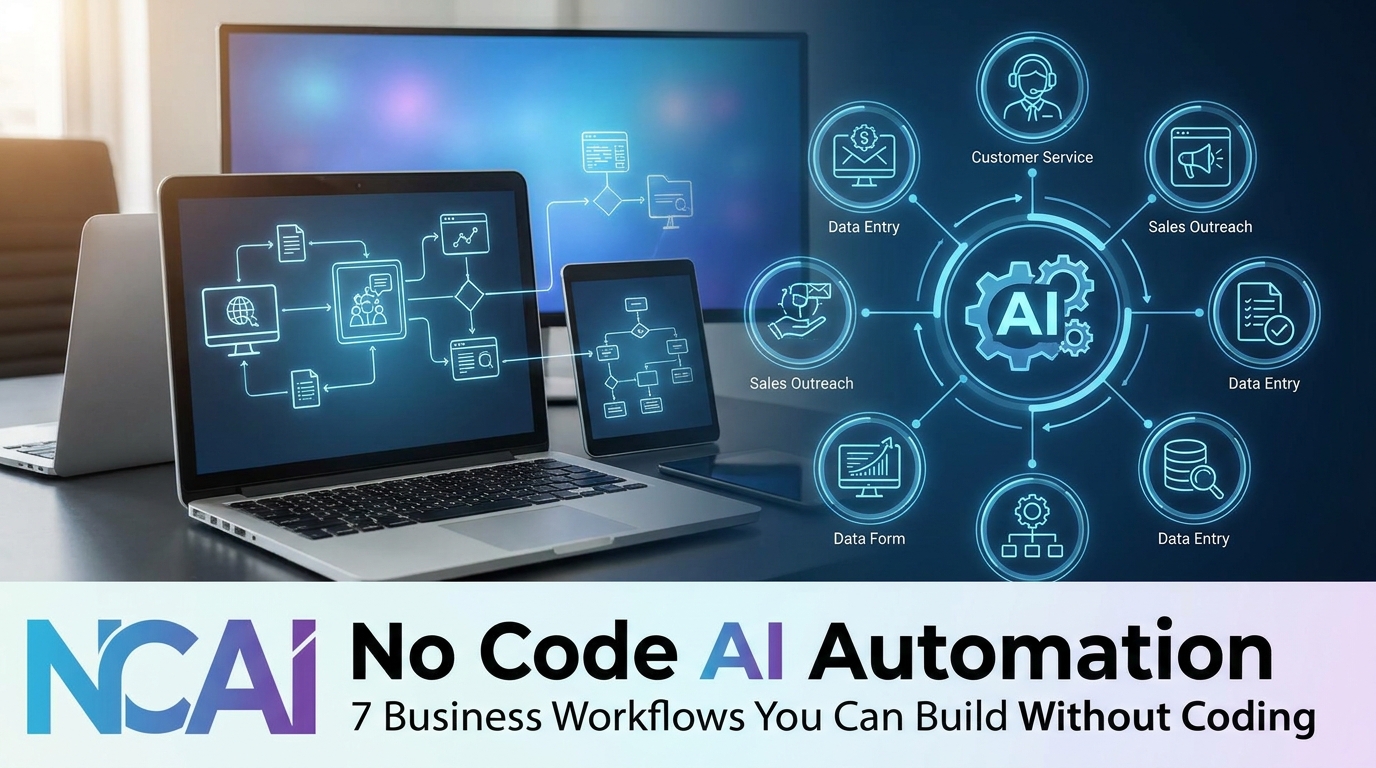
No Code AI Automation: 7 Business Workflows You Can Build Without Coding
Most small businesses still lose hours each week to copying data between apps, chasing invoices, and writing the same follow-up emails. The good news is that you no longer need a developer to fix it. With no code ai automation, you can connect your forms, spreadsheets, email, and AI tools into workflows that run on their own. This guide covers seven practical workflows, what the leading platforms cost in 2026, and where these tools are available, with clear notes on which facts are verified and which are estimates.

What Is No Code AI Automation?
No code ai automation is a way to build workflows by connecting apps and AI models through visual builders instead of programming. You define a trigger, such as a new form submission, then add steps, such as “summarize this text with AI” or “add a row to a spreadsheet.” The platform runs those steps automatically.

Three types of tools dominate the market. Zapier is known for its large app directory and simple setup. Make offers a visual, branching scenario builder with more control over logic. n8n is open-source and can be self-hosted, which gives technical teams full control over their data.
The AI part usually works through built-in modules that call models from providers such as OpenAI, Anthropic, or Google. Reviews from 2026 consistently report that all three major platforms now offer AI agent features, so the main differences are in price, control, and ease of use.
Note on pricing: figures below come from vendor pages and 2026 comparison reviews. Plans change often, so confirm current prices before you commit.
7 Business Workflows You Can Build With No Code AI Automation
Each workflow below follows the same format: what to do, how to do it, why it matters, and a practical example.
1. Lead Capture to CRM Follow-Up

- What to do: Send every new website form submission into your customer relationship management (CRM) tool and trigger a personalized welcome email.
- How to do it: Connect your form tool to the no code ai automation platform as the trigger. Add an AI step that drafts a short reply based on the lead’s message, then add the contact to your CRM with the source tagged.
- Why it matters: Fast, consistent follow-up is one of the simplest ways to avoid losing interested leads.
- Example: A freelance photographer receives a booking inquiry, and within minutes the inquiry appears in her CRM with a draft reply waiting for her review.
2. Invoice Reminders and Payment Tracking

- What to do: Automatically send reminders when invoices pass their due date.
- How to do it: Link your invoicing tool or spreadsheet to the workflow. Set a schedule that checks for overdue invoices and sends a polite reminder email with the amount and payment link.
- Why it matters: Manual reminders are easy to forget, and late payments strain cash flow for independent professionals.
- Example: A consultant sets reminders at 3, 10, and 21 days past due, with each message written in a more formal tone.
3. Meeting Notes to Task Lists
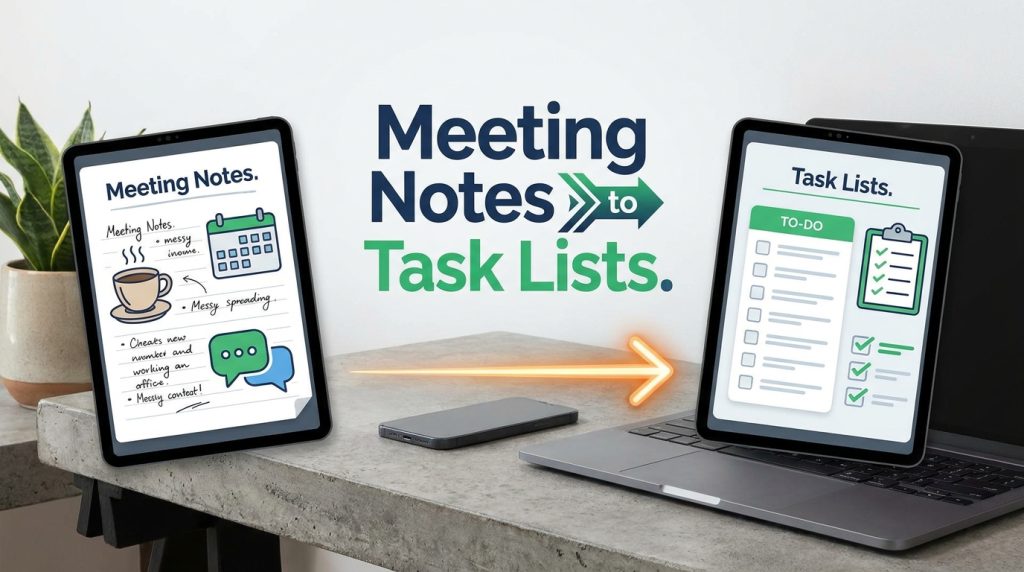
- What to do: Turn meeting transcripts or notes into a summary and a list of action items in your project tool.
- How to do it: Use a transcription or notes tool as the trigger, send the text to an AI model with a summary prompt, then create tasks with owners and due dates in your task manager.
- Why it matters: Decisions made in meetings often disappear because no one writes down who owns what.
- Example: A remote product team receives a summary and five task cards within an hour of each weekly call, and the team lead reviews them before they go live.
4. Content Repurposing for Review

- What to do: Turn a published blog post into draft social media captions and newsletter summaries.
- How to do it: Trigger the workflow when a new post goes live, use an AI step to produce three versions of short captions, and save the drafts in a shared document for human review.
- Why it matters: Repurposing extends the life of content, but drafts still need a human check for accuracy and brand voice.
- Example: A content writer publishes one article and receives draft posts for three platforms in a single review document.
5. Customer Email Triage

- What to do: Sort incoming support emails by topic and urgency, then route them to the right person.
- How to do it: Connect your support inbox as the trigger. Use an AI classification step to label each email as billing, technical, or general, then assign it to a folder or team member.
- Why it matters: Faster routing shortens response times and reduces emails that bounce between staff members.
- Example: A small online shop sends billing questions to its accounts contact and technical issues to its developer, while urgent messages trigger a chat alert.
6. Weekly Performance Summary

- What to do: Pull numbers from several tools every Monday and send a summary email.
- How to do it: Schedule the workflow, gather data from your spreadsheet or analytics tool, and use an AI step to write a short plain-language summary. Send it to your team or clients.
- Why it matters: Regular reporting builds accountability, and automated summaries save time you would otherwise spend compiling dashboards.
- Example: A digital marketing freelancer sends each client a short weekly summary with traffic changes and top-performing pages, reviewed before sending.
7. Expense Receipt Processing

- What to do: Save receipt details from emailed attachments into a tracking sheet.
- How to do it: Trigger the workflow when a receipt email arrives. Use an AI extraction step to pull the date, vendor, and amount, then add a row to your expense sheet with the file linked.
- Why it matters: Organized records make tax season less stressful and help you spot spending patterns early.
- Example: A freelancer forwards travel receipts to a dedicated inbox, and each one appears as a row in a sheet the same day.
Which Platform Should You Choose?
Review data from 2026 points to a clear pattern. Zapier is usually the easiest starting point for non-technical users, with the widest app coverage. Make tends to cost less for multi-step workflows and suits people who want visual control over logic. n8n gives technical teams the most flexibility and a free self-hosted option, but it requires more setup and maintenance.

Pricing is where reviews differ most. Reported entry prices include Make from about $9 per month, Zapier from about $19.99 to $29.99 per month depending on billing, and n8n cloud from about $20 per month. Self-hosted n8n has no license fee but adds server and maintenance costs. Task-based pricing, used by Zapier, can grow quickly at high volumes, so estimate your monthly usage before choosing.
Common Mistakes to Avoid
- Automating a broken process. A workflow copies whatever is already happening, including errors. Solution: Map the manual process first and fix obvious problems before you automate it.
- Skipping human review on AI outputs. AI drafts can be wrong or off-brand. Solution: Add an approval step before anything reaches customers or clients.
- Ignoring data privacy. Sending customer details through AI tools creates risk if you don’t check how data is handled. Solution: Read each vendor’s data policy and follow the risk guidance in the NIST AI Risk Management Framework, a recognized U.S. government reference.
- Choosing on the cheapest plan. Low entry prices can rise sharply with volume. Solution: Calculate your monthly task count, including steps and retries, before comparing plans.
- Building too many workflows at once. Complex setups become hard to debug. Solution: Launch one workflow, test it for two weeks, then add the next.
Useful Tips for Beginners
- Start with a simple trigger and one action. Master a basic workflow before adding branches.
- Document every workflow. Write down what triggers it, what it does, and who owns it.
- Test with dummy data. Run workflows on fake records so mistakes stay harmless.
- Set error alerts. Most platforms can notify you when a run fails, which prevents silent problems.
- Keep sensitive data out of prompts where possible. Remove personal details that the AI step does not need.
- Review your task usage monthly. Adjust your plan or workflow frequency before costs surprise you.
Restricted and Available Countries for No Code AI Automation Tools
Availability depends on two things: sanctions law and each vendor’s own policies. Confirm current terms before you sign up.
Restricted under U.S. sanctions (as of November 2026): According to the U.S. Treasury Department’s Office of Foreign Assets Control (OFAC), comprehensive embargoes apply to Cuba, Iran, and North Korea, plus the Crimea, Donetsk, and Luhansk regions of Ukraine. Reputable vendors generally do not offer services in these locations. Sources disagree on Syria’s current status, so verify it directly with OFAC before you sign up.
Targeted restrictions: Russia, Belarus, and Venezuela face sectoral and list-based sanctions. Some platforms limit payments, features, or onboarding in these markets.
Generally available: Most other countries can use major no code ai automation platforms, but payment methods, currencies, and feature sets vary. Check each vendor’s supported-country list and terms of service.
This is general information, not legal advice. For sanctions questions, consult a qualified adviser.
Frequently Asked Questions
Is no code ai automation safe for business data?
It can be, if you configure it carefully. Limit the data you send to AI steps, check each vendor’s data handling policy, and use role-based access. Self-hosted options such as n8n give you more control over where data lives, but they also make you responsible for security.
Can beginners learn no code ai automation without coding?
Yes. Most beginners can build simple workflows within a few days using templates and visual editors. More advanced logic, such as custom API calls, may require basic technical knowledge, but you rarely need to write full programs.
Which No code ai automation platform is best for freelancers?
Zapier suits freelancers who want quick setup and many app connections. Make is a good choice if you need more logic at a lower price. n8n is better if you are comfortable with technical setup and want full control.
Can I earn money by offering no code ai automation services?
Some freelancers and agencies do offer automation setup and maintenance to clients. Demand, pricing, and results vary widely, and no income or client volume is guaranteed. Treat it as a skill you develop over time.
Final Thoughts
No code ai automation gives individuals and small teams access to capabilities that once required a developer. The seven workflows in this guide, from lead follow-up to expense tracking, are practical starting points. Choose a platform that matches your technical comfort and your monthly volume, test with dummy data, and keep a human in the loop for anything customer-facing.

Your next practical step is simple: pick one repetitive task you handle every week, map it on paper, and build a single workflow for it on a free plan. Once that runs reliably, add the next one. Start small, review often, and treat every new workflow as a skill you are building, not a shortcut with guaranteed results.
For more practical guides on remote work tools and digital productivity, visit the remote work tools guide on Digital Task Compass. For AI risk guidance, see the NIST AI Risk Management Framework.