Local SEO for Small Businesses: A Practical Checklist for Getting Found Nearby
When someone types “coffee near me” or “plumber open now,” they expect a short list of nearby options within seconds. If your business isn’t on that list, you lose customers you never knew you had. Local SEO for small businesses is the set of steps that helps your shop, clinic, studio, or service appear when people search close to home.
The good news is that you don’t need a large budget or an agency to get started. Most of the work is practical and repeatable. It involves making sure search engines can read your website, your business details match across the web, and nearby customers can take action quickly.
This checklist follows the order that actually works. Start with the foundation, then build upward. Each step explains what to do, how to do it, why it matters, and where an example helps.
What Is Local SEO for Small Businesses?
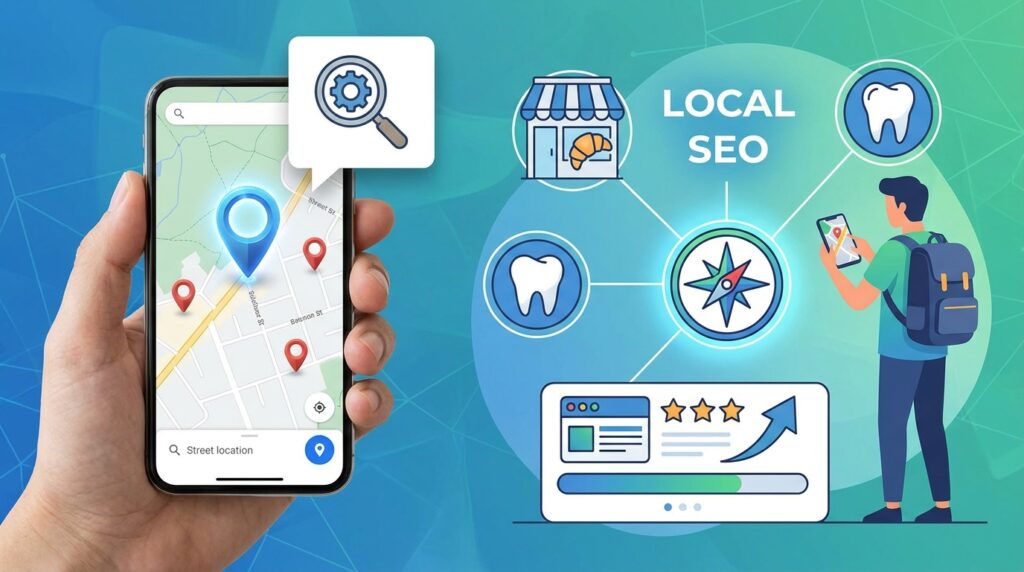
Local SEO is the practice of improving your visibility in location-based search results. These results appear when someone searches for a service with a place in mind, such as “bakery in Leeds,” or with no place named, such as “dentist open Sunday,” where the search engine uses the searcher’s location.
Local results usually draw on three sources: your website, your business profile on Google, and the directories and reviews that mention your name and address. Search engines compare these sources to decide whether your business is relevant, trustworthy, and close enough to the searcher to show.
Local SEO for small businesses matters because proximity and trust often decide who gets the call. A customer who needs a locksmith tonight is far more likely to pick the one with clear reviews and accurate opening hours than the one whose details are hard to find.
It’s also worth knowing that AI-powered search tools increasingly pull local information from these same sources. Accurate, consistent details help both traditional search results and AI answers describe your business correctly.
Step-by-Step Guide
Work through these steps in order. Skipping the early ones makes the later ones less effective, because search engines can’t reward content they can’t read or profiles that contradict each other.
Step 1: Make Sure Search Engines Can Read Your Website
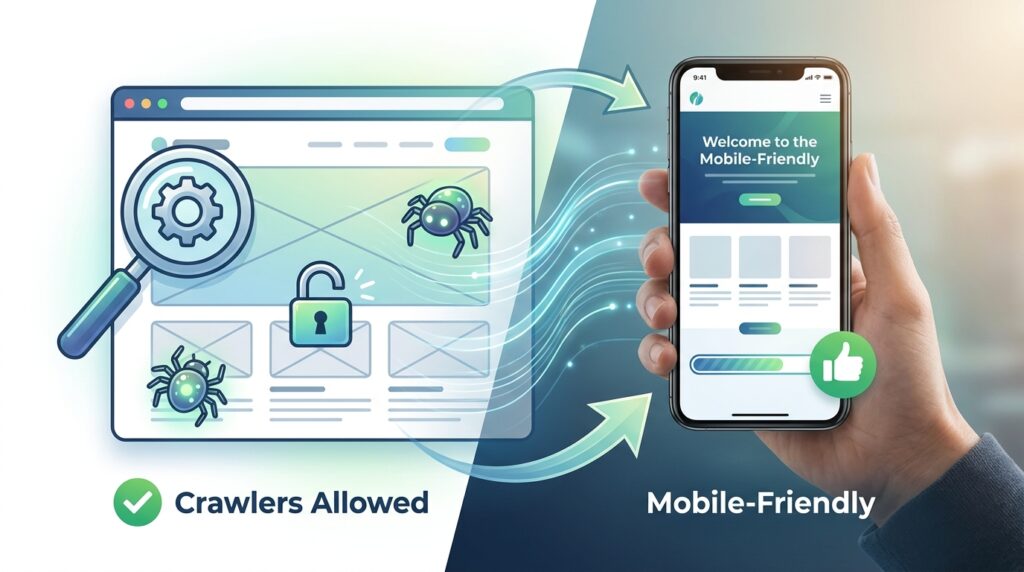
What to do: Check that your website is open to search crawlers and loads properly on a phone.
How to do it: Visit your site in a private browser window and confirm that every key page loads. Check that your robots settings don’t block important pages, and submit your sitemap in Google Search Console. Run a speed test on mobile and fix any pages that load very slowly.
Why it matters: If crawlers can’t access your pages, nothing else you do will help. This is often the most overlooked step, and it is usually one of the cheapest to fix.
Example: A family-run bakery in Manchester discovers that its contact page was accidentally set to “noindex” during a redesign. After removing the tag and resubmitting the sitemap, the page starts appearing in local searches within a few weeks.
Step 2: Claim and Complete Your Google Business Profile

What to do: Create or claim your Google Business Profile and fill in every field that applies to your business.
How to do it: Verify ownership through the verification method Google offers for your location. Add your exact business name, address, phone number, opening hours, service areas, categories, and photos. Choose a primary category that describes your core service, then add secondary categories where they apply. Keep your profile up to date when hours change for holidays.
Why it matters: Your profile often appears in the map results people see first. Complete information gives Google the details it needs to match you with local searches. For official instructions, see Google Business Profile Help.
Example: A Japanese restaurant owner in Singapore adds photos of the dining room, a list of lunch hours, and a short description in English and Mandarin. Customers can see the information at a glance before they walk in.
Step 3: Make Your Name, Address, and Phone Consistent

What to do: Use the same business name, address, and phone number everywhere your business appears online.
How to do it: Write your details in one standard format and keep a master copy. Check your website footer, Google profile, social accounts, and any directories you use. Correct errors such as “St.” versus “Street,” different phone formats, or old trading names. If you moved, update every listing.
Why it matters: Mismatched details make search engines unsure whether your listings describe the same business. That uncertainty can weaken your rankings.
Example: A physiotherapy clinic in Sydney finds three listings with different suite numbers after a move. Correcting them takes an afternoon and removes confusion for both search engines and patients.
Step 4: Build Pages That Match Local Questions
What to do: Create a page for each main service and location you serve, written around questions people actually ask.
How to do it: Use real customer questions from emails, phone calls, and review comments. Turn each question into a heading and answer it clearly underneath. Include your town or neighbourhood naturally in the text, but avoid repeating the same paragraph for every area. Add your opening hours and a clear contact option near the top.
Why it matters: Search engines and AI tools look for direct answers. A page that solves a specific local problem is more useful than a generic page that could describe any business anywhere.
Example: An electrician in Auckland creates a page titled “How much does an EV charger installation cost in Auckland?” and answers with the factors that affect price, a note that quotes depend on the site, and a button to request an estimate.
Step 5: Earn Genuine Reviews

What to do: Ask satisfied customers to leave a review on your Google profile and any other platform your audience uses.
How to do it: Ask at the right moment, such as after a successful job or a positive conversation. Send a direct link to your review form. Reply to every review, thanking positive reviewers and responding calmly and specifically to negative ones. Never offer incentives in exchange for reviews, and never post fake reviews yourself.
Why it matters: Reviews signal trust to both customers and search systems. Replies show you’re attentive, and fake reviews can lead to removal or penalties.
Example: A hairdresser in Seoul sends a thank-you message with a review link after each appointment. When a client mentions a problem, she replies publicly with an offer to fix it and continues the conversation privately.
Step 6: Find Local Citations and Directories That Matter

What to do: List your business on reputable local directories, industry sites, and chambers of commerce.
How to do it: Start with directories that serve your country and sector, such as local business associations, trade bodies, and well-known national platforms. Confirm each listing uses the same details from Step 3. Avoid low-quality directories that charge for placement or sit on spammy domains.
Why it matters: Citations help search engines confirm your business exists and where it operates. A few strong, relevant listings usually beat dozens of weak ones.
Example: A freelance florist joins her regional chamber of commerce and a local wedding directory. Both listings link back to her website and use the same address and phone number.
Step 7: Make It Easy to Call, Visit, or Book
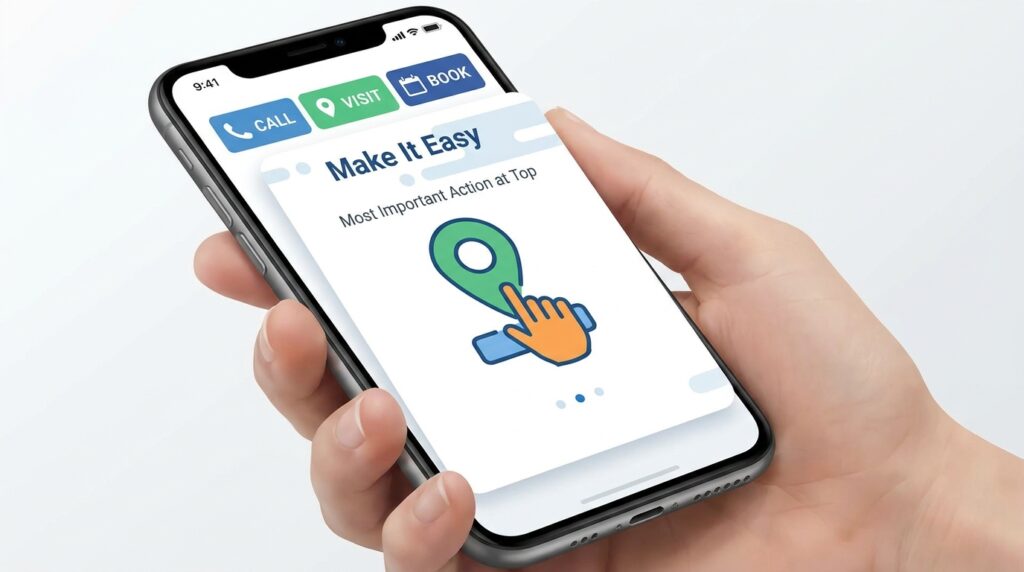
What to do: Put the most important action at the top of your mobile pages.
How to do it: Add a clickable phone number, a map link, and a booking or enquiry button near the top of each page. Keep forms short. Make sure opening hours are visible without scrolling. Test the journey yourself on a phone, from search to action.
Why it matters: Local searchers often want to act immediately. If they have to hunt for a phone number, many will call a competitor instead.
Example: A plumber in Dublin places a tap-to-call button and a “24-hour emergency” note at the top of every service page. Calls from mobile visitors increase because the next step is obvious.
Step 8: Track Results and Keep Improving

What to do: Review your local performance monthly and make small, steady changes.
How to do it: Check Google Business Profile insights for searches, calls, direction requests, and website clicks. Look at Search Console for the local queries that bring visitors. Note what changed when you updated a listing or published a page, and keep the changes that helped.
Why it matters: Local SEO is an ongoing process. Monthly reviews show what works for your area and stop you from guessing.
Example: A bike repair shop notices that direction requests rise after it adds a short video of its workshop. It keeps the video and adds a second one next quarter.
Common Mistakes to Avoid
Leaving your profile half complete. Empty fields send weak signals. Fill in every relevant detail and update it when things change.
Using different names or addresses. Inconsistent details confuse search systems. Create one master version and copy it exactly.
Creating one thin page for every town. Near-identical pages with the town name swapped can look spammy. Write useful, specific content for each area or service.
Buying fake reviews. This risks removal and damages trust. Ask real customers and respond honestly.
Ignoring the website because the profile looks good. Your site still matters. Check crawlability and mobile speed before anything else.
Expecting overnight results. Local visibility often builds over weeks and months. Track progress and keep improving.
Useful Tips
- Post updates on your profile. Share offers, events, or new photos regularly, and keep them accurate.
- Use real photos. Show your team, your premises, and your work rather than generic stock images.
- Ask a neighbour or customer to check your listing. A fresh pair of eyes often spots errors you’ve stopped noticing.
- Keep a central record. Save every login, listing, and review link in one secure document or password manager.
- Answer questions on your profile. Respond promptly to any questions customers post.
- Check local rules. Advertising, data protection, and business registration rules vary by country. Review official guidance for your region, such as the GOV.UK pages for UK businesses.
Frequently Asked Questions
How long does local SEO for small businesses take to show results?
It varies with your competition, website condition, and how complete your profile is. Many businesses see early changes within a few weeks, but stronger results usually take several months. Treat any timeline as an estimate.
Do I need a website to appear in local search?
A Google Business Profile can appear without a full website, but a website gives you more control over your message, services, and content. Most small businesses benefit from having both.
How many reviews do I need?
There is no fixed number. Focus on steady, genuine reviews that reflect your real customers, and reply to each one.
Can I do local SEO myself?
Yes. The steps in this checklist are practical for most owners. If your time is limited, prioritise the foundation: your website’s accessibility, your Google profile, and consistent business details.
Final Thoughts

Local SEO for small businesses comes down to a simple sequence. Make your website readable, complete your profile, keep your details consistent, answer real customer questions, earn honest reviews, build relevant listings, make contact easy, and measure what happens.
Start at the top and work your way down. Each layer makes the next one easier to earn.
Your next practical step is small. Today, search for your business name and your main service in your area, then check whether your listing and website show the same address and phone number.
Click this link to read our important and interesting Technology articles as soon as they are published!