
Siri AI Languages Expand: A Step-by-Step Guide for Creators, Freelancers, and Entrepreneurs
Voice assistants are becoming a daily tool for work, study, and shopping. When a major assistant adds new languages, it changes who can use it and how businesses can reach people. The latest Siri AI languages update adds French, Japanese, Korean, Portuguese, and Spanish, which opens new opportunities for freelancers, remote workers, and small online businesses.
This guide walks through the update one practical step at a time. For each step, you will learn what to do, how to do it, why it matters, and a short example. The goal is not to chase every new feature. It is to use the update in a way that supports your work and your audience.
What Is the Siri AI Languages Update?
The update comes with the 27.2 software release and expands Siri AI to more people around the world. Siri AI is described as a newer version of Siri that is more capable, more conversational, and more personal. With this release, it is now available in French, Japanese, Korean, Portuguese, and Spanish.

For most users, this means the assistant can understand and respond in these languages instead of only in its earlier supported ones. For creators and businesses, it means a growing share of your potential audience may now ask questions by voice in their own language.
It is important to separate what is confirmed from what is still an estimate. The confirmed facts are the release name, the release timing, and the five languages listed. Any claim about how many people will use the feature, or how it will change search traffic, is an estimate and should be treated as a working hypothesis until you test it.
Step 1: Update Your Device to the 27.2 Release
What to do: Install the 27.2 software update on your devices.

How to do it: Open the Settings app, go to General, then Software Update, and install the latest version. Keep your device connected to power and Wi-Fi during the process. If you use a Mac, iPad, or other Apple device, check each one, because updates may arrive on different days.
Why it matters: New language support usually depends on the latest software. If your device is behind, you may not see the new languages at all, and you may waste time troubleshooting a problem that a simple update would solve.
Example: A Spanish-speaking client may ask you to test a voice search on your phone. If you have not updated, your results will not match what the client sees.
Step 2: Set the Language and Region You Want to Use
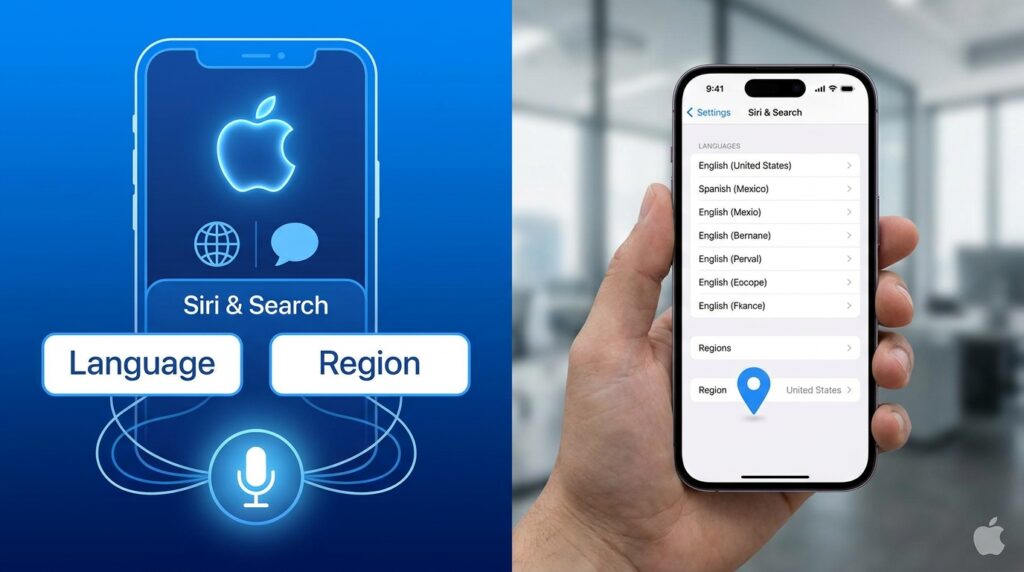
What to do: Choose the language you want Siri AI to use, and confirm your region setting.
How to do it: Go to Settings, then Siri & Search, and look for the language option. Select the language you want, then check your region. Menu names may vary slightly depending on your device and region, so if you cannot find a setting, check Apple’s support pages.
Why it matters: Language and region settings affect accent recognition, local terms, and the kinds of answers you get. A mismatch can make the assistant seem less accurate, even when the feature itself works well.
Example: A freelance translator working with Portuguese clients in Brazil may choose Portuguese with a Brazilian region setting. A designer serving Spanish-speaking clients in Mexico may choose Spanish with a Mexican region setting.
Step 3: Test Everyday Commands in Your New Language
What to do: Run a short test with the commands you use most often.

How to do it: Create a list of ten commands. Include a reminder, a calendar question, a quick search, a message draft, and a unit conversion. Say each one in your chosen language, then note what worked and what did not. Repeat the test in a quiet room and a noisy one.
Why it matters: Testing shows you where the assistant is reliable and where it needs correction. It also helps you learn which tasks are worth moving to voice. Without testing, you may assume everything works perfectly and get surprised at a critical moment.
Example: A Japanese-speaking entrepreneur might discover that Siri AI handles calendar requests well but struggles with a specific business term. That tells them to write out that term instead of relying on voice.
Step 4: Use Siri AI for Multilingual Research
What to do: Use the assistant to explore questions your audience asks in each new language.

How to do it: Ask simple research questions, such as “What do people in Seoul search for when they plan a small business trip?” or “What are common questions about invoicing in Spanish?” Write down the answers as starting points, then verify them with a dedicated keyword tool or a trusted local source before publishing anything.
Why it matters: Voice assistants can help you think of questions quickly, but they are not a replacement for research. Treat the output as a list of ideas. Checking it protects your credibility and avoids publishing errors.
Example: A remote worker serving Portuguese-speaking clients can use voice queries to brainstorm five possible blog topics, then check search volume and competitor pages before choosing one.
Step 5: Make Sure Search Engines Can Read Your Multilingual Pages
What to do: Confirm that search crawlers can access and understand every language version of your website.
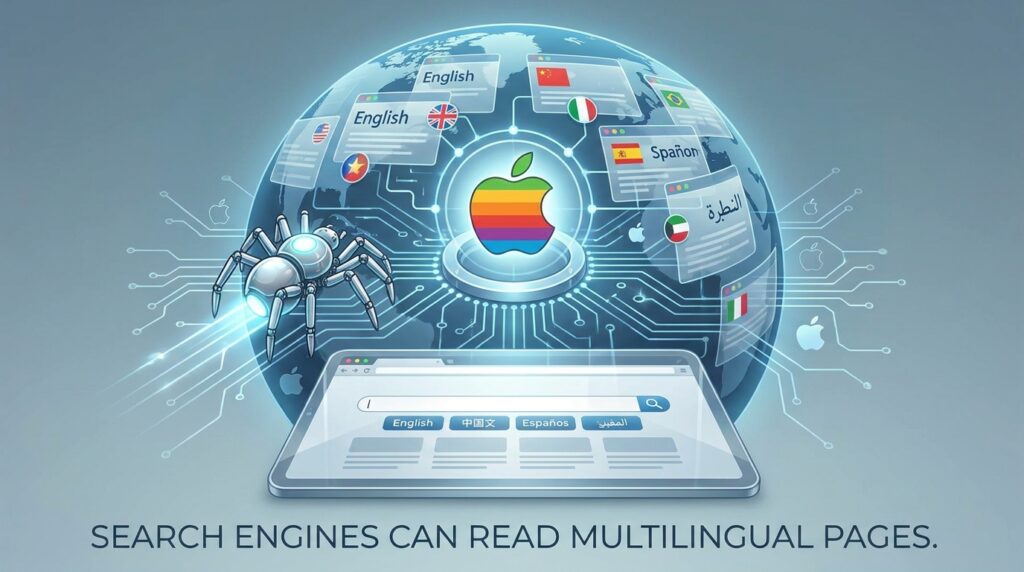
How to do it: Check that each language version has its own indexable URL, such as /fr/, /ja/, or /es/. Make sure these pages are linked from your main site, appear in your XML sitemap, and load without errors. If you use language alternates, add hreflang tags so search engines know which version to show to which audience. Google’s Search Central documentation explains this setup in detail.
Why it matters: This is Layer 1 of search: crawlability. If search engines cannot reach a language page, that page cannot rank, no matter how good the content is. This is one of the cheapest fixes available, and it is often overlooked.
Example: A small agency with a Korean-language landing page that is blocked by a robots setting will see no Korean search traffic, even if its content is excellent. Fixing the setting may take minutes.
Step 6: Keep Your Brand Identity Consistent Across Languages
What to do: Use the same brand name, promise, and tone in every language.
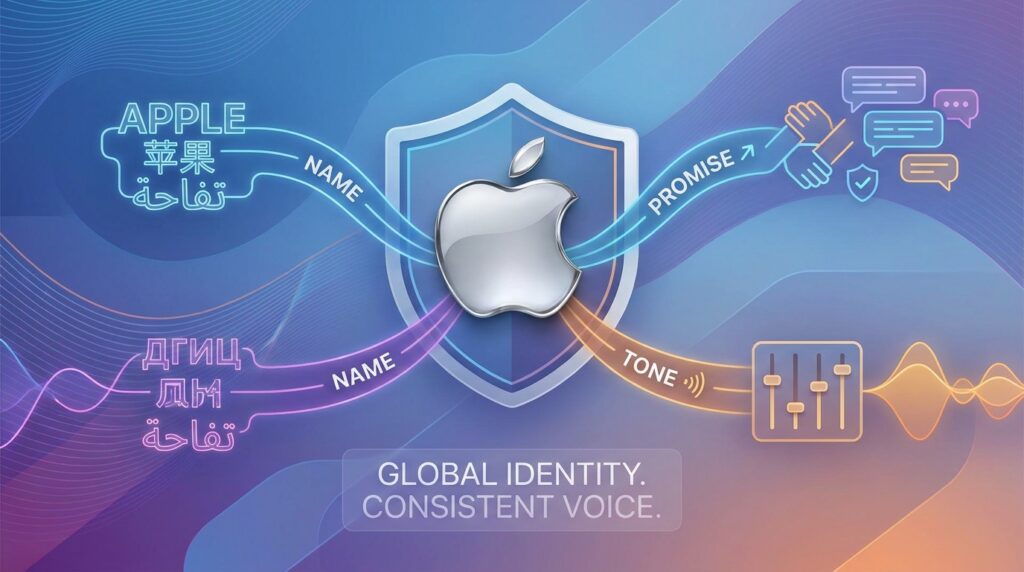
How to do it: Create a short brand glossary. List your company name, service names, and key phrases, then decide how each one should appear in each language. Keep your logo, contact details, and core claims consistent across your website, social profiles, and directory listings.
Why it matters: Different translations of your name or promise can make one business look like several. This confuses customers and weakens trust, and it can make AI systems and search engines treat your brand as unrelated entities.
Example: A digital marketing consultant might keep the brand name in its original form everywhere, but translate the service description carefully for each market, so Spanish, French, and Japanese visitors see the same offer.
Step 7: Answer Real Questions in Each Language
What to do: Build content around the questions people in each language actually ask.

How to do it: Turn each common question into a heading, then answer it directly underneath in two to four sentences before you add detail. Write in natural local language rather than translating word for word. Review the answers with a native speaker when possible.
Why it matters: Clear answers help readers, search engines, and AI systems find the most useful part of your page quickly. Direct, natural language also reads better than machine-sounding text, which can hurt trust.
Example: A Japanese-language page about freelance payments might open a section with a direct answer to “How long does a freelance invoice usually take to clear?” and then explain the factors that affect timing.
Step 8: Build Credibility Before You Chase Visibility
What to do: Support your claims with case studies, specific results, and verifiable sources.

How to do it: Document real projects, with the client’s permission where needed. Include the task, the timeline, and the outcome, using numbers only when you can verify them. Link to official sources for laws, statistics, and platform rules.
Why it matters: Being mentioned is different from being recommended. Specific, credible information gives readers and AI systems something reliable to reference. This layer takes time, so start early.
Example: A freelancer who tested Spanish-language voice search for a client can describe the test method and what changed, without promising any specific traffic result.
Step 9: Make Each Visit Easy to Convert
What to do: Put the most important information where visitors can find it quickly.

How to do it: Place your main offer, contact button, or next step near the top of each language page. Keep forms short, and translate button labels and error messages. Test the experience on a phone, since many voice users are on mobile.
Why it matters: Search traffic only matters if visitors take action. A translated page that is hard to navigate can lose people who arrived with a clear intent.
Example: A Korean-language service page that shows pricing ranges and a booking link near the top helps visitors who already know what they want.
Common Mistakes to Avoid
The first mistake is assuming that a new language means a full translation is ready to publish. Machine translation can miss tone, cultural references, and local terms. The fix is to have a native speaker review your most important pages.
The second mistake is treating voice assistant results as final research. The assistant can suggest ideas, but you still need to verify facts and search data. Always check before you publish.
The third mistake is creating language pages that search engines cannot reach. A page that is hidden behind a login, blocked by a setting, or missing from your sitemap is invisible. Check crawlability first.
The fourth mistake is letting your brand look different in each market. Keep names, promises, and contact details consistent, and adapt only the wording.
The fifth mistake is making claims you cannot support. Avoid promises about rankings, traffic, or income. Use facts you can verify, and label estimates clearly.
Useful Tips for Beginners
Start with one language rather than five. Choose the one that matches your current or planned clients, then expand once you have results to compare.
Keep a simple testing log. Record the date, the device, the language, the command, and the result. Over a few weeks, patterns will show you what to trust.
Write your key business terms in each language in advance. This reduces errors when you use voice input and makes your content more consistent.
Save your official source links in one document. When platform rules or language features change, you will know exactly where to check.
Review your multilingual pages every quarter. Check that links work, sitemaps are updated, and answers are still accurate.
Frequently Asked Questions
Which languages does the Siri AI languages update add?
According to the announcement, Siri AI is now available in French, Japanese, Korean, Portuguese, and Spanish with the 27.2 software release. Check Apple’s official newsroom for the latest device and region details.
Do I need to update my device to use the new languages?
Yes. The new language support is tied to the 27.2 software release, so your device needs that update to access the feature.
Can a voice assistant replace keyword research?
No. It can help you brainstorm questions and topics, but you should verify them with dedicated search tools and trusted sources before creating content.
Will this update guarantee more traffic or clients?
No. Any increase in traffic, clients, or income depends on many factors, including your content quality, competition, and audience. Treat any expected results as estimates to test, not guarantees.
Final Thoughts
The Siri AI languages update is a useful reminder that digital audiences are becoming more multilingual. Updating your device, testing your commands, and checking your multilingual pages are simple steps that anyone can take this week. Keep your brand consistent, answer real questions clearly, and verify every claim before you publish.
Your next practical step is to update your device to the 27.2 release, then run the ten-command test described above. Once you have your results, decide which language is worth building content for first. For more practical digital growth guides, visit Digital Task Compass.