

Best Free AI Content Detectors & Humanizers (Tested)
If you write content for clients, publish on platforms with strict originality policies, or submit work through freelance marketplaces, there’s a good chance someone will run your writing through an AI checker before it’s approved. Even fully human-written work sometimes gets flagged, which makes understanding how these tools actually behave essential — not optional.
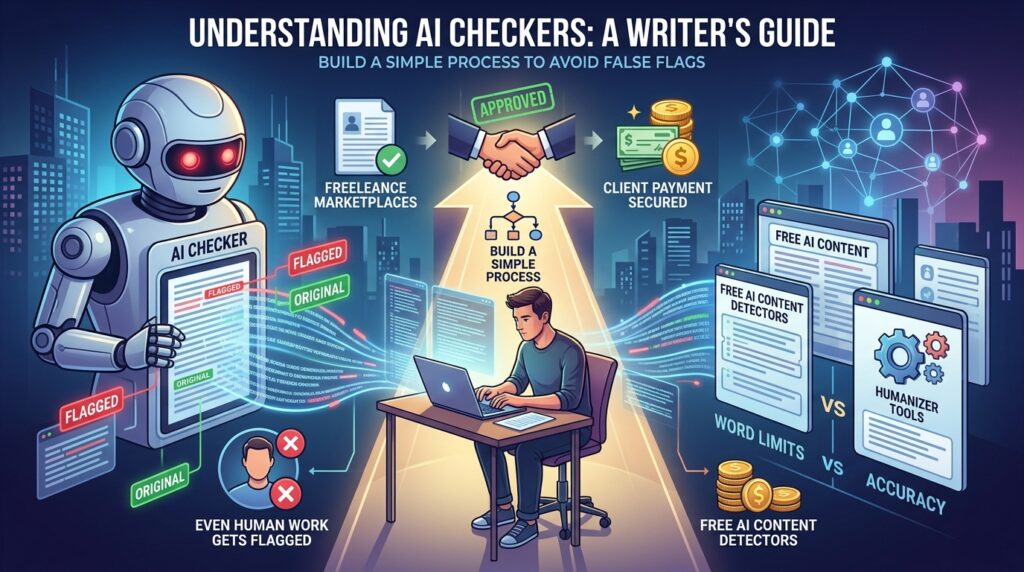
We spent time testing a range of free AI content detectors and the humanizer tools people use alongside them, comparing word limits, stated accuracy, and how each one handled the same test passages. This guide walks through what we found, how to use these tools responsibly, and how to build a simple process so a false flag doesn’t cost you a client or a paycheck.
What Are Free AI Content Detectors and Humanizers?
Free AI content detectors are tools that scan text and estimate the likelihood it was generated by a language model like ChatGPT, Claude, or Gemini, usually by analyzing sentence predictability, structure, and word choice patterns. AI humanizers work in the opposite direction — they rewrite AI-generated or AI-assisted text so it reads more naturally, with more human-like variation in sentence length and phrasing.
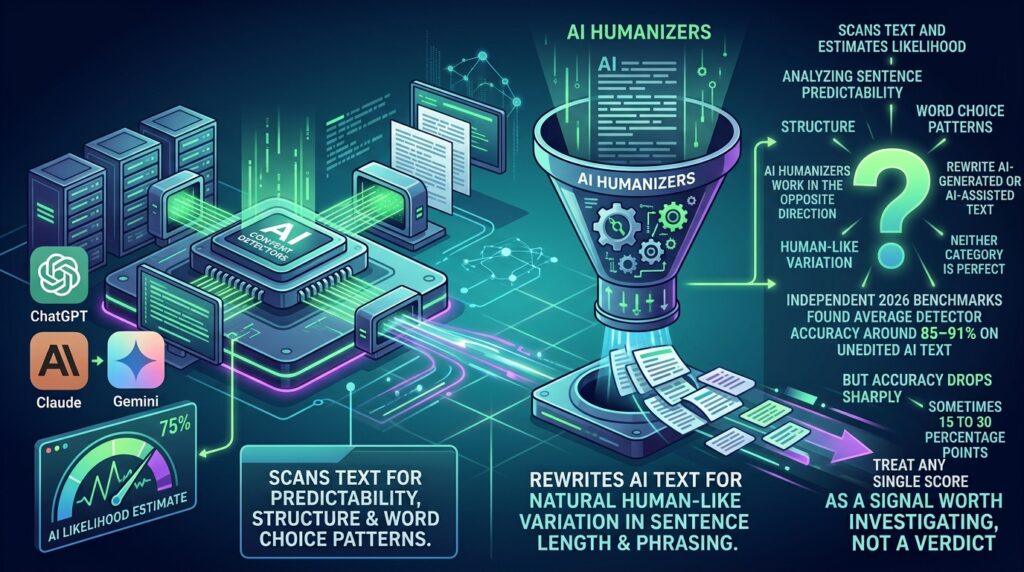
Neither category is perfect. Independent 2026 benchmarks found average detector accuracy around 85–91% on unedited AI text, but accuracy drops sharply — sometimes 15 to 30 percentage points — once that text has been paraphrased or lightly edited by a human. In other words, treat any single score as a signal worth investigating, not a verdict.
Step-by-Step Guide: Testing and Using These Tools Properly
Step 1: Understand What the Score Actually Means
What to do: Before running anything through a detector, learn what the percentage or label actually represents.
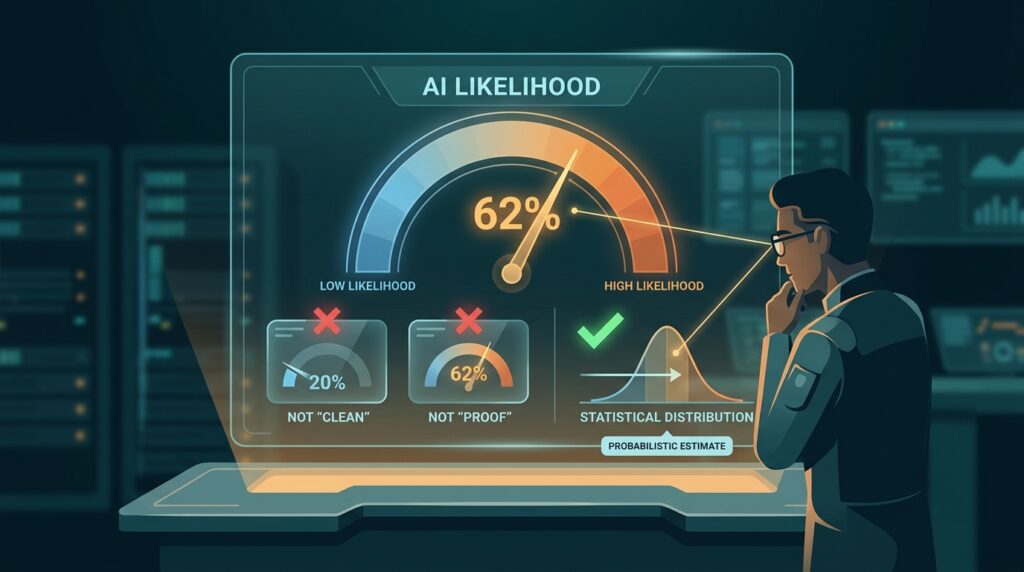
How to do it: Most tools return a probability score (e.g., “12% likely AI-generated”) or a binary label. Read the tool’s own explanation page — reputable tools like GPTZero explain that scores reflect statistical likelihood, not certainty.
Why it matters: Treating a 20% AI-probability score as “basically clean” or a 60% score as “proof of cheating” misunderstands the tool. These are probabilistic estimates with real error margins on both sides.
Example: A detector flagging a paragraph as “62% likely AI” doesn’t mean 62% of the words were AI-written — it means the tool’s model leans toward classifying the overall pattern as machine-generated, which can happen with clean, simple human writing too.
Step 2: Run Your Content Through More Than One Free Detector
What to do: Never rely on a single tool’s result, since free detectors vary significantly in accuracy and bias.
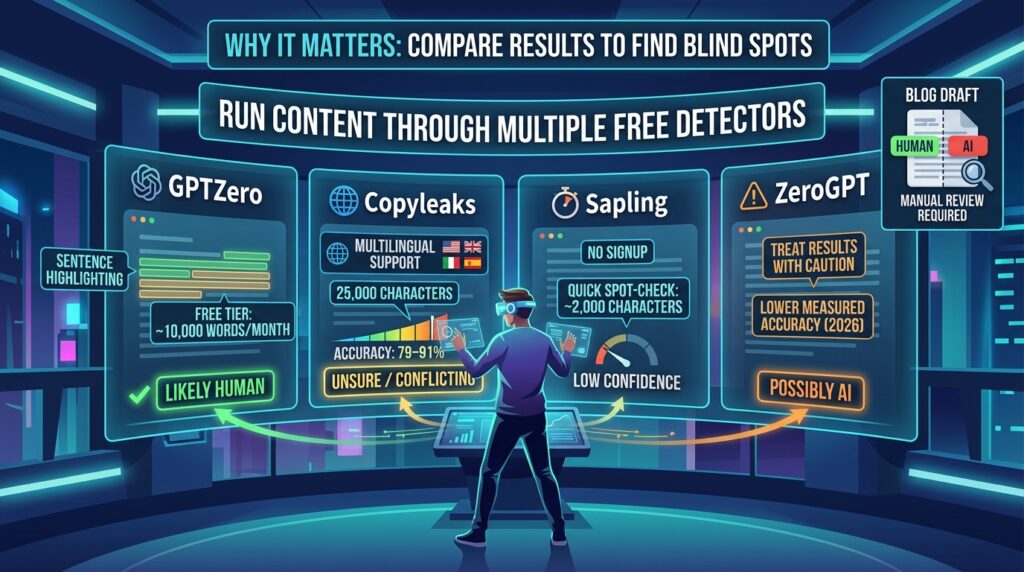
How to do it: In our testing, these free AI content detectors stood out for accessibility:
- GPTZero — free tier covers roughly 10,000 words per month, with sentence-level highlighting that shows exactly which parts triggered the flag.
- Copyleaks — offers a generous free scan limit (around 25,000 characters) and is strong for multilingual content, though independent testing puts its real-world accuracy closer to 79–91% rather than the 99%+ figure on its marketing page.
- Sapling — a fast, no-signup option for quick spot-checks, though limited to roughly 2,000 characters per scan.
- ZeroGPT — widely used and free, but independent 2026 testing measured noticeably lower accuracy than GPTZero or Copyleaks, so treat its results with extra caution.
Why it matters: Every detector has different blind spots. Running the same text through two or three tools and comparing results gives you a far more reliable picture than trusting one score.
Example: A blog draft might score “likely human” on GPTZero but “possibly AI” on ZeroGPT — that disagreement itself is useful information, telling you the text sits in an ambiguous zone worth a manual review rather than an automatic pass or fail.
Step 3: Know That These Tools Can Be Biased
What to do: Factor in known accuracy issues before treating any single flag as final.
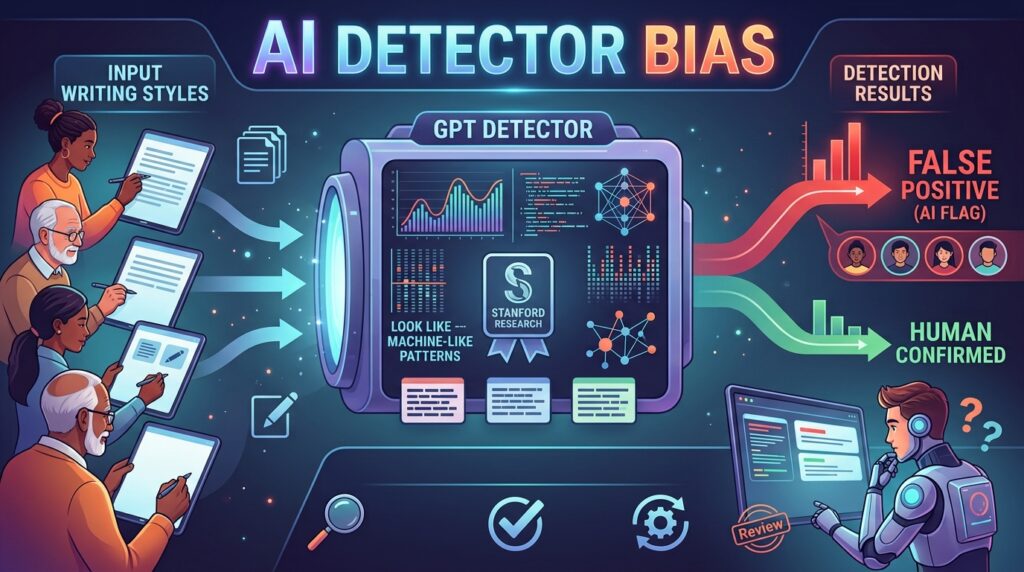
How to do it: A widely cited Stanford study found that popular GPT detectors misclassified more than half of essays written by non-native English speakers as AI-generated, largely because simpler sentence structure and word choice can resemble the statistical patterns detectors associate with machine text. See the Stanford research on AI detector bias for the full findings.
Why it matters: If you or your clients write in a second language, or simply prefer plain, direct sentences, you may see higher false-positive rates than a native English speaker with a more varied writing style. This isn’t a reflection of your writing quality — it’s a known limitation of the technology.
Step 4: Use a Humanizer Only When You Actually Need One
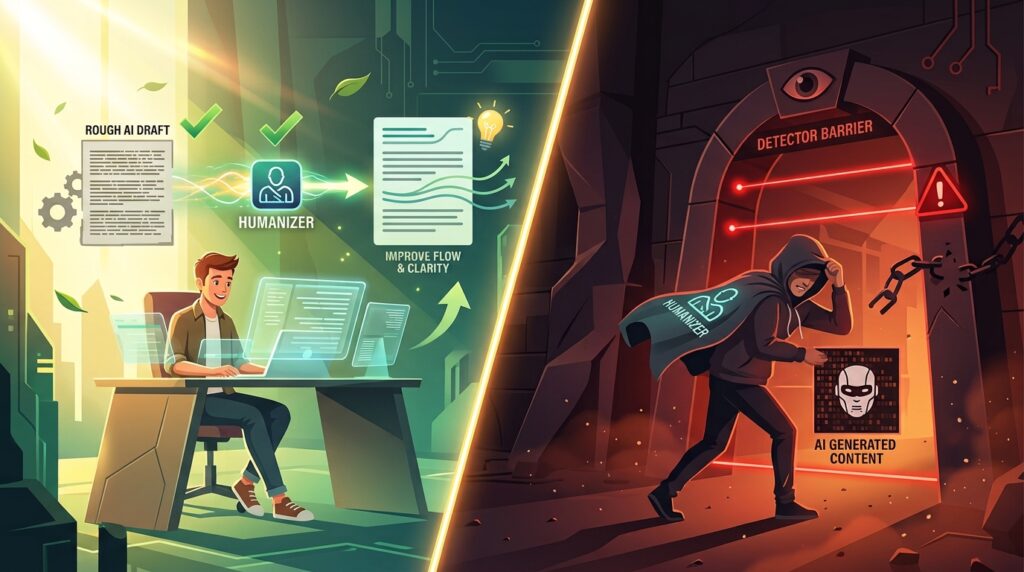
What to do: Reach for an AI humanizer to improve the natural flow of AI-assisted drafts you’re allowed to use — not as a way to disguise content in contexts where AI use is prohibited.
How to do it: Popular free-tier options in our testing included:
- QuillBot’s AI Humanizer — good for light paraphrasing and fluency, though it makes fewer structural changes than dedicated humanizer tools, so detectors still flag its output fairly often.
- Undetectable AI — offers multiple tone modes (academic, marketing, casual) and checks output against several detectors, with a limited free word allowance before requiring payment.
Why it matters: If a platform, publication, or client contract explicitly bans AI-generated content, running text through a humanizer to slip past detection isn’t a gray area — it’s misrepresenting your work. Use these tools for legitimate purposes: smoothing awkward AI-assisted first drafts you’re transparent about, or improving flow in your own writing.
Example: A freelance marketer using an AI tool to draft a first pass of a blog outline, then heavily rewriting and humanizing it into their own voice before final edits, is using the tool as intended — a starting point, not a finished, disguised product.
Step 5: Re-Check Humanized Text Before Submitting It
What to do: After humanizing any text, run it back through a detector and read it aloud before sending it anywhere.
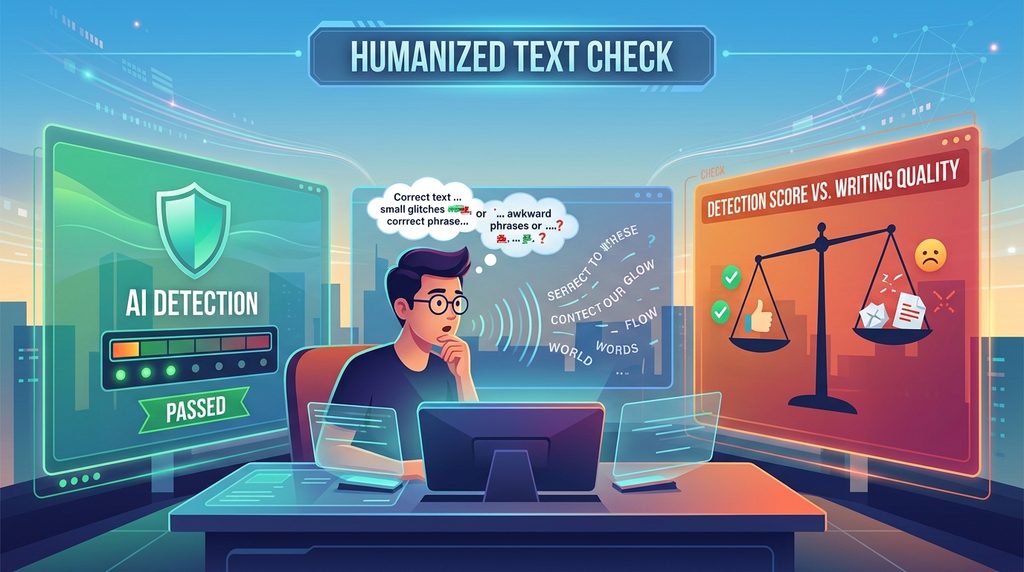
How to do it: Paste the humanized output into one of your free AI content detectors from Step 2. Separately, read the paragraph out loud — humanizer tools sometimes introduce awkward phrasing or factual drift while optimizing for detection scores.
Why it matters: A lower AI-detection score means nothing if the text now reads unnaturally or contains errors. Detection avoidance and writing quality are two different goals, and humanizer tools only reliably solve for one of them.
Step 6: Build a Simple, Repeatable Workflow
What to do: Turn this process into a habit rather than a one-off check.

How to do it: For any content that might face AI screening — a client deliverable, a marketplace submission, a job application writing sample — run it through two free AI content detectors, review flagged sentences manually, and only edit or humanize the specific sections that triggered a high score, rather than rewriting the whole piece unnecessarily.
Why it matters: A targeted process saves time compared to re-running an entire article through a humanizer every time, and it keeps more of your original voice intact.
If you’re managing this kind of content workflow alongside other client deliverables, it’s worth pairing this process with a broader set of AI productivity tools for freelancers to keep quality checks, formatting, and delivery organized in one place.
Common Mistakes to Avoid
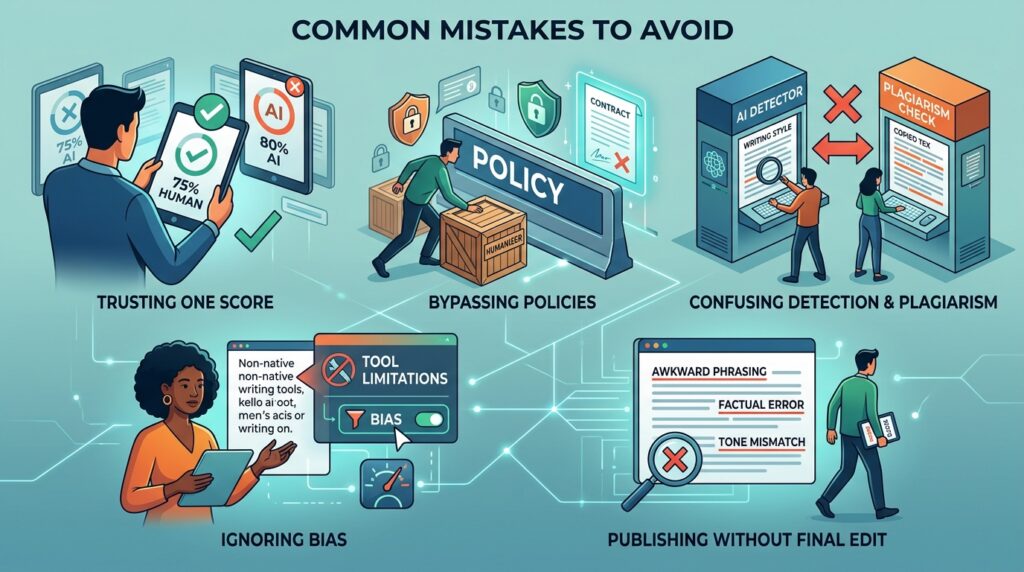
- Trusting one tool’s score as final proof. As covered in Step 2, cross-checking with multiple free AI content detectors catches disagreements a single scan would miss.
- Using a humanizer to bypass a client or platform’s explicit AI policy. This is a trust and contract issue, not just a technical workaround.
- Assuming a high AI-probability score means plagiarism. Detection and plagiarism are different problems — a detector flags writing style, not whether content was copied from another source.
- Ignoring known bias against non-native English writing. As Step 3 covers, a flagged score for a non-native English writer may say more about the tool’s limitations than the writer’s process.
- Publishing humanized text without a final human read-through. Detection scores don’t catch awkward phrasing, factual errors, or tone mismatches — only a careful read does.
Useful Tips for Beginners
- Keep a short note of which detector and humanizer combinations you’ve tested, so you’re not re-learning tool quirks every time.
- When word limits are tight on free plans, test a representative sample paragraph rather than trying to force an entire long article through a capped free tier.
- If a client specifies a particular detector (some agencies standardize on one tool), test against that exact tool rather than a different one with different scoring behavior.
- Treat any detector score between roughly 30–70% as genuinely ambiguous, and default to manual review rather than automated action in that range.
- Disclose your AI-assisted workflow to clients when relevant — transparency avoids far more trouble than any humanizer tool can prevent.
Frequently Asked Questions
1. Are free AI content detectors as accurate as paid ones? Not always. In our testing, free tools like GPTZero performed competitively, but several paid tools (like Originality.ai) scored higher on independent paraphrase-detection benchmarks. Free tiers are generally good enough for a first check, especially when combined with a second tool.
2. Can AI humanizers guarantee my content will pass every detector? No. Humanizer tools reduce detection likelihood in many cases, but no tool guarantees bypassing every detector, and detectors are continuously updated to catch common humanizing patterns.
3. Is it ethical to use an AI humanizer for freelance or marketing work? It depends entirely on context. If a client or platform bans AI-generated content and you use a humanizer to hide AI involvement, that misrepresents your work. If you’re transparent about your process or simply using AI as one step in your own writing workflow, humanizing for natural flow is a reasonable editorial choice.
4. Why did my 100% human-written content get flagged as AI-generated? This happens more often than people expect, particularly with plain, direct, or non-native English writing styles. It’s a known limitation — cross-check with a second detector and consider requesting a manual review if a client or platform allows it.
5. Do these tools work well for languages other than English? Accuracy for non-English content is generally lower than for English, and can vary significantly between tools. If you write in multiple languages, test each detector separately rather than assuming consistent performance across languages.
Final Thoughts
There’s no perfect tool in this category — every AI detector we tested has real accuracy gaps, and every humanizer trades off detection scores against natural-sounding writing. The most reliable approach isn’t finding one magic tool; it’s cross-checking results across two or three free AI content detectors, understanding their known biases, and always finishing with a manual read-through before anything goes to a client or publisher.
Start by running a recent piece of your own writing through one of the free detectors covered here, just to see what a genuinely human-written baseline score looks like for your style. That single test will tell you more about how these tools actually behave than any comparison chart.