AI Cost Optimization Software Compared: How to Stop Token Spend From Exploding in 2027
Your AI bill used to be a small line item. For many teams today, it is one of the fastest-growing costs on the books. A single request looks cheap, but multiply it by thousands of users, longer prompts, background agents and automatic retries, and the total can climb within weeks. That is why AI cost optimization software has moved from a niche idea to a standard tool for finance, engineering and operations teams.
This guide is written for freelancers, agency owners, remote developers and entrepreneurs who now pay for AI tools from their own budgets or pass those costs on to clients. If you are considering AI cost optimization software for the first time, you will find a clear explanation of the category, a six-layer plan for controlling spend, a comparison of popular options and a list of mistakes to avoid. Where a figure is an estimate rather than a published fact, I say so.
What Is AI Cost Optimization Software?
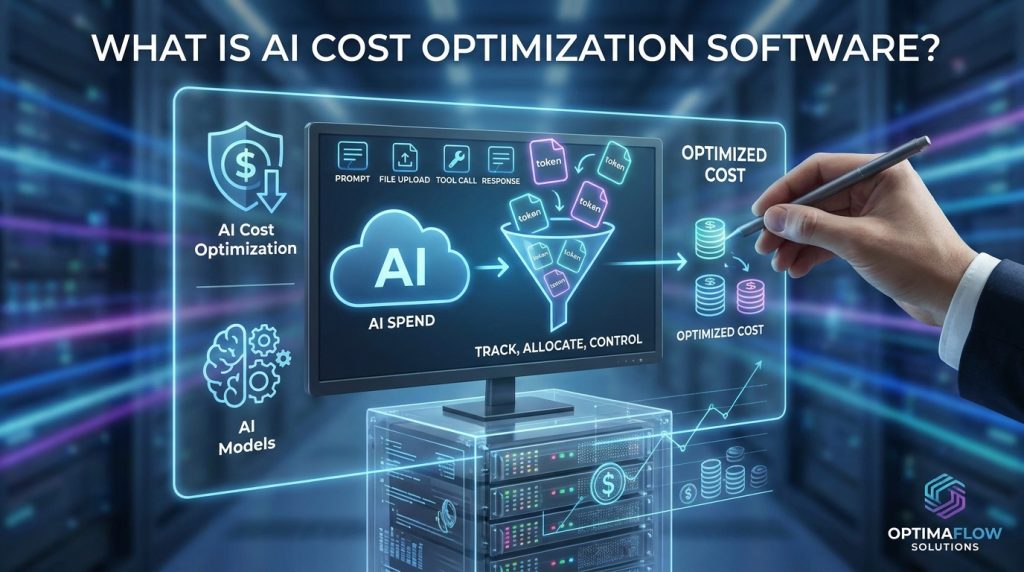
AI cost optimization software is a category of tools that tracks, allocates and controls what you pay for AI models. Most AI spend is billed per token, the small units of text a model reads as input and writes as output. Every prompt, file upload, tool call and response adds to the count.
Traditional cloud cost tools were not built for this. AWS Cost Explorer and Azure Cost Management can show where money went, but they rarely connect a bill to a specific model, feature or team. Direct invoices from model providers often sit outside them entirely. That gap is why a new group of products has appeared.
Good AI cost optimization software usually does three things. It pulls billing and usage data from every provider, attributes each dollar to a model, team, product or customer, and then applies controls such as budgets, alerts and routing rules.
The demand is measurable. The FinOps Foundation, a Linux Foundation program, released its sixth annual State of FinOps 2026 report in February 2026. The survey gathered 1,192 respondents, and 98% said they now manage some AI spend. That is up from 63% in 2025 and 31% in 2024. AI cost management was also the most sought-after skill among those teams, cited by 58% of respondents in coverage of the survey.
Why Token Spend Gets Out of Hand
Token costs behave differently from the server costs most people are used to. Three patterns cause most surprises:
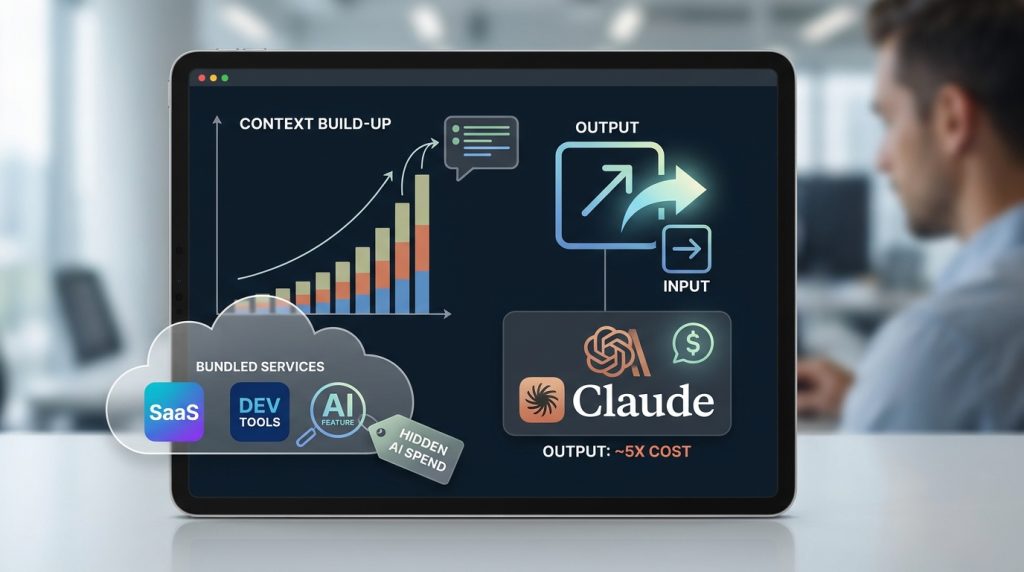
- Context grows with every turn. Many chat and agent workflows resend earlier messages and documents on each call, so a long session costs far more than its final answer suggests.
- Output is usually the expensive part. Pricing guides for current Claude models report that output tokens cost about five times as much as input tokens. Rates change often, so check the official pricing page before you budget.
- Costs hide inside bundles. AI features now arrive inside SaaS renewals and developer tools, so spend grows without anyone making a deliberate AI decision.
Vendors in this space have documented dramatic cases. One FinOps analysis describes a single enterprise use case that generated about $76,000 in unplanned token spend. Treat that as a warning rather than a benchmark for your own business.
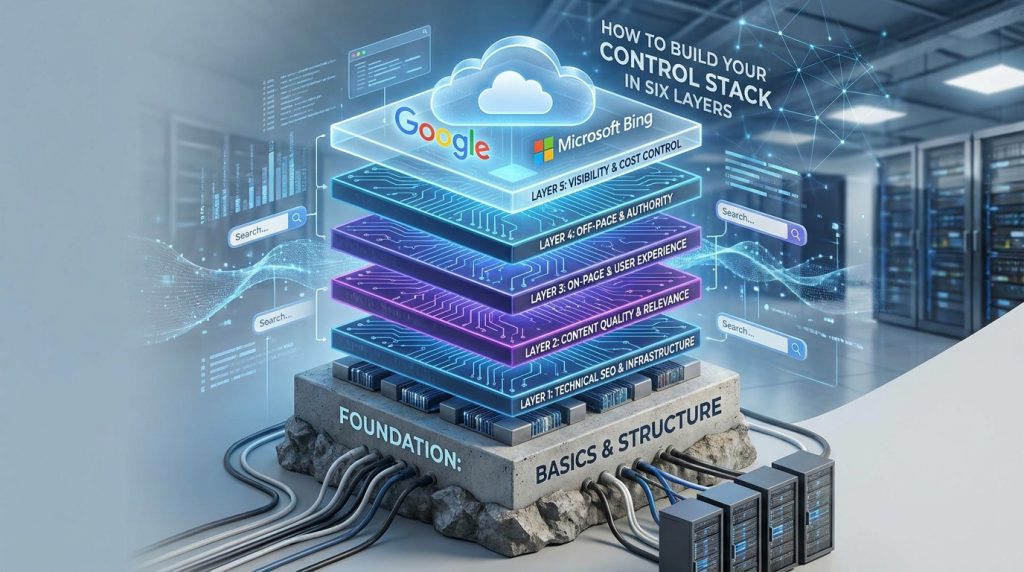
How to Build Your Control Stack in Six Layers
Search visibility depends on a stack of basics, and cost control works the same way. Skip the foundation and every layer above it becomes guesswork. Here is the order I recommend.
Layer 1: Visibility
What to do: Bring every AI invoice and usage export into one view. Include direct provider accounts, cloud marketplace bills and card purchases.
How to do it: Download monthly usage from each provider console, connect your cloud billing export, and list every tool that charges per token or per seat. Most people find at least one forgotten account at this stage.
Why it matters: You cannot optimize spend you cannot see.
Example (illustrative): A five-person agency found three active model accounts. One was tied to a scheduled job that nobody had checked in months.
Layer 2: Allocation
What to do: Tag every request with a team, product feature or client ID.
How to do it: Add metadata fields to your API calls. Most AI cost optimization software reads these tags automatically, which turns a vague invoice into a report you can act on.
Why it matters: Allocation shows which workflow is responsible for the bill, so you fix the right problem.
Example (illustrative): A freelancer who tags client drafting separately from internal research may discover that one client’s revision loop drives most of the cost.
Layer 3: Optimization
What to do: Match each task to the cheapest model that meets your quality bar, cache repeated instructions and batch non-urgent work.
How to do it: Send simple classification tasks to a smaller model and reserve the largest model for hard reasoning. Anthropic’s pricing documentation describes its Batch API as a way to process large volumes asynchronously at a 50% discount on input and output tokens.
Why it matters: Most workloads contain many tasks that do not need the flagship model.
Example (illustrative): A content team moved overnight article tagging to batch processing and a smaller model. After checking a sample of outputs for quality, the monthly cost dropped noticeably.
Layer 4: Governance
What to do: Set budgets for each team and alerts for usage spikes.
How to do it: Most AI cost optimization software lets you set monthly caps and daily alerts at 50, 80 and 100 percent of budget. Require approval before anyone uses the most expensive model in a non-production environment.
Why it matters: Controls stop one experiment from becoming a surprise bill.
Example (illustrative): A test loop that repeats requests over a weekend can burn through a daily budget in hours. A spike alert catches it before Monday.
Layer 5: Value Measurement
What to do: Measure cost per outcome, not only cost per token.
How to do it: Divide monthly spend by completed results, such as support tickets resolved, articles published or leads qualified.
Why it matters: The FinOps Foundation’s 2026 findings list determining AI value and ROI among the top challenges practitioners face. Cost without outcomes cannot tell you whether spend is worth it.
Example (illustrative): A model that costs more per request but resolves tickets in one pass may be the cheaper option overall.
Layer 6: Review and Decide
What to do: Hold a short monthly review.
How to do it: Compare allocation, budgets and outcomes. Then decide whether to change the model, rewrite the prompt or retire the workflow.
Why it matters: Savings come from decisions, not dashboards.
Example (illustrative): A 30-minute monthly review can catch a model upgrade that doubled costs without improving results.
Top Tools Compared

AI cost optimization software options fall into three groups: cloud FinOps platforms extended to AI, LLM gateways and observability tools with cost tracking, and newer token-management products. The table below summarizes how vendors and review sites describe each option in 2026. Features and pricing change quickly, so verify them in each vendor’s current documentation before you buy.
| Tool | Best for | Strengths | Watch-outs |
|---|---|---|---|
| Finout | Teams running cloud, Kubernetes and LLM spend together | Cross-platform allocation and governance | Broader scope than a small team may need |
| nOps | AWS-heavy teams | AI cost visibility plus automated commitment management | Strongest value for larger cloud footprints |
| Amnic | Finance-led chargeback | Token attribution, model budgets, finance-ready reporting | Lighter on deep GPU governance |
| Vantage and CloudZero | Cloud-first teams adding AI | Mature allocation with AI extensions | Check AI token depth before committing |
| Datadog Cloud Cost Management | Teams already using Datadog | AI Costs view next to LLM observability | Most useful if Datadog is already in your stack |
| LiteLLM | Engineering teams wanting open source | Spend tracking across 100+ providers | You host and maintain it yourself |
| Langfuse | Teams focused on tracing and evaluation | Open-source token cost tracking | Cost is one feature among many |
| 1Password AI Spend | Security-minded teams | Consolidates Anthropic, OpenAI and Cursor usage | Launched in July 2026, so review fit carefully |
For a solo freelancer, an open-source gateway or the cost features in an existing observability tool may be enough. For a company with several providers, finance-facing platforms often make sense because they connect spend to budgets. Teams deep in AWS may prefer tools that also handle commitment management, since pure token trackers do not.
If you are building a small digital business, you can find more practical guides on AI and digital business tools at Digital Task Compass.
Common Mistakes to Avoid
- Tracking only cost per token. Token prices can fall while total bills rise as usage grows. Track cost per outcome instead.
- Ignoring AI bundled into SaaS renewals. Review renewal notices every quarter for new AI add-ons that raise your costs.
- Sending every task to the flagship model. Sort your workloads by difficulty and test cheaper models on real examples.
- Buying AI cost optimization software before tagging. Tools cannot allocate spend that has no labels. Tag first, then choose a tool.
- Waiting for the monthly invoice. Bills arrive too late to stop a runaway loop. Use daily dashboards and spike alerts.
Useful Tips for Beginners
A sensible route to AI cost optimization software starts with what you already have. Follow these steps over your first month:
- In week one, export the last three months of invoices and usage reports from every provider.
- Tag your highest-volume workflow by feature or client.
- Set budget alerts at 50, 80 and 100 percent of your monthly limit.
- Test a cheaper model against ten real tasks and compare the output quality yourself.
- At the end of the month, calculate cost per finished deliverable and decide what to change.
Frequently Asked Questions
Do I need dedicated AI cost optimization software?
Not always. If you use one provider at low volume, the provider console and your existing cloud dashboard may be enough. Dedicated tools make sense when several providers, teams or clients share one budget.
Is open source a good option?
Yes, for engineering-led teams. Tools such as LiteLLM and Langfuse are open source and track token spend, but you must host, secure and maintain them. Count that time as part of the total cost.
How much money can I save?
No tool can guarantee a figure. Savings depend on your current baseline and your mix of tasks. Documented discounts such as batch processing are real, but your results will vary.
Is learning AI cost management worth it for my career?
Survey data suggests demand is growing, since AI cost management ranked as the most sought-after FinOps skill in the 2026 report. That is a useful signal, but it is not a guarantee of jobs or salary, so treat it as one input among many.
Final Thoughts on AI Cost Optimization Software
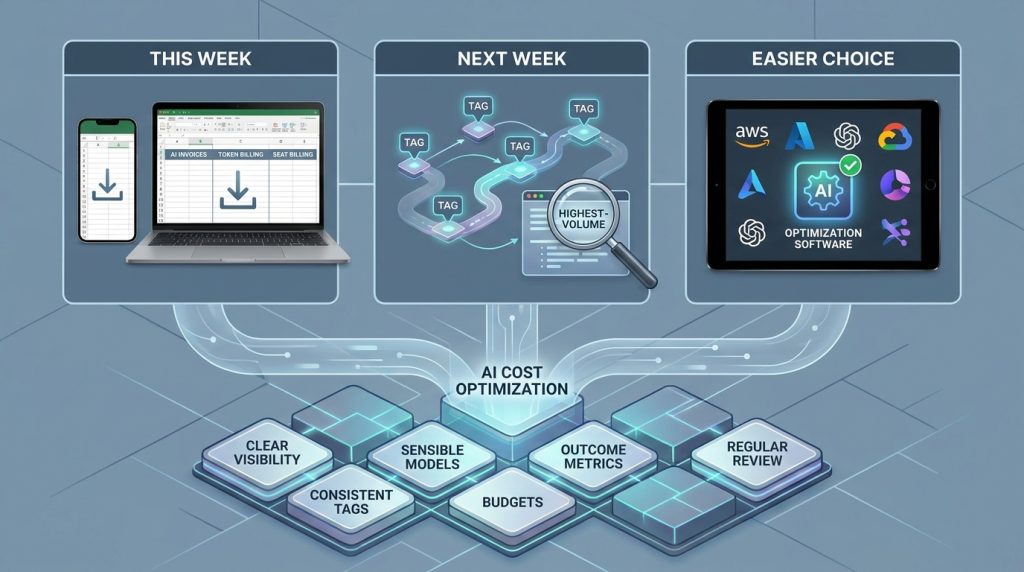
AI cost optimization software works best when it sits on a solid foundation: clear visibility, consistent tags, sensible model choices, budgets, outcome metrics and a regular review. Start there, and almost any tool you choose will do more for you.
Your next practical step is simple. This week, export your last three months of AI invoices and list every tool that bills by token or seat. Next week, tag your highest-volume workflow. Once those two steps are done, choosing the right AI cost optimization software becomes much easier.
- Visibility comes first.
- Tag before you buy.
- Measure cost per outcome.
- Review monthly.