Best Automated Bookkeeping Software for Freelancers and Solo Agencies in 2027
If you freelance or run a one-person agency, your finances are probably scattered across a bank app, a spreadsheet, and a folder of receipts you keep meaning to sort. That disorder costs you hours every month and can cost you money at tax time. Automated bookkeeping software promises to pull in your transactions, categorize them, match invoices to payments, and produce reports you can actually use. The market is crowded, though, prices change often, and some tools that look impressive in marketing don’t handle the basics, such as local currency or local tax rules.

This review focuses on what freelancers, solo agencies, and remote workers in Sri Lanka and other markets need in 2027: pricing you can verify, real availability in your country, and realistic expectations about what AI can and cannot do.
What Is Automated Bookkeeping Software?
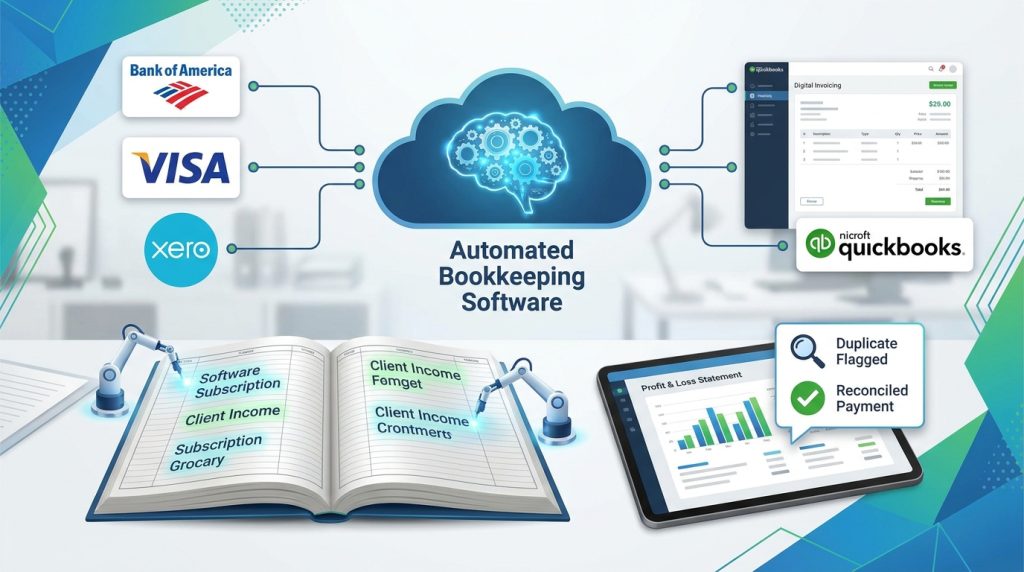
Automated bookkeeping software is a cloud tool that connects to your bank accounts, card feeds, and invoicing system, then records transactions in a ledger with little manual input. Most products use rules and machine learning to suggest categories such as “software subscriptions” or “client income.” Better tools also reconcile payments against invoices, flag duplicates, and generate profit and loss statements.
The key word is automated, not autonomous. Even the best tools need you to review unusual transactions, confirm tax categories, and keep receipts. Think of the software as a fast assistant that does the sorting, while you remain responsible for accuracy.
How We Evaluated These Tools
We compared vendor pricing pages and recent 2026 comparison guides, then looked at four criteria that matter most to solo professionals:
- Country and currency support: Can you connect your bank, invoice in your currency, and export reports your tax authority accepts?
- Real cost: What does a useful plan cost once you add the features you need?
- Automation quality: Does the tool learn from your corrections, or do you fix the same errors every month?
- Fit for your business model: Freelancers with one income stream have different needs from agencies with several clients.
Prices in this category shift every few months, and sources disagree. Where comparison sites reported different figures, we show a range. Always confirm current pricing on the vendor’s site before you buy.
Step 1: Confirm Your Automated Bookkeeping Software Works in Your Country
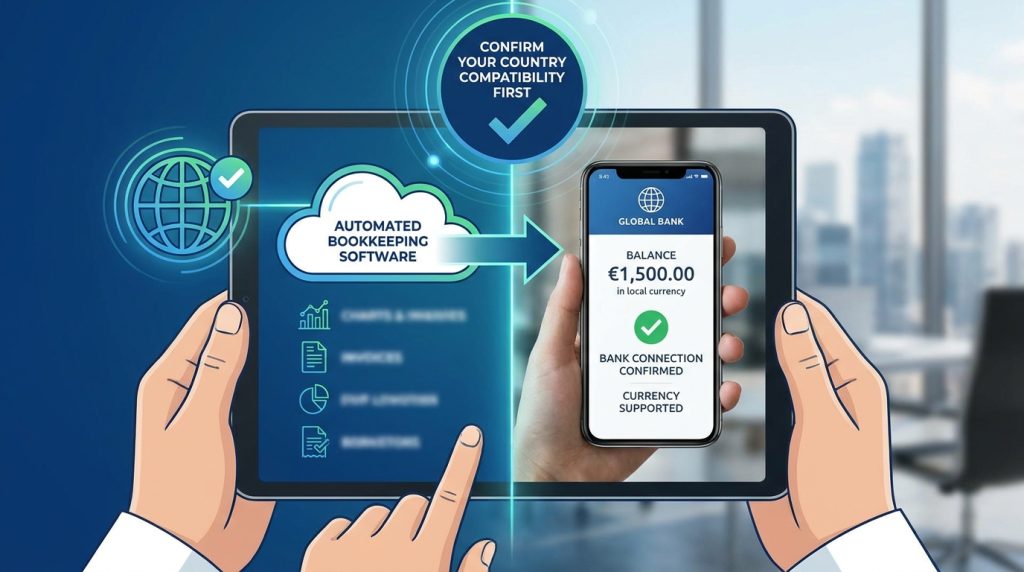
What to do: Before you compare features, check that the tool connects to your bank and supports your currency.
How to do it: Visit the vendor’s supported-bank list or start a free trial and try to link your account. Then look at whether your currency is available for invoicing and reporting. QuickBooks lists the Sri Lankan Rupee (LKR) among its supported multicurrency options, and Zoho Books offers Sri Lanka as a regional option, with local resellers quoting LKR pricing.
Why it matters: A tool that cannot read your bank feed forces manual entry, which defeats the purpose.
Example: A Colombo-based web designer invoices US clients in dollars and pays most expenses in rupees. She needs a tool that handles both currencies and records the exchange rate on each invoice. She tested three options and eliminated one within ten minutes because its bank connection did not support her local bank.
Step 2: Keep Your Records Consistent Across Tools
What to do: Use one business name, one primary bank feed for business transactions, and one set of expense categories from day one.
How to do it: Separate business and personal accounts if you can. Even a basic second account makes categorization far more accurate, because the software learns from consistent patterns.
Why it matters: Automation improves when your data is clean. Mixing personal groceries with client payments confuses every tool.
Example: A freelance copywriter opened a separate business account and used the same five expense categories for a full year. Her software’s categorization accuracy improved noticeably after the first two months because the patterns became clear.
Step 3: Write Down the Questions You Need Answered
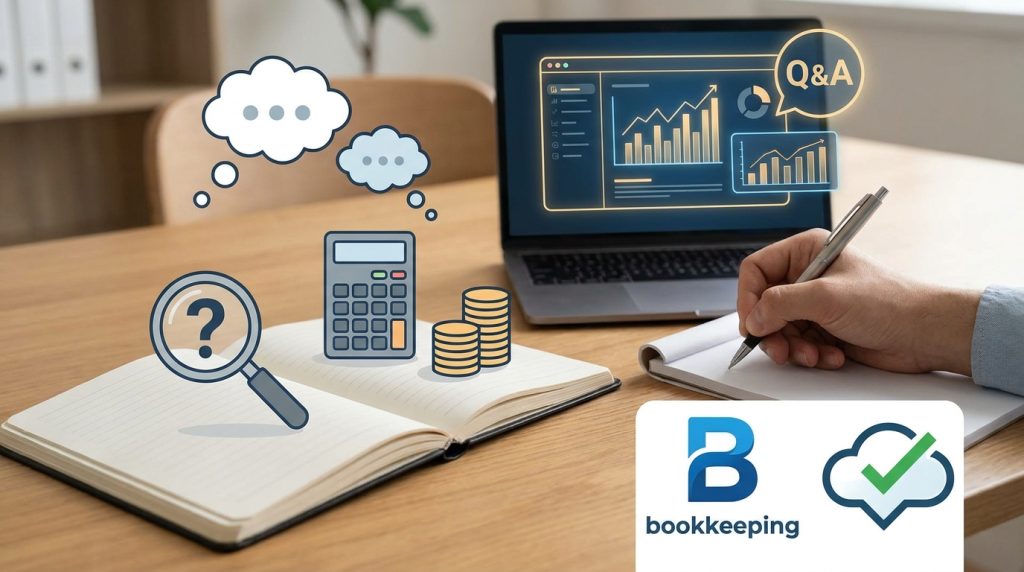
What to do: Before choosing, list the questions your bookkeeping must answer.
How to do it: Examples include: Can I see what I earned this quarter? Can I track unpaid invoices? Does the tool support my country’s tax filing? Can my accountant access the ledger?
Why it matters: Each tool is strong in different areas. Matching your questions to a tool’s strengths saves money.
Example: A solo marketing agency owner asked, “Can I see profitability per client?” That single question ruled out simple tools and pointed toward a platform with project-level reporting.
Step 4: Check Independent Evidence Before Trusting Vendor Claims
What to do: Look for reviews and official information outside the vendor’s own website.
How to do it: Read user reviews on trusted platforms, check the vendor’s documentation, and confirm tax rules with official sources. For tax guidance in Sri Lanka, the Inland Revenue Department of Sri Lanka is the primary reference.
Why it matters: Vendors often publish accuracy figures. One comparison reports a tool categorizing transactions at 95.9% accuracy, but that is a vendor-reported number, not an independent audit. Treat it as a claim to test, not a guarantee.
Step 5: Test With One Month of Real Transactions
What to do: Use the free trial with a full month of real data.
How to do it: Count how many transactions the tool categorizes correctly without edits. Note how long reconciliation takes and whether the reports match what you expected.
Why it matters: A demo account with sample data tells you very little about your own mess.
Example: A freelance video editor tested two tools for 30 days. One categorized about 80% of transactions correctly on the first pass, while the other needed frequent corrections for subscriptions paid in foreign currency. The difference determined his choice.
Step 6: Start Simple, Then Upgrade
What to do: Choose the cheapest plan that covers your core tasks, then upgrade only when you hit a real limit.
How to do it: Set a monthly review date. If you are not using advanced features after three months, downgrade.
Why it matters: Many freelancers overpay for multi-user or agency plans they never use.
Top Automated Bookkeeping Software Picks for 2027
Here are five options worth considering. Prices are indicative and reported across 2026 comparison sources, so verify them before you subscribe.
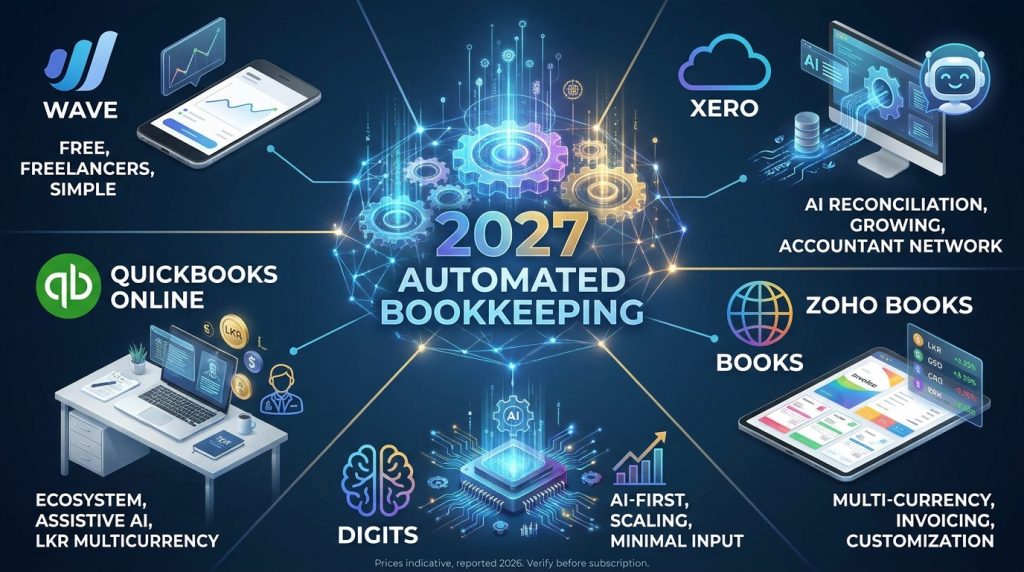
Wave: Best Free Option for Very Small Freelancers
Wave offers free accounting and invoicing for freelancers and very small businesses. Its paid add-ons cover payments and payroll in supported regions. The AI features are limited compared with paid competitors, so it suits freelancers with simple income and few expenses. If your finances are straightforward, it’s a sensible starting point.
Best for: Freelancers with one or two income streams and low transaction volume.
Xero: Strong AI Reconciliation for Growing Freelancers
Xero is a cloud accounting platform known for automated bank reconciliation that learns from your past categorizations. Starting prices reported across 2026 guides range from about $13 to $25 per month, depending on region and plan. Its large accountant network makes it useful if you plan to hire a tax professional later.
Best for: Freelancers who want reliable reconciliation and may add staff or clients over time.
QuickBooks Online: Best Ecosystem, Assistive AI
QuickBooks Online is the most widely used accounting platform among accountants, and it supports LKR as a multicurrency option. Simple Start plans were reported between about $15 and $38 per month, depending on the source and region. Its AI features mostly suggest categories and automate some tasks. You still review and approve transactions. Local resellers in Sri Lanka also offer setup and training support, which can help if you prefer in-person guidance.
Best for: Solo agencies that want the most integrations and accountant compatibility.
Zoho Books: Good Value for Invoicing and Multi-Currency Work
Zoho Books offers strong invoicing templates and multi-currency features at a competitive price. Local reseller quotes in Sri Lankan rupees start from roughly LKR 1,499 per month for a small plan, but these are reseller quotes, so confirm them directly. Zoho Books also lists Sri Lanka as a supported market, which matters if you bill international clients.
Best for: Freelancers and agencies that invoice in several currencies and value customization.
Digits: AI-First Option for Scaling Practices
Digits is built around an AI-driven general ledger that categorizes and reconciles with minimal input. Its Essentials plan was reported at about $65 per month. It is a stronger fit for agencies with several clients or growing transaction volume than for a single freelancer with simple finances.
Best for: Agencies with higher transaction volumes that want AI to do most of the ledger work.
Common Mistakes to Avoid
Mistake 1: Choosing a tool based only on price. A cheap plan that cannot connect to your bank wastes your time. Solution: Test bank connectivity first.
Mistake 2: Assuming AI means zero review. Automation still makes errors, especially with foreign-currency transactions and unusual expenses. Solution: Review categories every two weeks for the first three months.
Mistake 3: Choosing a region-specific product for the wrong market. Some popular tools focus on the US or UK tax systems. A US-focused filing tool may not help you file in Sri Lanka. Solution: Check whether the tool handles your country’s tax forms before paying.
Mistake 4: Ignoring discontinued products. At least one 2026 comparison flags Bench Accounting as shut down. Using a product that is no longer supported can put your records at risk. Solution: Confirm that the vendor is active and export your data regularly.
Mistake 5: Skipping data backups. Cloud tools can change pricing or policies. Solution: Export your ledger, invoices, and reports monthly.
Useful Tips for Beginners
- Set up receipts capture on day one. Photograph receipts as you receive them. Waiting until tax season creates hours of work.
- Use one bank feed for business. Consistency improves automation accuracy.
- Create five to eight expense categories. Too many categories confuse both you and the software.
- Review your profit monthly. A 15-minute monthly check helps you spot problems early.
- Set aside tax money automatically. Move a fixed percentage of each client payment into a separate savings account.
- Ask an accountant once a year. Software handles recording. A professional can review your strategy.
For more practical money-management guides, read our earlier articles at www.digitaltaskcompass.com.
Frequently Asked Questions
Is automated bookkeeping software accurate?
Accuracy varies by tool, bank, and your data quality. Most tools perform well on routine transactions and need help with unusual ones. Test each option with a month of real data before you rely on it.
Can freelancers in Sri Lanka use international bookkeeping tools?
Yes, many do. Check that the software supports LKR, connects to your bank, and produces reports you can share with the IRD or your accountant.
Do I still need an accountant if I use automated bookkeeping software?
For simple freelance finances, many people manage with software and an annual professional review. Complex situations, such as multiple income sources or registration questions, benefit from professional advice.
Which option is cheapest for a solo freelancer?
Wave’s free core plan is the lowest-cost option for simple finances. Paid tools cost more but save time when your transaction volume grows.
Final Thoughts
The right automated bookkeeping software depends on your country, your currency, your volume of transactions, and the questions you need answered. Start with bank connectivity, test with real data, and upgrade only when you have a clear reason.
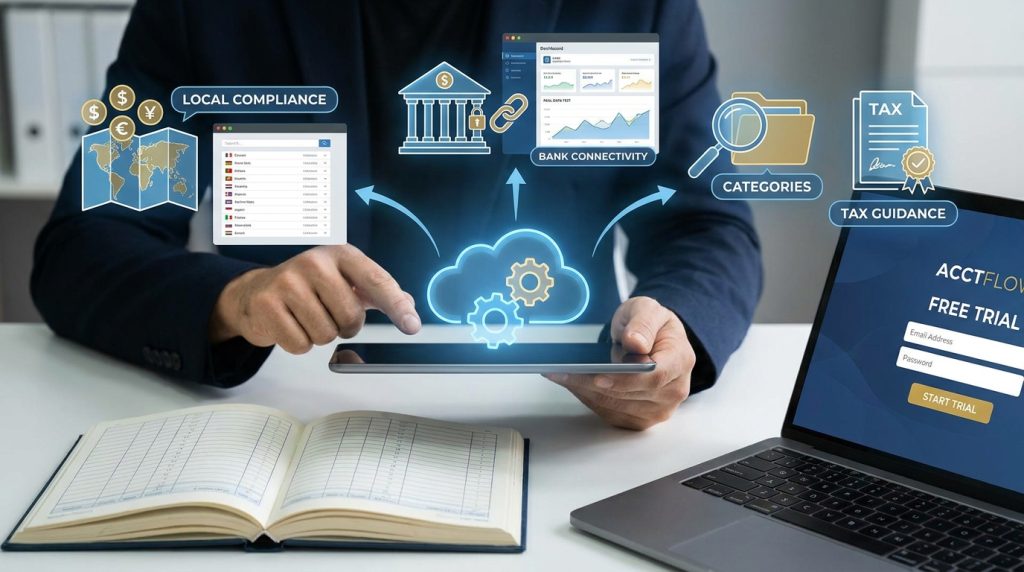
- Confirm the tool works in your country and currency.
- Keep your business records consistent from the start.
- Test each option with one month of real transactions.
- Review categories regularly, even with automation.
- Check official tax guidance before you file.
Pick one tool this week and run a free trial with your own data. The first month will tell you more than any comparison article can.