
Notion Templates for Job Hunting: A Step-by-Step Setup Guide
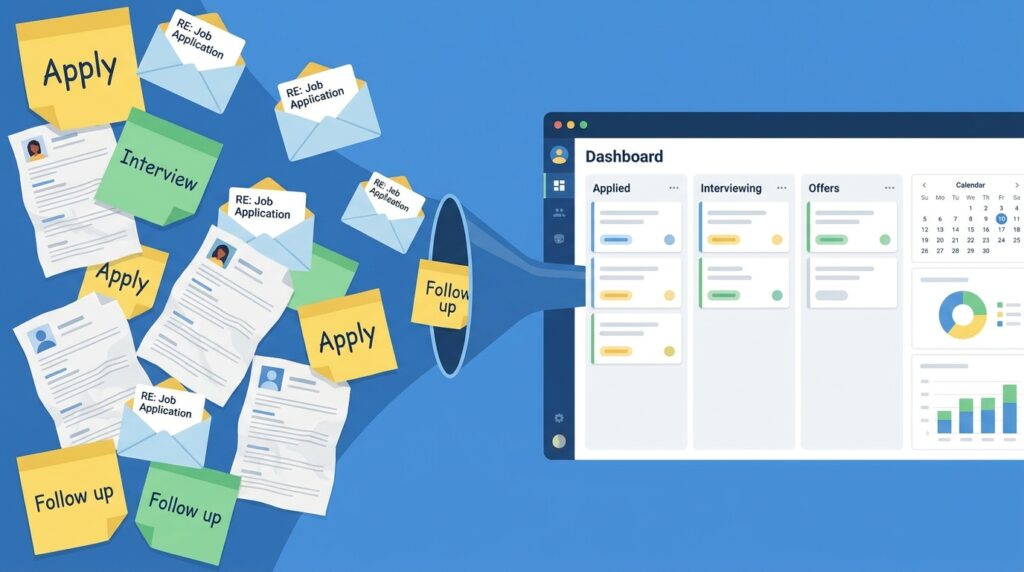
Job hunting generates more moving pieces than most people expect — dozens of open applications, different resume versions for different roles, recruiter emails scattered across your inbox, and interview notes you swore you’d remember but didn’t write down. Trying to manage all of that in your head, or across five different apps, is exactly how good opportunities slip through the cracks. Building a proper system using Notion templates for job hunting fixes that problem in an afternoon, and this guide walks through exactly how to set one up, step by step.
You don’t need to be a Notion expert to follow along. By the end, you’ll have a working application tracker, a research hub, and an interview prep system, all connected in one workspace — the same core structure most paid Notion templates for job hunting are built around, minus the price tag.
Why Notion Works Well for Job Hunting
A job search isn’t one task — it’s a pipeline with stages, deadlines, and a lot of scattered information: job descriptions, contact names, salary ranges, application statuses, and interview feedback. Notion templates for job hunting work because Notion’s database system lets you track all of that in one place, filtered and sorted however you need, instead of juggling spreadsheets, sticky notes, and email folders separately.
The other advantage is visibility. A properly built tracker shows you, at a glance, exactly how many applications are active, which ones are waiting on you, and which have gone quiet and need a follow-up — something a plain list or inbox search can’t give you.
What You Need Before You Start
Before building anything, gather the basics so the setup process goes quickly:
- A free Notion account (the free plan covers everything in this guide)
- A list of the companies or roles you’re currently interested in, even a rough one
- Your current resume and any role-specific versions you’ve already created
- Fifteen to twenty minutes of uninterrupted setup time
With those ready, here’s the step-by-step process for building your own Notion templates for a job-hunting system from scratch.
Step 1: Create Your Job Application Tracker Database
This is the core of any job-hunting setup. In Notion, create a new page and add a database (Table view works best to start). Set up these properties:
- Company (Text)
- Role Title (Text)
- Status (Select: Researching, Applied, Interviewing, Offer, Rejected, Withdrawn)
- Date Applied (Date)
- Application Link (URL)
- Resume Version Used (Text or Relation, if linked to Step 3)
- Next Action (Text)
- Follow-Up Date (Date)
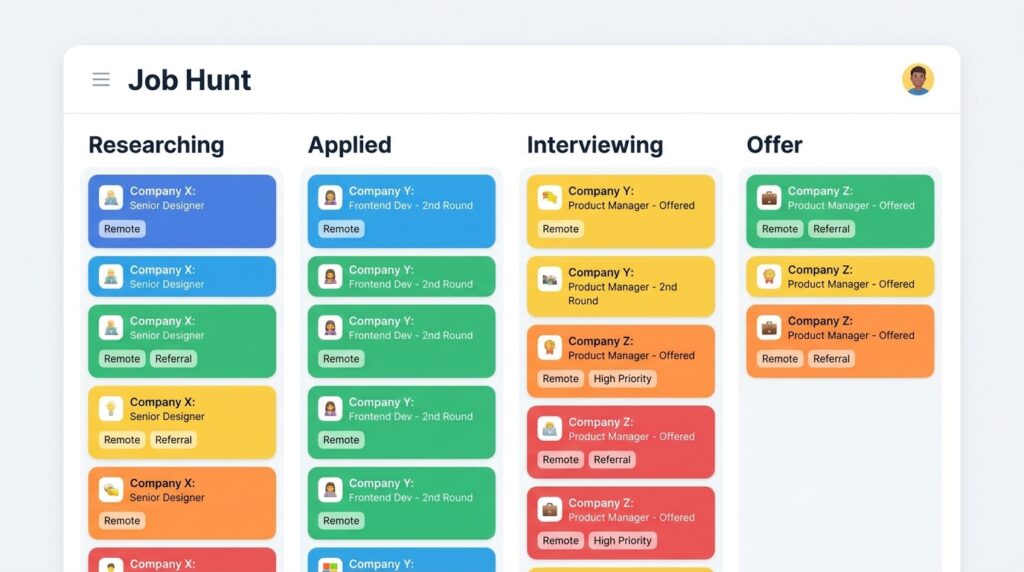
Once the columns are set up, switch the view from Table to Board, grouped by Status. This turns your tracker into a Kanban-style pipeline, so you can see every application’s stage at a glance and drag cards forward as things progress.
[IMAGE 3 — see image plan below]
Step 2: Build a Company Research Page for Each Application
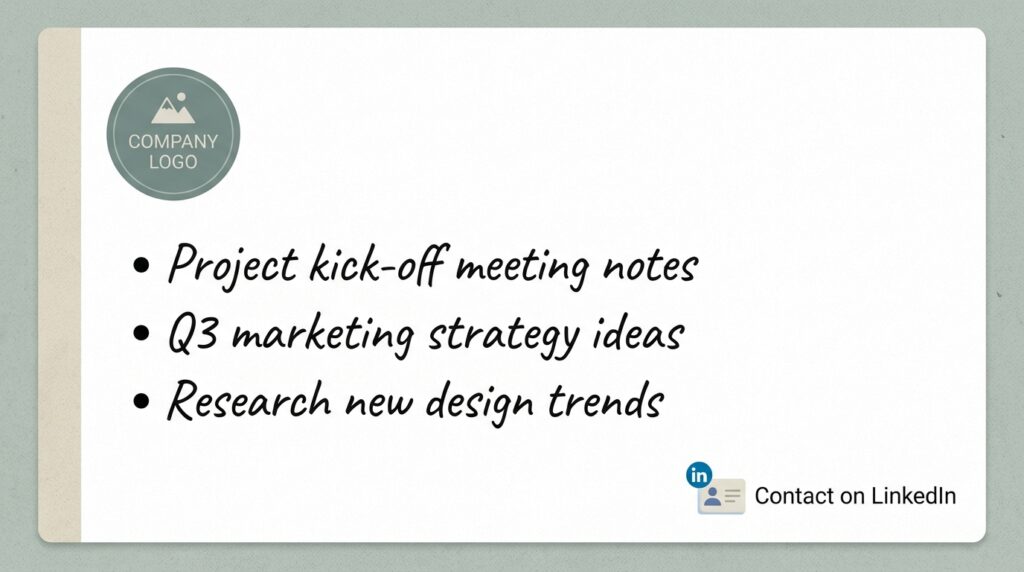
For any role you’re seriously pursuing, a quick research page makes a real difference in interviews. Add a “Company Notes” property as a linked sub-page inside your tracker database, and inside each one, jot down:
- What the company actually does, in one or two sentences
- Recent news, funding rounds, or product launches
- The name and LinkedIn of anyone you know at the company
- Specific reasons this role interests you (useful for cover letters and “why do you want to work here” questions)
This step is where Notion templates for job hunting genuinely outperform a spreadsheet — spreadsheets can hold a link, but they can’t hold a full page of organized notes attached to that specific row.
Step 3: Track Resume and Cover Letter Versions
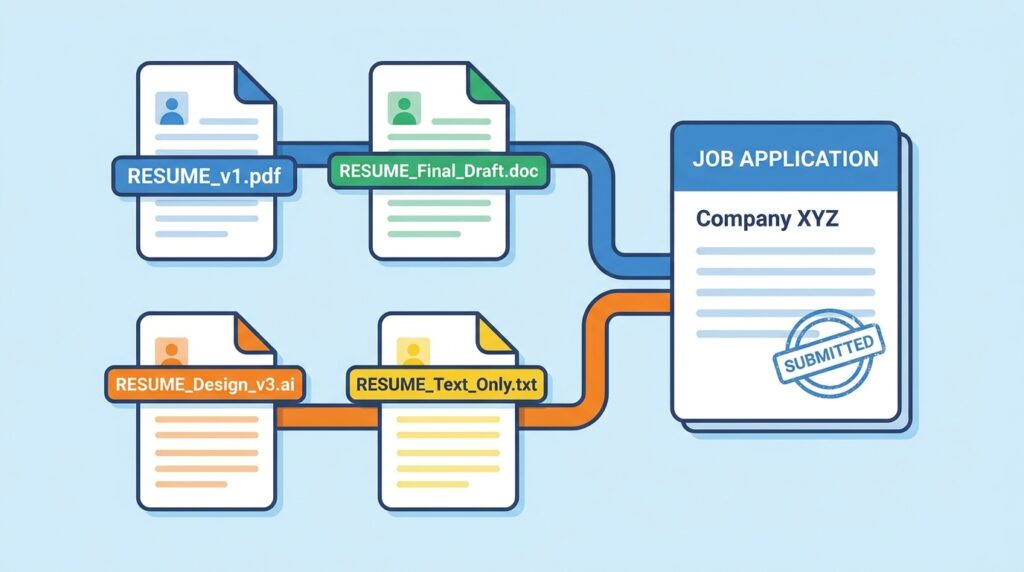
Most job seekers end up with several resume variations — one emphasizing leadership, one emphasizing technical skills, one trimmed for a specific industry. Losing track of which version went where is a common, avoidable mistake.
Create a second database called “Resume Versions” with these properties:
- Version Name (Text — e.g., “Marketing-Focused v2”)
- File (File upload or link to Google Drive)
- Used For (Relation, linked back to your Application Tracker)
- Last Updated (Date)
Linking this database to your main tracker means you can open any application and immediately see which exact resume file was submitted — no more guessing which version a recruiter is referencing on a call.
Step 4: Build an Interview Prep Hub
Once applications start moving into the Interviewing stage, a dedicated prep page keeps you from scrambling the night before. Inside each application’s sub-page, add a section (or a linked template) covering:
- Likely interview questions for the role, with a few bullet points of how you’d answer
- Questions you want to ask the interviewer
- Names and titles of everyone you’re scheduled to meet
- Post-interview notes — what went well, what you’d change, and any follow-up items
Turning this into a reusable Notion template means every new interview starts with the same structure already in place, instead of building prep notes from scratch each time.

Step 5: Set Up Follow-Up Reminders
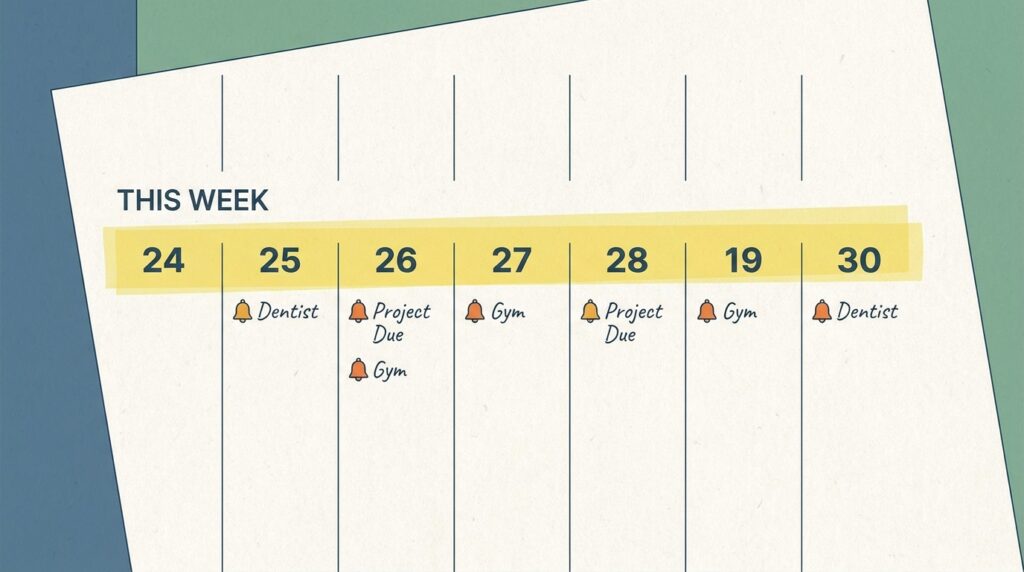
Half of job hunting is timing — following up at the right moment without seeming pushy. Use the Follow-Up Date property from Step 1 to build a filtered view: create a new database view called “This Week,” filtered to show only applications where the follow-up date falls within the next seven days.
Check this view every Monday morning. It turns a vague sense of “I should probably follow up with someone” into a concrete, dated list you can actually act on.
Step 6: Compare Offers Side by Side
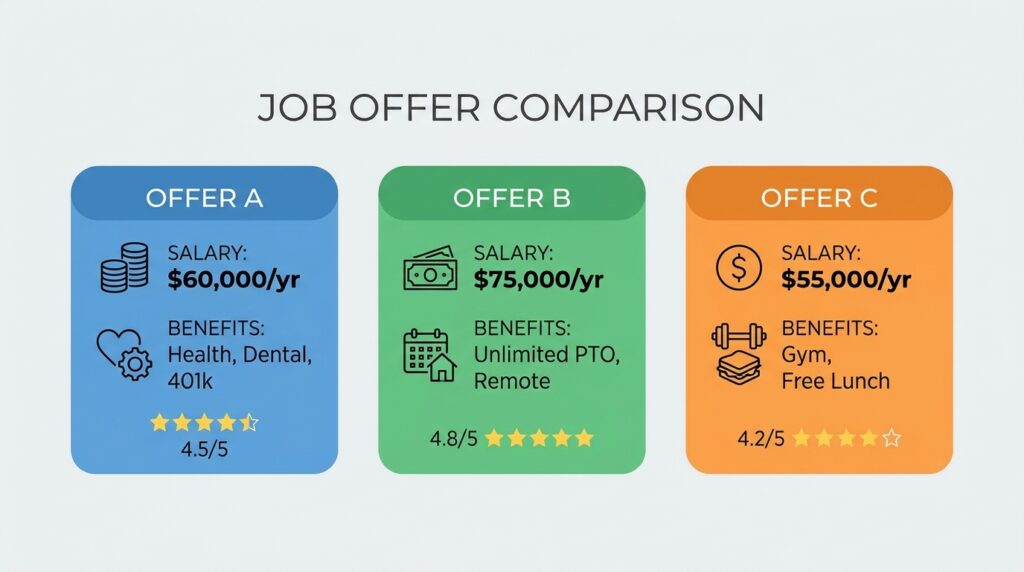
When offers start coming in, decisions get harder to make from memory alone. Add an “Offers” database with properties for base salary, bonus, equity, benefits, remote/hybrid policy, and a simple 1–10 gut-feeling score. Laying every offer out side by side, using the same criteria, makes the comparison far more objective than trying to weigh them in your head after a stressful week of interviews.
This is one of the most underrated uses of Notion templates for job hunting — most job seekers only think to build a tracker for applications, not for the decision that comes after.
Common Mistakes to Avoid With Your Notion Job Search Tracker
A few habits quietly undermine even a well-built system:
- Not updating statuses in real time. A tracker that’s a week out of date is worse than no tracker — you’ll trust stale information and miss real follow-ups.
- Overbuilding before applying to a single job. Spending three hours perfecting the database before submitting any applications is a common form of productive procrastination. Build the basic tracker first, refine it as you go.
- Skipping the research and prep pages. The tracker keeps you organized, but the research and interview prep pages are what actually improve your odds in the room.
- Forgetting to archive rejected or withdrawn applications. Keep them in the database for reference, but filter them out of your main working view so your active pipeline stays clean and readable.
- Copying someone else’s template without adjusting it. Pre-built Notion templates for job hunting are a great starting point, but a template built for a software engineer’s search won’t fit a marketing or sales search without a few tweaks to properties and stages.
Frequently Asked Questions
Are Notion templates for job hunting better than a spreadsheet? For most people, yes — Notion lets you attach full research notes, files, and interview prep to each application, which a flat spreadsheet row can’t hold.
How long does it take to set this system up? Following the six steps above from scratch takes about 20–30 minutes, and most of that time is one-time setup you won’t need to repeat.
Can I duplicate a pre-built template instead of building this from scratch? Yes — Notion’s own template gallery includes several free job-search trackers you can duplicate and adjust rather than building the databases manually.
Do I need the paid version of Notion for this? No. Everything in this guide — databases, linked relations, board views, and file uploads — works fully on Notion’s free plan.
Final Thoughts
A job search moves fast, and the moment it starts feeling disorganized is usually the moment good opportunities start slipping. Building your own Notion templates for job hunting, step by step as outlined here, takes less than half an hour and gives you a system that actually keeps pace with a busy search — tracking every application, every resume version, and every follow-up in one connected workspace instead of scattered across your inbox and memory.
For a similar approach to managing recurring workflows outside of job hunting, see our guide to Notion templates for freelancers, which covers the same database-and-view principles applied to client work instead of applications.
To browse ready-made starting points instead of building from a blank page, check Notion’s official template gallery for free job-search and career templates you can duplicate directly into your workspace.