
AI Email Writing: How to Write Better Client Messages
Client emails take longer than they should. A payment reminder that needs to sound firm but friendly, a proposal follow-up that has gone quiet, or a polite no to a project outside your scope can easily eat an hour of your day. AI email writing tools can speed up this work a lot, whether you are a freelancer in Manchester, a remote developer in Toronto, or a small business owner in Singapore. The catch is that these tools are only as good as the instructions you give them. This guide walks you through ten practical steps, each with a prompt you can copy and adapt.
What Is AI Email Writing?

AI email writing means using a language model to draft, rewrite, shorten, or adjust the tone of a message. You describe the situation, the tool produces a first draft, and you edit it before sending. Many people use free chatbots for this, while others rely on assistants built into Gmail, Outlook, or other platforms.
Think of the AI as a fast first-draft partner rather than a replacement for your judgment. You still know the client, the project history, and what you can realistically deliver. The tool simply helps you get the words on the page faster, so you can spend your energy on the decisions that matter.
This matters because clients judge freelancers and remote professionals on clarity and reliability. A message that is short, specific, and polite builds trust quickly. AI can help with structure and wording, but the facts must come from you.
Step-by-Step Guide to AI Email Writing
Work through these steps the next time you need to write a client message. Once you have a process that works, you can reuse it for almost any message.
Step 1: Define the Goal of the Message
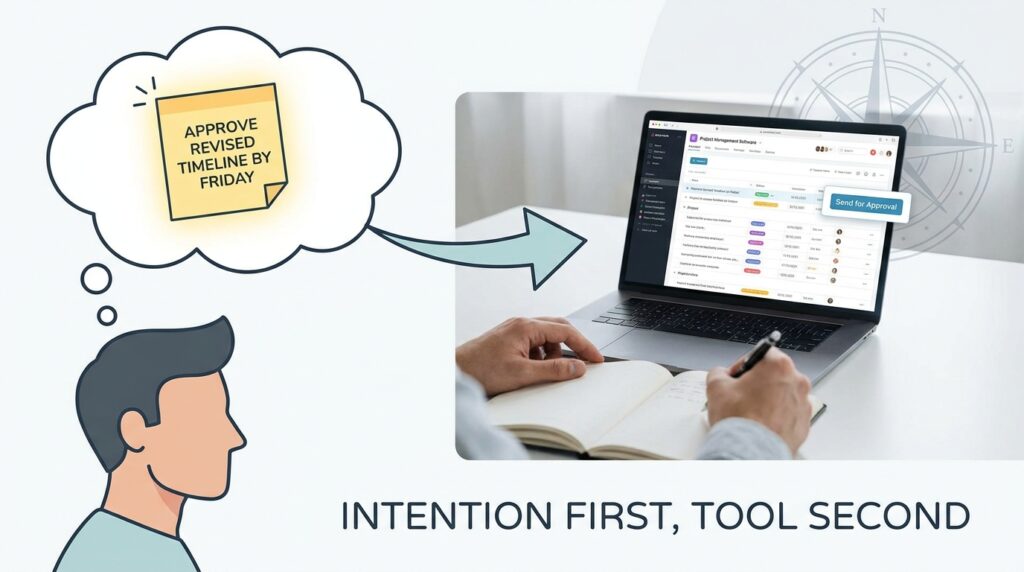
What to do: Before opening any tool, write one sentence describing what you want the reader to do after reading. For example: “I want the client to approve the revised timeline by Friday.”
Why it matters: A clear goal shapes everything else, including length, tone, and the call to action. Vague goals produce vague emails. Strong AI email writing starts with knowing your own purpose.
Prompt example: “Write a short email to a client asking them to approve a revised project timeline by Friday. Keep it under 120 words and end with one clear question.”
Step 2: Give the AI the Context It Needs
What to do: Include the relationship, the history, and the key facts: names, dates, amounts, and deliverables.
How to do it: Summarize the previous thread in a few lines. Remove sensitive details such as bank numbers, passwords, or personal identification before pasting anything.
Why it matters: Without context, AI tends to fill gaps with invented details. An invented deadline or amount can cause real problems once the email is sent.
Prompt example: “I’m a freelance web designer. My client, Sarah, received an invoice for $1,200 on the 3rd of last month. It is now 15 days overdue. We have worked together for two years. Draft a friendly payment reminder that asks for payment within five business days.”
Step 3: Set the Tone for the Audience
What to do: Name the tone and the relationship. Options include formal, warm, direct, apologetic, or enthusiastic.
How to do it: Be specific. “Polite” is less helpful than “polite but direct, the way I’d speak to a long-term partner.”
Why it matters: Tone mismatches cause misunderstandings, especially across cultures. Many readers in the UK and Europe expect a slightly more formal opening with new contacts than many US readers do. In Japan and South Korea, business messages often use more formal greetings and honorific language. Check your draft against the norms of your reader’s country. For general guidance on professional writing, the Purdue Online Writing Lab offers free, well-regarded resources.
Prompt example: “Rewrite the draft below for a first contact with a corporate client in Tokyo. Use a formal greeting, respectful language, and avoid slang or idioms. Keep the meaning identical.”
Step 4: Write Subject Lines That Get Opened
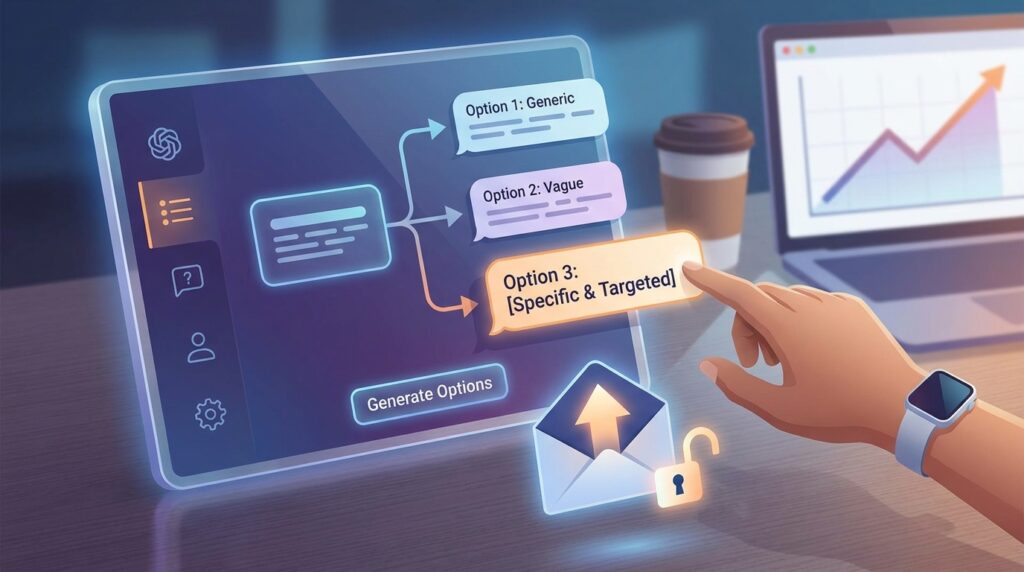
What to do: Ask the tool for several subject line options, then pick the most specific one.
Why it matters: The subject line decides whether your message gets opened at all. Specific subject lines like “Timeline approval needed by Friday” tend to work better than clever ones.
Prompt example: “Suggest five subject lines for the email below. Each must be under 50 characters, specific about the action required, and free of exclamation marks.”
Step 5: Ask for a Shorter Version
What to do: Once the draft is ready, ask for a tighter version.
Why it matters: Busy clients skim. A message that fits on one phone screen often gets answered faster. Tell the tool to protect the key details: the deadline, the request, and the next step.
Prompt example: “Cut this email to about half its length. Keep the deadline, the request, and the next step. Remove any filler phrases.”
Step 6: Handle a Difficult Message

What to do: Use AI to draft messages where tone matters most, such as declining a project outside your expertise.
Why it matters: Declines and disagreements are where people over-apologize or become vague. A clear, respectful boundary protects your time and keeps the relationship intact.
Prompt example: “Help me decline a project request that falls outside my expertise. Keep it respectful, suggest one trusted colleague who might help, and apologize only once.”
Step 7: Turn Rough Notes into a Clear Update
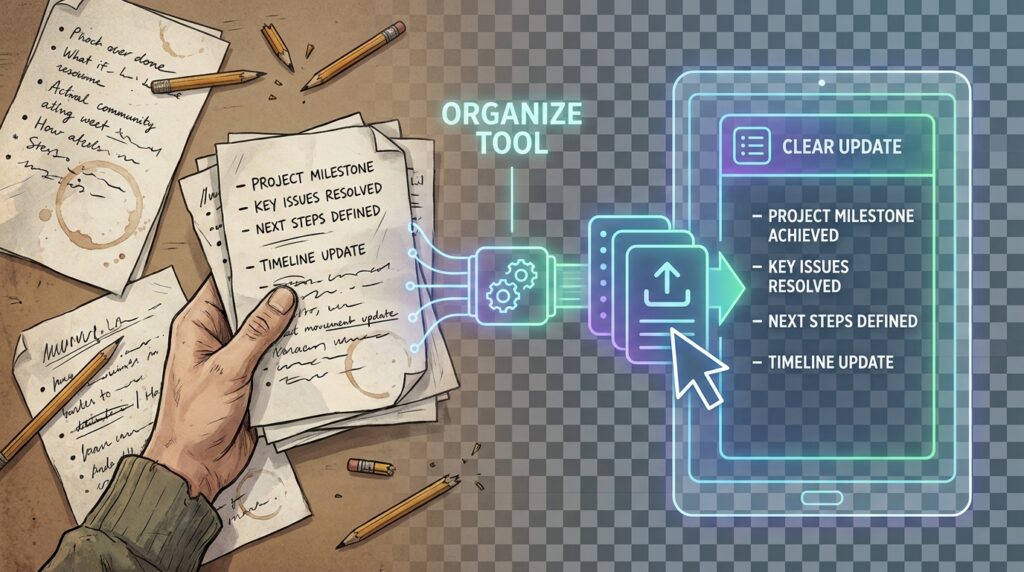
What to do: Paste your bullet points and ask the tool to organize them.
Why it matters: Clients want to know what happened, what comes next, and what you need from them. Structured updates reduce back-and-forth messages.
Prompt example: “Turn these notes into a weekly project update for a client. Use four short sections: progress, next steps, risks, and what I need from you. Notes: [paste your notes].”
Step 8: Follow Up Without Sounding Pushy
What to do: Ask for a follow-up that adds value rather than simply asking, “Did you see my email?”
Why it matters: A follow-up that repeats the original pitch can feel like pressure. Adding a new detail, a soft deadline, or an offer to answer questions feels more helpful.
Prompt example: “Write a follow-up email for a proposal I sent 10 days ago. Mention one specific benefit from the proposal, offer to answer questions, and suggest a soft decision date of next Wednesday.”
Step 9: Simplify for Non-Native Readers
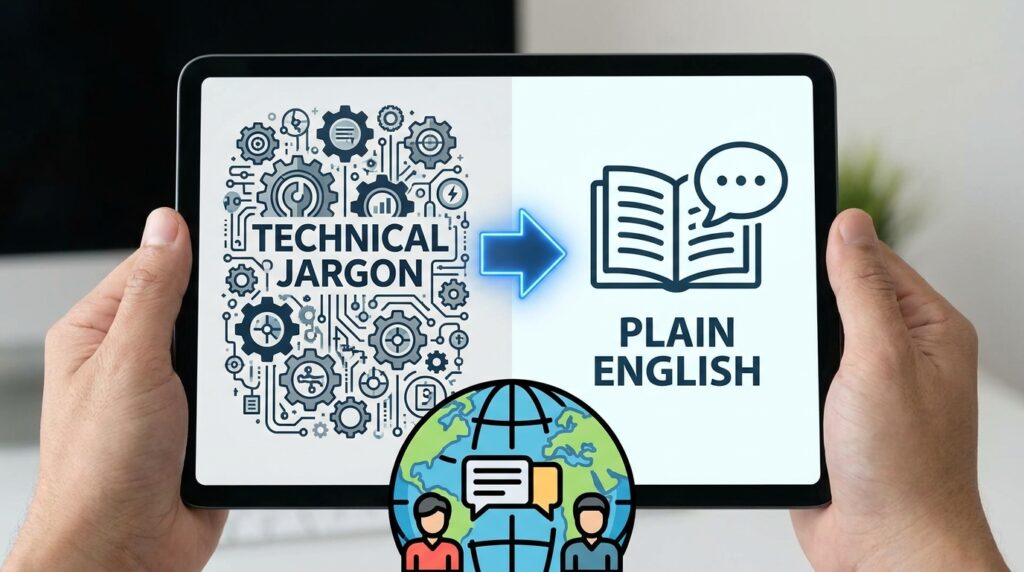
What to do: Ask the tool to rewrite technical or jargon-heavy text in plain English.
Why it matters: Clients and partners across Europe, Japan, South Korea, and Singapore often read English as a second language. Plain language reduces misunderstandings and makes your message quicker to process for everyone, including native speakers.
Prompt example: “Simplify the explanation below for a non-technical client. Use short sentences, plain English, and no acronyms. Explain any technical term in brackets the first time it appears.”
Step 10: Review Before You Send
What to do: Ask the tool to check the draft for problems, then make the final decisions yourself.
Why it matters: AI can get facts wrong, and you are responsible for every word you send. A review pass catches unverified claims, unclear sentences, and anything that could sound rude.
Prompt example: “Review this email. List any factual claims I should verify, sentences that are unclear, and phrases that could sound rude. Do not rewrite the email yet.”
Common Mistakes to Avoid
Good AI email writing habits are easy to build, but a few common errors can cost you clients.
Sending without reading. AI drafts often sound polished while containing a wrong date or an unrealistic promise. Read the final version aloud before you send it.
Pasting confidential information. Contracts, bank details, and personal data do not belong in a general chatbot. Replace identifiers with placeholders like [Client Name], and check the provider’s privacy settings.
Accepting generic language. Phrases like “I hope this email finds you well” add length without adding value. Ask the tool to cut filler and replace it with one specific sentence about the project.
Promising what you cannot deliver. AI may suggest a deadline that sounds good but is unrealistic. Decide the timeline yourself before drafting, and give the tool the exact date.
Losing your own voice. Clients who know you may notice a sudden change in style. Paste two of your past emails and ask the tool to match your tone.
Useful Tips
Save your best prompts in a notes app or document so you can reuse them. A well-tested prompt for invoice reminders can save you time every month.
Build a small library of phrases you actually use, such as your preferred sign-off or how you usually request a call. Share this with the tool as style guidance so future drafts sound more like you.
Start with low-stakes messages, such as scheduling or status updates, before using AI for negotiations or sensitive disputes. This shows you what the tool does well and where it needs more guidance.
Check the free tier limits and features of any tool before relying on it, because these change often. Many people find free chatbots and built-in email assistants enough for everyday messages. For more practical guides on remote work and online income, visit Digital Task Compass.
Frequently Asked Questions
Is AI email writing free to use?
Many AI chat tools offer free versions, and some email platforms include basic writing assistance at no extra cost. Limits and features change, so check the current terms on each provider’s website before you commit.
Will clients know I used AI?
Clients usually care more about whether your message is clear, accurate, and timely. If you review and edit each draft so it reflects your own knowledge and voice, the final email is still yours. The goal is accuracy, not hiding your tools.
Is it safe to paste client emails into an AI tool?
Remove names, account details, and anything confidential before pasting. Read the provider’s privacy policy and follow your employer’s or client’s data rules. If you work in healthcare, finance, or law, check the relevant regulations before using any external tool.
Can AI write emails in other languages?
Most major tools handle many languages, but quality varies. For contracts, legal wording, or important negotiations, ask a fluent speaker to review the final text.
Does this approach help job seekers too?
Yes. The same steps work well for thank-you emails after interviews, networking messages, and follow-ups on applications. Just adjust the goal in Step 1 and give the tool details about the role and company.
Final Thoughts
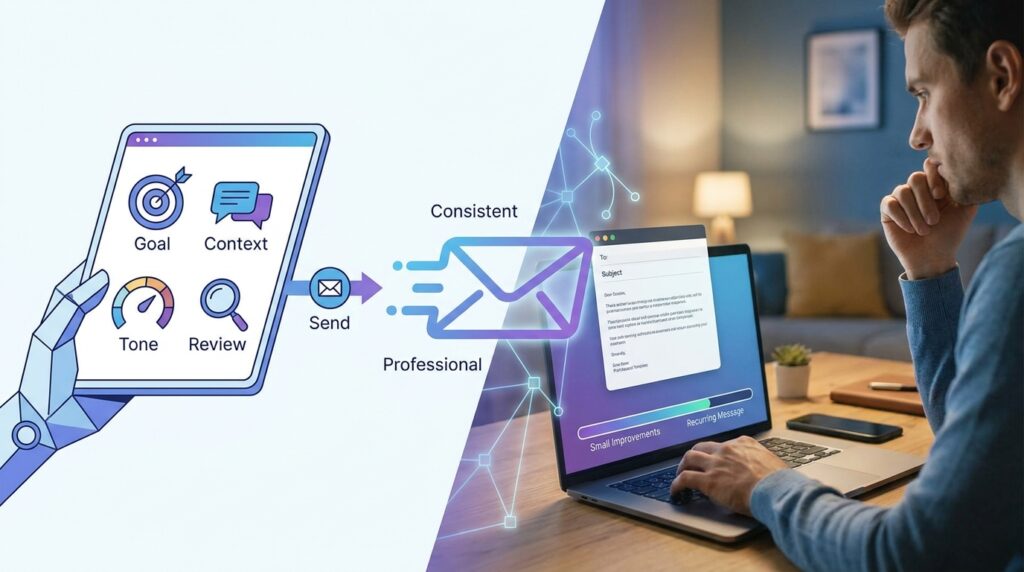
AI email writing works best when you stay in control. Define the goal, give clear context, set the tone, and review every message before it leaves your inbox. Over time, the process gets faster, and your client communication becomes more consistent and professional. Pick one recurring message this week, such as your invoice reminder or weekly update, and build a prompt for it. Once that works, add another. Small, repeatable improvements like these are what make AI email writing genuinely useful.