Mark Zuckerberg Unveils AI ‘Charm’ Device That Can Fit On A Keychain
Your phone is powerful, but it’s not always the fastest way to get things done. What if your AI assistant lived on your keychain and was ready to talk the second you needed it?
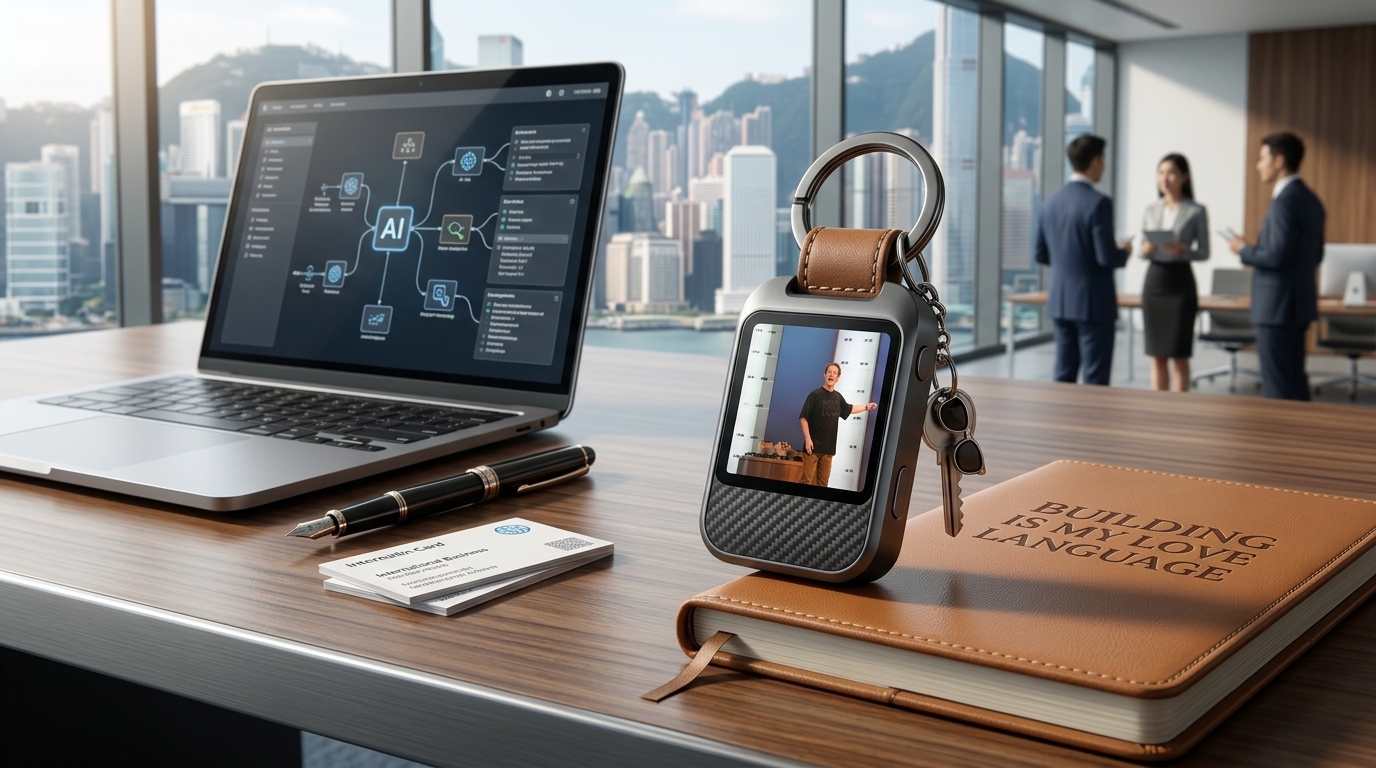
At Meta Connect 2026, Mark Zuckerberg unveiled Meta Charm, a palm-sized gadget built entirely around the company’s new Muse AI agent. Roughly the size of an AirPods case with a 2-inch touchscreen and 5G, the AI charm device is designed to fit on a keychain, in a pocket, or on a wrist strap.
For freelancers, remote workers, job seekers, and digital professionals, this isn’t just another gadget. It’s a way to keep a personal AI available without unlocking a phone or opening an app. This guide walks you through exactly what the device is, how to set it up, and how to use it to save time, win clients, and streamline your daily work.
What Is The AI Charm Device?
The AI charm device is Meta’s first dedicated hardware for Muse, its personal AI agent launched in September 2026.
Think of it as a tiny computer for your AI. It includes:
- 2-inch OLED touchscreen and built-in 5G
- Speakers, microphones, front and rear cameras
- Fingerprint sensor to start talking instantly
- Customizable Muse avatar and voice
- USB-C charging and keychain attachment point
Unlike smart glasses, Charm is not trying to replace your phone. It’s a dedicated interface so your Muse agent is “always available to talk to”. Muse itself can send emails, book travel, fill forms, and make purchases on your behalf. Charm just makes that access instant.
Meta plans to ship Charm in December ahead of the holidays. Pricing has not been announced yet.
Step-by-Step Guide: How To Set Up And Use Your AI Charm Device
This is where the AI charm device becomes useful for work. Here’s the practical process to get it running and integrated into your freelance or remote workflow.
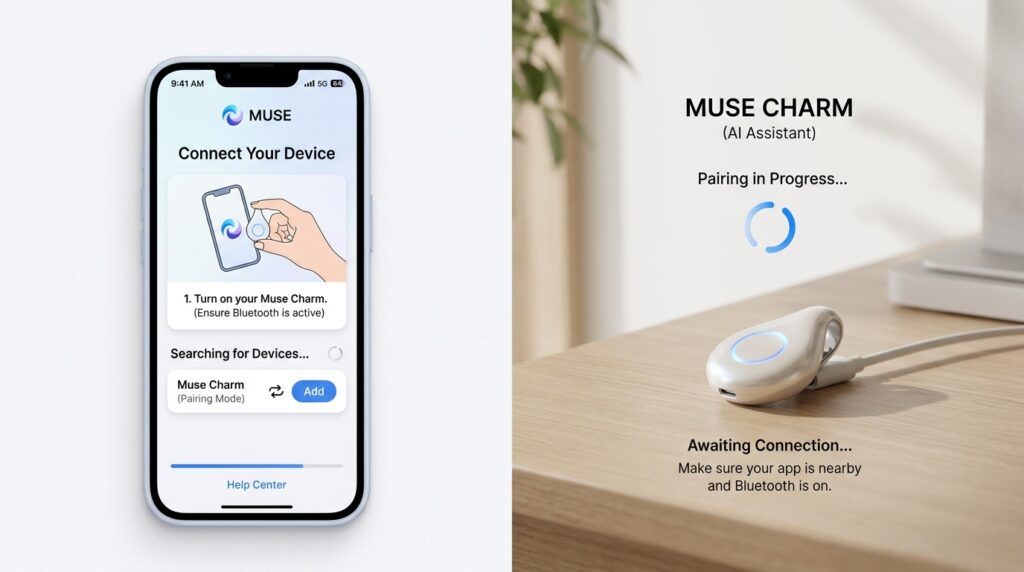
Step 1: Pre-Order and Pair The Device

What to do: Reserve Charm when it becomes available and pair it with the Muse app on iOS or Android.
How to do it:
- Download the Muse app from the App Store or Google Play.
- Sign in with your Meta account.
- When Charm ships, power it on and scan the QR code in the Muse app to sync.
Why it matters: Pairing connects Charm to your Muse agent, calendar, email, and payment tools. Without this, the device can’t act on your behalf.
Example: A freelance designer in London pairs Charm on day one so Muse can already access her Google Calendar and invoicing app.
Step 2: Customize Your Muse Avatar and Voice
What to do: Choose how Muse looks and sounds inside Charm.
How to do it: Open the Muse app > Settings > Avatar. Pick a voice tone, avatar style “Jolly” or other options, and name your Muse.
Why it matters: A voice you like makes you more likely to use voice commands throughout the day. For client calls, you can even set a professional tone.
Example: A job seeker in Singapore sets Muse to a calm, clear voice so it can rehearse interview answers with her while she commutes.
Step 3: Connect Your Work Tools
What to do: Link email, calendar, shopping, and smart home apps to Muse.
How to do it: In the Muse app, go to Connections. Authorize Gmail/Outlook, Google Calendar, payment cards, and any project tools you use.
Why it matters: Muse works by opening its own browser and completing tasks the way a person would. The more tools it can access, the more it can do without you.
Example: An entrepreneur in Australia connects Stripe and his CRM so Muse can follow up on leads and send proposals while he’s in meetings.
Step 4: Use Voice Commands For Quick Tasks
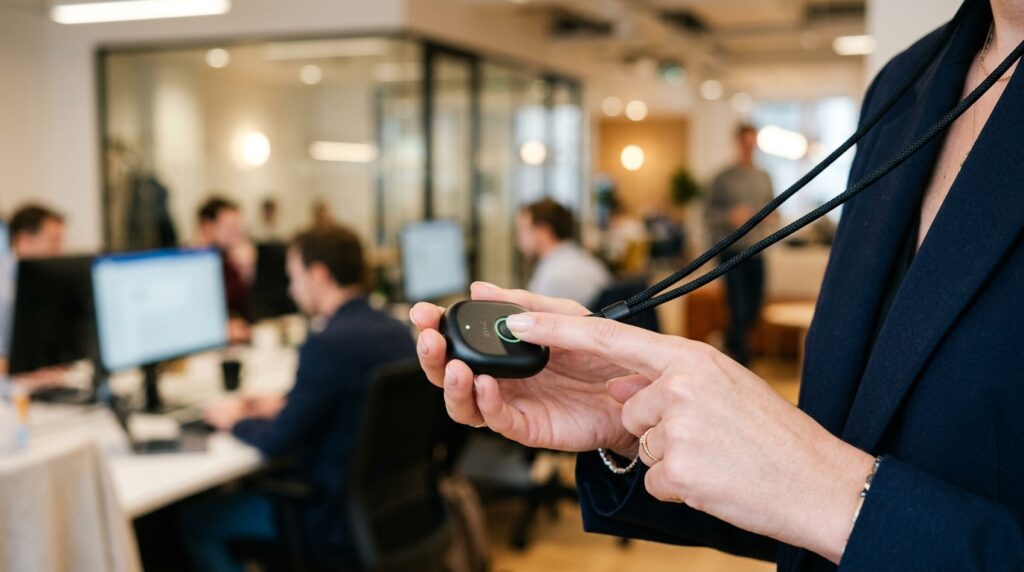
What to do: Tap the fingerprint sensor and speak.
How to do it: “Muse, draft an email to the client about the logo revisions.” “Muse, book a flight to Tokyo next month under $900.”
Why it matters: This is the core speed advantage. You don’t unlock a phone or type. For remote workers, that saves minutes dozens of times per day.
Example: A freelancer in the UK is between meetings and says, “Muse, summarize my unread client emails and list action items.” Muse reads them back through Charm’s speakers.
Step 5: Leverage The Cameras For Real-World Help

What to do: Point Charm’s front or rear camera at something and ask Muse to analyze it.
How to do it: Hold Charm up and say, “Muse, what am I looking at?” or “Muse, translate this menu.”
Why it matters: For digital professionals who travel, this turns Charm into a research assistant. Muse can read documents, scan whiteboards, or identify products.
Example: A consultant in Japan points Charm at a conference slide and asks Muse to extract the key points into notes.
Step 6: Set Background Goals And Automations

What to do: Give Muse a goal and let it work after you close the app.
How to do it: “Muse, research 10 SaaS tools for small business accounting and send me a comparison by Friday.”
Why it matters: Muse has its own private computer and email address. It can keep working while you focus on billable work.
Example: A remote marketer sets Muse to track job boards and alert her when roles matching her skills are posted.
Step 7: Use Charm For Client Communication and Shopping
What to do: Let Muse handle purchases and appointments.
How to do it: Connect retailers like Walmart, Best Buy, or Gap through Muse. Say, “Muse, order office supplies and use the business card.”
Why it matters: This reduces admin time, which is critical for freelancers billing by the hour.
Example: A creator in New Zealand asks Muse to book a co-working space and pay the deposit, all from Charm.
Step 8: Manage Privacy and Battery
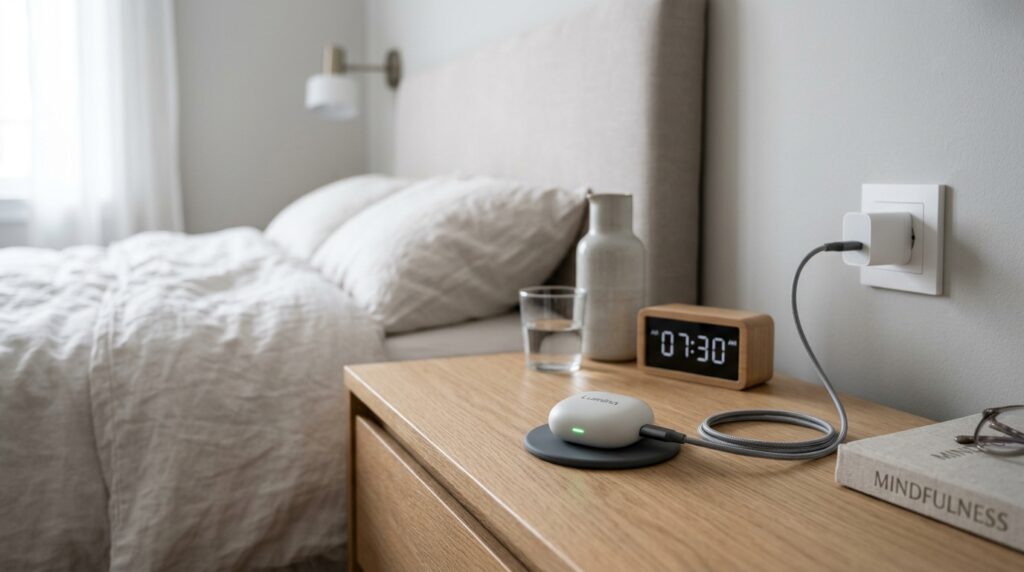
What to do: Review permissions and charge via USB-C daily.
How to do it: Turn off camera/microphone access in Muse settings when not needed. Charge Charm overnight like you would earbuds.
Why it matters: Because Charm is always listening for the fingerprint tap, you control when it’s active.
Common Mistakes To Avoid
- Treating it like a phone replacement
Charm does not do phone or video calls. Use it to support your phone, not replace it. - Not connecting key apps upfront
If you skip Step 3, Muse can’t book travel or send emails. Spend 15 minutes linking tools on day one. - Forgetting to name your goals clearly
“Research stuff” won’t work. Say, “Research 5 freelance contract templates for EU clients and save to Drive.” - Ignoring privacy settings
With cameras and microphones, review what Muse can access. Meta has also released camera-free smart glasses to address privacy concerns. - Expecting instant results for complex tasks
Muse can negotiate and complete purchases, but give it time for multi-step work.
Useful Tips For Freelancers And Digital Professionals
- Use it as a client-facing notetaker. During a call, tap Charm and say “Muse, take meeting notes and list next actions.” You’ll get a summary emailed to you.
- Create templates in Muse. If you send the same proposal 10 times, teach Muse your template once. It will personalize and send future versions.
- Batch admin to Charm. End each day with: “Muse, what did I miss? What needs to be done tomorrow?”
- Practice with it. Muse remembers preferences between sessions. The more you use it, the better it gets.
- Monetize the time saved. If Charm saves you 5 hours/week of admin, that’s 5 more hours for billable work or new clients. No income is guaranteed, but time is the most direct ROI for freelancers.
For more on building systems around AI tools, see our guide on building a remote work toolkit on Digital Task Compass.
Frequently Asked Questions
1. Do I need a smartphone to use the AI charm device?
Yes, for initial setup. Charm pairs and syncs through the Muse app on iPhone or Android. After that, it can connect over 5G independently.
2. What can Muse actually do for me?
Muse can send and read email, book travel, fill web forms, negotiate, and complete purchases. It also remembers preferences and keeps working in the background.
3. When will Meta Charm ship and how much will it cost?
Meta is targeting a December holiday launch. Pricing has not been disclosed yet.
4. Is the AI charm device available worldwide?
Meta announced Charm at its US Connect event. Availability in the UK, Europe, Australia, New Zealand, Japan, South Korea, and Singapore will likely follow the Muse app rollout. Check Meta’s official site for your region.
5. How is this different from smart glasses?
Glasses are hands-free and wearable. Charm is for when you’re not wearing glasses and need the fastest way to talk to Muse and show it what’s around you.
Final Thoughts
The AI charm device represents a shift: AI moving from apps on your phone to a dedicated, always-accessible assistant in your pocket. For freelancers and remote workers, that means less time on admin and more time on work that pays.
Here’s the practical next step:
- Download the Muse app now so you’re ready when Charm ships in December.
- List 3 repetitive tasks you do each week.
- Plan to connect the tools Muse will need to automate them.
We’re still early. Meta itself says the race for a post-smartphone device is wide open. But if you start building your workflow around Muse today, you’ll be ready to plug in Charm the moment it arrives.
For an overview of how AI agents are changing work, you can also review Meta’s official Muse announcement at muse.ai.