Digital Minimalism for Remote Workers: Cutting Screen Time & Notification Overload
Somewhere between the second Slack ping and the third browser tab you didn’t mean to open, most remote workers lose the thread of what they were actually doing. The average knowledge worker’s phone buzzes dozens of times a day, and every one of those buzzes pulls focus away from the task at hand — even when it’s ignored. Digital minimalism for remote workers isn’t about quitting technology or going off-grid; it’s a deliberate, practical approach to using fewer digital tools, more intentionally, so your attention stays where you actually want it.
This guide breaks digital minimalism for remote workers into a clear, step-by-step process: what to do, why it works, and how to apply it whether you’re a freelancer juggling three clients, a full-time remote employee, or someone building a side income around a day job.
What Is Digital Minimalism for Remote Workers?
Digital minimalism, a term popularized by computer science professor Cal Newport, means using technology only in ways that directly support your values and goals, and cutting the rest — not because devices are evil, but because unfiltered use quietly erodes focus, sleep, and mood.
Applied to remote work, digital minimalism for remote workers means auditing every app, tab, and notification competing for your attention during work hours and keeping only what genuinely earns its place. For someone working from a laptop with no office walls to separate “on” from “off,” this isn’t a lifestyle aesthetic — it’s a functional requirement for doing focused work and actually logging off at the end of the day.
Step-by-Step Guide to Digital Minimalism for Remote Workers
Step 1: Audit Your Notifications for One Full Day
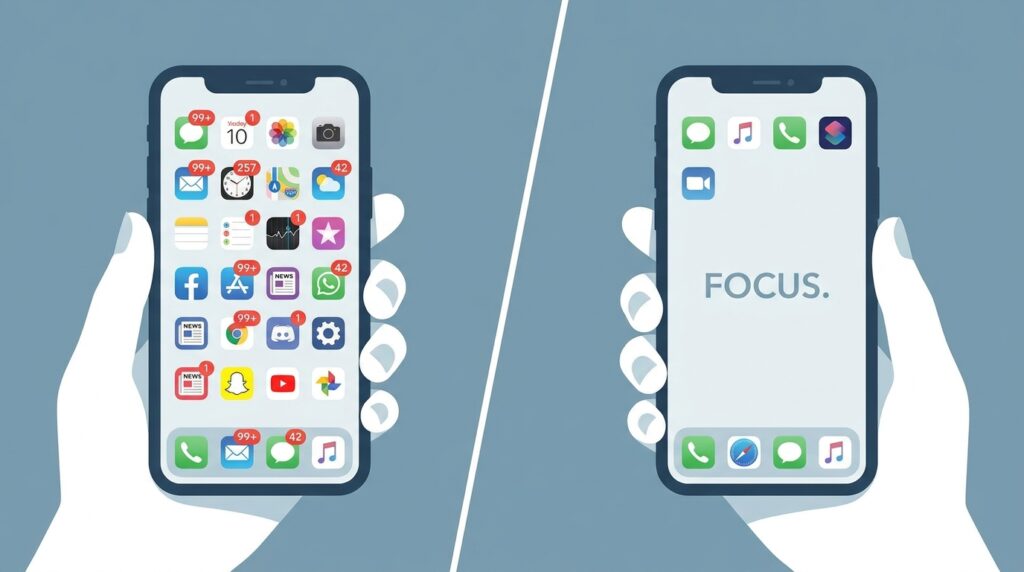
What to do: Before changing anything, spend one full workday simply noticing every notification that reaches you — phone, laptop, smartwatch — and jot down the app and time.
How to do it: Keep a notes app or a scrap of paper open and log each interruption as it happens, rather than trying to remember them later.
Why it matters: Most people underestimate their notification volume by half or more. Seeing the real number, in writing, is what makes the next steps feel necessary rather than optional.
Example: A freelance designer tracked her notifications for one day and counted 94 — only 6 of which needed a same-hour response. The other 88 were email newsletters, app promotions, and social media pings she’d never consciously chosen to allow.
Step 2: Turn Off Notifications by Default, Then Add Back Exceptions
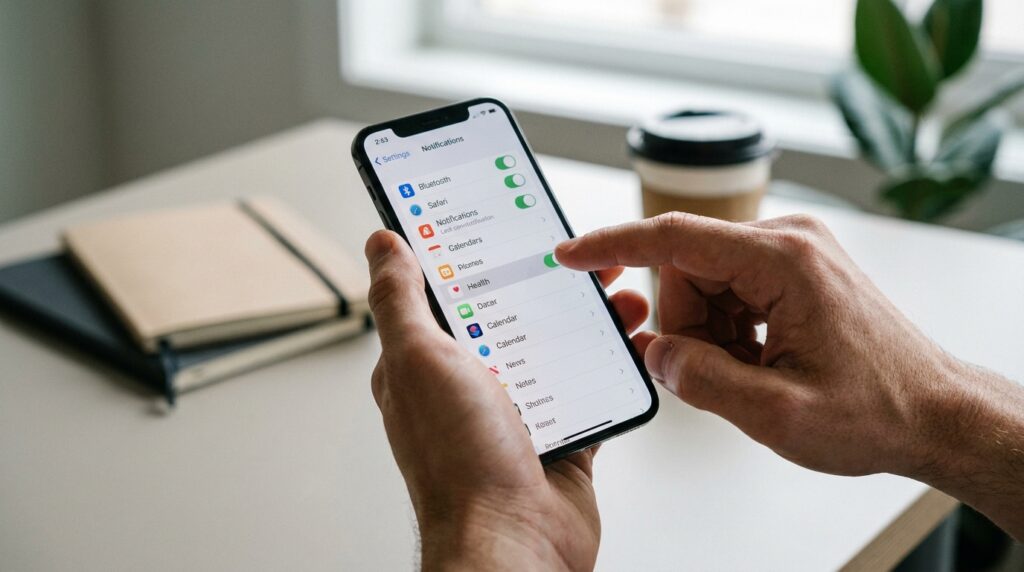
What to do: Go into your phone and laptop settings and switch off notifications for every app, then re-enable only the handful that genuinely require real-time attention.
How to do it: On most phones, this is a single “turn off all notifications” toggle, followed by manually re-enabling calls, messaging apps from close contacts, and maybe one work chat tool during set hours.
Why it matters: Notification settings are usually opt-out, not opt-in — apps are designed to interrupt you by default because interruptions drive engagement, not because you need them.
Example: After Step 1’s audit, the same freelancer left on notifications only for phone calls and her main client’s project management tool, muting everything else, including email.
Step 3: Batch Email and Chat Checking Into Set Windows
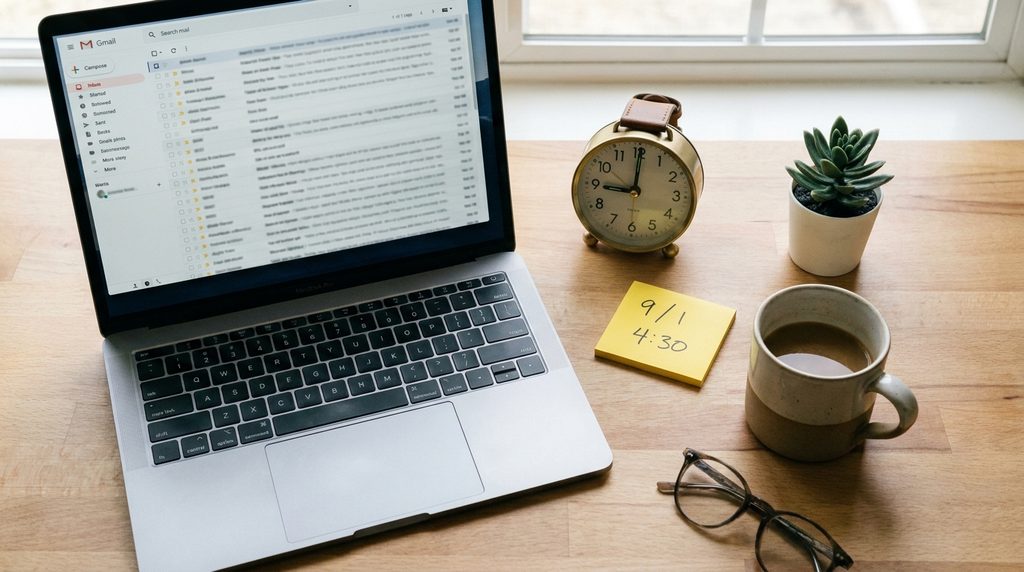
What to do: Instead of leaving your inbox and chat apps open all day, check them at two or three scheduled times — for example, 9 a.m., 1 p.m., and 4:30 p.m.
How to do it: Close the email tab and chat app between windows, and if your role allows it, set an away message noting when you’ll next respond.
Why it matters: Constant task-switching between “real work” and message-checking carries a measurable cost. A 2026 study in the journal Computers in Human Behavior found that a single smartphone notification can slow a person’s mental processing for roughly seven seconds, and that this cost comes from how often someone checks their device, not just how long they spend on it overall. psypost
Step 4: Build a Phone-Free Deep Work Block

What to do: Choose one to two hours each day for your most demanding task, and physically move your phone to another room during that window.
How to do it: Pair this with a simple visual cue — headphones on, a closed door, a “focusing” status in your team chat — so colleagues and family know not to interrupt.
Why it matters: Even a silent phone sitting on your desk pulls on attention, since part of your brain stays alert to the possibility of a notification. Physical distance removes that pull entirely rather than just muting it.
Step 5: Declutter Your Digital Workspace
What to do: Close unused browser tabs, uninstall apps you haven’t opened in 30 days, and organize your desktop and cloud folders so files are easy to find without searching.
How to do it: Set a recurring 15-minute slot every Friday to clear tabs, archive completed project folders, and remove tools you tried once and never used again.
Why it matters: Visual clutter functions the same way notification clutter does — each open tab or unfiled document is a small, unresolved task quietly competing for mental bandwidth, a pattern often called attention residue.
Step 6: Replace Passive Scrolling With Intentional Breaks

What to do: When you step away from work, choose activities that don’t involve another screen — a walk, stretching, making tea, or a few minutes of reading.
How to do it: Keep your phone in another room during breaks, or use a simple physical timer instead of your phone’s timer app, which tends to pull you back into notifications anyway.
Why it matters: A break spent scrolling social media still keeps your attention fragmented; it isn’t genuine rest, even though it feels like one. Remote workers who want their breaks to actually restore focus need a real change of activity, not just a change of app. This same principle shows up across broader routine-building, which is covered in more depth in our guide to how to prevent remote work burnout.
Step 7: Set a Digital Shutdown Ritual to End the Workday

What to do: Create a short, repeatable sequence that signals “work is over” — closing all work tabs, logging out of chat tools, and putting the laptop away in the same spot each evening.
How to do it: Some people say a simple phrase out loud (“shutdown complete”) borrowed from productivity author Cal Newport’s own routine; others just close the laptop lid and physically leave the room.
Why it matters: Without a commute or office door to walk through, remote workers need an artificial boundary that tells the brain the workday has genuinely ended, or work thoughts and half-read messages linger well into the evening.
Common Mistakes to Avoid
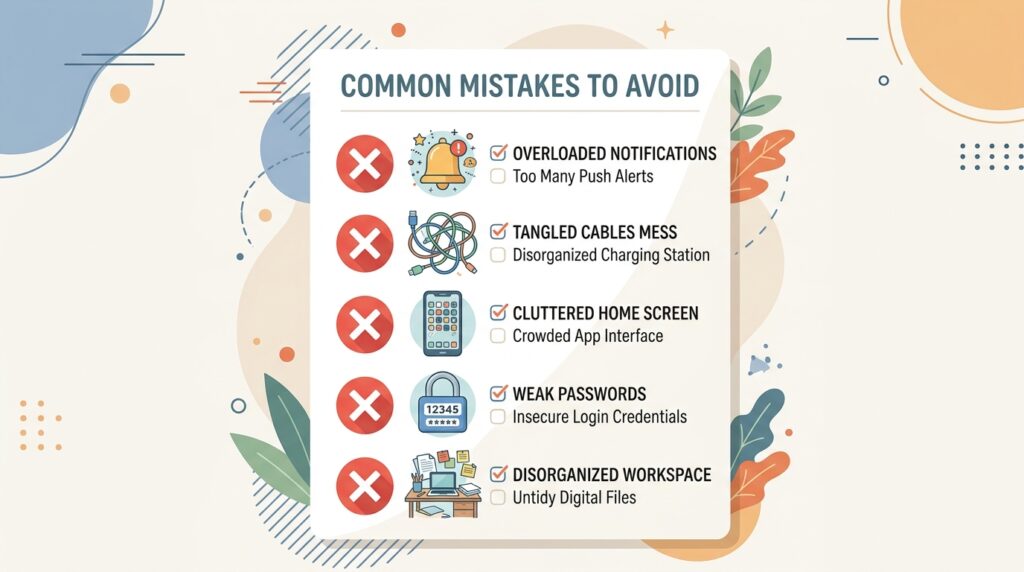
- Trying to change everything at once. Turning off every notification, deleting every app, and imposing a strict no-phone rule on day one usually collapses within a week. Start with the two or three steps that address your biggest pain point.
- Treating digital minimalism as a permanent, rigid system. Client emergencies happen, and a system that can’t flex for real urgent situations will get abandoned. Build in a clear exception (a VIP contact list, an “urgent” tag) rather than an all-or-nothing rule.
- Confusing screen time apps with real change. Installing a screen-time tracker without acting on what it shows just adds another notification source. Tracking data is only useful when paired with an actual behavior change from the steps above.
- Ignoring notification settings on secondary devices. Many people lock down their phone but forget their smartwatch, tablet, or laptop still buzzes and pops up alerts throughout the day.
Useful Tips for Getting Started
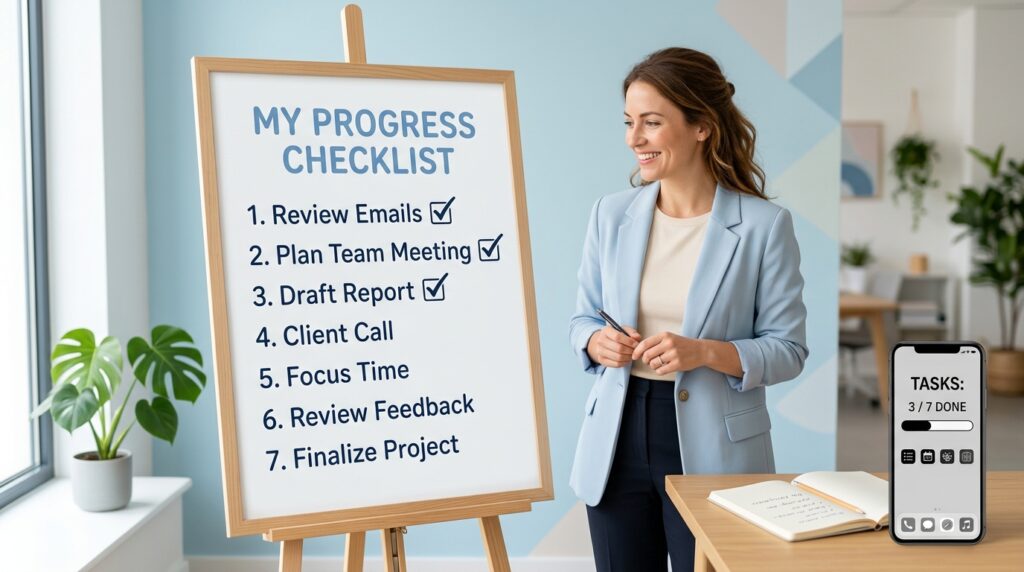
- Start with the single biggest interruption source from your Step 1 audit — usually one or two apps account for most of the noise.
- Tell clients or teammates your new response windows directly; most people accommodate reasonable boundaries once they’re stated clearly rather than just quietly enforced.
- Use your phone’s built-in grayscale mode during work hours — a less visually stimulating screen is measurably less tempting to check.
- Keep a physical notebook nearby for quick thoughts so you’re not opening your phone “just to jot something down.”
- Revisit your settings monthly, since apps frequently reset notification permissions after updates.
Frequently Asked Questions
Is digital minimalism for remote workers only about reducing screen time?
Not entirely. Screen time is one factor, but current research suggests the frequency of checking and the number of notifications received matter just as much, if not more, than total hours spent on a device.
Will turning off notifications hurt my responsiveness to clients or my employer?
Not if you set clear expectations first. Most clients and managers are comfortable with a defined response window (for example, replies within a few hours during work hours) once it’s communicated directly, rather than assuming instant replies were ever required.
How long does it take to notice a difference?
Many remote workers notice sharper focus within one to two weeks of consistently applying even two or three of these steps, especially batching notifications and a phone-free deep work block.
Do I need special apps or paid tools for this?
No. Most of digital minimalism for remote workers relies on settings already built into your phone and laptop — notification controls, screen time reports, and grayscale mode — rather than paid software.
Is this the same as a “digital detox”?
Not quite. A digital detox is usually a short, temporary break from technology altogether. Digital minimalism for remote workers is an ongoing, sustainable way of using technology day to day, not a one-time reset.
Final Thoughts
Cutting screen time and notification overload isn’t about willpower or rejecting technology outright — it’s about redesigning the defaults so your devices work for your focus instead of against it. Start small: run the one-day notification audit from Step 1, turn off what doesn’t need to interrupt you, and build one phone-free block into tomorrow’s schedule. Practiced consistently, digital minimalism for remote workers turns a scattered, notification-driven workday into one where deep, focused work — and a genuine end to the day — both become the norm rather than the exception.