Zapier vs Make vs n8n: The Honest Beginner’s Pick Before 2027
A tech specialist’s comparison built on 2026 pricing data, not brand loyalty.
Pick the wrong automation tool and you find out slowly: a free plan that runs dry in nine days, a bill that jumps after you add one step, or a server you did not know you had to maintain. Pick the right one and a boring chore, like copying form entries into a spreadsheet, quietly disappears from your week.
This guide compares Zapier vs Make vs n8n for freelancers, remote workers, and small business owners starting from zero. I used 2026 pricing data and each vendor’s own billing rules. I make no income promises: automation saves time, and what you do with that time is up to you.
Zapier vs Make vs n8n: What Is the Real Difference?
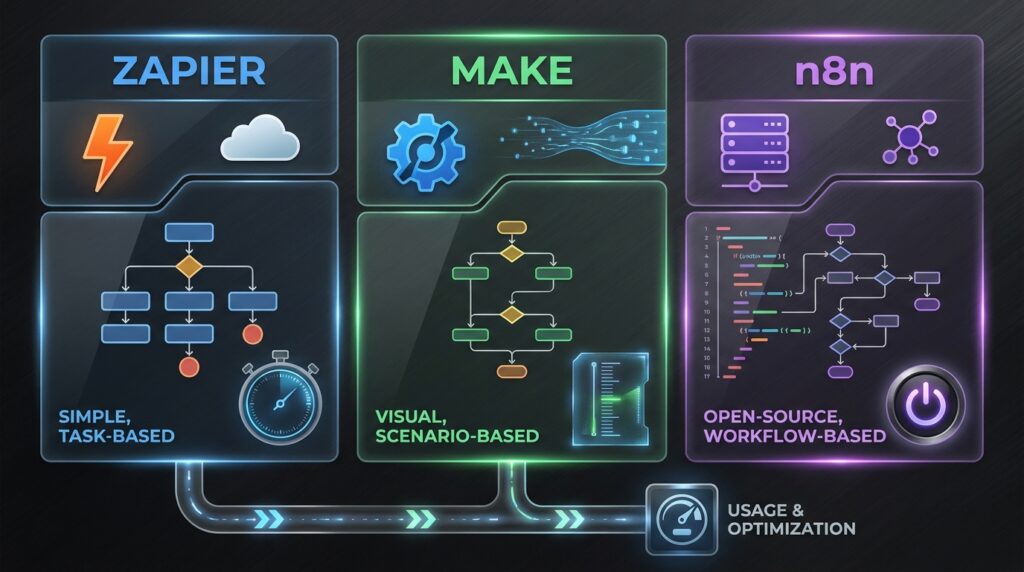
All three tools connect apps so that one event triggers a chain of actions. The difference is what each one optimizes for, and how it counts usage.
- Zapier optimizes for speed and simplicity. You pick a trigger and an action, and it runs. Zapier counts a task, which is one successful action step.
- Make optimizes for visual control. You build a flowchart-style scenario with branches and filters. In 2026 Make bills in credits, mostly one per module run. The unit used to be called an operation.
- n8n optimizes for flexibility and ownership. It is source-available, can be self-hosted, and its cloud plans count one execution per workflow run, not per step.
That billing unit matters more than any feature list. A workflow with four action steps that runs 100 times uses about 400 tasks in Zapier, roughly 400 to 500 credits in Make, and 100 executions in n8n. The numbers are my arithmetic from each vendor’s counting rules, so treat them as estimates.
Fact versus estimate: the prices below come from Make’s official pricing page and third-party guides checked between June and October 2026. Vendors change limits often, and sources disagree on small details, so confirm on the pricing page before you pay.
Zapier vs Make vs n8n Pricing: What Beginners Actually Pay
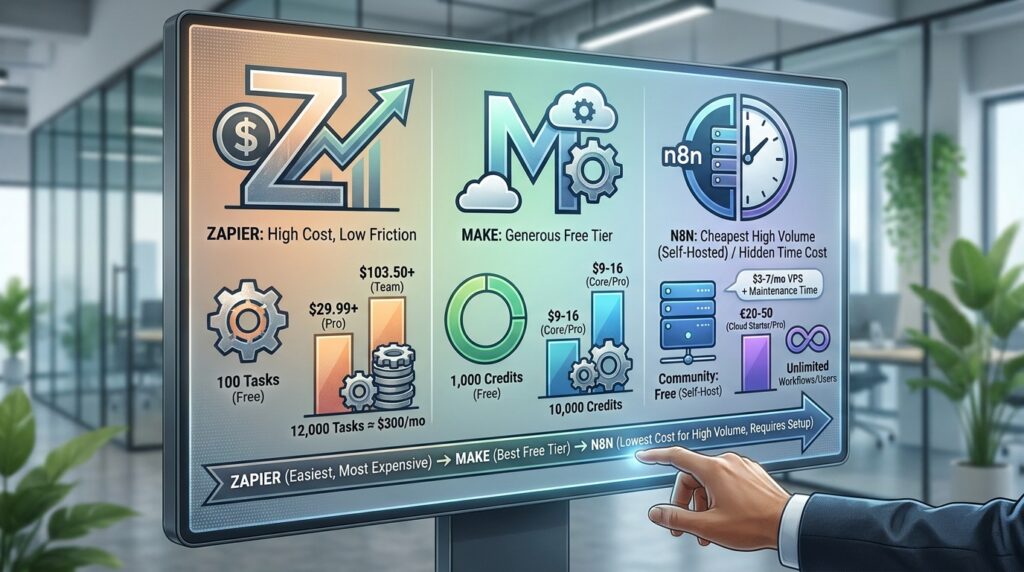
- Zapier: The Free plan includes 100 tasks a month. Professional starts at $29.99 monthly ($19.99 on annual billing) for 750 tasks, and Team starts at $103.50 monthly. One guide reports overage tasks at 1.25 times the base rate. Costs climb quickly: an eesel.ai analysis estimates 12,000 tasks a month (four action steps, 100 runs a day) at roughly $300 a month on Professional.
- Make: The Free plan includes 1,000 credits, two active scenarios, and a 15-minute minimum interval between runs. Core costs about $9 a month on annual billing (about $10.59 to $12 monthly) for 10,000 credits, and Pro is about $16. Routers and error handlers use no credits, while AI modules use a variable number.
- n8n: The Community Edition is free to self-host with unlimited executions, but you pay for the server (about $3 to $7 a month for a small VPS) and for your own maintenance time. Cloud Starter costs €20 a month on annual billing (€24 monthly) for 2,500 executions, and Pro costs €50 annually for 10,000. Workflows and users are unlimited on paid cloud plans.
What this means: Make has the most generous hosted free tier, ten times Zapier’s task allowance. Self-hosted n8n is cheapest at high volume, but “free” hides your time. Zapier costs the most per unit, and you are paying for the lowest setup friction. One more caution: a 2026 cost review notes that n8n moved toward execution-based billing in 2025 and 2026, and some users pushed back on how predictable the bills are.
Step by Step: How to Choose Your First Automation Tool
Step 1: Write Down One Real Workflow
- What to do: Pick one repetitive task you do every week.
- How to do it: Write the trigger, the steps, and the result in one line each.
- Why it matters: Tool choice depends on step count and run frequency, not on brand.
- Example: “When a client submits my form, add a row to a sheet, send a confirmation email, and notify me.” That is three steps. For a meeting-heavy workflow, see our comparison of the best AI meeting notes tool.
Step 2: Count Your Monthly Usage

- What to do: Multiply runs by steps to estimate monthly units.
- How to do it: Use each tool’s unit: tasks for Zapier, credits for Make, executions for n8n.
- Why it matters: The same workflow can cost very different amounts depending on the unit.
- Example: Five leads a day with four action steps is 20 units a day, or about 600 a month. That fits Zapier Professional (750 tasks) and Make’s free plan (1,000 credits) if the trigger is instant. A polling trigger can burn credits even when nothing happens: one 2026 analysis calculates about 8,640 credits a month for a trigger checking every five minutes. In n8n the same job is about 150 executions.
Step 3: Match the Tool to Your Comfort Level

- What to do: Be honest about your technical skills.
- How to do it: Choose Zapier if you want the shortest path, Make if you like seeing logic as a flowchart, and n8n if Docker, servers, and JSON do not scare you.
- Why it matters: In the Zapier vs Make vs n8n choice, comfort beats features, because a tool you abandon in week two saves nothing.
- Example: A freelance writer automating invoice reminders is well served by Zapier or Make. A developer building AI agents may prefer n8n. If you want an AI helper on top, read our no-code AI assistant guide.
Step 4: Test With a Free Crawlability Alert
- What to do: Build a daily check that requests your key web pages and alerts you if one returns an error.
- How to do it: Schedule the workflow, fetch each URL, filter for any status other than success, and send yourself an email.
- Why it matters: Crawlability is Layer 1 of a layered visibility system: Crawlability, Brand Consistency, Answers, Citations, Recommendations, Conversion. If search crawlers cannot read your site, nothing below that layer works. Fix the foundation before chasing AI visibility tactics.
- Example: Ten URLs checked daily is about 300 runs a month. My estimate: about 300 tasks in Zapier (above the free 100), roughly 300 to 450 credits in Make, and 30 executions in n8n. Webhook or HTTP features may require a paid Zapier plan, so verify first.
Step 5: Check Security and Cost Before You Pay

- What to do: Review which accounts you connect and set usage alerts.
- How to do it: Connect only what each workflow needs, use separate API keys, and be wary of unknown templates.
- Why it matters: Automation tools hold access to your email, files, and payment apps.
- Example: A “free automation template” that asks for full inbox access is a red flag. Our guide to AI scams for freelancers shows what to watch for.
Does Your Laptop Change the Zapier vs Make vs n8n Decision?
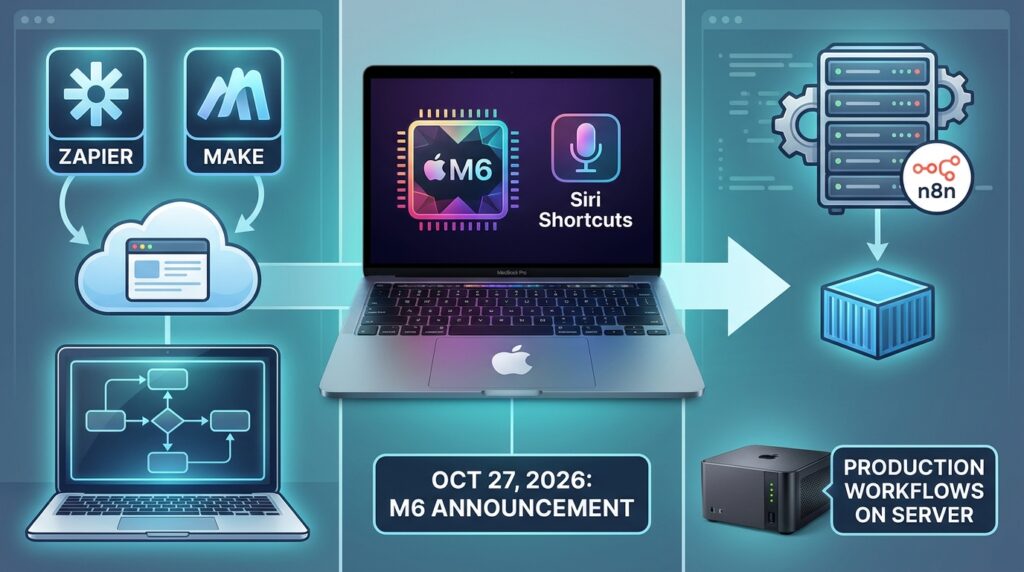
Mostly no. Zapier and Make run in your browser, so any modern laptop works. Hardware matters mainly if you self-host n8n or experiment with local AI.
Apple’s October 27, 2026 announcement of the 14-inch MacBook Pro with M6 is relevant for two reasons. First, Apple says macOS 27 lets users create a Shortcuts automation by simply describing it. That helps with personal tasks on your Mac, but it does not replace cross-app workflows that connect client tools. Second, Apple highlights running large language models locally, with 16GB of unified memory standard (configurable to 32GB) and pricing from $1,999 in the U.S. Those are Apple’s own claims and benchmarks.
My view: a modest laptop is enough to learn n8n with Docker, and production workflows belong on a small server, not a laptop you close every evening. If you are weighing an upgrade, our 14-inch MacBook Pro with M6 guide covers specs and buying.
Which One of Zapier vs Make vs n8n Should You Pick First?
Here is my recommendation. It is a judgment based on the data above, not a universal rule.
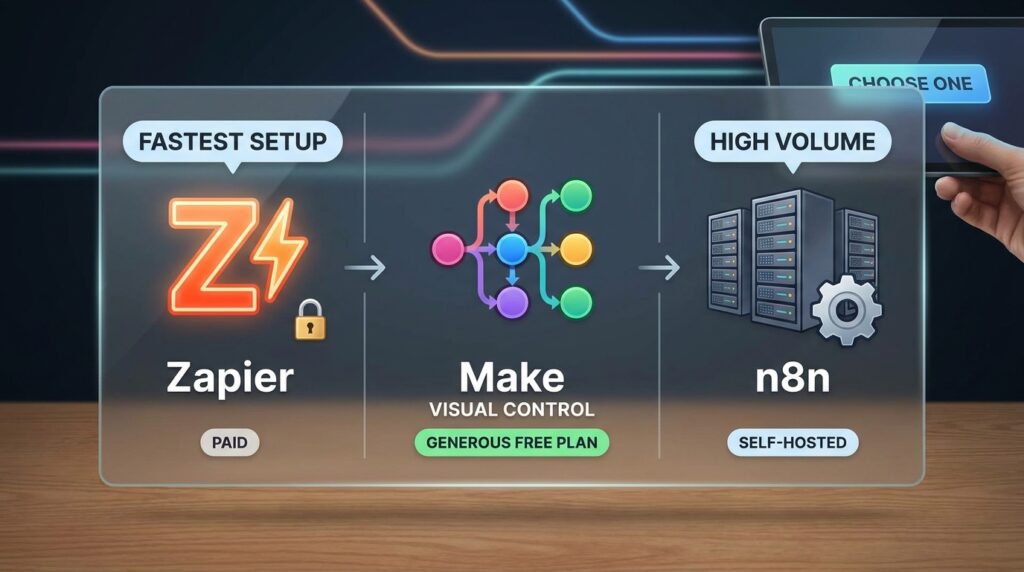
- Choose Make if you want the most generous free plan and visual control. For most budget-conscious beginners, this is my default starting point.
- Choose Zapier if you want the fastest setup, expect fewer than 750 tasks a month, and are happy to pay for simplicity.
- Choose n8n if you are comfortable with servers, expect high volume, or want ownership. Cloud Starter is the gentler entry; the self-hosted Community Edition is the cheapest at scale.
You are not locked in forever, but switching generally means rebuilding workflows by hand. Document each one in a short note so a move later costs hours, not days.
Beginners who want to build small tools beyond automation can also try vibe coding for non-developers.
Common Mistakes to Avoid
The most common Zapier vs Make vs n8n mistakes are about counting, not clicking.
- Choosing by popularity. Fix: choose by your own runs-times-steps math.
- Ignoring the billing unit. Fix: estimate tasks, credits, or executions before you commit.
- Letting polling triggers burn credits. Fix: use instant triggers or webhooks where the app supports them.
- Treating self-hosting as free. Fix: budget a small server, backups, updates, and your time.
- Automating a broken process. Fix: run the process by hand first and simplify it.
- Skipping error alerts. Fix: add a failure notification so silent breaks do not cost you a client.
Useful Tips
Use this plan for your first Zapier vs Make vs n8n test:
- Start with one workflow and run it on a free plan for two weeks.
- Set a usage alert so you notice limits before they stop your runs.
- Name every workflow clearly and keep a one-line note about what it does.
- Keep a human approval step when AI writes anything a client will see.
- Review your usage every quarter, because plans and limits change.
Frequently Asked Questions
Which of Zapier vs Make vs n8n is cheapest for a beginner?
Make’s free plan is the most generous hosted option, with 1,000 credits against Zapier’s 100 tasks. Self-hosted n8n has the lowest cost at high volume, but you pay for a server and your own maintenance time.
Is n8n really free?
The self-hosted Community Edition has no license fee and no vendor execution limit. It runs under n8n’s Sustainable Use License, so it is source-available rather than fully open source, and you cannot resell it as a competing platform. Cloud plans start at €20 a month on annual billing.
Do I need to code?
Not for Zapier or Make. n8n is friendlier if you can read simple JSON or write small code snippets, though many workflows work without code.
Can I switch tools later?
Yes, but expect to rebuild most workflows manually. Documenting each workflow now makes that move much easier.
Can I earn money from automation skills?
Some freelancers offer automation setup as a service, but income is never guaranteed and depends on your skills, portfolio, and clients. If you try it, read our guides to freelance contract clauses and raising your freelance rates.
Final Thoughts
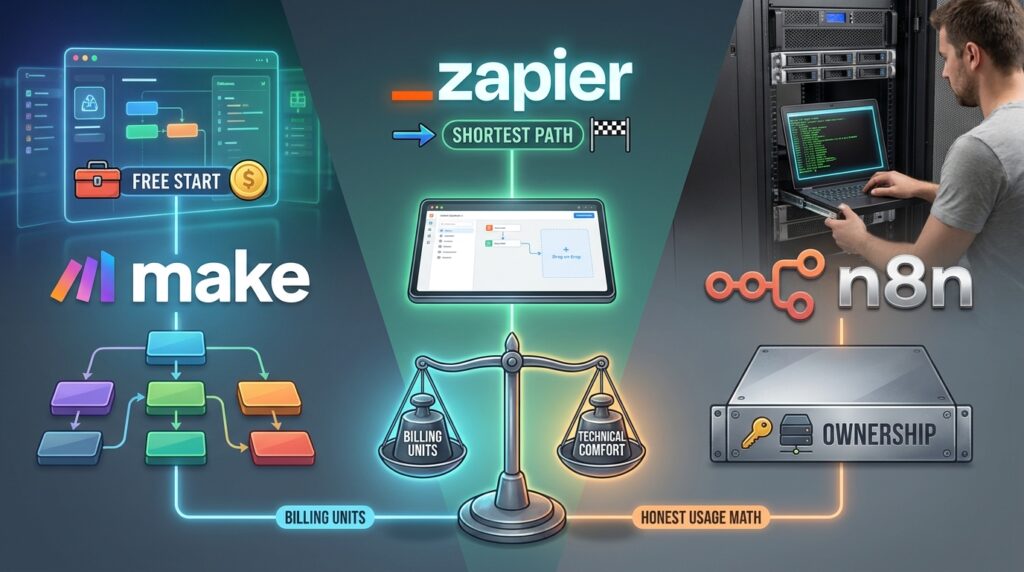
The evidence says the Zapier vs Make vs n8n decision is really a decision about billing units, technical comfort, and honest usage math. Make offers the strongest free start, Zapier offers the shortest path, and n8n offers ownership if you can handle the server side.
Do not wait for the perfect pick. Choose one workflow, build it on a free plan, and let two weeks of real usage settle the Zapier vs Make vs n8n question for you. Start with the foundation, as the layered visibility system says: get Layer 1 working before anything advanced. Which layer are you focusing on right now?