Best Project Management Tools for Freelancers
Juggling multiple clients without a system in place is one of the fastest ways to miss deadlines, lose track of deliverables, and quietly damage a freelance reputation. Choosing the right software solves most of that pain, but the real challenge isn’t finding a list of options — it’s matching a tool to how you actually work. This guide breaks down how to find the best project management tools for freelancers step by step, why each stage of the decision matters, and a real example of a freelancer whose workflow completely changed after switching systems.
By the end, you’ll have a clear process for evaluating options rather than just another list of app names to scroll past.
Why the Right Tool Choice Matters More for Freelancers Than Teams
Freelancers don’t have a manager checking in or a team absorbing dropped tasks — every missed deadline or lost detail falls entirely on one person. That makes the search for the best project management tools for freelancers different from a typical business software decision: it needs to work for a single user managing many unrelated projects simultaneously, often with wildly different client expectations and communication styles. A tool built primarily for large teams can add unnecessary complexity, while one built for personal to-do lists often lacks the client-facing structure freelancers actually need.
Step 1: Define What You’re Actually Struggling With
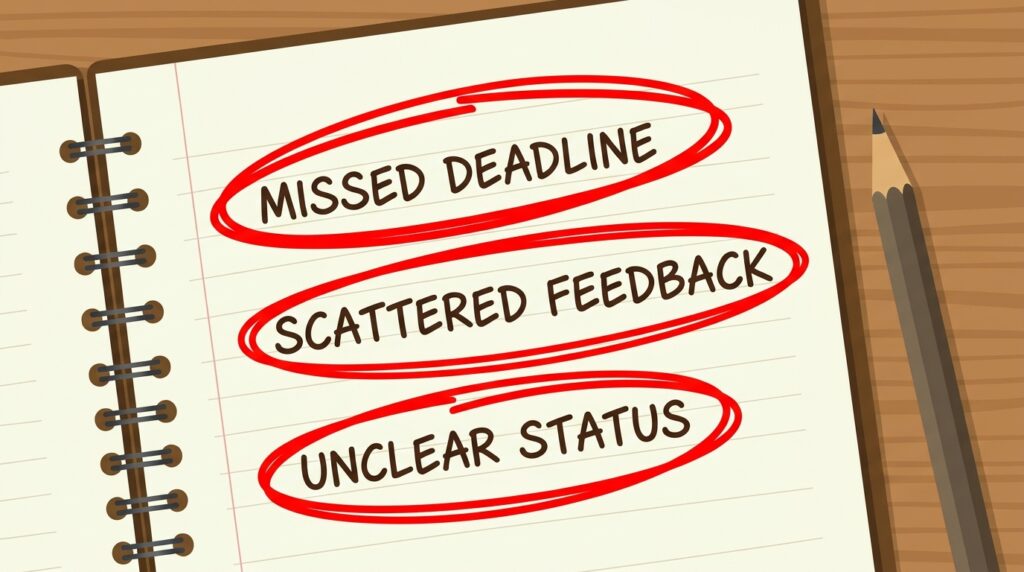
Before comparing any tools, write down your specific pain points — missed deadlines, scattered client feedback, unclear deliverable status, or simply forgetting which project needs attention next.
Why it matters: Choosing software without a clear problem to solve leads to picking based on popularity or aesthetics rather than fit. Naming your actual pain point first turns the search for the best project management tools for freelancers into a targeted decision instead of a guessing game.
Step 2: Decide Between Visual Boards, Lists, or Calendars
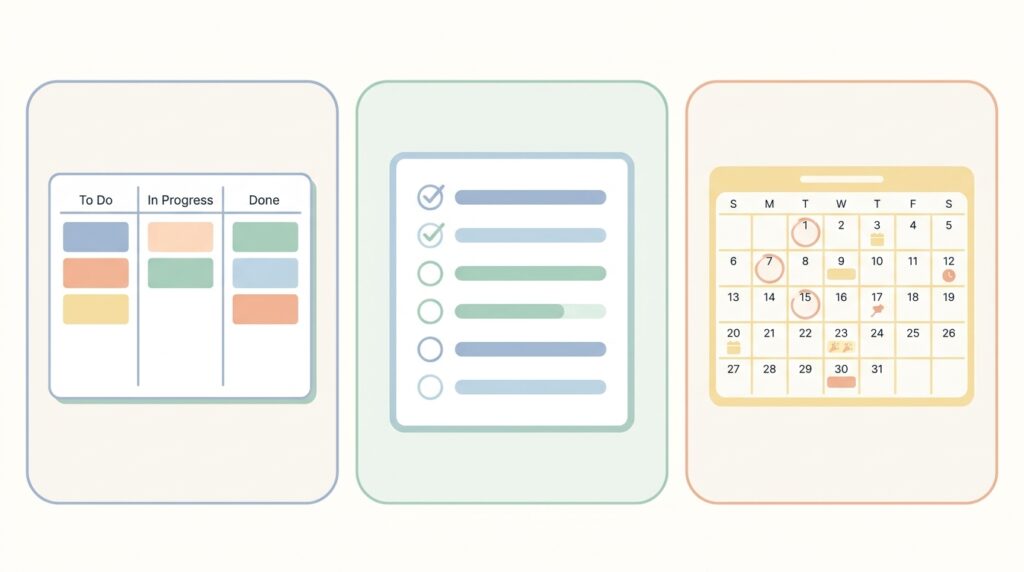
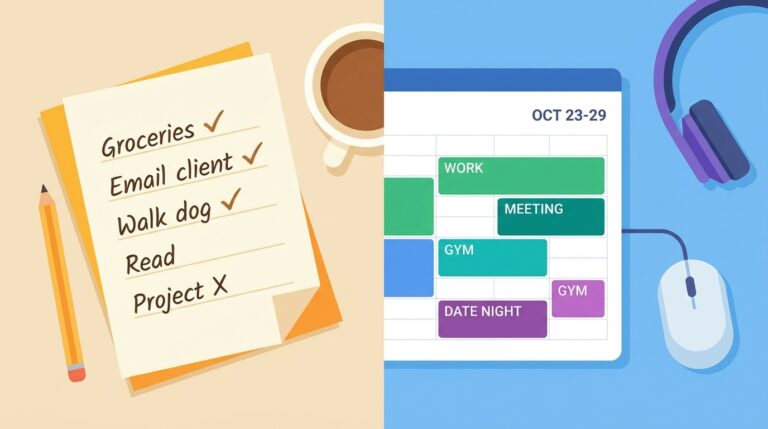
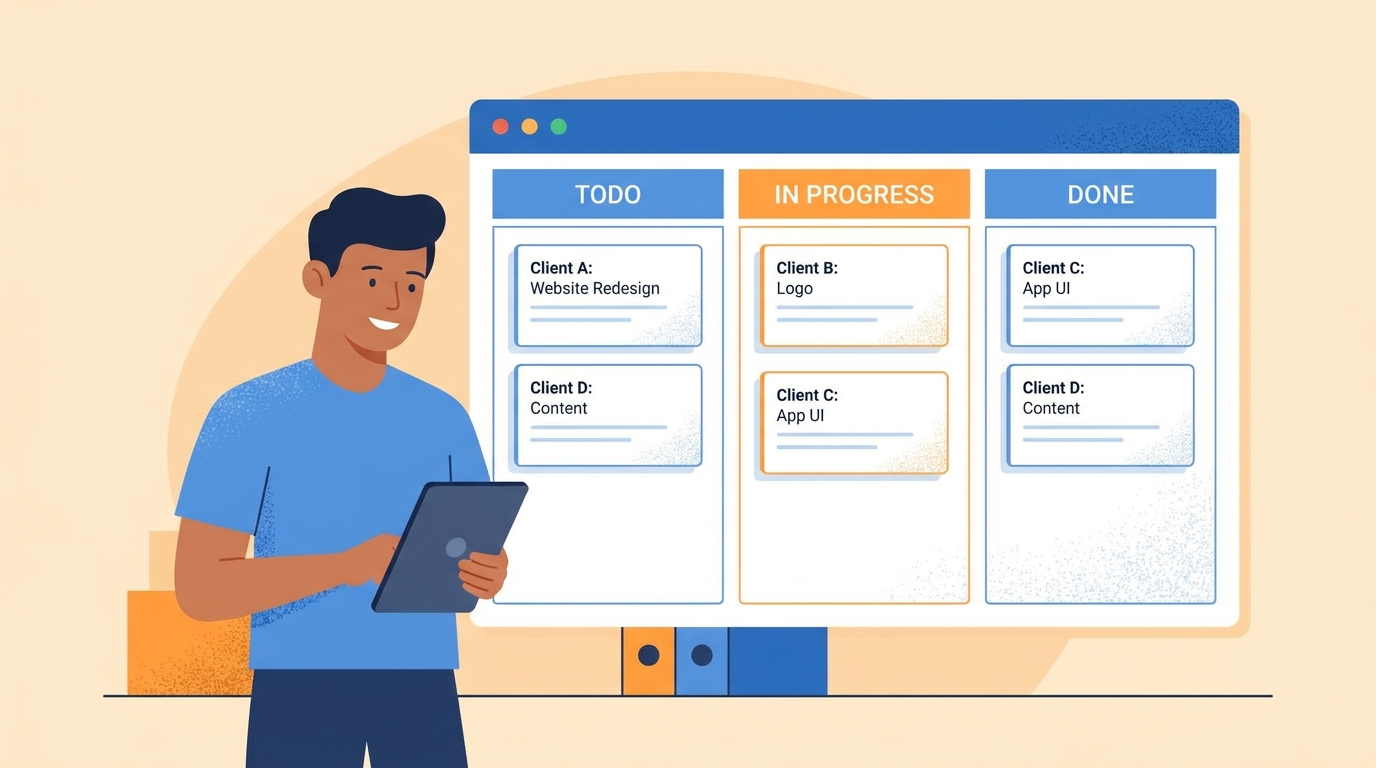
Some freelancers think in visual kanban boards with cards moving across columns, others prefer simple checklists, and some need a calendar-first view built around deadlines.
Why it matters: A visually mismatched tool gets abandoned within weeks, no matter how powerful its features are. Matching the interface style to how your brain naturally organizes work is one of the most overlooked factors in finding the best project management tools for freelancers.
Step 3: Check for Client-Facing Features If You Need Them
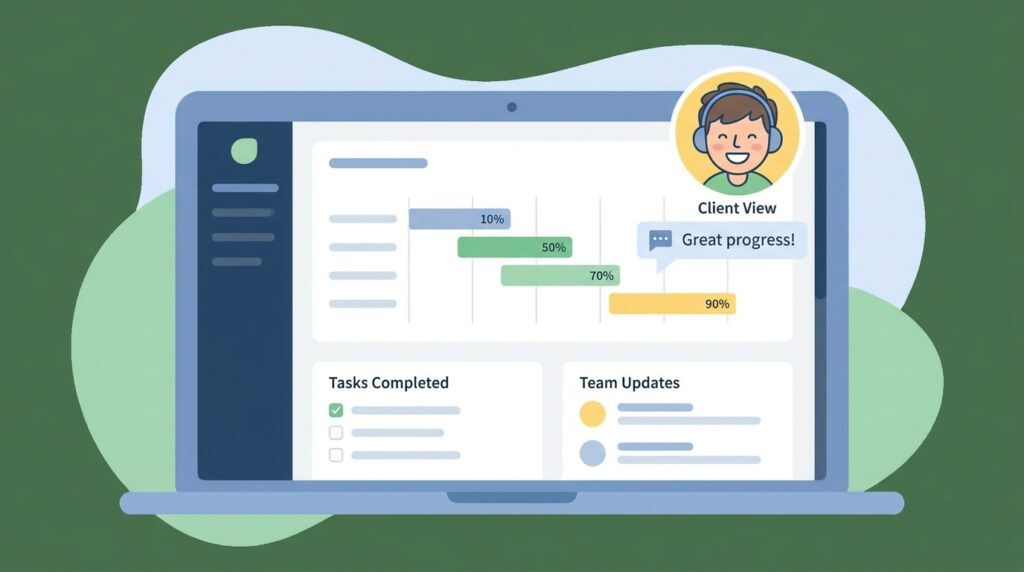
If clients need visibility into project status, look specifically for shareable boards, client-accessible dashboards, or guest-view permissions rather than internal-only tools.
Why it matters: Constantly answering “what’s the status on this?” by message wastes time that a shared dashboard could eliminate entirely. This single feature often separates genuinely useful client-facing tools from ones built purely for personal task tracking.
Step 4: Prioritize Tools With a Genuinely Usable Free Tier

Test candidate tools using their free plans first, since most solo freelancers can run a full workload on free-tier limits for a long time before hitting a real ceiling.
Why it matters: Paying for a premium plan before confirming a tool actually fits your workflow is a common way freelancers waste money early on. A generous free tier lets you validate the fit risk-free, which matters just as much as the feature list when picking among the best project management tools for freelancers.
Step 5: Test Integration With Your Existing Tools
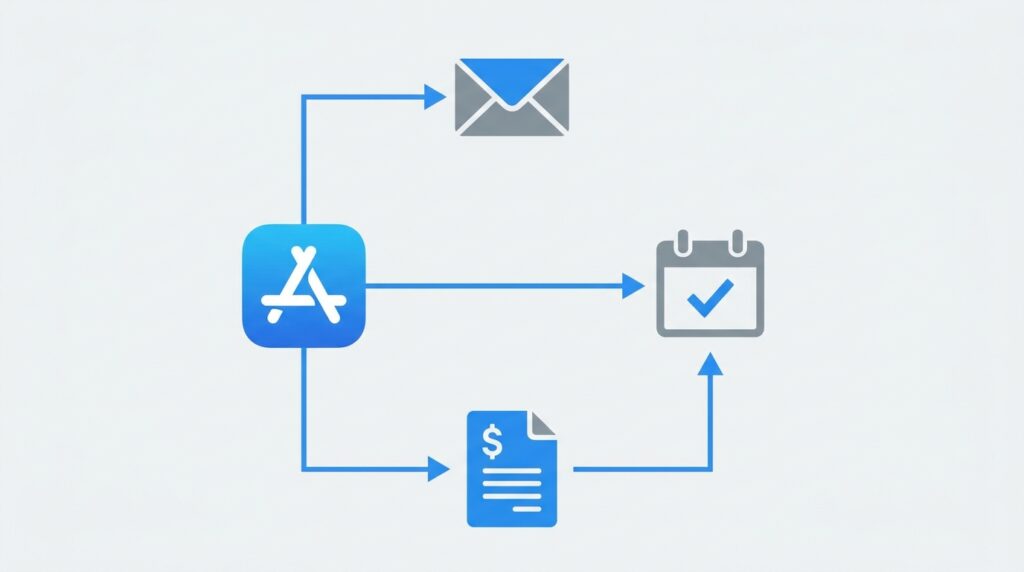
Check whether the tool connects with your email, calendar, invoicing software, or automation platform through native integrations or services like Zapier and Make.
Why it matters: A project management tool that lives in isolation from the rest of your workflow creates extra manual work rather than removing it. Strong integrations are often what separates tools you’ll actually stick with from ones you’ll abandon after a month.
Step 6: Run a Two-Week Real Project Trial
Instead of just poking around a demo, move one actual active client project fully into the candidate tool for two weeks and use it exactly as you would long-term.
Why it matters: Real usage reveals friction that a quick five-minute tour never will. This step consistently produces the clearest signal in the entire search for the best project management tools for freelancers, because it tests the tool against real deadlines and real client communication rather than a hypothetical scenario.
Step 7: Review Notification and Mobile Experience
Check how the tool handles reminders, whether its mobile app is genuinely usable, and whether notifications feel helpful rather than overwhelming.
Why it matters: Freelancers frequently manage projects between client calls, on the move, or outside a fixed office schedule. A tool with a poor mobile experience quietly gets ignored, which defeats the entire purpose of adopting it in the first place.
Step 8: Commit, But Revisit the Decision Periodically
Once you’ve chosen a tool, commit to it fully for a few months rather than tool-hopping, but schedule a short review every quarter to confirm it’s still serving your current workload.
Why it matters: Constantly switching tools resets the organizational habits you’ve built and wastes setup time repeatedly. At the same time, a tool that fit a solo freelancer with three clients may not fit the same person managing twelve, so periodic review keeps the choice honest.
The Strongest Candidate Tools Right Now
Based on the criteria above, these consistently rank among the best project management tools for freelancers across different working styles:
- Trello — visual kanban boards, excellent free tier, simple client-sharing options
- Notion — flexible all-in-one workspace combining tasks, notes, and client documentation
- Asana — stronger for freelancers juggling complex multi-step projects with dependencies
- ClickUp — feature-dense option for freelancers who want automation and reporting built in
- Todoist — minimalist list-based option for freelancers who find boards distracting
- Google Calendar + Sheets — a genuinely free, zero-learning-curve combination for very simple workloads
Real-World Example: Switching Tools Solved a Recurring Client Problem

A freelance copywriter managing six ongoing clients was relying entirely on email threads and memory to track deliverable status. Clients regularly asked for updates mid-project, and she found herself re-explaining the same status information multiple times a week, which quietly ate into billable hours.
After naming this specific pain point, she trialed Trello for two weeks using one real client project, set up a simple shared board with columns for “Drafting,” “In Client Review,” and “Approved,” and gave that one client guest access to view progress directly. The client stopped sending status-check messages almost entirely within the first week, since they could see exactly where things stood without needing to ask. She rolled the same board structure out to her other five clients over the following month, and estimated she recovered roughly three to four hours a week previously lost to repetitive status updates. Her experience is a clear demonstration that identifying the actual friction point first, rather than picking a tool because it’s popular, is what makes a search for the best project management tools for freelancers actually pay off.
Quick Tool-Selection Checklist
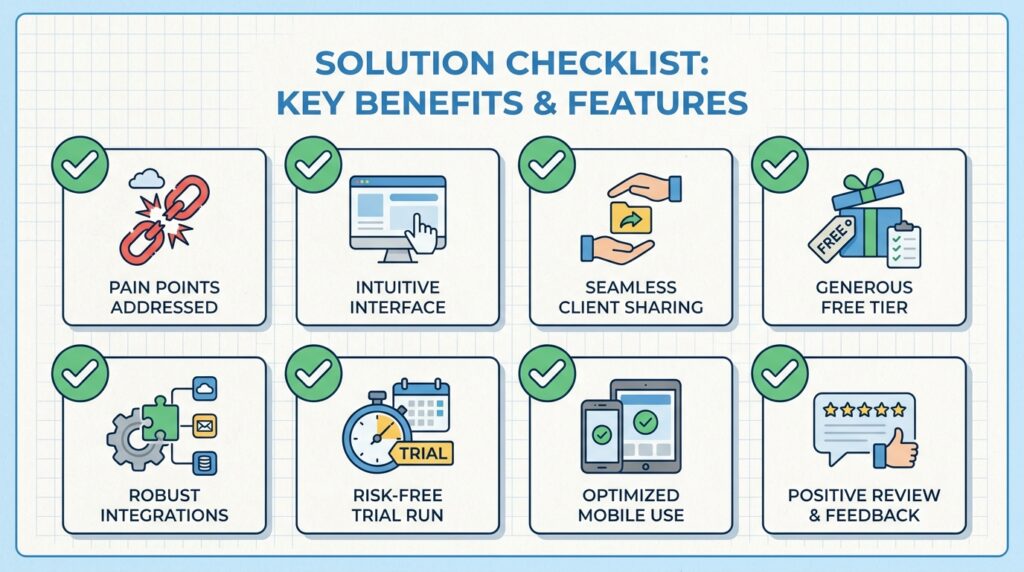
- A specific pain point identified before comparing tools
- An interface style (boards, lists, or calendar) that matches how you think
- Client-facing sharing features if your clients need visibility
- A genuinely usable free tier to test with
- Integration with your existing email, calendar, or invoicing tools
- A real two-week trial run on an actual project
- A mobile experience you’d actually use day-to-day
- A quarterly check-in scheduled to confirm the fit still works
Frequently Asked Questions
Do I really need dedicated software, or can I just use email and memory? It works for a while with one or two clients, but the moment you’re juggling four or more active projects, relying on memory alone almost always leads to a missed detail eventually. A lightweight free tool costs nothing and removes that risk entirely, so there’s little downside to setting one up early.
Is it worth paying for a premium plan right away? Usually not. Most solo freelancers can run a full client load on free-tier limits for a long time, and upgrading makes far more sense once you hit an actual feature ceiling rather than as a precaution. Testing thoroughly on the free plan first also means you’re paying for a tool you already know fits your workflow.
What if a client insists on using their own project management tool instead? This happens often, especially with larger clients who already run internal systems. In that case, it’s usually worth adapting to their tool for that specific project while still keeping your own system for tracking deadlines, invoicing status, and communication across all your other clients simultaneously.
Final Thoughts
There’s no single tool that works for every freelancer, and chasing the most popular option without testing it against your own workflow often leads right back to the same disorganization you were trying to fix. Naming your real pain point, testing with an actual project, and reviewing the decision periodically will get you to a far better outcome than browsing app-comparison lists indefinitely. Once the process above becomes routine, choosing among the best project management tools for freelancers stops being an overwhelming decision and turns into a simple, repeatable check whenever your workload changes.
If you’re just starting out and want to build your entire workflow without spending anything yet, it’s worth reading our related guide on the zero-dollar freelance stack, which covers running task management, invoicing, and communication entirely on free tools.
For an independent, regularly updated comparison of project management software features and pricing, see Capterra’s project management software directory.