The Zero-Dollar Freelance Stack: A Step-by-Step Guide
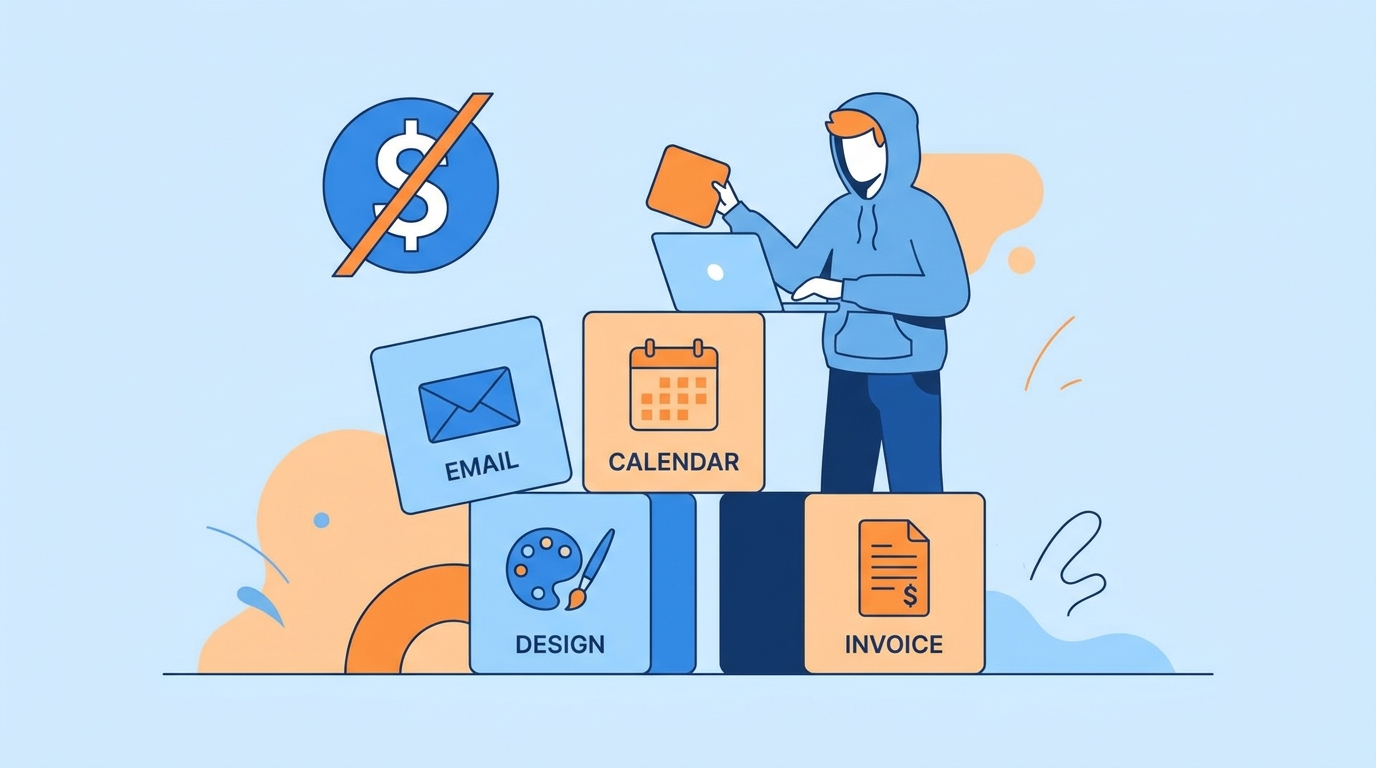
This guide walks through exactly how to assemble a zero-dollar freelance stack step by step, why each category of tool matters, and a real example of a freelancer who ran an entire six-figure year using nothing but free-tier software. The core idea isn’t about cutting corners — it’s proving your workflow works before you spend a single rupee or dollar on tools you might not even need long-term. Most people quietly assume that looking “professional” requires a paid website builder, a premium invoicing subscription, and design software with a monthly fee attached, but that assumption is rarely tested against what clients actually notice, which is almost always the quality and reliability of the work itself.
Why a Zero-Dollar Freelance Stack Makes Sense Early On
New freelancers often burn through savings on subscriptions before they’ve landed their first few paying clients. A zero-dollar freelance stack removes that pressure entirely, letting you validate your service offering, build a portfolio, and start earning before committing to recurring costs. It also forces discipline: free tools usually have generous-enough limits for a solo freelancer just starting out, and hitting those limits later is actually a good problem, since it means you’ve grown enough to justify the upgrade with real revenue behind it rather than guesswork.
Step 1: Choose a Free Client Communication and Email Setup
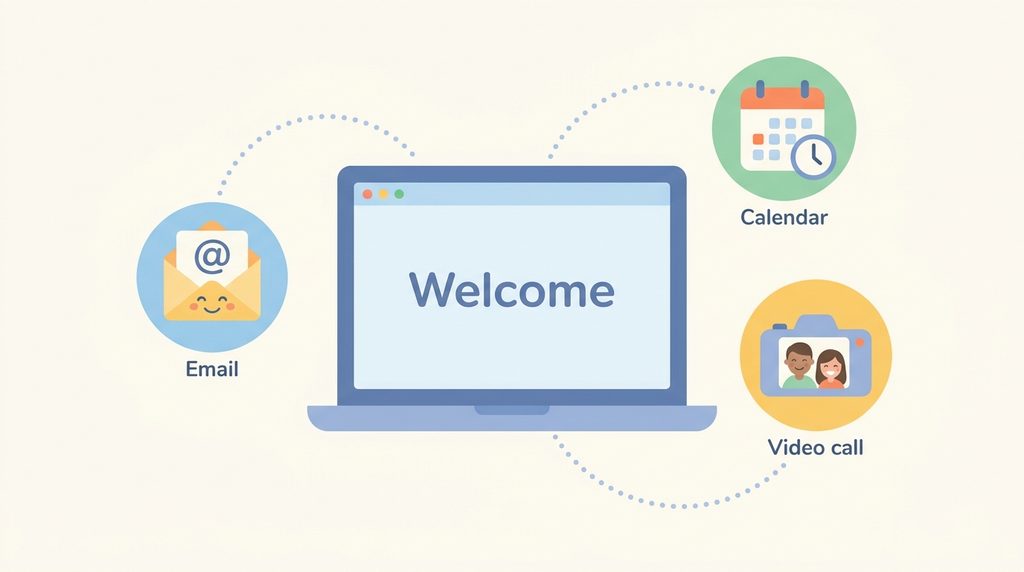
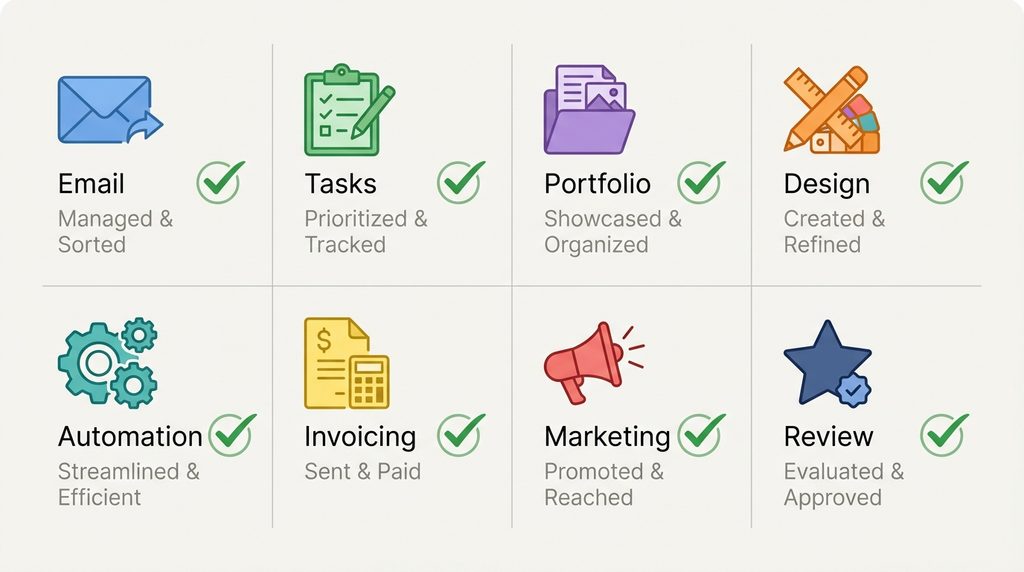
Use Gmail with a professional-sounding address, paired with Google Calendar for scheduling and Google Meet for free video calls up to sixty minutes.
Why it matters: Clients judge professionalism partly through your communication tools. A clean, dedicated email address and reliable video call option cost nothing but immediately signal that you take the work seriously, which is a foundational piece of any zero-dollar freelance stack.
Step 2: Set Up Free Project and Task Management
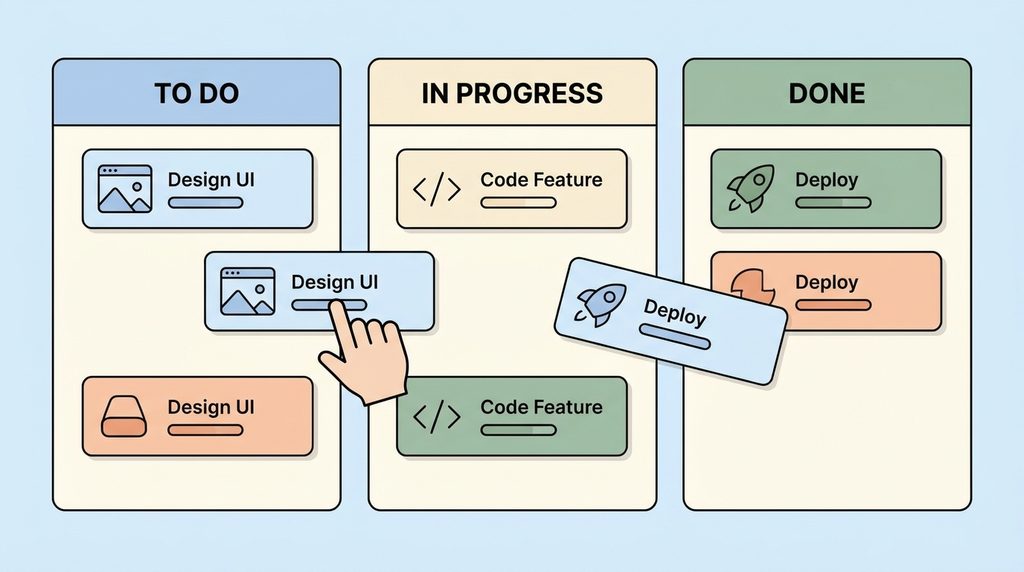
Trello, Notion’s free tier, or Google Sheets can all track client projects, deadlines, and deliverables without a subscription.
Why it matters: Missed deadlines and disorganized communication are among the fastest ways to lose repeat clients. A simple, visible tracking system, even a free one, prevents the kind of small mistakes that damage a freelancer’s reputation early on. It also makes it far easier to onboard a second or third client without feeling overwhelmed, since you already have a repeatable structure to drop new projects into rather than reinventing your process every time work picks up.
Step 3: Build a Portfolio Without Paying for a Website
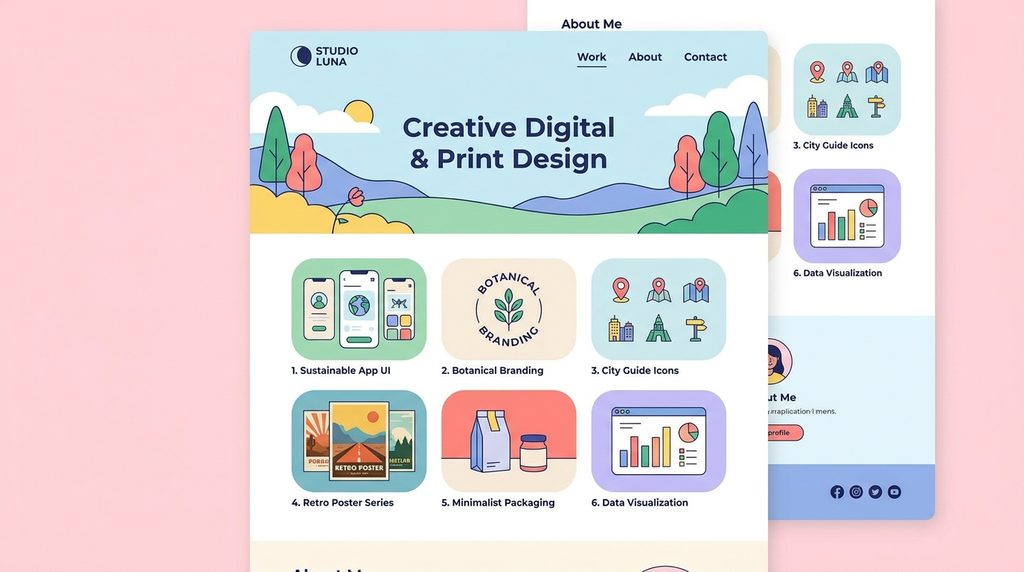
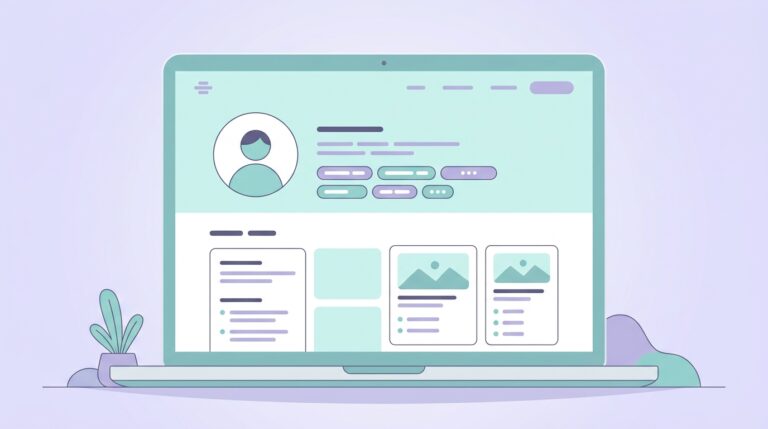
Platforms like Carrd’s free tier, a free Notion page shared as a public link, or even a well-organized Google Drive folder can showcase your best work convincingly enough for early clients.
Why it matters: A portfolio’s job is to prove capability, not to look expensive. Overinvesting in web hosting and premium themes before you have paying work is one of the most common ways new freelancers waste money that could otherwise fund actual skill-building. A simple, well-organized free page that loads fast and clearly shows results almost always outperforms a slow, over-designed paid site with the same three sample projects on it.
Step 4: Use Free Design and Content Creation Tools
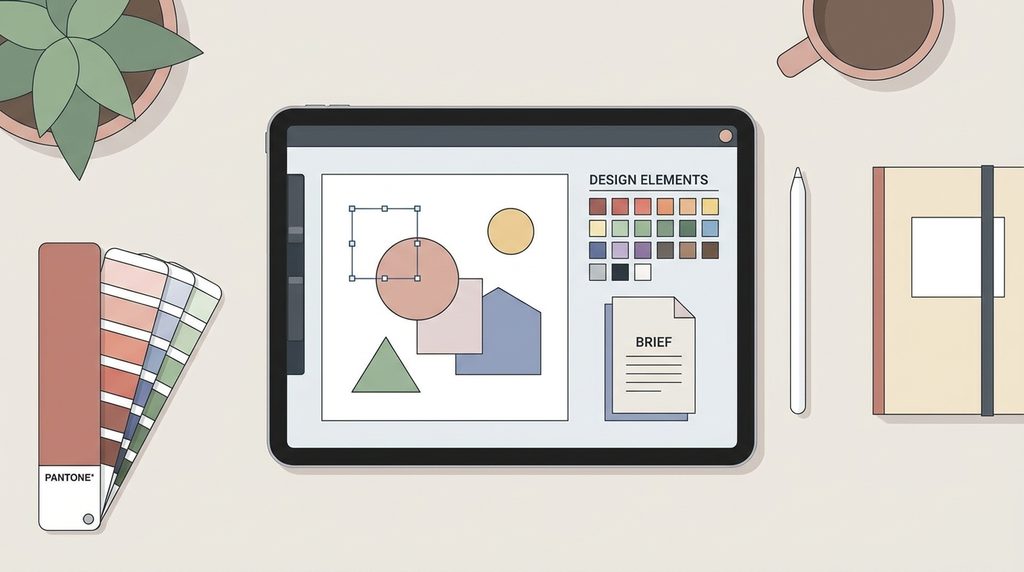
Canva’s free plan, GIMP for image editing, and Google Docs for writing and formatting cover the vast majority of early client deliverables across design, writing, and content niches.
Why it matters: Paid design software often adds features far beyond what a beginner actually needs. Learning to produce polished work inside free tool limitations also makes you faster and more resourceful once you do eventually upgrade.
Step 5: Automate Repetitive Tasks With Free-Tier Automation Tools
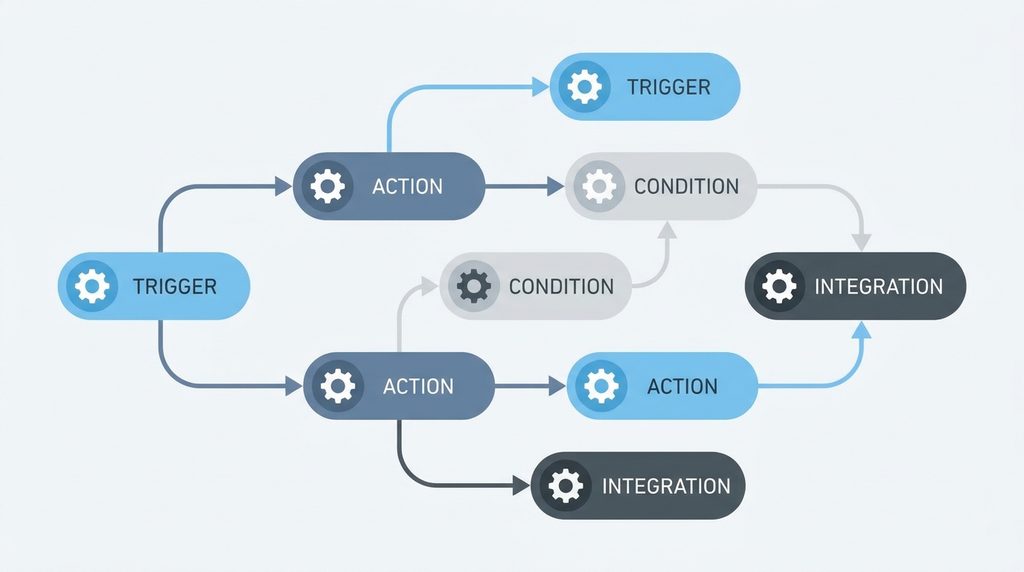
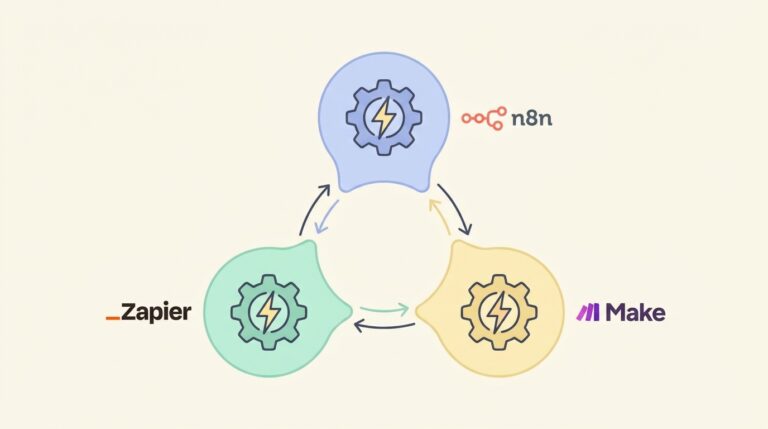
n8n’s self-hosted free version, or the free tiers of Zapier and Make, can automate simple repetitive tasks like saving client form submissions to a spreadsheet or sending automatic follow-up emails.
Why it matters: Automation saves hours every week, and free tiers are often generous enough for a freelancer handling a handful of clients. This is one of the most overlooked pieces of an effective zero-dollar freelance stack, since most beginners assume automation always requires a paid plan.
Step 6: Handle Invoicing and Payments Without Monthly Fees
Wave offers completely free invoicing and basic bookkeeping, while PayPal and Payoneer only charge transaction fees rather than monthly subscriptions.
Why it matters: Recurring accounting software costs add up fast for very little added benefit at the early stage. Paying only when you actually get paid keeps this part of your toolkit genuinely free rather than free in name only.
Step 7: Market Yourself Using Free Social and Community Channels
LinkedIn, relevant subreddits, X, and free directory listings on Fiverr or Upwork itself can generate real leads without any ad spend.
Why it matters: Paid advertising before you’ve refined your offer and pricing often wastes money. Free organic channels force you to sharpen your messaging, which pays off even after you eventually do invest in paid marketing.
Step 8: Track What’s Actually Working Before Upgrading Anything
Keep a simple log of which tools you’re bumping up against limits on, and which ones you barely use, reviewing it every couple of months.
Why it matters: Upgrading to a paid plan should be a response to a real bottleneck, not a guess. This final step keeps a zero-dollar freelance stack evolving intentionally instead of accumulating subscriptions out of habit. Reviewing every two months also gives you a natural checkpoint to reassess your whole workflow, not just individual tools — sometimes the fix isn’t a paid upgrade at all, but a small change to how you’re using a free tool you already have.
Real-World Example: A Six-Figure Year on Free Tools Alone
A freelance graphic designer based in Sri Lanka started with no budget for software at all. She built her portfolio as a single free Notion page, managed client work in Trello’s free tier, communicated exclusively through Gmail and Google Meet, and designed everything in Canva’s free plan for her first year of client work.
By the time she was juggling eight regular clients, she hit Trello’s card-attachment limits and Canva’s brand-kit restrictions at roughly the same time her monthly revenue crossed a threshold that made upgrading an easy decision rather than a guess. She only added two paid tools that year, both funded entirely by client revenue she’d already earned using the free stack. She later said the hardest part wasn’t the tool limitations themselves, but resisting the urge to buy software early just because other freelancers online seemed to be using premium setups. Her story is a clear demonstration that a well-assembled zero-dollar freelance stack isn’t a temporary workaround — it can genuinely carry a freelance business through its first full year of real income.
Quick Zero-Dollar Freelance Stack Checklist
- Professional email and free video calling set up
- A visible, simple project tracking system in place
- A portfolio hosted somewhere free but polished
- Core design or writing tools covering your service niche
- At least one automated repetitive task
- Free invoicing and payment processing configured
- Active presence on at least one free marketing channel
- A running log of tool limits to review periodically
Frequently Asked Questions
Will clients notice I’m using free tools instead of paid ones? Almost never. Clients care about the outcome — a well-organized project, clear communication, and polished deliverables — not which software produced them. Most free tools today look and function nearly identically to their paid counterparts at the feature level a beginner actually needs.
When is the right time to start paying for tools? The clearest signal is hitting an actual functional limit — a storage cap, a client-count restriction, or a missing feature you genuinely need — rather than a vague feeling that paid tools would be “more professional.” Letting real bottlenecks drive upgrades keeps spending tied to revenue you’ve already earned.
Can a zero-dollar freelance stack work for every type of freelancing? It works especially well for writing, design, virtual assistance, social media, and light development work. Highly specialized fields, like advanced video production or certain technical engineering niches, may require at least one paid tool sooner, but even then, most of the surrounding business operations — communication, invoicing, task tracking — can still run entirely free. The general principle holds across almost every niche: start lean, add cost only where a genuine gap appears, and let your own client work generate the evidence for what’s actually worth paying for.
Final Thoughts
None of this means you should avoid paid tools forever. It means the order matters: prove your service, land real clients, and let actual bottlenecks — not assumptions — decide when to spend money. This approach removes financial pressure during the hardest part of freelancing, the first few months before income is predictable, and gives you real data to make smarter upgrade decisions later. Most freelancers who eventually build sustainable, well-paying businesses started with exactly this kind of lean, free-first setup rather than a fully paid toolkit from day one.
If you’re refining your workflow as you scale past the free tools, it’s worth reading our related guide on choosing the free tools for solo freelancers, which covers when and how to upgrade as client load grows.
For a broader look at free and low-cost tools freelancers rely on, see Zapier’s roundup of free small business tools.