Perplexity vs ChatGPT Search: Which Is Better for Research Work?
If you spend your working day finding facts, checking sources, and turning scattered information into something useful, you have probably asked yourself which AI tool to trust. Students writing literature reviews in Melbourne, market researchers in Berlin, job seekers preparing for interviews in Toronto, and small business owners in Singapore all face the same question: should I use Perplexity or ChatGPT Search for research?
Both tools now search the web, summarise what they find, and link to their sources. That overlap makes the choice harder, not easier. Yet the two products are built around different priorities, and the right pick depends on what your research looks like.
This guide walks you through a practical way to decide, one step at a time. You will learn how each tool works, how to test them on your own questions, and how to avoid the mistakes that lead to weak or unreliable research.
What Is Perplexity vs ChatGPT Search?
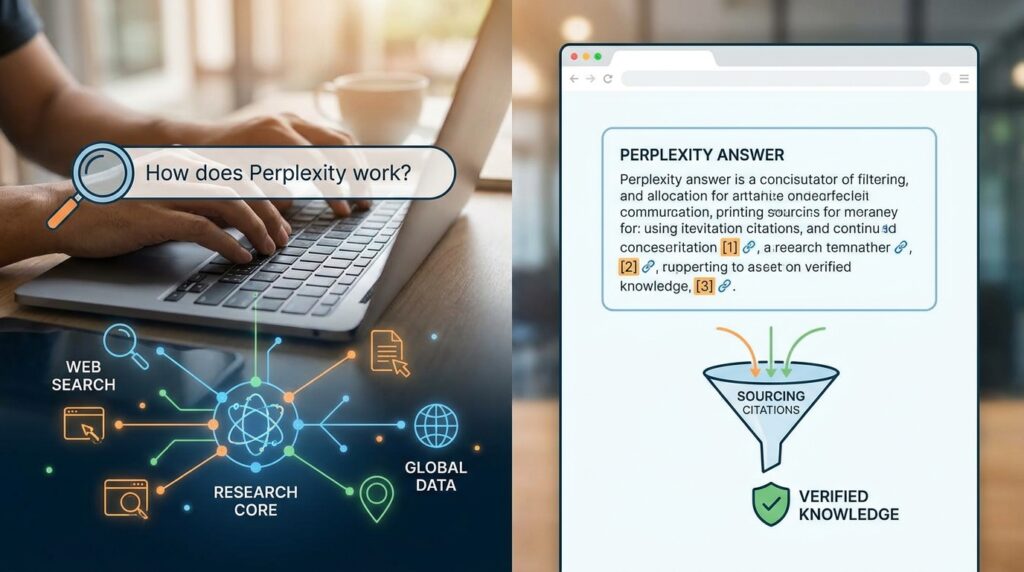
Perplexity is built primarily as an answer engine. You type a question, it searches the web, and it returns a short written answer with numbered citations you can click. Research is its core purpose, so search and sourcing sit at the centre of the product.
ChatGPT Search is a feature inside ChatGPT, OpenAI’s general-purpose assistant. When search is switched on, ChatGPT looks up current web pages and includes links in its answer. Writing, coding, brainstorming, image creation, and analysis sit alongside it. Search is one tool among many.
That difference shapes everything else. Perplexity tends to suit people who need a clear trail of sources. ChatGPT tends to suit people who want to move from research straight into drafting, planning, or building something.
Step-by-Step Guide to Choosing the Right Tool
Step 1: Define What Your Research Actually Needs

What to do: Write down the kind of research you do most often. Use one sentence for each type.
How to do it: Think about your last five research tasks. Were they quick fact checks, broad topic overviews, comparisons of products or prices, or deep investigations that needed many sources? Did you need to quote sources in a report, or did you just need to understand a subject?
Why it matters: A tool that suits a quick fact check may not suit a formal report. Defining the job first stops you from choosing based on hype.
Example: A freelance policy analyst in London realised most of her work involved checking government publications and building short briefings with citations. That pointed her toward a tool that puts sources front and centre.
Step 2: Compare Plans and Limits Before You Commit

What to do: Check what each free and paid plan includes, especially daily search limits, deep research allowances, and file uploads.
How to do it: Open each provider’s official pricing page and note the monthly price, usage caps, and any features you need. Third-party comparison sites are useful for a rough view, but they can be out of date, so treat them as a starting point.
Why it matters: Both tools offer free tiers with limits, and paid plans are often priced at about $20 per month in major markets. The price is similar, but the included features can differ. Some sources report that Perplexity’s free tier allows only a small number of Pro-level searches per day, while ChatGPT’s free tier has its own message limits. Those limits can decide whether a tool fits your week.
Example: A remote researcher in Auckland tested both free tiers during one busy week. Within two days, she reached the daily limit on one tool and had to decide whether the paid upgrade was worth it.
Step 3: Test Both Tools on the Same Real Question

What to do: Choose three questions from your actual work and run each one through both tools.
How to do it: Use the same wording, and keep the time frame and location the same. Ask for sources. Save both answers in a document with the date and time you ran them. Include one question with a clear answer, one with a more complex answer, and one that needs recent information.
Why it matters: Marketing claims tell you little about your own work. A side-by-side test shows you how each tool handles the kind of question you actually ask.
Example: A market researcher in Tokyo asked both tools about recent changes to consumer electronics import rules. She compared which sources each tool cited, whether the links worked, and whether the answer matched the official government page she found afterwards.
Step 4: Check Every Source Yourself

What to do: Click through to the original page for each claim that matters to your work.
How to do it: Open the link and confirm the claim appears there. Check the publication date, the author or organisation, and whether the page is an official source, a news report, a company page, or a blog. For official rules, check government or regulator websites first.
Why it matters: Both tools can summarise a page incorrectly, cite a weak source, or miss an important detail. Citations make checking possible, but they do not make the answer correct by default. Some independent tests have compared citation accuracy and found different results, but these studies are often small and directional, so treat any single score as a hint rather than a verdict.
Example: A small business owner in Sydney asked about a tax deadline. One tool linked to a state government page that confirmed the date. The other linked to a news article that had the wrong year. Checking the source caught the error before she acted on it.
Step 5: Evaluate Depth Versus Speed

What to do: Compare how each tool handles a question that needs a longer, more structured answer.
How to do it: Ask both tools for a comparison of three options, or a summary of a debate with arguments on each side. Note how many sources they use, how well they organise the answer, and whether they flag uncertainty.
Why it matters: Quick answers are useful for simple facts, but research often needs depth. Some tasks benefit from a tool that can gather and organise many sources at once. Others benefit from a conversation that lets you refine the question step by step.
Example: A job seeker in Seoul preparing for a data analyst interview asked both tools to compare three common analysis methods. One gave a tidy summary with links. The other allowed follow-up questions that helped him understand the trade-offs.
Step 6: Decide Whether You Need One Tool or Two

What to do: Decide whether one tool covers your whole workflow or whether you need a split setup.
How to do it: If your work moves from research to writing, planning, or coding in the same session, a general assistant with search may save time. If your main job is finding and citing sources, a dedicated search tool may fit better. Some people use both: one for finding and checking sources, another for drafting and organising.
Why it matters: Switching between tools adds friction. Using two tools only makes sense if each one clearly saves you time or improves the result.
Example: A content strategist in Singapore uses a search-focused tool to gather sources for client briefs, then moves the verified notes into a general assistant to draft the document. Her research stays traceable, and her writing stays efficient.
Step 7: Review Your Choice Every Three Months

What to do: Set a reminder to repeat your test every quarter.
How to do it: Keep your test questions in one file. Rerun them, compare the results with your notes, and check whether pricing or limits have changed.
Why it matters: AI tools update frequently. The better option in one season may change after a new release, a new plan, or a new search feature.
Example: A digital marketing consultant in Dublin repeats the same five test questions every quarter. It takes about an hour and has helped her catch changes that affected her client work.
Common Mistakes to Avoid
Mistake 1: Trusting the answer because it has links. Links look reassuring, but a link does not guarantee accuracy. Solve this by opening the source and confirming the claim.
Mistake 2: Choosing based on a single review. Many comparison articles are written by affiliates or by people who tested only a few prompts. Solve this by running your own test questions.
Mistake 3: Ignoring free-tier limits. You may find a tool useful on day one and frustrated by day three. Solve this by checking the usage caps before you build a workflow around either product.
Mistake 4: Using search tools for sensitive decisions without verification. Medical, legal, and financial questions deserve official sources and, where needed, a qualified professional. Solve this by treating AI answers as a starting point and checking official guidance.
Mistake 5: Forgetting to record dates. Information changes, and an answer from last month may no longer be correct. Solve this by saving the date and time with every important answer.
Useful Tips
- Write precise questions. Include the country, time period, and type of source you need. Vague questions produce vague answers.
- Ask for sources in the same prompt. It saves a follow-up step and makes checking easier.
- Use official sites for rules. For taxes, visas, licensing, and regulations, start with government or regulator pages.
- Keep a research log. A simple spreadsheet with the question, tool, date, and verified source helps you track what you have checked.
- Use the free tier to learn. Test both tools before paying, and upgrade only if the extra features save you real time.
- Build a reusable test set. Keeping your five standard questions in one place makes future comparisons fast and fair.
If you want to turn research into extra income, our guide on remote work and digital income tools explores practical ways to put these skills to work.
Frequently Asked Questions
Is Perplexity better than ChatGPT Search for research?
Perplexity is often preferred for source-led research because it puts citations at the centre of each answer. ChatGPT Search is stronger when research leads straight into writing, planning, or analysis. The better choice depends on your workflow.
Do both tools cost the same?
Their standard paid plans are often listed at around $20 per month, but prices, limits, and plan names change. Check each official pricing page before you subscribe.
Can I trust the citations?
Citations help you verify information, but you still need to open the source. Check that the page supports the claim, that it is current, and that it comes from a reliable publisher.
Which tool is better for students and academic work?
Neither tool replaces
academic databases, library resources, or your institution’s guidance. Use these tools to find leads, then confirm claims in peer-reviewed sources and follow your school’s rules on AI use.
Final Thoughts on Perplexity vs ChatGPT Search
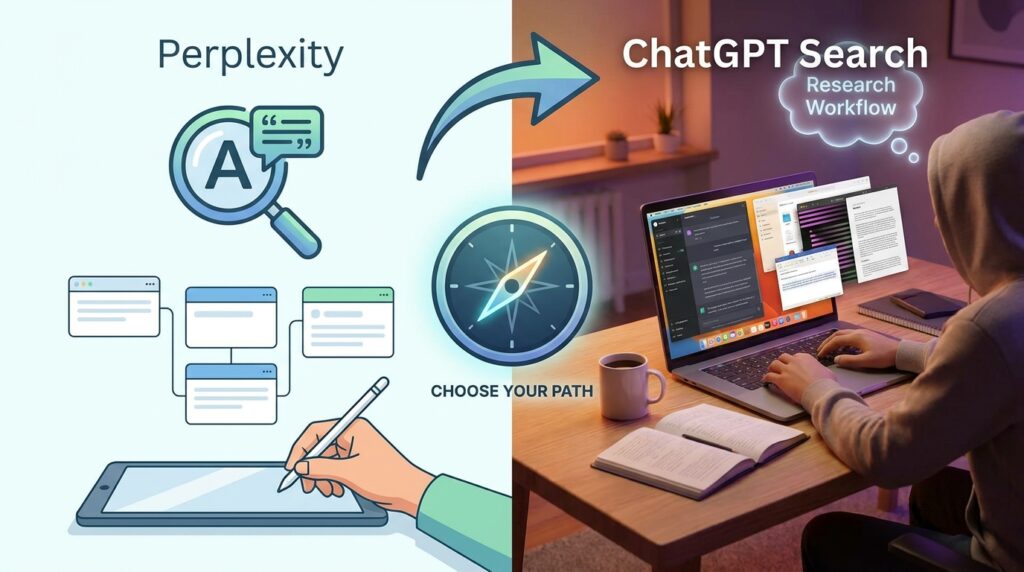
Choosing between Perplexity vs ChatGPT Search comes down to your actual work. Perplexity suits people who need clear, cited answers. ChatGPT Search suits people who want research folded into a broader workflow. Test both on your own questions, check every important source, and review your choice regularly.
Your next step is simple. Write down three questions you answered this month, run them through both tools, and compare the sources. Thirty minutes of testing will tell you more than any headline.
Click this link to read our important and interesting Technology articles as soon as they are published!