
Pinterest SEO for Bloggers: How to Get Free Traffic in Early 2027
Blogging gets harder every year when search engines send fewer clicks. Pinterest is one of the few channels where a new blog can still earn visitors without paid ads, because people use it as a search engine for ideas, plans, and products. This guide explains how Pinterest SEO works, what has changed recently, and a practical plan bloggers can follow to build traffic that compounds over months. Where numbers appear, we separate platform-reported facts from third-party estimates.
Why Pinterest Matters for Bloggers
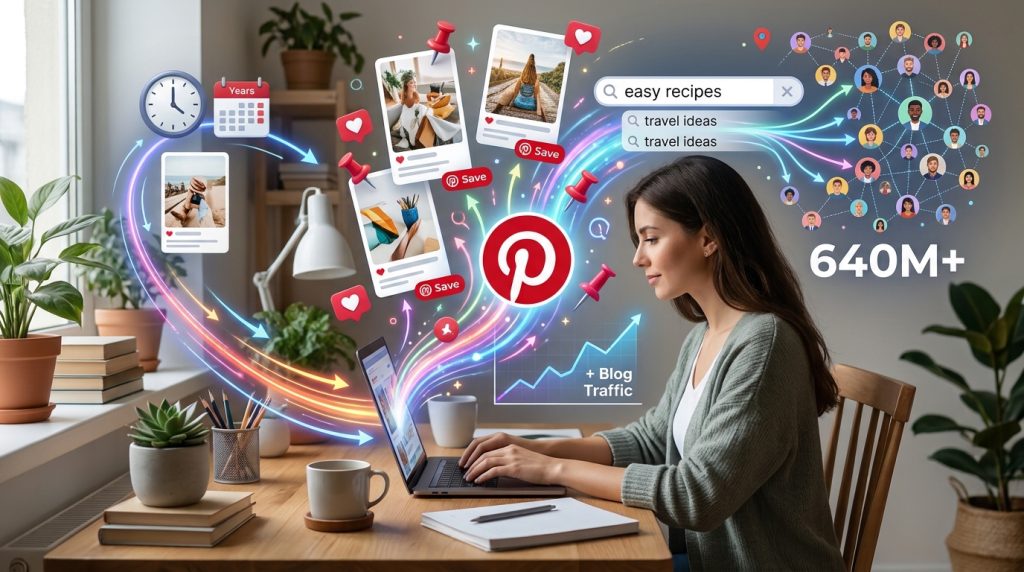
Pinterest is a visual discovery platform where users search for ideas and save what they like. Pinterest has reported strong growth, and a recent industry roundup citing Pinterest’s Q2 2026 results put monthly active users at around 640 million. That figure is reported by third parties, so check Pinterest’s investor materials for the official number. Another commonly cited observation is that most top searches on the platform are unbranded, meaning users search for topics rather than specific companies. For a blogger without an established audience, that matters: a good pin can reach people who have never heard of your site.
Pinterest also differs from Google in one important way. Its feed is driven by relevance, saves, and engagement rather than by the newest post. A pin you published two years ago can still bring visitors if it matches what people search for today.
What Is Pinterest SEO?

Pinterest SEO is the practice of optimizing your profile, boards, and pins so they appear in Pinterest’s search results and in the feed when people look for topics related to your content. It works much like search engine optimization on a website. You research the phrases people type, place them naturally in your titles, descriptions, board names, and profile, then create visuals that earn clicks and saves.
The core elements are:
- Profile: your name, bio, and website claim tell Pinterest what your account is about.
- Boards: titles and descriptions group your pins into topics and signal relevance.
- Pins: the image, title, description, and destination link determine whether a pin is shown and clicked.
- Engagement: saves, clicks, and close-ups help Pinterest decide whether to show your content to more people.
Step-by-Step Pinterest SEO Plan for Bloggers
Step 1: Set up a business account and claim your website

Create a Pinterest business account if you do not have one, then claim your domain. Claiming lets Pinterest connect your pins to your site and gives you analytics.
Why it matters: Analytics show which pins drive visits, so you can repeat what works instead of guessing.
Example: A food blogger claims their domain, then checks the analytics dashboard after two weeks and finds that recipe pins with step-by-step visuals bring far more outbound clicks than quote graphics.
Step 2: Research keywords before you pin
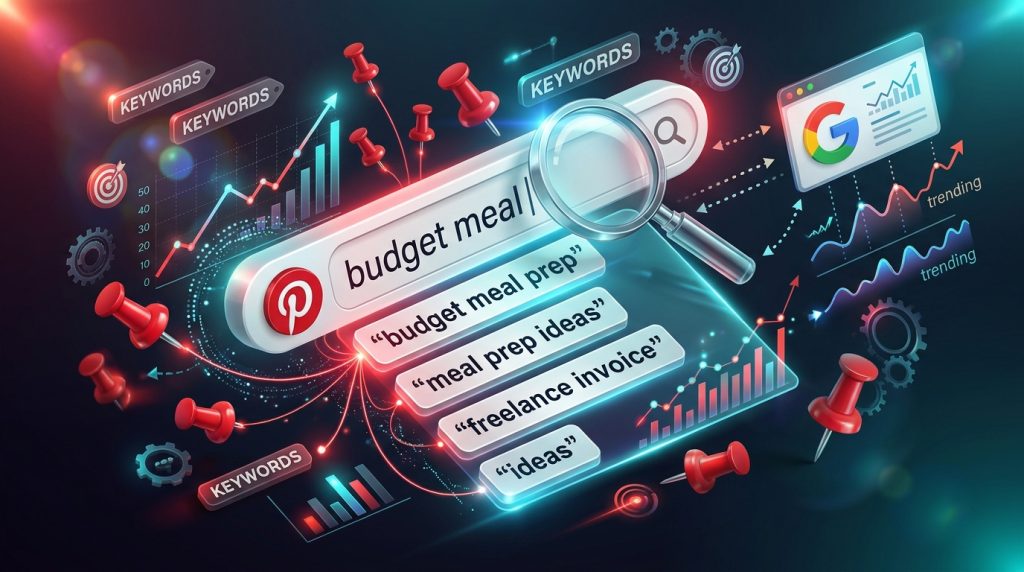
Use Pinterest’s own search bar: type a topic and read the autocomplete suggestions. Note recurring phrases such as “budget meal prep” or “freelance invoice template.” You can also check trend tools and Google’s related searches for more ideas.
How to do it: Make a spreadsheet with three columns: keyword, search intent (inspiration, how-to, or buying), and the article it matches.
Why it matters: Keywords tell you what people are looking for. Matching them to real articles makes your pins relevant.
Step 3: Write a clear, specific pin title
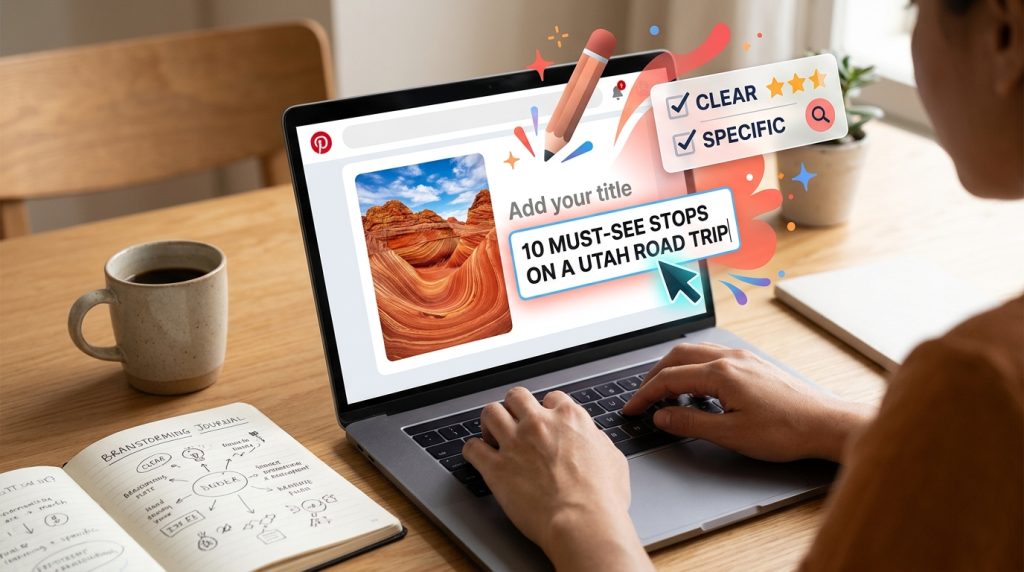
Pinterest relies heavily on text to understand images. Write titles that describe the outcome and include a keyword. Instead of “Tips for Bloggers,” write “Pinterest SEO Tips for Bloggers Starting From Zero.”
Example: “Pinterest Keyword Research for Beginners: 5-Minute Method” tells both the platform and the reader exactly what the pin offers.
Step 4: Write useful descriptions
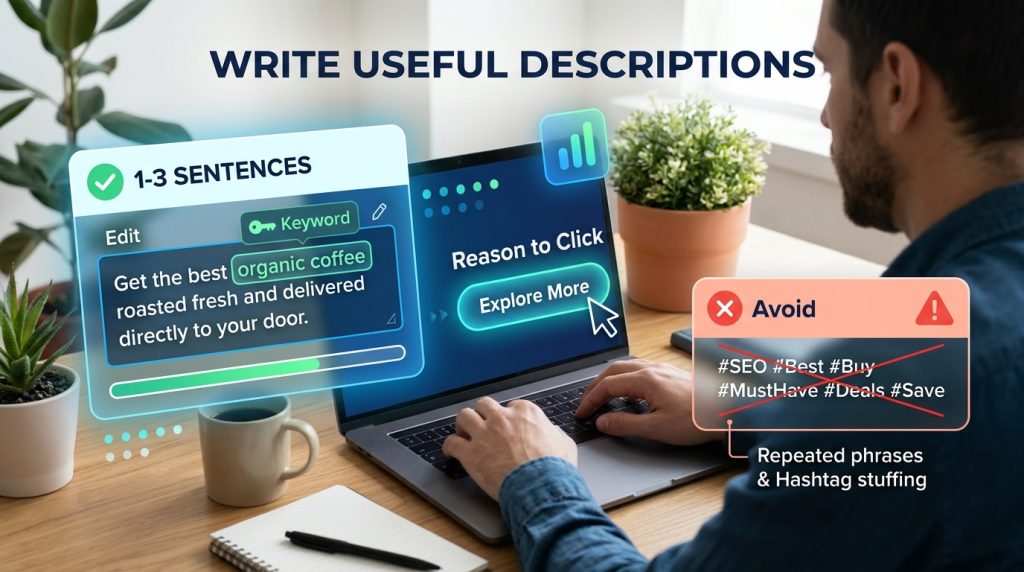
Write one to three sentences that naturally include your keyword and a reason to click. Avoid stacking hashtags or repeating the same phrase.
Why it matters: Descriptions help Pinterest classify your pin and help readers decide whether to click.
Step 5: Design vertical images with readable headlines

Use vertical images, typically a 2:3 ratio, and place a short headline on the image. Keep text large, limited to a few words, and easy to read on a phone.
Example: A finance blogger uses a clean photo of a notebook with the words “Budget in 20 Minutes” overlaid. The headline mirrors the pin title and supports the keyword.
Step 6: Organize boards around topics
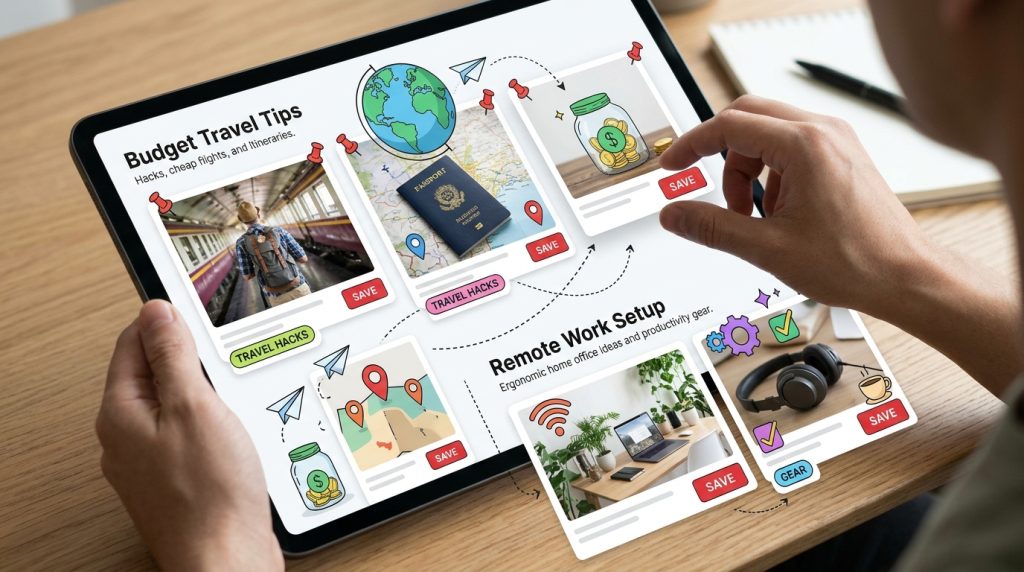
Create boards that match your main categories, such as “Budget Travel Tips” or “Remote Work Setup.” Write a board description that includes relevant phrases, and pin consistently to the board that fits best.
Why it matters: Boards help Pinterest understand your expertise. A tidy set of relevant boards is easier to rank than a mix of unrelated topics.
Step 7: Pin consistently and refresh content

Publish new pins for each article, and create several designs for your best posts. Fresh pins linking to the same article can give new life to older content. Recent community reports suggest many creators are seeing changes in reach since early 2025, and Pinterest has not published a single explanation, so diversify rather than relying on one pin.
Why it matters: Consistency and variety help you learn which formats hold attention.
Common Mistakes to Avoid
Mistake 1: Using the same pin image for every article. Duplicate designs can look repetitive and perform poorly.
Solution: Create at least two or three distinct designs per post with different headlines and layouts.
Mistake 2: Writing vague titles. “My Thoughts” gives Pinterest little to work with.
Solution: Include the search phrase and the benefit in the title.
Mistake 3: Linking to thin or unrelated pages. Sending traffic to a page that does not match the pin frustrates visitors and lowers engagement.
Solution: Link each pin to the article that fully answers the query.
Mistake 4: Keyword stuffing. Long lists of phrases make descriptions unreadable.
Solution: Use one main keyword and two or three related phrases naturally.
Mistake 5: Giving up after two weeks. Pinterest traffic usually builds slowly as pins accumulate.
Solution: Track results monthly, not daily, and judge performance over at least 60 to 90 days.
Useful Tips for Beginners
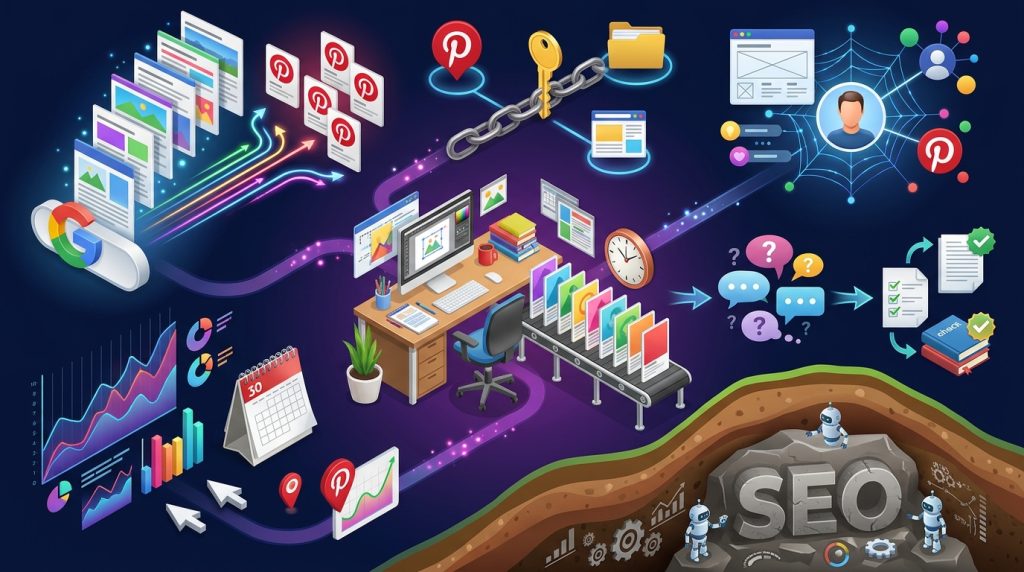
- Start with your top five articles. Create pins for the posts already getting search traffic on Google.
- Use the same keyword across pin, board, and article. This consistency helps all three work together.
- Check your analytics every month. Look at saves, outbound clicks, and which pin formats earn the most.
- Batch your design work. Creating ten pins in one session is faster than making one each day.
- Build your profile like a brand. Use a clear name, a short bio that states your niche, and a consistent visual style. Your website, social profiles, and Pinterest bio should describe the same expertise.
- Answer real questions. Write pins around questions people ask, such as “How do I start a blog with no budget?” The answer should appear clearly on your page.
- Think of SEO as layers. Make sure your site loads, is accessible to search crawlers, and has a clear structure before pushing traffic to it. Sending visitors to a broken or confusing page wastes the effort.
Frequently Asked Questions
Is Pinterest SEO worth it for a new blog?
It can be. Pinterest is one of the few channels where new blogs can attract visitors without a large following. Results vary widely by niche, design quality, and consistency, so set realistic expectations and track your own data.
How long does it take to see traffic from Pinterest?
There is no guaranteed timeline. Many bloggers report that traffic builds over several months as pins accumulate. Treat any promise of fast results with caution.
Do Pinterest boards still matter for SEO?
Yes, boards help organize topics and add context to pins. Keep them focused and descriptive rather than creating dozens of loosely related boards.
Can Pinterest make money for me directly?
Pinterest itself does not guarantee income. Bloggers may earn through ads on their own sites, affiliate links where permitted, or digital products. Always read affiliate program terms and disclosure rules in your country.
Final Thoughts on Pinterest SEO
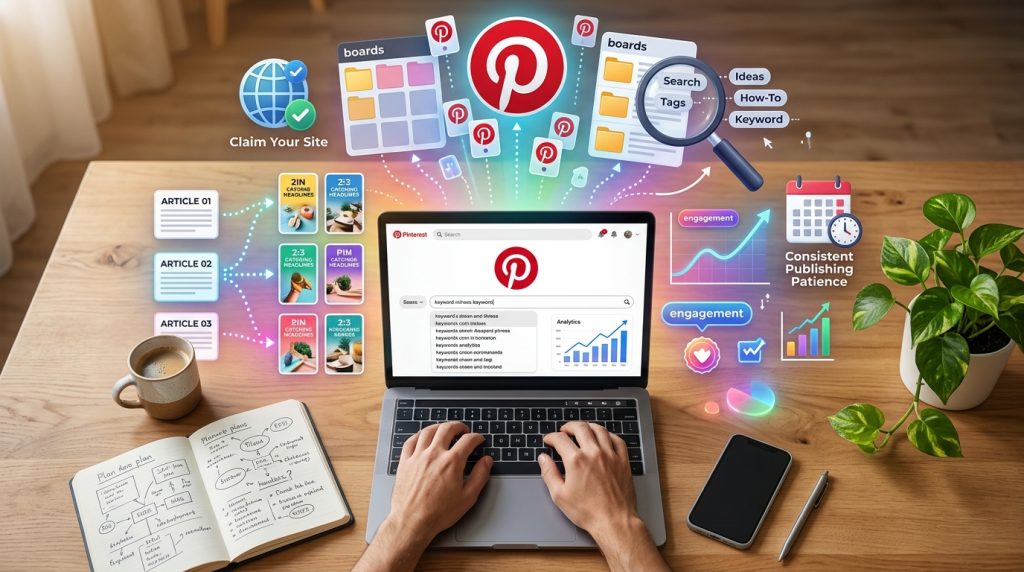
Pinterest SEO rewards patience, clarity, and useful content. Start by setting up a business account, claiming your site, and researching the phrases your audience types. Write specific titles, design vertical images with readable headlines, organize boards by topic, and publish consistently. Track what works, then do more of it. If you want a practical starting point this week, pick your three strongest articles and create two new pins for each, using a keyword from Pinterest’s search bar.
Sources and verification: Platform details come from Pinterest’s official Help Center guidance (linked below) and from 2026 industry roundups and community discussions. User-count and search-behavior figures are third-party reports and should be checked against Pinterest’s investor relations materials. Traffic-change reports from creators are anecdotal.
Official reference: Pinterest Help Center
For more digital productivity guides, visit Digital Task Compass.