

How to Create a Weekly Plan You’ll Actually Follow (2026)
Most weekly plans die by Tuesday. You sit down on Sunday night, map out an ambitious week, and by the second day, a meeting runs long, a client emails, and the whole plan quietly falls apart — so you stop planning altogether. The problem was never the planning; it was that nobody showed you how to create a weekly plan that survives contact with Monday morning.
This guide shows you how to create a weekly plan in under 20 minutes — one built to bend instead of break, with a buffer-day trick most planning advice skips entirely.
Why Most Weekly Plans Fail
The usual weekly plan is really just a wish list with days attached. Every task gets squeezed in somewhere, every day looks identically packed, and there’s no room for the meeting that runs over or the email that turns into an hour of firefighting.
The problem isn’t effort. It’s that most people create a weekly plan exactly once and never adjust it — treating Sunday’s plan as a fixed contract instead of a living guide. A good weekly plan expects reality to interrupt it and has space built in for that interruption.
Step 1: Choose One Weekly Planning Time
Before you create a weekly plan, decide when you’ll do it — every single week, same time. Sunday evening or Monday morning both work well; what matters is consistency, not the exact hour.
Block 15–20 minutes on your calendar as a recurring appointment. Treat it the way you’d treat a meeting with your most important client — because in a sense, it is one.
Step 2: List Your Non-Negotiables First
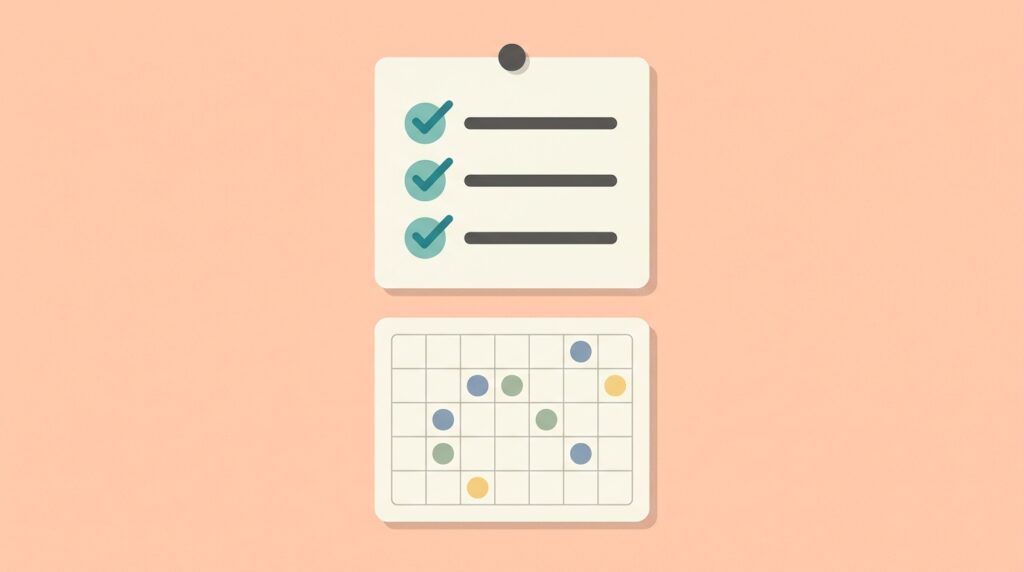
Before adding tasks, write down what’s already fixed: meetings, appointments, deadlines, family commitments. These are your non-negotiables — the parts of the week you don’t control.
Most people skip this and build their task list first, then discover Wednesday is already full of unmovable commitments. Listing non-negotiables first shows you the real available hours before you promise any of them away.
Step 3: Assign Your 3 Weekly Priorities
This is the step most people skip when they create a weekly plan — and it’s the one that matters most. From everything you’d like to accomplish, pick three priorities that would make the week a genuine success if nothing else got done.
Not ten. Three. Everything else — small tasks, replies, admin — happens around these three, the same logic behind the 2-minute rule and the 3-task rule from our daily schedule guide, just scaled up to a week.
Step 4: Block Time for Deep Work Days

Look at your available hours (after non-negotiables) and assign your three priorities to specific days — ideally days with the fewest existing commitments. One full morning or a 2–3 hour block per priority is usually enough.
If your schedule allows it, designate one day as a primary deep work day with minimal meetings. Pair this step with our deep work routine guide for exactly how to structure that day once it’s blocked.
Step 5: Leave Buffer Days
Here’s the trick most weekly planning advice skips: leave at least one day, or a few hours across several days, completely unscheduled. Call it a buffer.
Weeks are unpredictable — a call runs long, a task takes twice as long as expected, something urgent appears. Without buffer time, the first disruption cascades through your entire week and the plan collapses. With it, disruptions absorb into the buffer and the rest of the week survives intact.
A good rule: 20–25% of your available hours stay unscheduled. It feels uncomfortable to leave space empty on Sunday night. By Thursday, you’ll be glad you did.
Step 6: Review and Adjust Midweek
A weekly plan isn’t a contract — it’s a draft you revisit. Spend five minutes on Wednesday checking progress: what’s done, what’s slipping, what needs to move.
This single habit is what separates people who stick with weekly planning from people who abandon it after a few rough weeks. Plans that can’t bend get thrown out. Plans that adjust midweek survive indefinitely.
A Sample Weekly Plan Template
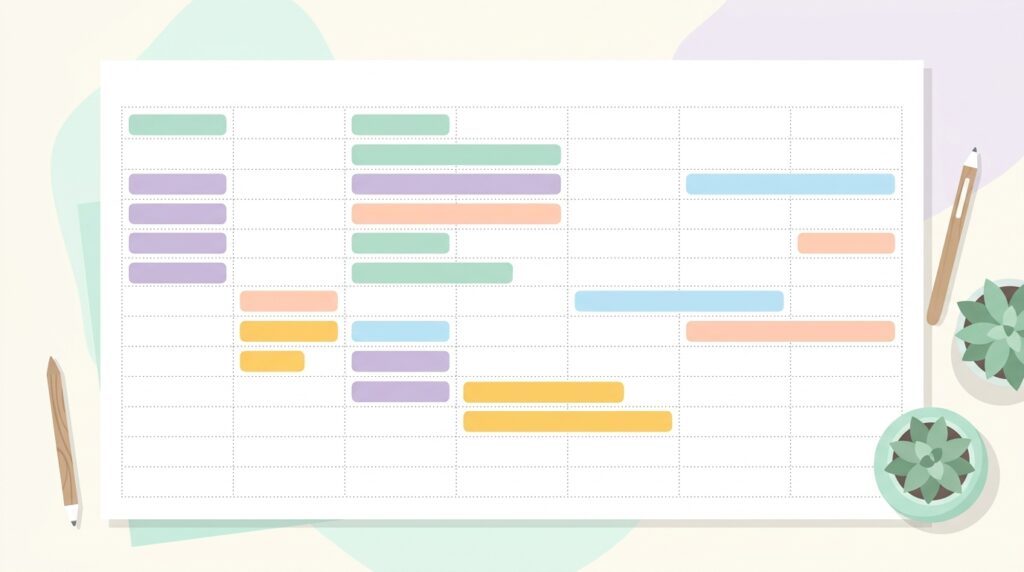
Here’s what it looks like to create a weekly plan using every step above:
| Day | Non-negotiables | Priority focus | Buffer |
|---|---|---|---|
| Monday | Team meeting 10am | Priority #1 (deep work) | — |
| Tuesday | — | Priority #1 continued | 1 hour |
| Wednesday | Client call 2pm | Midweek review + Priority #2 | — |
| Thursday | — | Priority #2 (deep work) | 1 hour |
| Friday | — | Priority #3 + wrap-up | Half day |
Adjust the shape to your own week — what matters is the structure: non-negotiables placed first, priorities blocked into the remaining space, and buffer time protected, not squeezed out.
Weekly Plan vs Daily Plan: How They Work Together

A weekly plan and a daily plan aren’t competitors — they’re different zoom levels of the same system. You create a weekly plan once, choosing priorities and rough days; then each morning, your daily plan picks the specific tasks for that day from the weekly outline.
If you only plan daily, you risk drifting — busy days that don’t add up to a meaningful week. If you only plan weekly, you risk vagueness — knowing the week’s direction but not today’s next move. Our time blocking vs to-do list guide covers the daily layer in detail; pair it with the weekly structure here for the full system.
Common Mistakes When You Create a Weekly Plan
Scheduling every available hour. No buffer means one disruption wrecks the whole week. Always protect 20%+ unscheduled time.
Listing tasks instead of priorities. Twenty equally-weighted tasks hide what actually matters. Three real priorities beat twenty vague ones.
Skipping the midweek check-in. Plans that never get revisited become irrelevant by Wednesday and abandoned by Friday. Five minutes on Wednesday saves the whole system.
Planning irregularly. A weekly plan you build sometimes barely works better than no plan. Same time, every week, is what makes it compound.
Frequently Asked Questions
How often should I create a weekly plan? Once a week, at a fixed time — Sunday evening or Monday morning are the most common choices. Consistency matters more than the exact day; what breaks the habit is skipping weeks irregularly.
How long should weekly planning take? 15–20 minutes is enough once you have a system. The steps in this guide — non-negotiables, three priorities, blocked days, buffer time — fit comfortably in that window after a week or two of practice.
What’s the simplest way to create a weekly plan if I’m new to this? Start with just two steps: list your non-negotiables, then pick three priorities for the week. Skip the rest until that habit feels automatic, then layer in blocking and buffer time.
Should I create a weekly plan on paper or digitally? Either works — the structure matters more than the tool. A simple notebook page, a calendar app, or a tool like Notion all support this system equally well. Pick whatever you’ll actually open every week.
Build Your First Weekly Plan This Sunday
You don’t need a complicated system to create a weekly plan that actually works — just six steps, repeated weekly: pick a planning time, list non-negotiables, choose three priorities, block deep work, leave buffer time, and review midweek.
Pair it with a solid daily routine — see our guides on organizing your work day and deep work for remote workers — and browse the rest of our productivity guides for the complete system.