Time Blocking vs To Do List: 5 Best Reasons to Combine Both
The Time Blocking vs To Do List is the oldest productivity tool in the world, and most of us still use one. Time blocking is the method productivity influencers swear by today. The honest answer to “time blocking vs to do list” isn’t that one beats the other — it’s that they solve different problems, and most people get the best result by combining them.
This guide breaks down both methods clearly, shows where each one shines and fails, and walks through a simple hybrid that captures the best of both.
What Each Method Actually Does
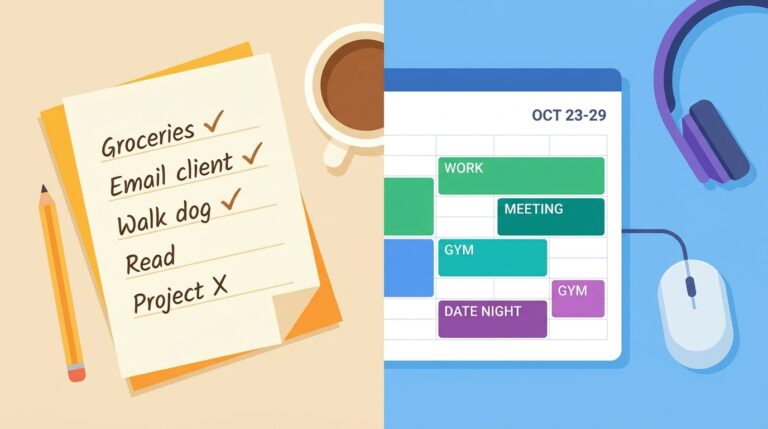
A Time Blocking vs To Do List is a written collection of tasks waiting to be done — no specific time, just an order or priority. You work through it task by task until you stop for the day, or until tomorrow’s list begins.
Time blocking assigns each task or category of work to a specific slot in your calendar — 9:00–10:30 deep work, 10:30–11:00 email, and so on. You’re not just listing what to do; you’re committing to when.
The to-do list answers “what do I need to do?” Time blocking answers “when, exactly, am I going to do it?”
The Case for the To Do List
To-do lists are popular for excellent reasons.
They’re fast to capture. A passing task hits a list in three seconds. Time blocking the same task means opening a calendar, choosing a slot, dragging a block — friction that often kills the habit.
They’re flexible. Days don’t always cooperate. A surprise client call, a sick child, a meeting that runs long — a list reshuffles instantly while a time-blocked calendar gets demolished.
They’re portable. Phone, paper, sticky note, Notion — any list works. Time blocking generally needs a calendar app and some setup.
And they’re satisfying in a way few productivity tools are: the small dopamine hit of crossing something off is real, and it keeps momentum going.
Where the To Do List Quietly Fails
The same list that feels productive on Monday morning often turns toxic by Friday.
It grows infinitely. Without time as a constraint, a to-do list never stops accepting new tasks. Soon it’s a wall of items you’ll never finish, generating low-grade guilt every time you look at it.
It hides what actually matters. A 30-item list treats “answer Tom’s email” and “finish Q3 strategy doc” as equal entries. Most people unconsciously start with the easy ones — the strategy doc waits until Friday afternoon, again.
It says nothing about time. “Write the report” might be a 4-hour task; “send invoice” might be 4 minutes. A list ignores this, so days end with the small stuff cleared and the big stuff still untouched.
The Case for Time Blocking
blocking vs to do list
Time blocking is the antidote to almost every weakness above.
It forces honest planning. When you have to assign tasks to slots, you confront how long they actually take — and how few really fit in a day. That confrontation alone makes you more realistic and less overcommitted.
It protects your best hours. A 9:00–11:00 “deep work” block doesn’t get accidentally eaten by email, because email has its own block later. Your most important work gets your most focused time. (This is the backbone of our freelancer daily schedule guide.)
It kills decision fatigue. Once a block is set, you don’t choose what to work on — you just look at the calendar and start. Fewer choices, more focus.
It builds in breaks and admin. A blocked day includes lunch, breaks, and admin time on purpose. Lists rarely do, which is why list-driven days quietly run people into burnout.
Where Time Blocking Falls Apart
Time blocking has real limits.
It’s brittle. One unplanned interruption can collapse a day full of carefully placed blocks, and re-planning is annoying enough that many people abandon the method after one bad week.
It penalizes shifting energy. Some days you wake up sharp and want to do deep work; other days you don’t. Rigid blocks fight your natural rhythm.
It’s a poor fit for reactive jobs. If your role is mostly responding to whatever lands (customer support, client work in crunch, certain managerial roles), pre-blocking a day is fighting the job itself.
It can become a procrastination ritual. Spending 40 minutes “perfecting” tomorrow’s blocks is itself a way to avoid doing the work. The plan should serve the work, never the reverse.
Time Blocking vs To Do List: Which One Wins?

In the time blocking vs to do list debate, for most knowledge workers, freelancers, students and remote employees, time blocking wins on output and to-do lists win on flexibility. If your work has long stretches of self-directed time and a few clear priorities, time blocking will get more of those priorities done. If your day is largely reactive or unpredictable, a clean list with prioritization will serve you better.
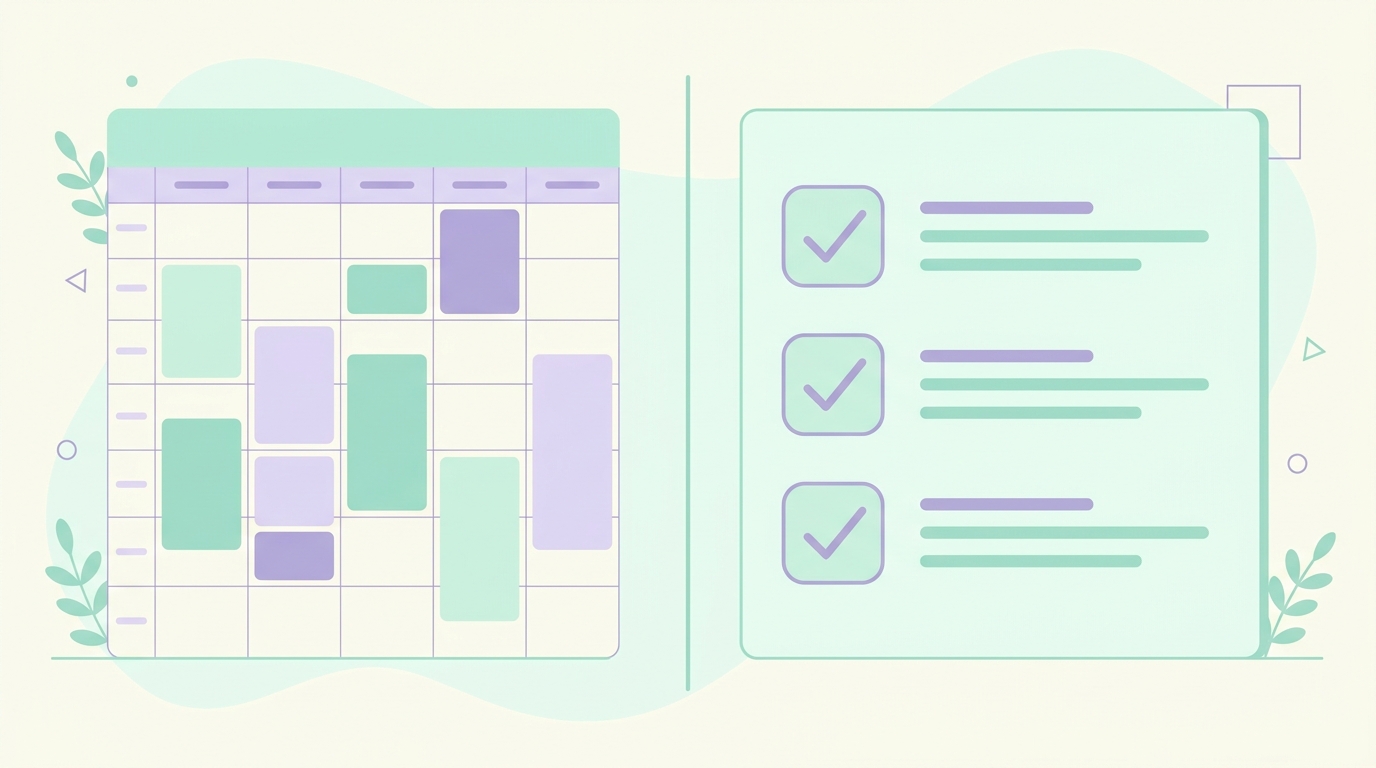
But the honest answer isn’t either-or — it’s both, used for what each is good at.
The Hybrid That Beats Both
Here’s a simple combination that works for most people. It uses each method where its strengths actually apply.
Keep a single capture list. Throughout the day, whenever a task surfaces, dump it onto one to-do list (Notion, Todoist, paper — anything). This is your inbox, not your plan.
Each evening, choose the day’s top three. Pull the three tasks that would make tomorrow a real success. The rest stays on the list for later. (This is the 3-task rule covered in our freelancer day-organization guide — applied to the hybrid.)
Time-block only the big rocks. Put just those three priority tasks on your calendar as actual blocks — typically 2–4 hours of deep work plus one or two other blocks. Don’t try to block every minute.
Leave the rest as flexible list time. Small tasks, replies, admin, and small wins live in the unblocked spaces. Plus a buffer block of 20–30% unscheduled time for the inevitable.
That’s it: a list captures everything, time blocking protects what matters most, and the rest of the day stays flexible. You stop drowning in your list, and you stop watching your blocked calendar disintegrate by 11 am.
A Day With the Hybrid Method
A simple version of a hybrid day might look like this:
- 8:30–9:00 — review yesterday’s capture list, pick the day’s top three (planned the night before; just a check this morning)
- 9:00–11:30 — time-blocked deep work on priority #1
- 11:30–12:30 — flexible list time: small tasks and quick replies
- 12:30–13:30 — lunch
- 13:30–15:00 — time-blocked work on priorities #2 and #3
- 15:00–16:30 — flexible: meetings, calls, list cleanup
- 16:30–17:00 — capture list dump for tomorrow, plan the next day’s top three
Roughly five hours of structured focus, three hours of flexibility, and you go home with the things that mattered actually done.
Common Mistakes With Both Methods
Treating the list as the plan. A list is a holding pen, not a schedule. If you walk into a day with only a list, you’ll do the easy items first.
Time-blocking every minute. Over-blocking is brittle and crushes motivation when the day inevitably shifts. Leave at least 20% unscheduled.
Skipping the evening reset. Both methods rely on a brief end-of-day review. Five quiet minutes to update your list and set tomorrow’s top three saves the next entire day. Pair it with a calm shutdown habit and you’ll start every morning ahead.
Switching methods every Monday. Productivity systems work because of consistency, not novelty. Pick the hybrid and run it for at least two weeks before deciding what to adjust.
Frequently Asked Questions
blocking vs to do list
Is time blocking better than a to-do list? For focused, self-directed work, yes — time blocking generally drives more output by protecting your best hours from interruption. For highly reactive work or chaotic days, a clean prioritized to-do list is more practical. Most people get the best result from a hybrid that uses both for what they’re good at.
What’s the biggest weakness of time blocking? Brittleness. One unexpected meeting or emergency can collapse a tightly blocked day, and the cost of re-planning often pushes people back to lists. Leaving 20–30% of your day unblocked solves most of this.
Can I use time blocking with a paper to-do list? Yes — paper is fine for capture, and you can time-block on paper too. The principle matters far more than the tool. Some people use a paper list for capture and a digital calendar for blocking, which works well.
How long should a time block be? For deep work, 60–120 minutes lets you reach real focus without burning out. For admin and email, 20–30 minutes is usually enough. Avoid blocks shorter than 20 minutes — they create more switching than work.
Pick One, Run It This Week
The single best move isn’t choosing between time blocking vs to do list — it’s running the hybrid above for a full week and adjusting from there.
Capture everything in one list, pick three priorities each evening, block only those, and leave room to breathe. For the wider system around it, see our guide on organizing your work day as a freelancer and more in our productivity guides.