
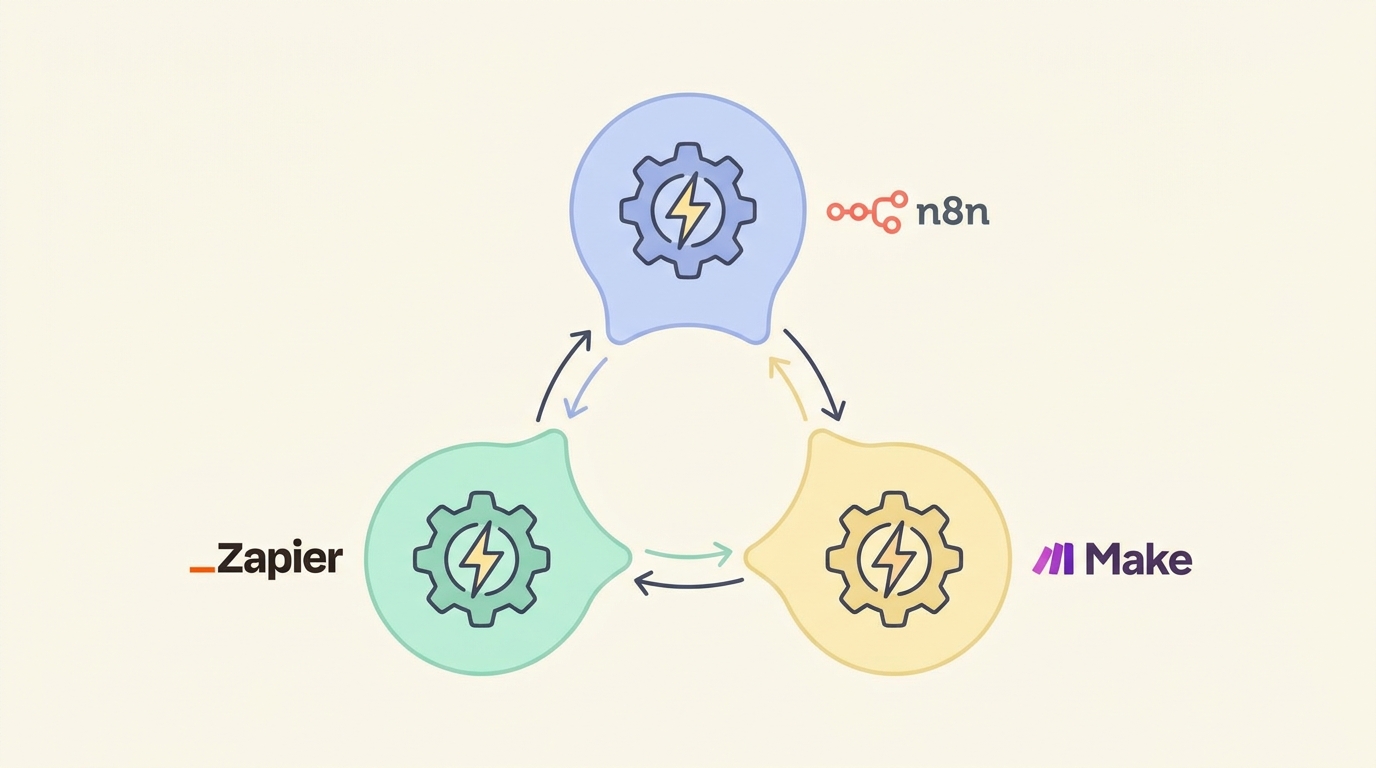
AI Automation Tools Compared: n8n vs Zapier vs Make (2026 Guide)
Picking between n8n vs Zapier vs Make used to be a minor tooling decision. In 2026, with AI models plugged directly into workflows, it’s become a decision that shapes how much of your business actually runs itself — and how much you keep doing by hand because “the automation tool” felt too complicated to set up properly.
All three platforms let you connect apps, trigger actions, and now call AI models mid-workflow. But they’re built on genuinely different philosophies, and that difference matters far more than any feature checklist suggests. This n8n vs Zapier vs Make breakdown compares cost, flexibility, learning curve, and AI capability, so you can pick the one that fits how you actually work.
Why the Automation Tool You Pick Actually Matters
Most people choose an automation tool the way they choose a phone case — whatever’s popular, whatever a YouTuber recommended last week. That works fine for a single simple workflow. It stops working once you’re running ten workflows that touch client data, payments, or anything where a silent failure costs you money.
The real differences between n8n vs Zapier vs Make show up in three places: what happens when a workflow breaks at 2 am, how much you pay once you’re running dozens of automations instead of two, and whether you can actually customize a step the built-in app connector doesn’t support. Get this wrong early, and you either overpay for years or hit a wall you have to rebuild everything to get past.
n8n: The Open-Source, Self-Hostable Option

n8n stands apart from the other two by being open-source at its core — you can self-host it for free on your own server, or use their cloud plan if you’d rather skip the setup.
How it works: You build workflows on a visual node-based canvas, connecting triggers, actions, and logic nodes. Every node’s data is visible and editable, and a dedicated Code node lets you drop in raw JavaScript when a built-in connector doesn’t do exactly what you need.
Strengths:
- Self-hosting means no per-task or per-operation fees — you pay for a server, not for volume
- Full access to a Code node for custom logic, HTTP requests to any API, and complex data transformations
- Native AI nodes for connecting to OpenAI, Anthropic, and other model providers directly inside a workflow
- Complete data ownership, which matters for anyone handling client or financial information
Weaknesses:
- Self-hosting requires basic server knowledge — deploying via Docker or npm isn’t difficult, but it’s not zero-setup either
- The node-based interface has a steeper learning curve than a simple “if this, then that” builder
- Community support is strong but less polished than Zapier’s dedicated help documentation
n8n rewards people willing to spend a weekend learning it with automations that scale without the bill scaling alongside them.
Zapier: The Beginner-Friendly Standard
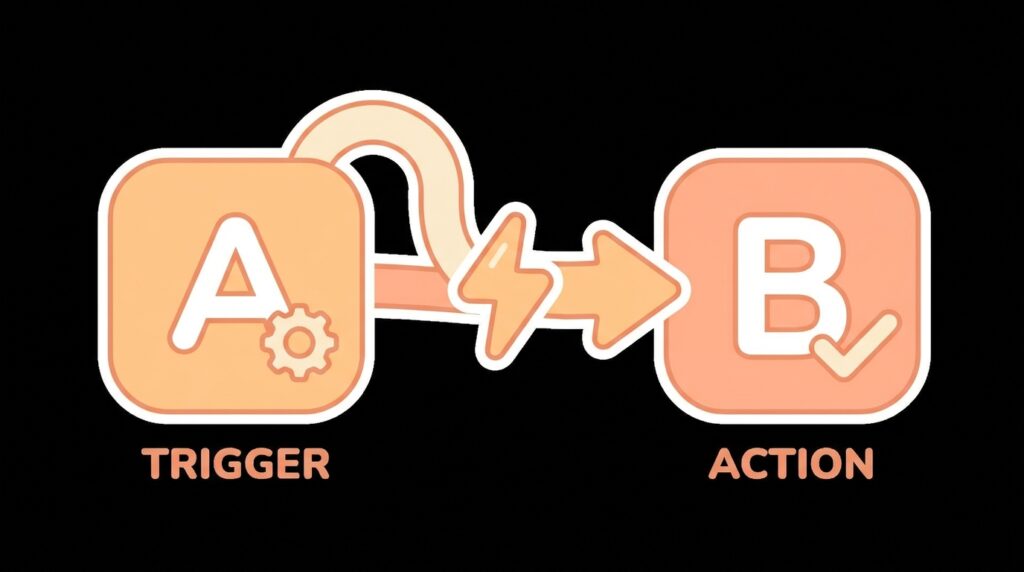
Zapier is the automation tool most people have already heard of, and for good reason — it was built specifically to make “connect two apps” feel like a five-minute task, not a technical project.
How it works: You pick a trigger app and action app from a massive library of over 7,000 integrations, map the fields between them, and Zapier runs the “Zap” whenever the trigger fires. AI steps can now be added mid-Zap to summarize, classify, or generate text using built-in AI actions.
Strengths:
- The largest app integration library of the three by a wide margin — if a tool has an API, Zapier probably already connects to it
- Genuinely the easiest of the three to learn, with a linear step-by-step builder
- Reliable uptime and mature error-handling notifications
Weaknesses:
- Pricing scales by “tasks,” and task counts climb faster than expected once workflows get multi-step
- Complex branching logic and custom code require higher-tier plans
- Costs can jump sharply the moment you outgrow the starter tiers
Zapier remains the fastest path from zero to a working automation — the cost of that speed shows up later, once your task volume grows.
Make: The Visual Middle Ground

Make (formerly Integromat) sits between the other two — more visual flexibility than Zapier, without requiring the self-hosting commitment of n8n.
How it works: Make uses a visual canvas similar to n8n’s, where modules connect via literal drawn lines showing data flow. Built-in routing, filtering, and iteration tools let you build genuinely complex logic without writing code, and AI modules plug in for model calls mid-scenario.
Strengths:
- Pricing is based on “operations” rather than full tasks, which is often cheaper than Zapier for multi-step workflows
- Visual data-flow mapping makes debugging easier than in a purely linear builder
- Strong built-in support for branching, looping, and conditional logic without needing custom code
Weaknesses:
- Smaller app integration library than Zapier, though it covers most mainstream tools
- The visual canvas has a real learning curve — more forgiving than n8n’s code option, but not instant
- Cloud-only, so there’s no self-hosting path if you want full data control
Make hits a real sweet spot for people who’ve outgrown Zapier’s simplicity but don’t want to manage a server.
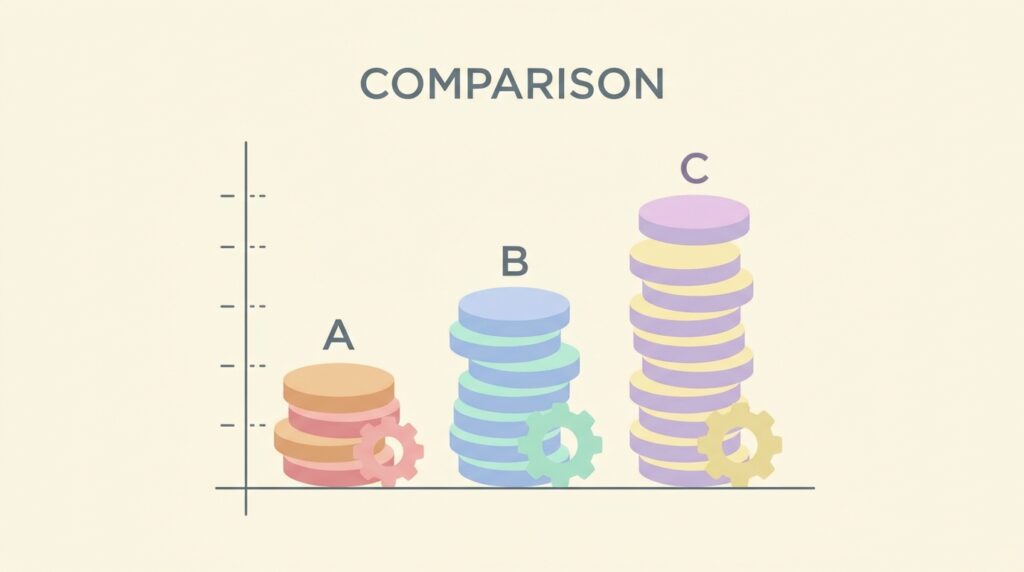
n8n vs Zapier vs Make: Pricing and Complexity Compared
| n8n | Zapier | Make | |
|---|---|---|---|
| Pricing model | Self-hosted (free) or cloud plans | Per task, tiered | Per operation, tiered |
| Free tier | Generous (self-hosted is unlimited) | Limited tasks/month | Limited operations/month |
| App integrations | Growing, HTTP node covers any API | 7,000+ largest library | 2,000+, strong core coverage |
| Learning curve | Steepest, most powerful | Easiest, fastest setup | Moderate, visual and flexible |
| Custom code | Full JavaScript Code node | Limited to higher tiers | Limited custom functions |
| Best for | Technical users, agencies, scale | Beginners, quick single workflows | Growing businesses, complex logic |
Lined up like this, the n8n vs Zapier vs Make decision usually comes down to one honest question: how much time do you have to learn the tool versus how much you’re willing to pay to skip that learning curve?
Which Should You Choose for Your Situation?
You’re automating your first workflow and want it working today. Start with Zapier. Its low-friction builder gets a working automation live in minutes, and the free tier is enough to prove the concept before you invest more time.
You’re running client work, an agency, or anything where costs need to stay predictable at scale. Choose n8n. Self-hosting removes the per-task pricing ceiling entirely, and the Code node means you’re never blocked by a missing integration — useful if your stack includes a mix of AI tools, as covered in our AI productivity workflow guide.
You need complex branching logic but don’t want to manage a server. Make is the middle path — its visual routing and operation-based pricing handle multi-step logic more cheaply than Zapier without n8n’s setup commitment.
Many freelancers and small agencies end up running two of the three. A common setup: Zapier for quick internal automations that rarely change, and n8n for client-facing workflows where cost and customization actually matter. The n8n vs Zapier vs Make choice doesn’t have to be permanent or exclusive — start with whichever removes the most friction today, and add the second tool once you hit its limits.
How to Get Started With Each Platform

- n8n: Deploy via Docker or npm on your own server following n8n’s official hosting documentation, or sign up for n8n Cloud to skip hosting. Start with the built-in workflow templates before building from scratch.
- Zapier: Create a free account, connect your first two apps, and use the guided Zap builder — no technical setup required.
- Make: Sign up for a free account, explore the template library for your use case, and use the visual canvas to connect your first scenario.
Whichever side of the n8n vs Zapier vs Make split you land on, test any new automation with sample data before connecting it to live client work or payment systems. A broken trigger caught in testing costs nothing; one caught after it’s already fired on real data costs cleanup time you didn’t budget for.
Frequently Asked Questions
Which is cheapest overall in an n8n vs Zapier vs Make comparison? Self-hosted n8n is the cheapest at scale since there’s no per-task fee — you only pay for server hosting. For anyone unwilling to self-host, Make’s operation-based pricing is typically cheaper than Zapier’s task-based pricing once workflows get multi-step.
Do I need to know how to code to use n8n? No. Most workflows can be built entirely with n8n’s visual nodes. Coding knowledge only becomes useful if you want to use the optional Code node for custom logic — it’s a bonus, not a requirement.
Can all three tools use AI models like GPT or Claude? Yes. n8n, Zapier, and Make all now offer native AI nodes or actions that connect to major model providers, letting you summarize text, classify data, or generate content mid-workflow without a separate integration.
Is Zapier still worth it if n8n is cheaper? For simple, low-volume automations, yes — the time saved by Zapier’s simplicity is often worth more than the fee, especially early on. It’s high-volume or client-facing automation where the cost gap starts to matter.
Can I switch between n8n, Zapier, and Make later? Yes, though workflows aren’t directly portable between platforms — you’ll need to rebuild the logic. Most people migrate once volume outgrows their current tool’s pricing, so it’s worth planning for that possibility from the start.
Automate Without Overpaying
There’s no universal winner in the n8n vs Zapier vs Make comparison — the right pick depends on your technical comfort, how many workflows you’ll run, and how much control you need over the details. Start with Zapier if you want speed today, move to Make if you need more logic without a server, and graduate to n8n once cost and customization start to matter. Whichever you pick, build one solid workflow before adding a second — a single reliable automation beats five fragile ones every time.
For more on building automation into your daily systems, see our guide on building an AI productivity workflow that actually saves hours and our roundup of the best productivity apps for remote workers.