Free Invoicing Software for Freelancers: Wave vs Zoho Invoice vs Stripe (No Hidden Fees)
Getting the work done is only half of freelancing. The other half is getting paid on time, and that depends on how quickly you can send a clear invoice and collect the money. Choosing free invoicing software for freelancers sounds simple, but “free” means different things across products. One tool costs nothing to use but takes a percentage of every card payment. Another caps how many invoices you can send in a year. A third is free to start but may not work in your country at all.
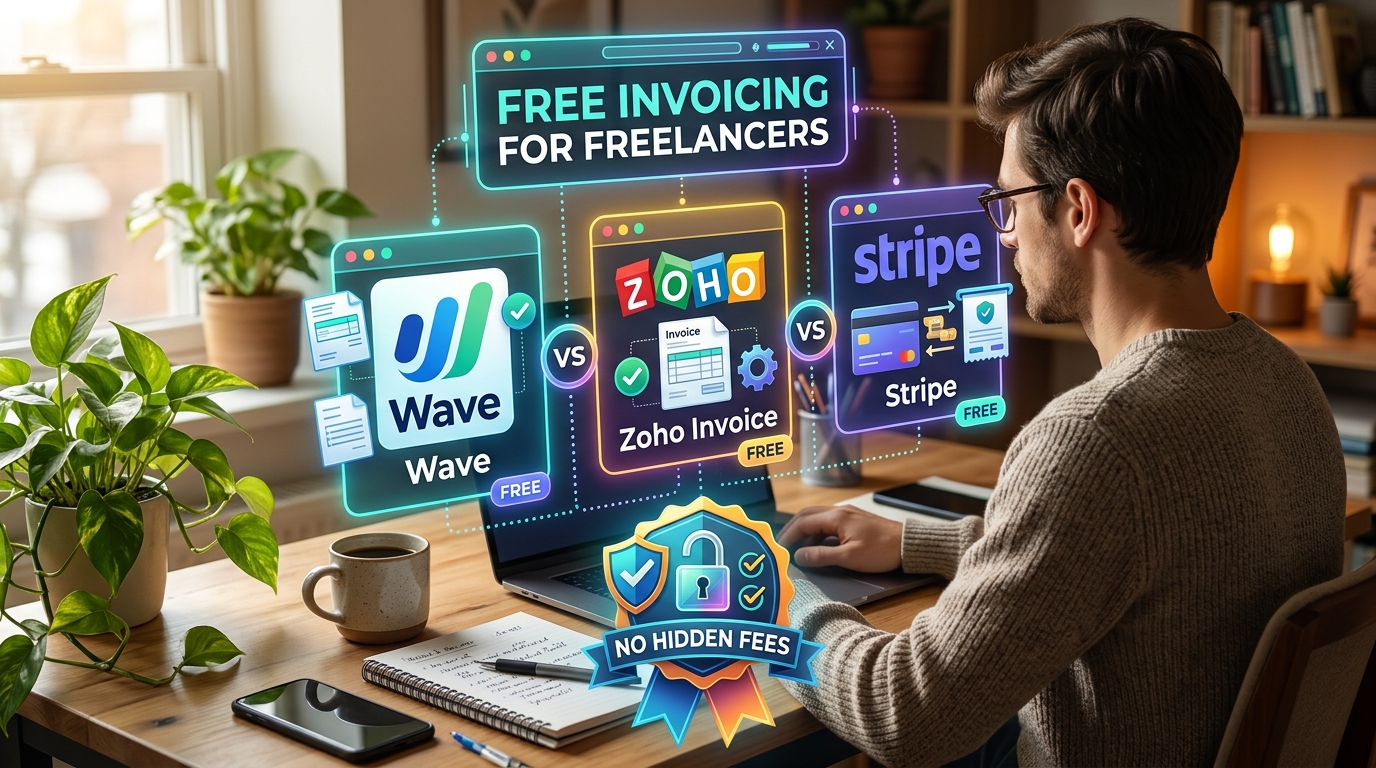
This guide compares three popular options: Wave, Zoho Invoice and Stripe Invoicing. We reviewed pricing pages and independent reviews published in September and October 2026, and we separate confirmed facts from estimates. By the end, you will know which option fits your workload, your clients and your location.
What Is Free Invoicing Software for Freelancers?
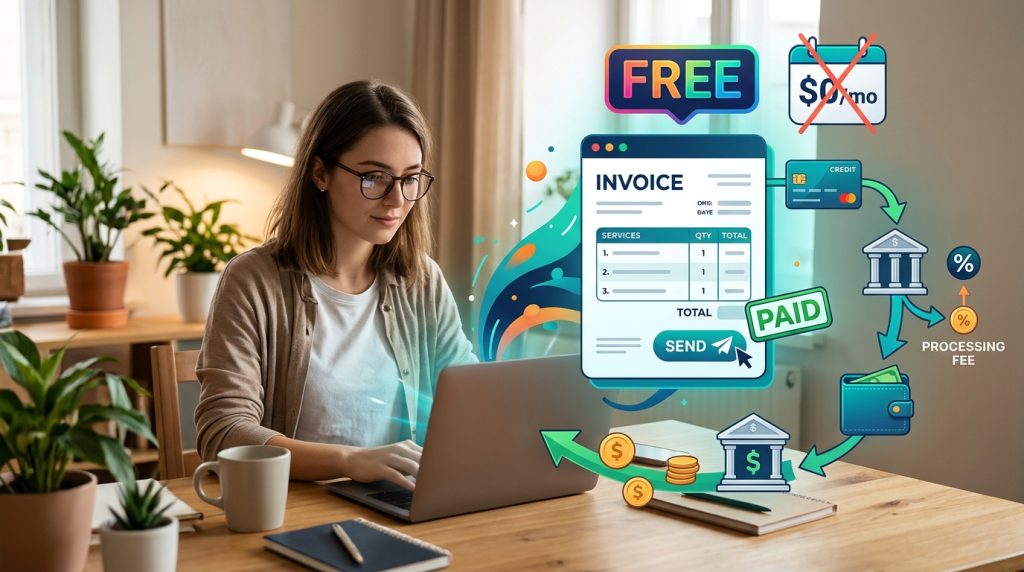
Free invoicing software for freelancers is a tool that lets you create professional invoices, send them to clients, track which ones are paid, and sometimes accept card or bank payments, all without a monthly subscription. The idea is simple, but the word “free” usually refers to the software itself. Payment processing is a separate cost. When a client pays by card, the payment company keeps a fee. Whether that fee feels like a hidden cost depends on how clearly the tool shows it.
Here is an example. A freelance writer invoices a client $1,000 for a series of articles. If the client pays by card, the processor may take around $30 before the money reaches the writer’s bank account. If the client pays by bank transfer, the fee may be much smaller. The invoicing tool might cost nothing, yet the payment method changes how much you keep. Understanding this difference is the key to choosing well.
How We Evaluated These Tools
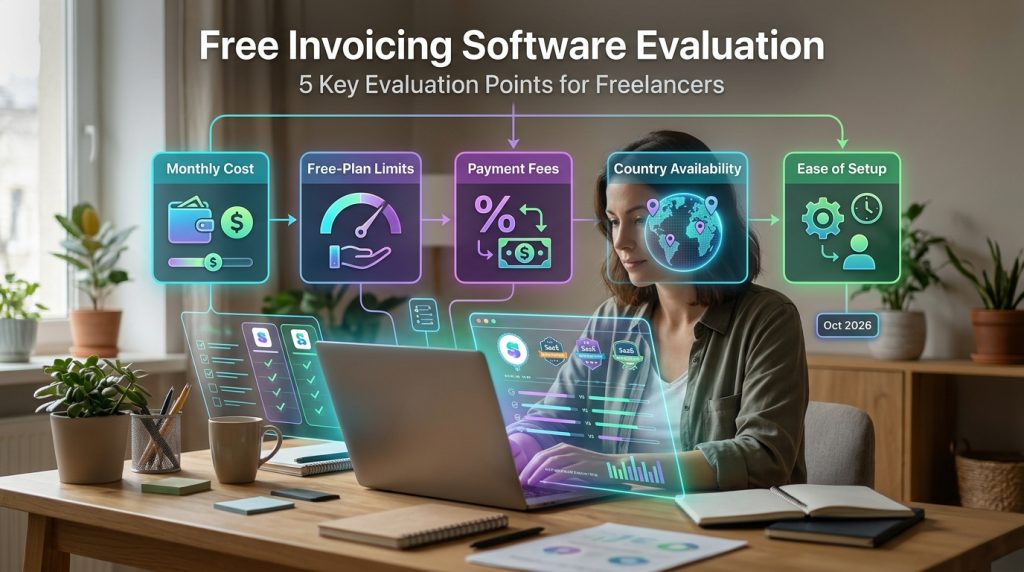
We compared each product as free invoicing software for freelancers on five points: monthly cost, free-plan limits, payment fees, country availability and ease of setup for a solo operator. Where sources disagreed, we say so. Where a number is an estimate, we label it. Fees are listed in US dollars based on US pricing pages checked in October 2026. Prices change, so always confirm on the provider’s site before you commit.
Wave: Free Invoicing With Payment Fees
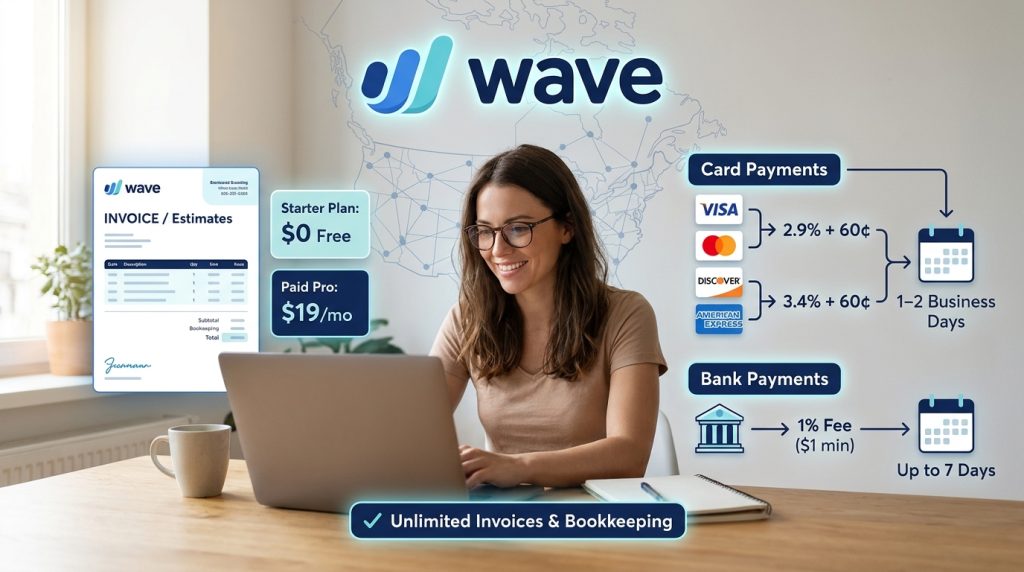
Wave is often shortlisted as free invoicing software for freelancers in the US and Canada. Its Starter plan costs nothing and includes unlimited invoices and estimates, plus basic bookkeeping. You pay only when a client pays you online. For Visa, Mastercard and Discover cards, Wave charges 2.9% plus $0.60 per payment. American Express payments cost 3.4% plus $0.60. The paid Pro plan is listed at $19 per month, or $190 per year.
Wave says card payments usually reach your bank within one to two business days, while bank payments can take up to seven. Bank payments cost less. Reviews report a bank payment fee of 1% with a $1 minimum, though some sources list it differently, so check the current price before you rely on it.
Estimate for a $1,000 card payment: about $29.60 in fees, leaving roughly $970.40. Pro is not automatically cheaper for most freelancers. Its monthly fee can outweigh any savings unless you process many payments.
Wave suits freelancers who want a no-cost starting point and do not need many users or advanced features. Its main drawbacks are limited support on the free plan and restricted availability outside North America, explained in the country section below.
Zoho Invoice: Free Plan With Usage Caps
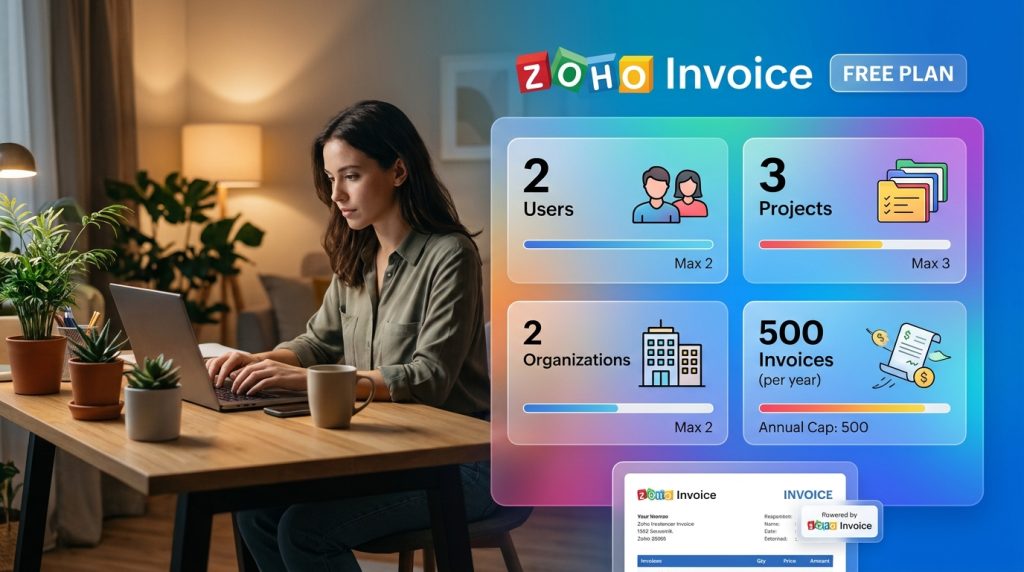
Zoho Invoice is another free invoicing software for freelancers option with a genuinely no-cost plan. The October 2026 review of the product lists 2 users, 3 projects, 2 organizations and 500 invoices per year on the free plan. Documents also carry “Powered by Zoho Invoice” branding. Some older guides describe much smaller limits, such as five clients and one user. Treat those as outdated and check Zoho’s current help pages.
Zoho does not charge a fee for receiving online payments, but the payment gateway you connect does. Zoho’s help pages list Stripe’s standard rate of 2.9% plus 30 cents for card transactions. Paid tiers belong to separate Zoho products, such as Zoho Billing, so you cannot simply upgrade inside Zoho Invoice.
Example: 500 invoices per year averages about 42 per month. A freelancer who sends more than that will hit the cap before year end.
Zoho Invoice suits freelancers who send a modest number of invoices, want no software fee, and are comfortable with Zoho branding on their documents.
Stripe Invoicing: Pay Only When Invoices Are Paid
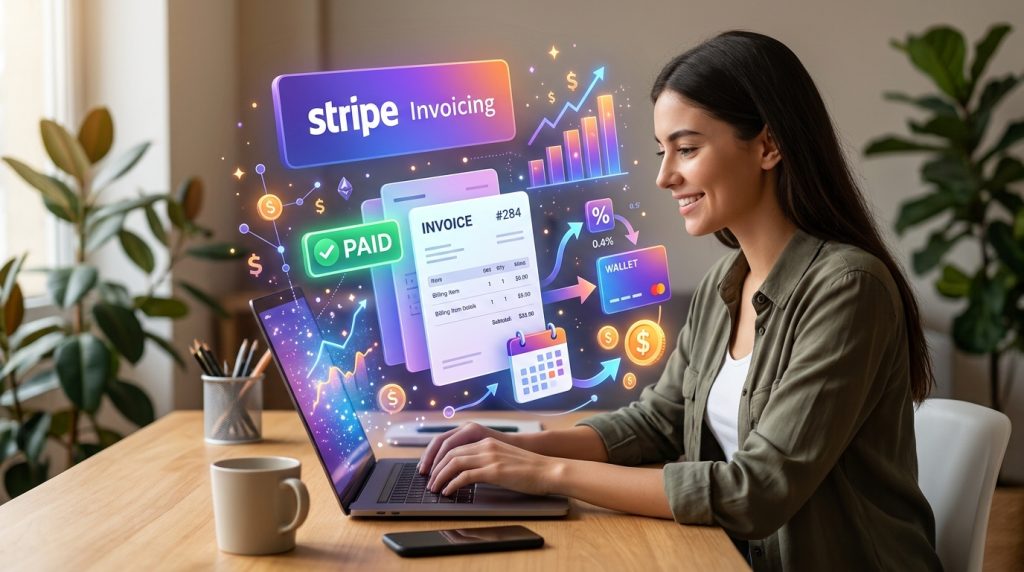
For freelancers who already use Stripe, it can be a strong choice despite the per-invoice fee. Stripe Invoicing has no setup fee or monthly fee on its Starter plan. Instead, Stripe charges 0.4% per paid invoice on Starter and 0.5% on Plus, which adds quotes. This fee sits on top of Stripe’s normal payment processing fee. In the US, that is 2.9% plus 30 cents for a domestic card payment.
Some third-party guides mention a free allowance of 25 invoices or a $2 cap on certain invoices. We could not clearly confirm these details on Stripe’s official page, so verify them before you plan around them.
Estimate for a $1,000 card payment: the invoicing fee of 0.4% is $4.00, and processing is $29.30. The total is about $33.30, leaving roughly $966.70. If a $2 cap applies, the total would be closer to $31.30.
Stripe works well for freelancers who need a professional hosted payment page and have clients who prefer cards. It is less attractive for very small invoices, because the fixed fees take a bigger share.
Side-by-Side Comparison of Free Invoicing Software for Freelancers
| Tool | Monthly cost | Free-plan limits | Estimated fee on $1,000 card payment | Best fit |
|---|---|---|---|---|
| Wave | $0 (Starter) | Unlimited invoices and estimates | About $29.60 | Solo freelancers in the US and Canada |
| Zoho Invoice | $0 | 500 invoices per year, 2 users, branding | Depends on gateway; about $29.30 with Stripe | Low-volume freelancers who want no software fee |
| Stripe Invoicing | $0 monthly | Pay per paid invoice | About $33.30 | Freelancers with a Stripe account in a supported country |
These figures are estimates based on US pricing checked in October 2026.
Country Availability: Where Each Tool Works
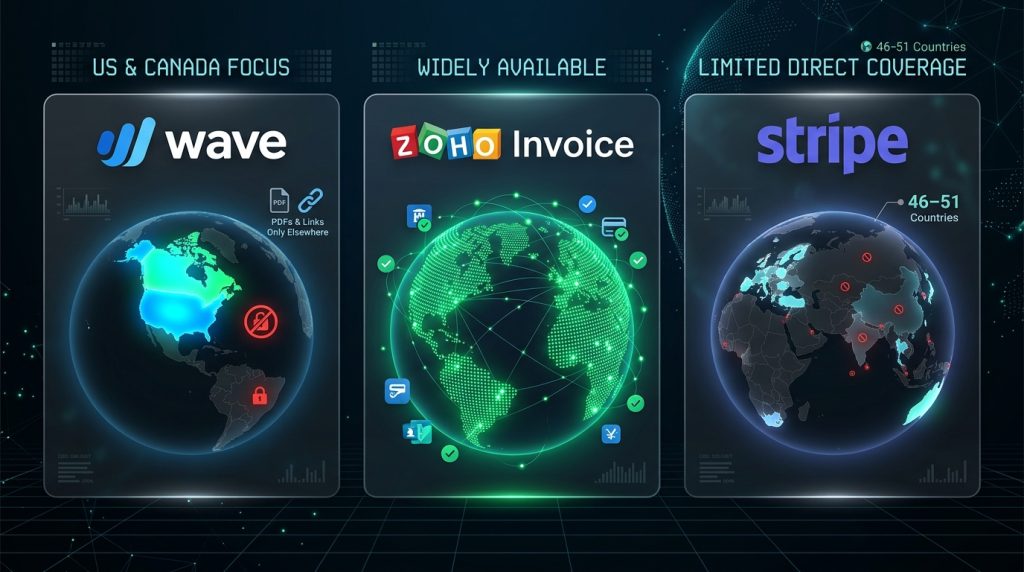
Availability matters more than price when you choose free invoicing software for freelancers. A tool that cannot take your payments is not useful, no matter how low its fees are.
Wave is restricted. Wave’s own support note says the company focuses on the United States and Canada, and that product and customer support for users elsewhere has ended. Existing accounts outside these countries can continue. You can still send invoices as PDFs or links, but online card and bank payments are part of the US and Canada service. Read Wave’s official support note on users outside the United States and Canada before signing up. Do not confuse this product with Wave Money, a separate mobile money service in West Africa.
Zoho Invoice is widely available. Zoho’s help pages list regional coverage in places including the United States, United Kingdom, Canada, Australia, India, several Gulf states, Kenya, Mexico, South Africa, Germany and Singapore. Your real payment options depend on the gateway. Authorize.net covers the US, UK, Europe, Australia and Canada. Forte’s ACH option is limited to US and Canadian merchants. Mercado Pago covers several Latin American countries. The 2Checkout option works in most countries, excluding North Korea, Iran, Sudan, Syria, Cuba and Myanmar.
Stripe has the narrowest direct coverage. Sources list between 46 and 51 supported countries, depending on date and method. Stripe’s prohibited business rules bar dealings with people located in, resident in, or citizens of Cuba, Iran, North Korea and Syria, and with the Crimea, Donetsk and Luhansk regions. Pakistan and Bangladesh are also absent from its merchant list. Check Stripe’s official country list before you register.
Step-by-Step: Choose Your Free Invoicing Software for Freelancers
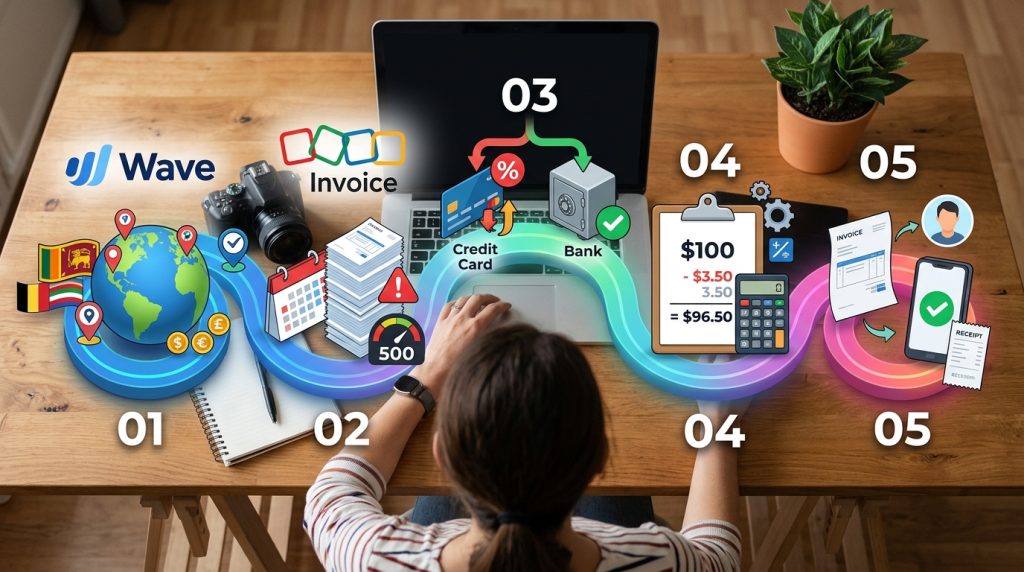
Step 1: Confirm your country. Check whether the tool supports online payments where you live. This matters because a low fee means nothing if you cannot accept payment. Example: a freelancer in Sri Lanka should not plan around Wave’s online payments.
Step 2: Estimate your monthly invoice volume. Count how many invoices you send in a typical year. This matters because Zoho Invoice’s 500-invoice cap can be reached quickly. Example: 60 invoices a month is 720 a year, which is over the cap.
Step 3: Decide how clients will pay. Choose card, bank transfer or both. This matters because card fees are usually higher than bank fees. Example: on a $1,000 invoice, a bank transfer can save you tens of dollars compared with a card.
Step 4: Run the fee math on a typical invoice. Calculate what you actually keep. This matters because small percentages add up. Example: at 2.9% plus $0.60, a $100 invoice costs $3.50, which is 3.5% of the total.
Step 5: Test with one real invoice. Send one invoice to a friendly client, confirm the payout arrives, and review the receipt. This matters because setup problems are easier to fix early. Example: check that the money lands in the right account and that the invoice looks professional.
Common Mistakes to Avoid
Assuming “free” means no fees. Many new users are surprised by processing charges. The solution is to calculate your net income per invoice, not just the software price.
Ignoring country limits. Some tools work only for online payments in certain countries. Check availability before you spend time on setup, and check again if you move.
Many new users pick the wrong free invoicing software for freelancers by focusing only on the price tag. A cheaper plan with a tight invoice cap or limited payment options can cost more over a year. Match the tool to your real volume and client habits.
Forgetting about branding and image. If clients see “Powered by” text on your invoices, weigh whether that fits your professional image.
Skipping records. Export invoices and fee statements every month. Tax rules differ by country, so ask a local accountant what you must report.
Useful Tips
- Put payment terms, due dates and bank details on every invoice so clients know exactly what to do.
- Offer bank transfer as a lower-fee option, especially for larger invoices.
- Send polite payment reminders for overdue invoices. Consistency gets paid faster than a single angry message.
- Review pricing every six months, because plans and limits change.
- For more practical guides on building freelance income tools, explore Digital Task Compass.
Frequently Asked Questions
Is Wave really free?
The Starter plan is free, with unlimited invoices and estimates. You pay processing fees only when a client pays online. Online payment features are limited to the US and Canada under Wave’s current policy.
Does Zoho Invoice charge a fee to receive payments?
Zoho does not charge for receiving online payments, but the payment gateway you connect does. Fees and availability depend on the gateway, so check each provider’s terms.
Is Stripe Invoicing free to use?
It has no monthly fee on the Starter plan, but it charges 0.4% per paid invoice on top of standard Stripe payment fees. Stripe is not directly available for merchant accounts in every country, and the guides we reviewed list Sri Lanka among the unsupported countries.
Which free invoicing software for freelancers is best for beginners?
For most solo freelancers in supported countries, Wave is the simplest start because its free plan has unlimited invoices. If you are outside the US and Canada, Zoho Invoice is a better free option for invoicing, paired with bank transfer for payment.
Final Thoughts
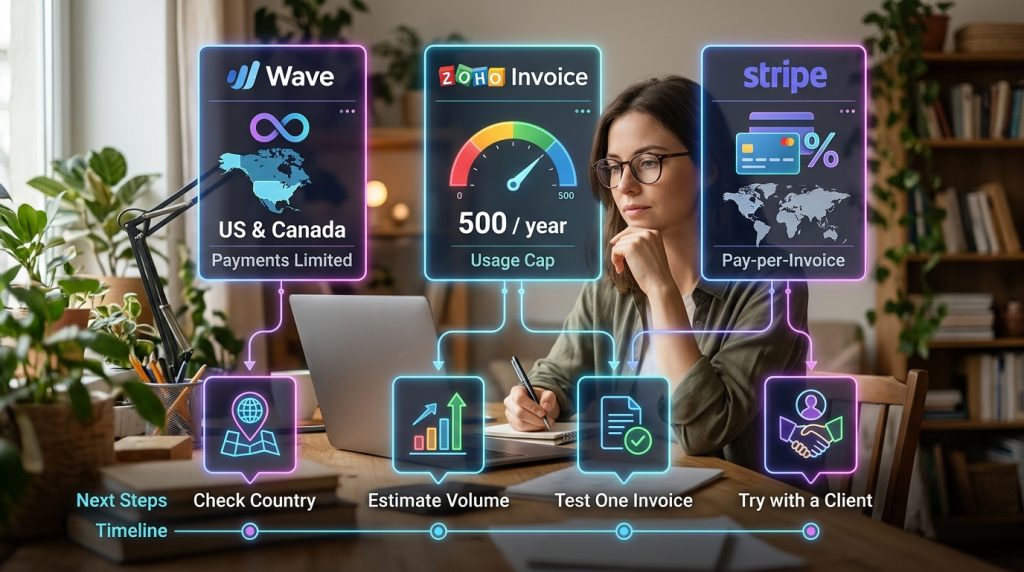
Free invoicing software for freelancers is not one product. It is a choice between a free plan with payment fees, a free plan with usage caps, and a pay-per-invoice model. Wave offers unlimited invoices but limits online payments to the US and Canada. Zoho Invoice is free but capped at 500 invoices a year. Stripe charges per paid invoice and is not directly available in every country. Start by checking your country, estimating your monthly volume, and running one real invoice through your shortlist. Your next practical step is to open the pricing page of your top choice today and test it with a single client.