14-inch MacBook Pro with M6: A Tech Specialist’s Guide to Specs, Battery, and Buying
Apple’s new 14-inch MacBook Pro with M6 was announced on October 27, 2026, and for freelancers, remote workers, students, and creators, the real question is simple: is it worth the upgrade? Apple presents it as a faster laptop with stronger on-device AI, quicker connectivity, and up to 24 hours of battery life. Those are strong claims, so this guide reads the announcement the way a technical reviewer would. It separates what Apple has stated from what you should verify yourself, then walks through a practical decision process one step at a time.
What Is the 14-inch MacBook Pro with M6?
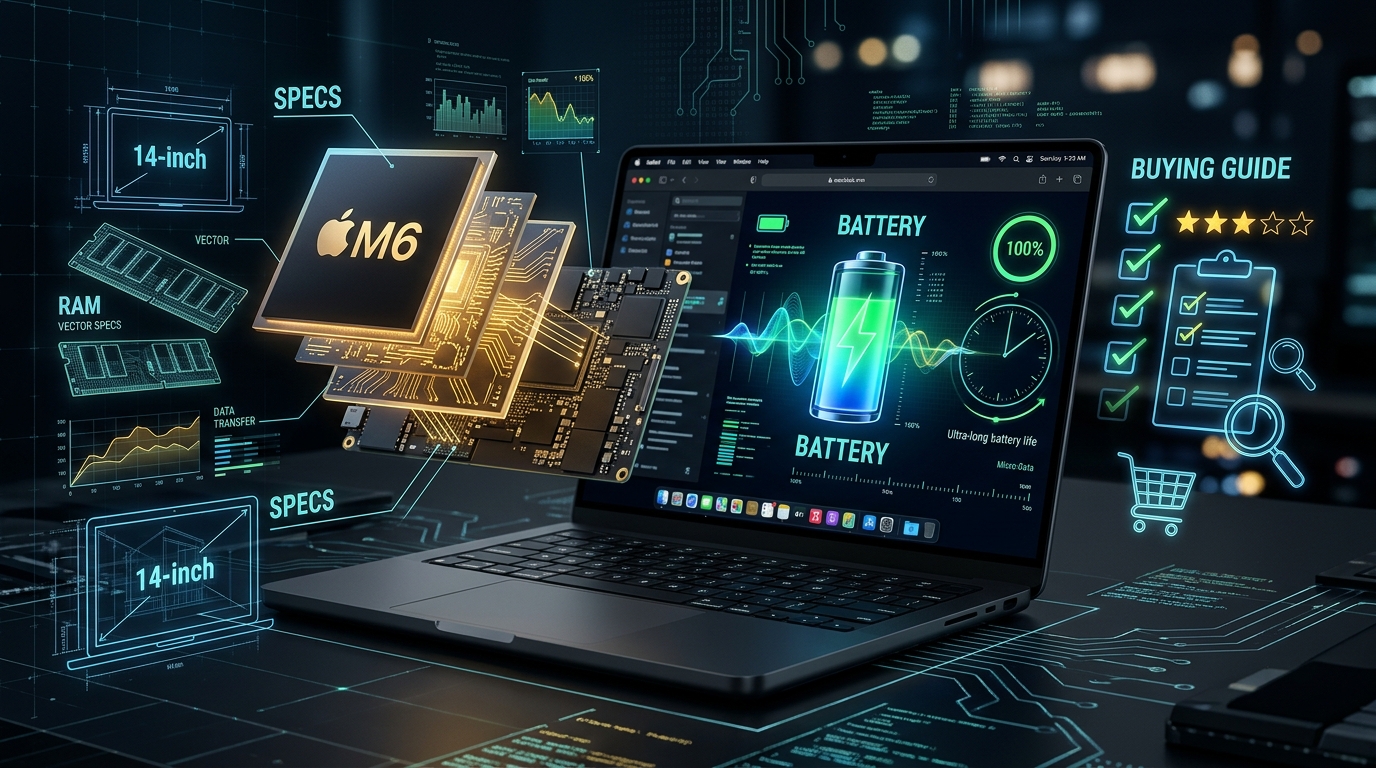
The 14-inch MacBook Pro with M6 is Apple’s portable pro laptop built on the new M6 chip, and it ships with macOS 27. Based on Apple’s announcement, the headline specifications include:
- A 12-core CPU with two more cores than the previous generation
- A 12-core GPU with Neural Accelerators in each core
- A Dual 16-core Neural Engine
- 16GB of unified memory as standard, configurable up to 32GB, with bandwidth up to 170GB/s
- A Liquid Retina XDR display with up to 1600 nits of peak HDR brightness and an optional nano-texture finish
- Wi-Fi 7 and Bluetooth 6
- Three Thunderbolt 4 ports, HDMI, MagSafe 3, an SDXC card slot, and a headphone jack
My view as a technical reviewer is that the most important numbers are not the core counts. They are memory capacity and neural compute together. Local AI models have to fit in memory before the chip can process them, so the jump from 16GB to 32GB may matter more to many buyers than a small gain in single-core speed.
Confirm Whether You Need an Upgrade

What to do: Identify the bottleneck in your current setup before you look at the new model.
How to do it: Note your current Mac’s model, chip, memory, and storage. Open Activity Monitor during a normal workday and watch memory pressure and CPU use. Then read Apple’s comparisons carefully. Apple says the new model delivers up to 30 percent faster graphics and up to 25 percent faster AI workloads than the 14-inch M5 model, and up to 11 times faster graphics than the M1 generation. These are Apple’s test results, not independent measurements.
Why it matters: The gain you feel depends on what you are replacing. An M5 owner will see a much smaller change than an M1 owner. Spending on the 14-inch MacBook Pro with M6 to fix a problem your current machine does not have is money that could go elsewhere.
Example: A video editor on an older M1 laptop with 8GB of memory will likely notice a large difference. A designer already on an M5 with 32GB may find the main benefits are battery life and connectivity.
Pick the Right Configuration for Your Work
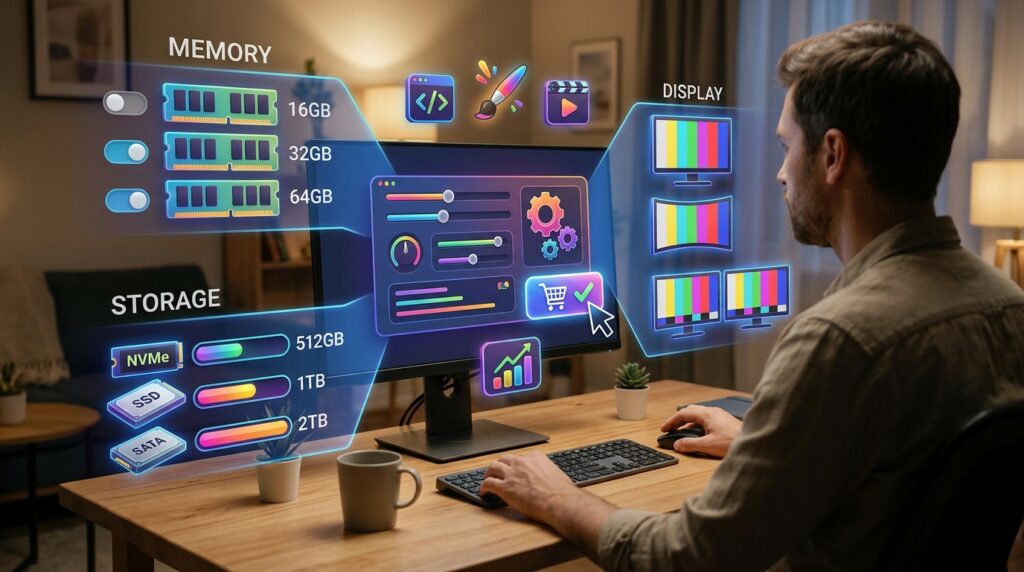
What to do: Choose memory, storage, and display options before you order.
How to do it: The 16GB base configuration suits writing, browsing, spreadsheets, and video calls. For heavy image editing, local AI models, or large code projects, consider 32GB. If you often work near windows or outdoors, the nano-texture option on the display is worth considering, since Apple says it dramatically reduces reflections and glare.
Why it matters: Memory is fixed when you buy a Mac, so this decision stays with the machine for its whole life. Bandwidth helps, but it cannot compensate for too little capacity when a project or model does not fit.
Example: A freelance translator working mostly in documents and browser tabs will likely be well served by 16GB. A developer running containers, a local language model, and a large Xcode project should plan for 32GB.
Check Siri AI and Language Support

What to do: Confirm that Siri AI and Apple Intelligence features work in your language and region.
How to do it: Read the footnotes in Apple’s announcement, not just the headline features. Apple says Siri AI is in beta in macOS 27.2 and currently supports English, French, Japanese, Korean, Portuguese, and Spanish. Apple Intelligence features require Siri and the device language to be set to a supported language. The footnotes also state that Siri AI is currently unavailable in the EU on iOS, iPadOS, and watchOS, is not available to users under 13, and that some server-side features have daily usage limits. Apple says expanded access will be available for a fee in the future.
Why it matters: Marketing describes what a feature can do. Footnotes describe who can use it, how often, and at what cost. If your workflow depends on voice or AI tools, the fine print decides whether that workflow is reliable.
Example: A Portuguese-speaking consultant can test Siri AI in that language before relying on it for client work. Someone in a region the footnotes do not clearly cover should plan around typed Apple Intelligence features until support is confirmed for their country.
Plan Around the Battery Claim

What to do: Treat “up to 24 hours” as a best-case figure, then test it against your own day.
How to do it: Apple says battery life varies by use and configuration, and it points to a separate battery information page for detail. For one week, notice your real use: video calls, browser tabs, rendering, and downloads. Also note charging. Apple says the MacBook Pro with M6 can reach up to 50 percent charge in about 30 minutes with a compatible higher-wattage adapter, such as the 96W power adapter.
Why it matters: Battery claims assume specific conditions. Screen brightness, background apps, and heavy workloads will all change the result. A week of honest tracking tells you more than any headline.
Example: A student spending most of the day in lectures taking notes will probably get far more from the battery than a video editor rendering projects all afternoon.
Match the Ports and Displays to Your Setup
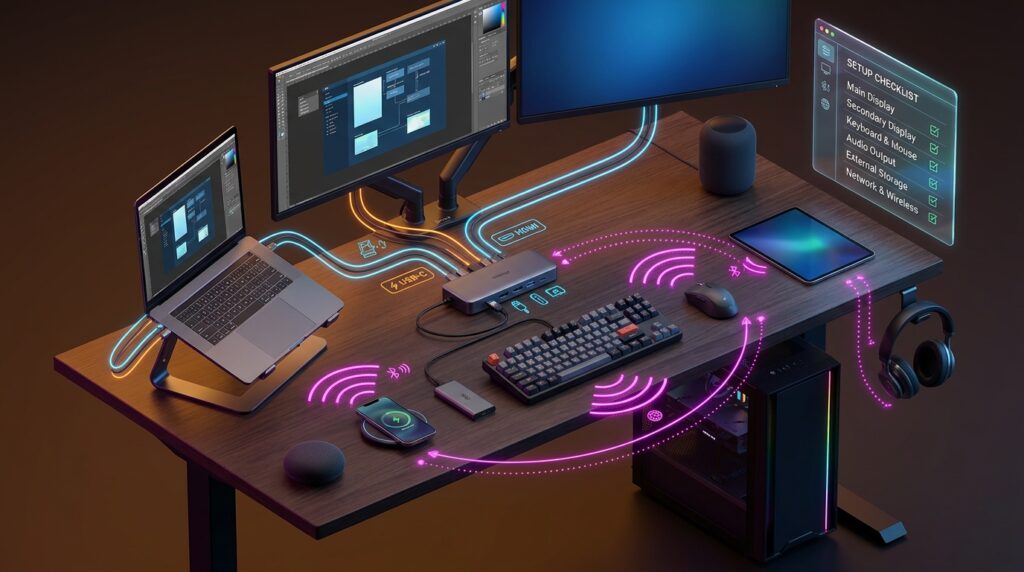
What to do: List every device you plug in or connect wirelessly.
How to do it: Apple says the 14-inch MacBook Pro with M6 supports up to two external displays and includes HDMI, MagSafe 3, three Thunderbolt 4 ports, an SDXC card slot, and a headphone jack. Compare that list with your monitor, card reader, external drive, and charger. Check your router too, because Wi-Fi 7 needs compatible equipment to deliver its full benefit.
Why it matters: A laptop that cannot drive your setup creates daily friction. Adapters cost money and clutter the desk. Checking ports before you buy is the cheapest way to avoid that.
Example: A remote designer with a 4K monitor, a camera card reader, and an external SSD may find the built-in ports cover everything without buying a hub.
Calculate the Real Cost of Ownership

What to do: Compare the full cost of buying, financing, or leasing.
How to do it: Apple lists the 14-inch MacBook Pro with M6 from $1,999 in the U.S., or $1,899 with education savings. In the U.S., Apple Upgrade leasing starts at $38.99 per month for 36 months, excluding taxes and any trade-in credit. Prices differ by country, so check your local Apple Store. For a rough estimate, divide the purchase price by the months you plan to use the device. Spreading $1,999 over 36 months comes to about $55.53 per month before taxes, accessories, and resale value. That figure is my estimate, not an Apple number.
Why it matters: A lease is not ownership. Apple’s lease terms say that ending a lease early can carry substantial charges, and you do not own the device at the end unless you pay the purchase option. Taxes, AppleCare, and accessories change the true total.
Example: A small agency buying several laptops should compare outright purchase, education pricing if eligible, and any business financing before deciding.
Set Up Your Workflow Before You Need It
What to do: Prepare the laptop for real work on day one.
How to do it: Apple offers Personal Setup, where a Specialist can guide you through setup online, and Today at Apple sessions at Apple Stores. If you use an iPhone, Continuity lets you share files, hand off tasks, and control your iPhone from the Mac. People moving to Mac for the first time can transfer settings, files, and passwords from an iPhone during setup.
Why it matters: The first day with a new computer often decides whether it stays productive. Setting up your password manager, backups, and shortcuts early prevents delays later.
Example: A job seeker preparing for remote interviews can set up video calling, a clean browser profile, and a backup before the first call, instead of troubleshooting at the last minute.
Common Mistakes to Avoid
Buying on headline benchmarks alone. Apple’s comparisons use specific configurations, such as the M5 model with a 10-core CPU and GPU, 32GB of memory, and a 4TB drive. Solution: compare the configuration you would actually buy, and run your own test.
Choosing base memory for AI-heavy work. Solution: estimate your largest project and buy with headroom, because memory cannot be upgraded later.
Assuming AI features work everywhere. Solution: check the footnotes, your device language, and your region before building a routine around a feature.
Leasing without reading the early-termination terms. Solution: read the lease agreement and calculate what happens if you return the device early.
Forgetting the charger. Solution: check the adapter wattage you need for fast charging before you order.
Useful Tips
- Record one normal workday with Activity Monitor open, then decide whether 16GB or 32GB fits your real use.
- Compare prices in your own currency, including taxes and import fees, on Apple’s official site.
- Check trade-in values before ordering, since a trade-in can reduce the effective cost.
- Make a full backup before migrating from an old Mac.
- If you travel often, compare AppleCare options before you buy, not after a drop or spill.
Frequently Asked Questions
When can I order the 14-inch MacBook Pro with M6?
Apple says pre-orders open on October 28, 2026, with arrivals starting Friday, November 6, in participating countries and regions. Check Apple’s website or your local Apple Store for availability in your country.
Is it worth upgrading to the 14-inch MacBook Pro with M6 from an M5 model?
It depends on your workload. Apple’s figures show smaller gains against M5 than against M1. Test your own tasks before deciding.
Can I use Siri AI in my language?
Only if your device language is supported. Apple currently lists English, French, Japanese, Korean, Portuguese, and Spanish for the Siri AI beta in macOS 27.2, and it notes regional limits.
Can I add more memory later?
No. Choose memory when you buy, so plan for the workload you expect to have over the next several years.
Final Thoughts
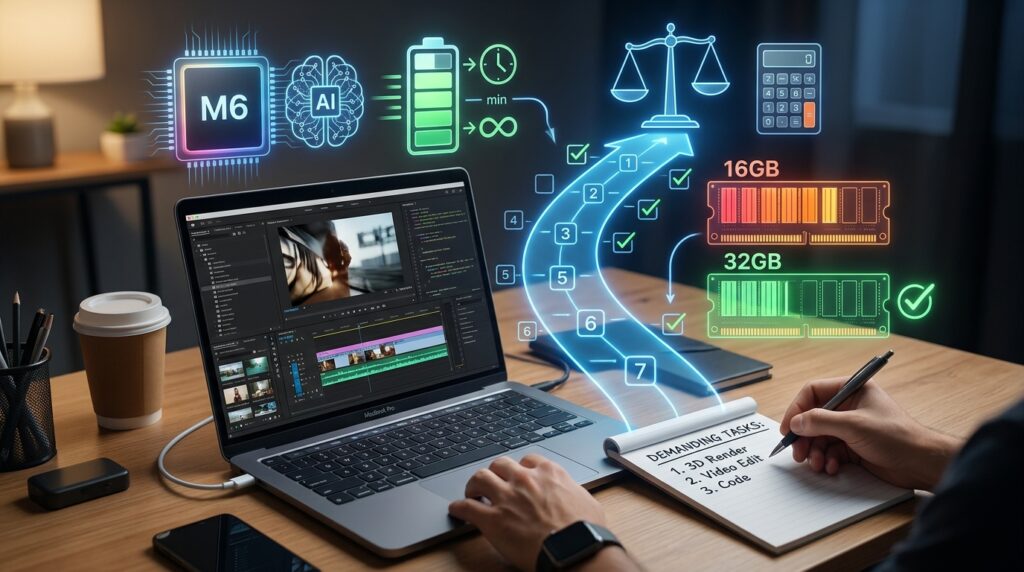
The 14-inch MacBook Pro with M6 looks like a meaningful step for people who need strong performance, on-device AI, and long battery life in a portable pro laptop. The best decision still comes from your own workload rather than the headline numbers. Work through the seven steps, read the footnotes, and calculate your true cost. Your next practical step is to list your three most demanding tasks and check whether 16GB or 32GB handles them with room to spare. For more practical tech and digital growth guides, visit Digital Task Compass.