Best Notion Templates for Freelancers and Solopreneurs
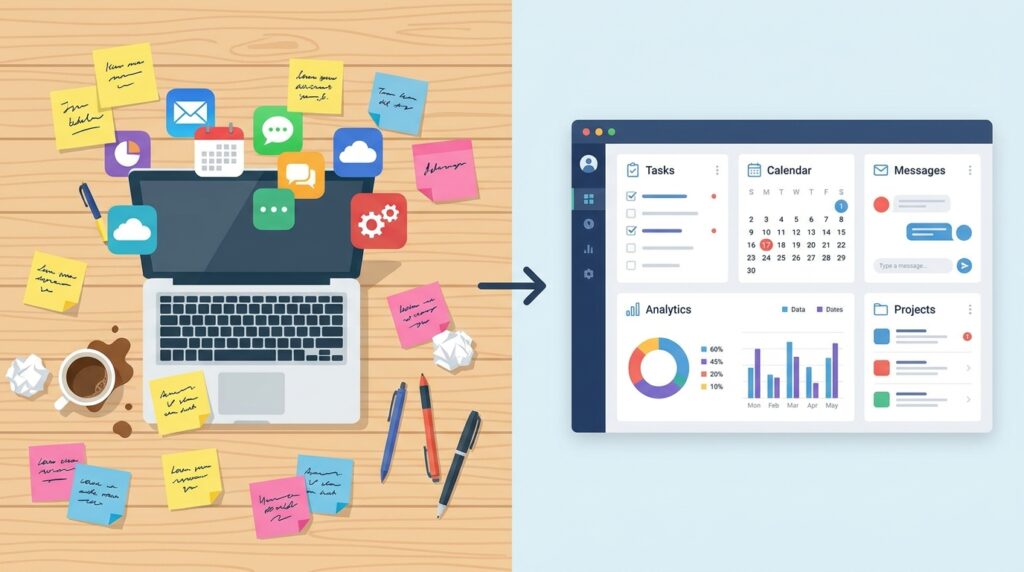
Running a one-person business means you’re the project manager, the accountant, the marketer, and the person who has to remember where you saved that client’s brand guidelines. Somewhere between chasing invoices and juggling five client Slack channels, most freelancers hit the same wall: their “system” is a mix of sticky notes, random Google Docs, and a to-do list app they stopped opening three weeks ago. That’s usually the moment someone goes looking for Notion templates for freelancers — and for good reason. A well-built template turns Notion from a blank page into an actual operating system for your work.
This guide walks through the best Notion templates for freelancers and solopreneurs, why they’re worth setting up even if you’ve never used Notion before, and how to pick one that fits your workflow instead of fighting it.
Why Freelancers Need a Notion Template, Not Just an App
Freelancers don’t have the luxury of separate tools for every job function. A marketing agency has a CRM, a project management tool, an accounting platform, and an internal wiki — all connected by an IT team. A solopreneur has an afternoon and a coffee budget. That’s exactly where Notion templates for freelancers earn their keep: one workspace holds your client pipeline, project tracker, invoices, content calendar, and notes, without forcing you to pay for or learn five different platforms.
These templates, built by other independent workers, tend to solve the exact problems you’re already running into — client handoffs, scope creep, tracking billable hours, remembering which invoice is overdue.
What Makes a Notion Template Actually Useful
Before diving into specific picks, it helps to know what separates a template you’ll actually use from one you’ll abandon after a week.
- Low setup friction. If it takes three hours to configure databases and relations before you can add a single client, most freelancers won’t finish setting it up.
- Built-in views, not just databases. A good template gives you calendar, board, and list views out of the box, so you can switch perspective without building anything yourself.
- Room to grow. Your needs at month one (a handful of clients) look nothing like month twelve (a dozen active projects, recurring invoices, a content pipeline). The best templates scale with you.
- Clear separation of client-facing and internal data. Some templates let you share a project page with a client without exposing your rates, notes, or other clients’ information.
With those criteria in mind, here are the categories and specific templates worth trying.
1. All-in-One Freelancer Hub Templates
These are the most popular Notion templates for freelancers because they try to cover everything in one dashboard: clients, projects, tasks, invoices, and goals, all cross-linked.
Why it works: Instead of hopping between five separate pages, an all-in-one hub gives you a single home screen. Click into a client, and you see their active projects, invoice history, and meeting notes in one place. For someone managing eight to fifteen clients at a time, this cuts down the mental overhead of remembering where things live.
Best for: Freelancers who want one dashboard to check every morning instead of five apps.
[IMAGE 3 — see image plan below]
2. Client and Project Tracker Templates
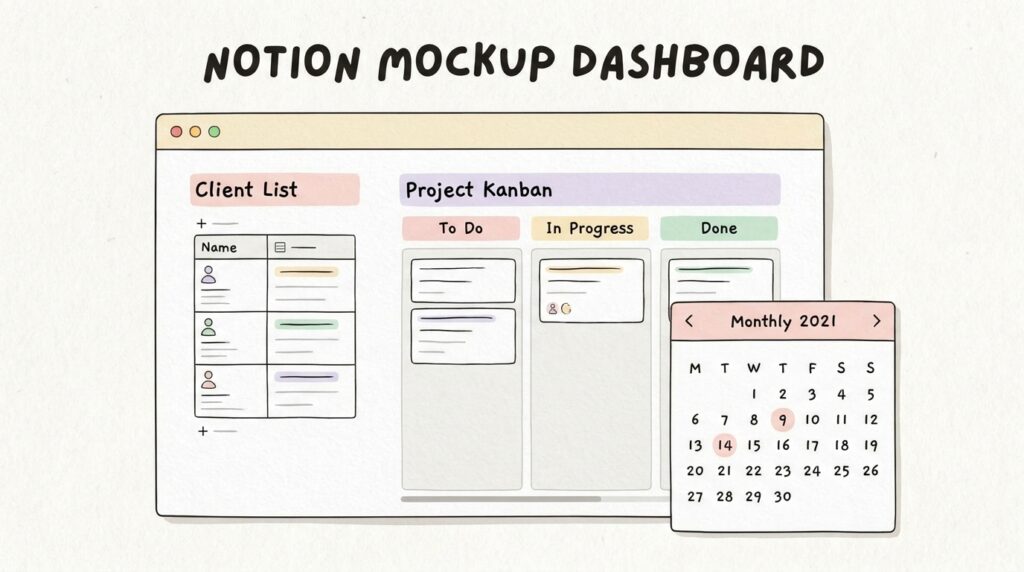
If an all-in-one system feels like overkill, a dedicated client and project tracker is often the better starting point. These templates focus purely on the client relationship: contact details, project status, deadlines, and communication history.
A good project tracker template typically includes a Kanban board for project stages (Lead → Proposal Sent → In Progress → Delivered → Paid), a calendar view for deadlines, and a simple client database linked to each project. This is one of the most searched categories of Notion templates for freelancers, because project chaos — not lack of ideas — is usually what slows solo businesses down.
3. Invoice and Finance Tracker Templates
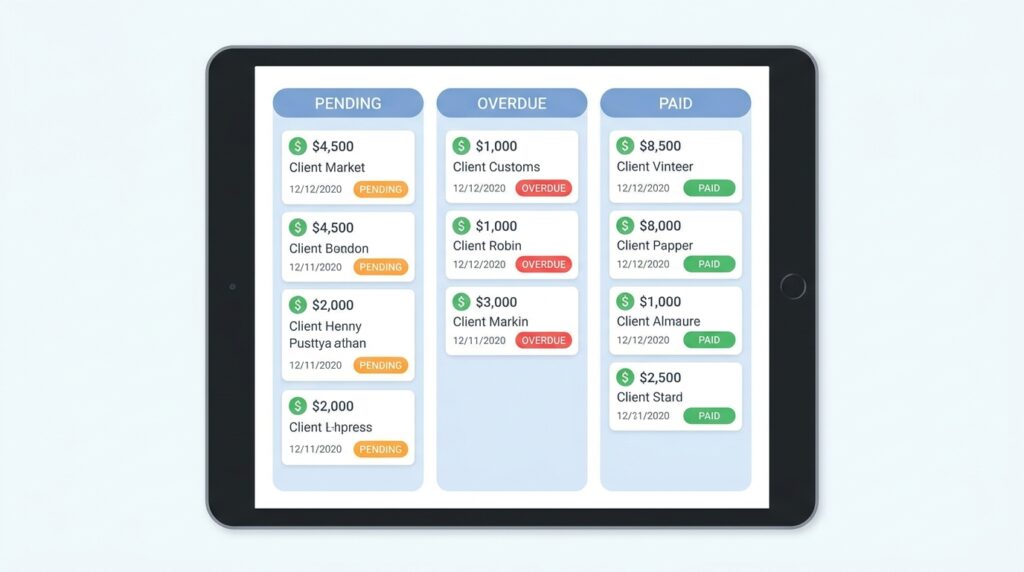
Freelance income is irregular by nature, which makes financial tracking non-negotiable rather than optional. Finance-focused Notion templates for freelancers usually include an income tracker by client and month, an expense log for tax season, and an invoice status board so nothing overdue slips through.
What to look for: Templates with automatic totals (using Notion’s formula property) so you’re not manually adding up numbers every week, and a filtered view that shows only unpaid invoices at a glance.
4. Content Calendar and Marketing Templates
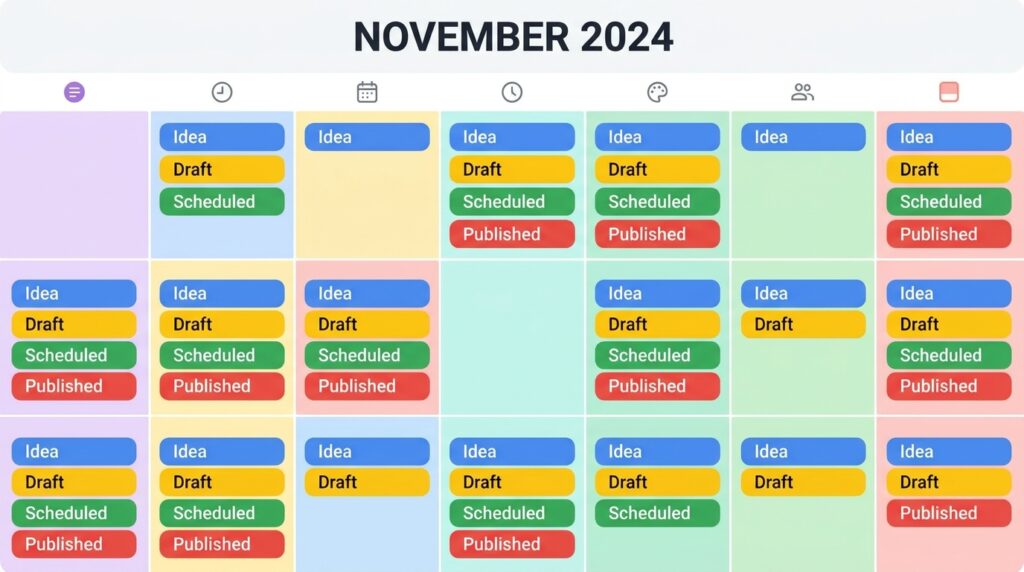
For freelancers who also market themselves — writers, designers, consultants, developers — a content calendar template keeps blog posts, social captions, and email newsletters organized in one rolling schedule. These typically pair a calendar view with a status pipeline (Idea → Drafting → Scheduled → Published), which is genuinely useful even outside client work — similar to how our internal guide to building a lightweight content workflow breaks down planning for solo publishers.
5. Time Tracking and Productivity Templates
Time tracking templates matter most for freelancers who bill hourly or want to understand how long projects actually take versus how long they were quoted for. Combined with a simple daily planner, these templates help spot where your time actually goes — often not where you’d guess.
6. Goal Setting and Business Planning Templates
Beyond day-to-day operations, some of the most valuable Notion templates for freelancers are the ones built around quarterly goals and business planning. These pair a yearly overview with quarterly OKRs, revenue targets, and a simple habit tracker, giving solopreneurs the kind of structured planning a larger company would get from a management team.
Free vs. Paid Notion Templates: Which Should You Choose?
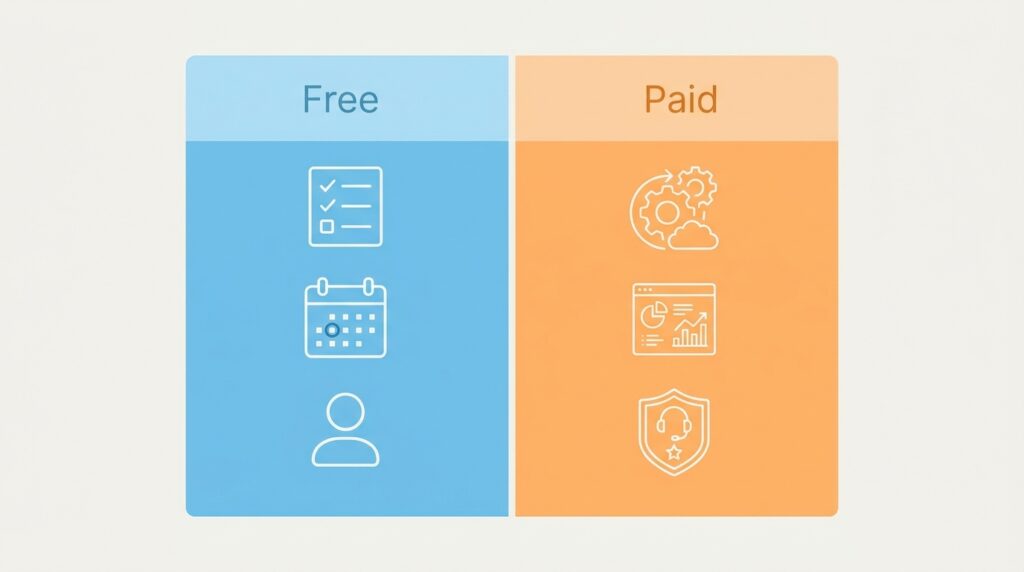
Free templates are a great entry point if you’re new to Notion or just testing whether a database-driven system fits your brain. Notion’s own template gallery and countless creator-shared duplicates cover the basics well.
Paid templates, usually priced between $15 and $60, tend to include more polished design, automation (like auto-updating dashboards or linked databases across pages), and creator support if something breaks. If you’re running a full-time freelance business with real revenue at stake, a paid template often pays for itself the first time it saves you from a missed invoice or a dropped client follow-up.
The honest answer: start free, and upgrade only once you know specifically what’s missing from your current setup. Buying a $40 template before you understand your own workflow is how templates end up abandoned in a sidebar.
How to Customize a Notion Template for Your Workflow
No template — however well-designed — will fit your business perfectly out of the box. A few adjustments make the difference between a template that sticks and one you quietly stop using:
- Strip out what you won’t use. Most templates come with more properties and views than any single freelancer needs. Delete or archive unused databases in the first week rather than letting clutter build up.
- Rename fields to match your language. If you call something a “gig” and the template calls it a “project,” rename it. Small friction adds up.
- Set up recurring templates for repeat tasks. Notion’s button and template features can auto-generate a new project page with pre-filled checklists every time you start a client engagement.
- Connect it to your calendar. Syncing deadlines to Google Calendar keeps your Notion system from becoming an island you forget to check.
Frequently Asked Questions
Are Notion templates for freelancers worth paying for?
If you’re managing multiple clients and real income, yes — a well-designed paid template typically saves more time in the first month than it costs.
Can I use a Notion template on the free plan?
Yes. Notion’s free plan supports unlimited pages for individual use, which covers most freelancer templates without needing a paid Notion subscription.
What’s the difference between a Notion template and a Notion database?
A template is a pre-built structure — pages, databases, and views already connected. A database is just one building block inside that structure.
Do I need technical skills to set one up?
No. Most Notion templates for freelancers are duplicate-and-go: you click “Duplicate,” and the entire system appears in your workspace ready to customize.
Final Thoughts
The right system doesn’t need to be complicated — it needs to match how you actually work. Whether you start with a free client tracker or invest in a full paid dashboard, the goal of any of these Notion templates for freelancers is the same: fewer dropped balls, less mental clutter, and more hours spent on billable work instead of managing your own chaos. Pick one, duplicate it, strip out what you don’t need, and give it two weeks before deciding whether it’s the right fit.
For an official, constantly updated starting point, browse Notion’s own template gallery before committing to a paid option — it’s free and gives you a real feel for how Notion’s database system works before you invest in anything more advanced.