

How to Build an AI Productivity Workflow That Actually Saves Hours
Most people use AI tools the way they’d use a search engine — open one, ask a question, copy the answer, close it, repeat. It helps a little, but it’s not a system. The people genuinely saving hours every week have done something different: they’ve built an AI productivity workflow, where AI is woven into how they plan, create, research, and review across the whole day — not just consulted occasionally.
This guide shows you how to build that. We’ll walk through a complete AI workflow stage by stage, the right tool for each job, and how to assemble your own version without drowning in apps. By the end, you’ll have a repeatable system, not just a collection of AI tabs.
What an AI Workflow Actually Is
An AI workflow is a repeatable system where AI tools handle specific, recurring parts of your work — so the same tasks get faster every time instead of starting from scratch. The keyword is repeatable. A one-off ChatGPT query is a tool use; a workflow is the same AI step, in the same place in your process, every single time.
Think of your workday in stages: planning what to do, creating the work, researching and reviewing, and handling admin. A good AI productivity workflow places the right AI assist at each stage, with handoffs between them, so your effort goes into judgment and quality — the things only you can do — while AI handles the repetitive drafting, summarizing and structuring.
Why a Workflow Beats Random AI Use
Random AI use saves minutes. An AI productivity workflow saves hours for three reasons.
Consistency. When the AI step is fixed in your process, you stop deciding whether to use AI each time — it’s just how that stage works. No decision fatigue.
Compounding. Reusable prompts, saved templates, and known handoffs mean each task gets faster than the last. Random use never compounds because you rebuild from zero every time.
Quality control. A workflow builds in a human review step by design, so AI accelerates your work without you ever shipping unedited AI output. That review step is what separates professionals from people who get caught using AI badly.
Stage 1: Plan With AI
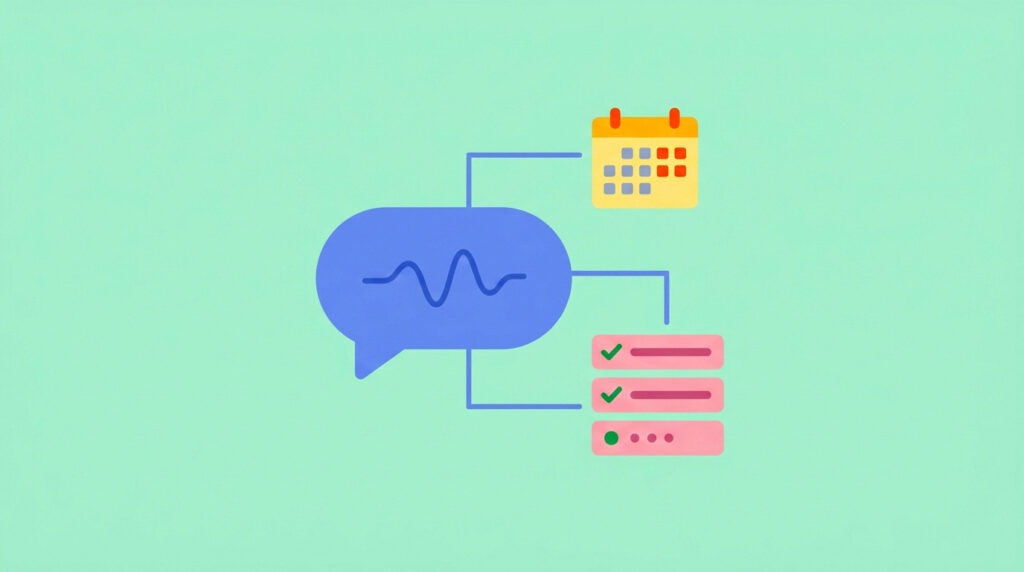
Every productive day starts with a plan, and AI makes planning faster and sharper. At the start of your day or week, use ChatGPT or your preferred assistant to turn a messy brain-dump into a structured plan.
A simple prompt to anchor this stage of your AI productivity workflow: “Here are my tasks and deadlines this week: [list]. Help me organize them into a realistic plan with 3 daily priorities and buffer time. I work [hours].” The AI handles the structuring; you keep the judgment about what matters.
This pairs directly with the systems in our weekly plan guide and time management tips for remote workers — AI just makes building those plans faster.
Stage 2: Create and Write With AI
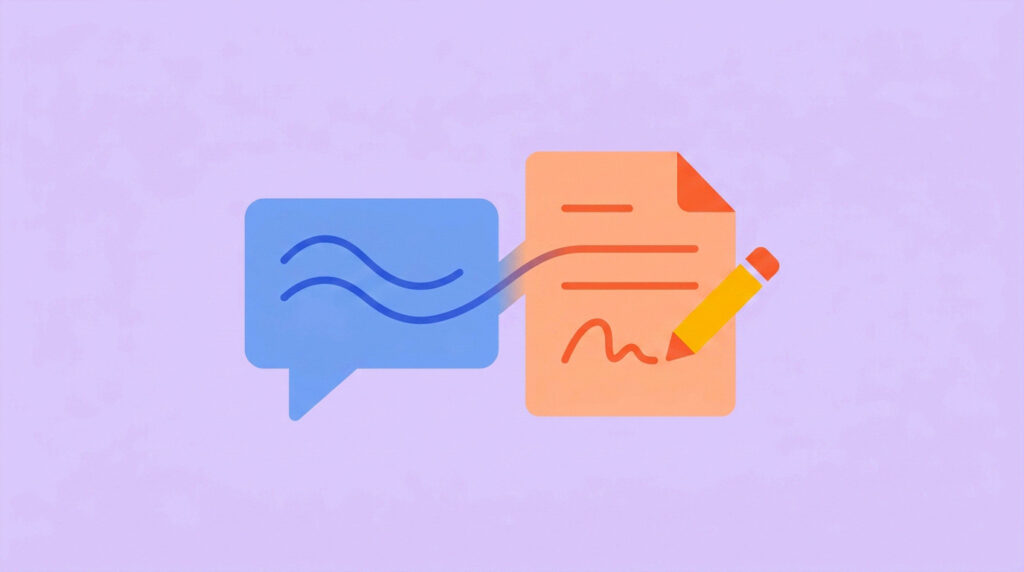
The creation stage is where an AI productivity workflow saves the most time, because the blank page is where most work stalls. The rule here: AI drafts, you direct and refine.
Use AI to generate first drafts — emails, outlines, content, proposals — then edit them into your voice. For writing-heavy work, Claude handles longer documents and produces more natural drafts; for quick, versatile tasks, ChatGPT is faster. Keep a library of your best prompts so this stage compounds (our ChatGPT prompts for freelancers guide is a ready-made starting library).
The discipline that makes this stage work: never ship the first draft. AI gets you to 70% in seconds; your edit takes it to 100% and makes it yours. The 70%-in-seconds is the time saving; the human 30% is the quality.
Stage 3: Research and Review With AI
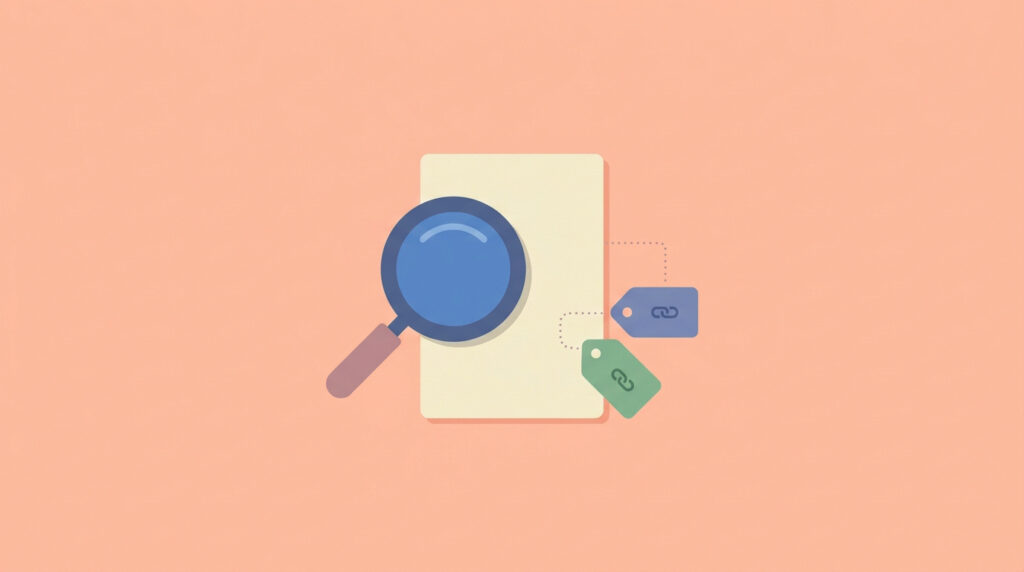
The third stage of a strong workflow is using AI to research faster and review more thoroughly — with a critical caution: always verify.
For research, tools that cite sources (like Perplexity) are safer than general chatbots because you can check claims against real references. Use AI to map a new topic quickly, summarize long documents, or pull key points from dense material — then read the originals before relying on anything. For review, AI is excellent at catching gaps: “What’s missing from this plan?” or “What objections might a client have to this proposal?” surfaces blind spots fast.
The verify step is non-negotiable. AI can produce confident, wrong answers. A research AI productivity workflow that skips verification isn’t faster — it’s just faster.
Stage 4: Automate the Admin
The final stage targets the repetitive admin that eats freelance and remote-work days. Some of this is AI-assisted (summarizing emails, drafting replies, turning notes into action items), and some is pure automation.
For connecting tools so tasks flow automatically between them — a new form entry creates a task, a finished task sends an update — automation platforms like Zapier handle the wiring. You don’t need to automate everything; automate the two or three repetitive handoffs you do every single day, and leave the rest. The goal of this stage in your AI productivity workflow is to remove the small recurring tasks that drain focus without adding value.
A Sample Workflow for a Freelancer
Here’s how the stages connect into one smooth day:
- Morning planning (10 min): brain-dump tasks into ChatGPT, get a structured day plan with 3 priorities
- Deep work block (writing): AI drafts the first version of today’s main deliverable; you edit it into final shape
- Midday research: AI summarizes the articles and documents you need, with sources to verify
- Client communication: AI drafts replies from your rough notes; you personalize and send
- End of day: AI summarizes what you accomplished and drafts tomorrow’s first task
Notice the pattern: AI handles structure, drafts and summaries; you handle judgment, editing, and decisions. That division of labor is the heart of every effective ai workflow.
How to Build Your Own AI Workflow

Don’t try to build the whole system at once. Build one stage at a time:
Week 1: Add AI to just your planning stage. Every morning, use it to structure your day. Once that’s automatic, move on.
Week 2: Add AI to your creation stage. Pick your most frequent writing task and build a reusable prompt for it.
Week 3: Add the research and review stage. Start using AI to summarize and to catch gaps — with verification.
Week 4: Identify your two most repetitive admin handoffs and automate or AI-assist them.
By the end of a month, you’ll have a complete, personal ai productivity workflow built on habits that stuck — not a system you read about and abandoned. Pair the tools here with the right picks from our best AI tools for freelancers and best productivity apps for remote workers guides.
Common Mistakes Building an AI Workflow
Trying to automate everything at once. Build one stage at a time. A workflow you actually use beats a perfect one you abandon.
Shipping unedited AI output. The human review step isn’t optional — it’s what makes the workflow professional instead of risky. Always edit.
Skipping verification on research. AI’s confident wrong answers are the biggest hidden risk. Verify before relying on any AI-sourced fact.
Adding tools instead of building habits. An ai productivity workflow is mostly about when and how you use AI, not how many tools you own. Three tools used in a consistent system beat ten used randomly.
Not saving your best prompts. The compounding only happens if you reuse what works. Keep a prompt library; it’s the single highest-return habit in any ai productivity workflow.
Frequently Asked Questions
What is an AI productivity workflow? It’s a repeatable system where AI tools handle specific recurring parts of your work — planning, drafting, researching, reviewing, admin — at fixed points in your process. Unlike random AI use, a workflow compounds over time because you reuse prompts, templates and handoffs instead of starting from scratch each time.
Do I need paid AI tools to build a workflow? No. A complete productivity can run on free tiers — ChatGPT free, Claude free, a free research tool, and your existing apps. Paid plans help if you hit usage limits daily, but most people build their first effective workflow entirely on free tools.
How long does it take to build an AI productivity workflow? About a month if you add one stage per week, which is the recommended pace. Trying to build the whole system at once usually fails; building it habit by habit makes it stick. The planning stage alone, done daily for a week, already saves noticeable time.
Will an AI workflow replace my skills? No — it amplifies them. The workflow handles structure, drafts and summaries; your judgment, editing and decisions remain the valuable part. An ai productivity workflow makes skilled people faster; it doesn’t make unskilled work good. The human review step is where your actual expertise lives.
Start Building Your Workflow This Week
You don’t need to construct the entire system today. Pick the planning stage, add AI to it every morning this week, and notice the time you save. Next week, add the next stage. In a month, you’ll have a complete ai productivity workflow built on habits that actually stuck.
For the tools and systems that power each stage, explore our guides on the best AI tools for freelancers, ChatGPT prompts that save real hours, best productivity apps for remote workers, and the rest of our AI tools reviews and productivity guides.