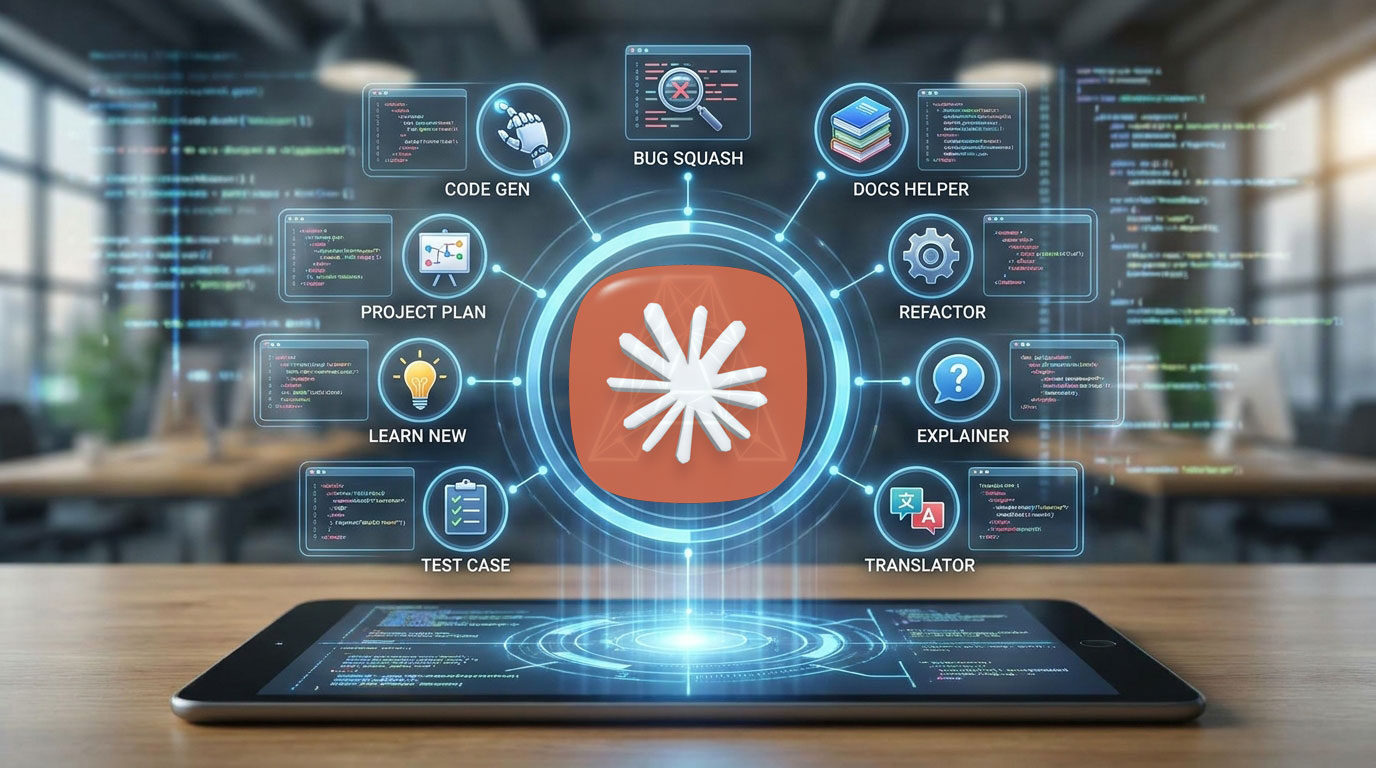
9 Powerful Claude Code Features Every Freelancer Should Know
An AI coding assistant can now read a codebase, run tests, review pull requests, and fix problems while you work on something else. For freelancers, remote developers, and small business owners, that changes what one person can deliver in a week. This guide covers nine recent Claude Code features, what each one does, and how to start using them without wasting time or money.
Claude Code is available to developers in the United States, the United Kingdom, Australia, Singapore, Japan, and Sri Lanka, wherever Anthropic offers its services. Features and plan requirements change often, so treat this article as a starting point and check the official documentation before you rely on any feature.
What Is an AI Coding Assistant?
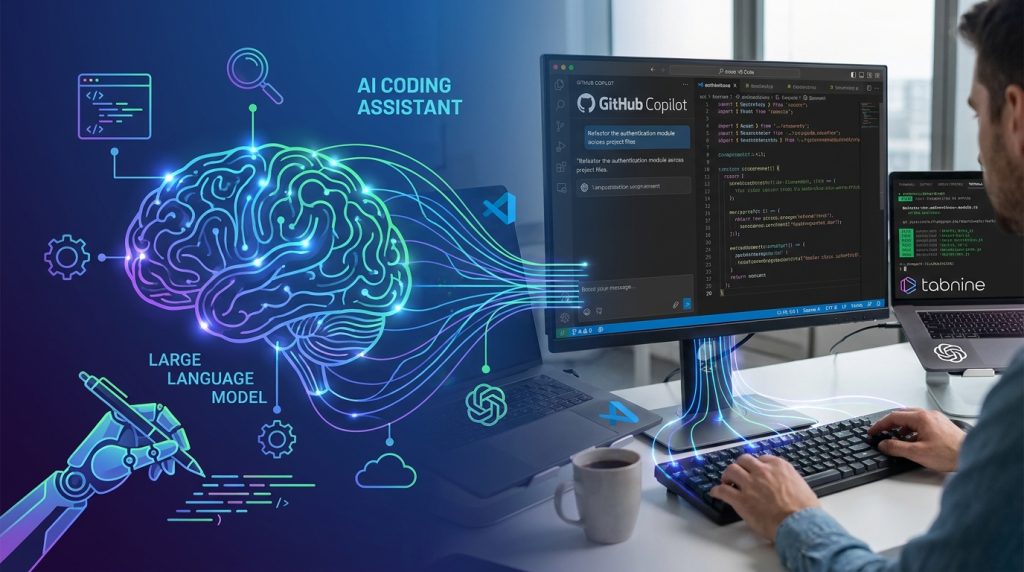
An AI coding assistant is software that uses a large language model to help you write, read, test, and maintain code. Early tools mostly completed single lines. Today’s tools can work across whole projects. You describe a goal in plain language, and the assistant searches your files, edits code, runs commands, and reports back.
Claude Code is Anthropic’s agentic coding tool. It runs in your terminal, in a desktop app, in VS Code and JetBrains editors, and in the browser. Because it works inside your project folder, it understands how your files connect, which makes it more useful than a chat window where you paste snippets.
The difference matters. A chat-based assistant answers questions. An agentic assistant completes tasks. That is why the features below focus on background work, coordination, and review rather than just faster typing.
Why Claude Code Matters for Freelancers and Remote Workers

Freelancers and remote workers usually juggle several clients, deadlines, and roles. Most of them cannot afford a full engineering team, so tools that handle repetitive work are valuable.
A good AI coding assistant can help you:
- Build small internal tools, scripts, and website fixes without outsourcing every task.
- Review code for security problems before handing a project to a client.
- Keep several tasks moving at once while you focus on client communication.
- Document a project so the next person can understand it quickly.
Those benefits can save time, but they do not replace skill. You still need to understand what the code does, test it, and take responsibility for what you deliver. Think of the assistant as a fast junior collaborator that needs clear instructions and careful supervision.
The 9 Claude Code Features You Should Know
The features below come from Claude Code’s official release notes and documentation between April and August 2026, plus the latest November 2026 updates. Availability can depend on your plan, platform, and version.
1. Subagents Run in the Background by Default
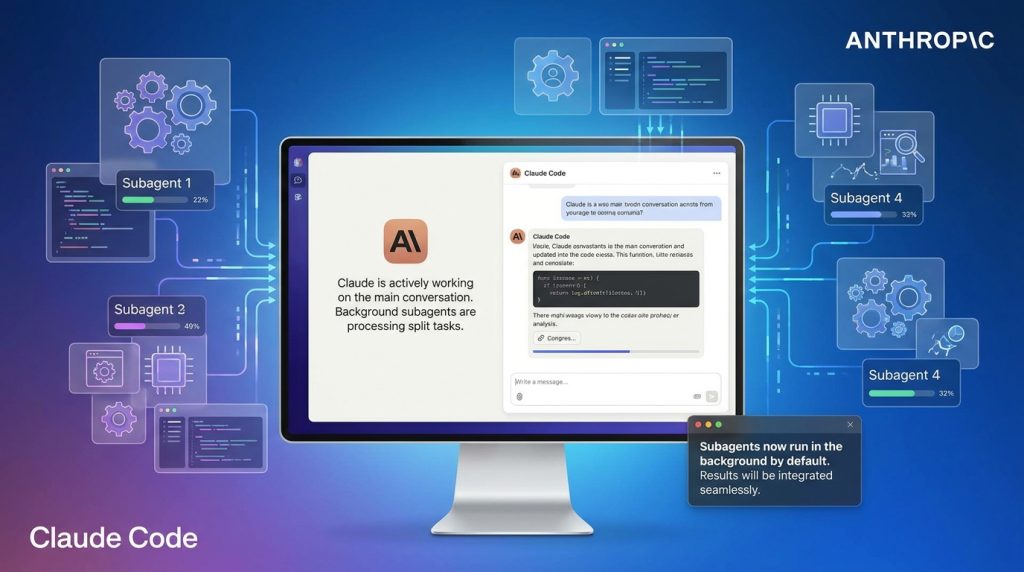
Claude Code AI Coding Assistant can split a large job into smaller parts and assign them to subagents. Anthropic’s June 29 to July 3, 2026 release notes say subagents now run in the background by default. Claude continues working on the main conversation while subagents run, then picks up their results when they finish.
Why it matters: You can give a broad task, such as “audit this site’s forms and summarize the problems,” and keep working on something else.
2. The Monitor Tool for Background Watching
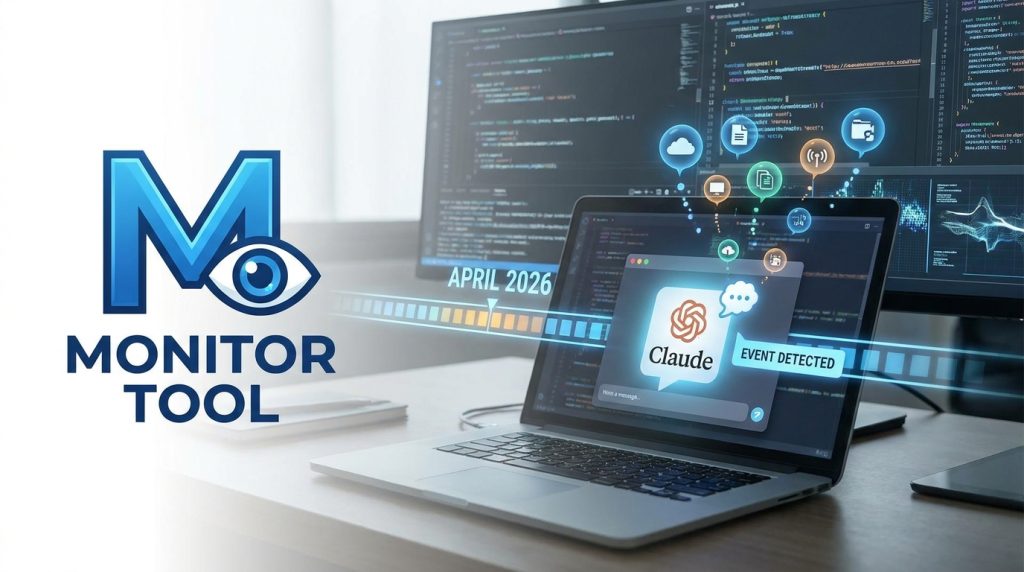
The Monitor tool, introduced in April 2026, starts a background watcher and streams its events into the conversation. Claude reacts when each event appears.
Example: Ask Claude AI Coding Assistant to tail a server log and tell you the moment a 5xx error appears. This is useful for watching a deployment on a shared hosting account or a long test run.
3. Auto-Fix for Pull Requests with /autofix-pr

The /autofix-pr command, also from April 2026, works from your terminal. It finds the open pull request for your current branch and turns on auto-fix for it on Claude Code on the web. Claude watches continuous integration checks and review comments, then pushes fixes until the build is green.
Why it matters: Small failures, such as a failed linter check or a forgotten import, can block a client delivery. Auto-fix handles much of that routine cleanup.
4. /team-onboarding for Passing On Your Setup

The /team-onboarding command generates a ramp-up guide from your local Claude Code AI Coding Assistant usage. You can give that guide to a new collaborator so they can reproduce your working setup.
Why it matters: Agencies and freelance teams often lose hours when a new contractor joins. A clear setup guide shortens that process.
5. The Claude Security Plugin
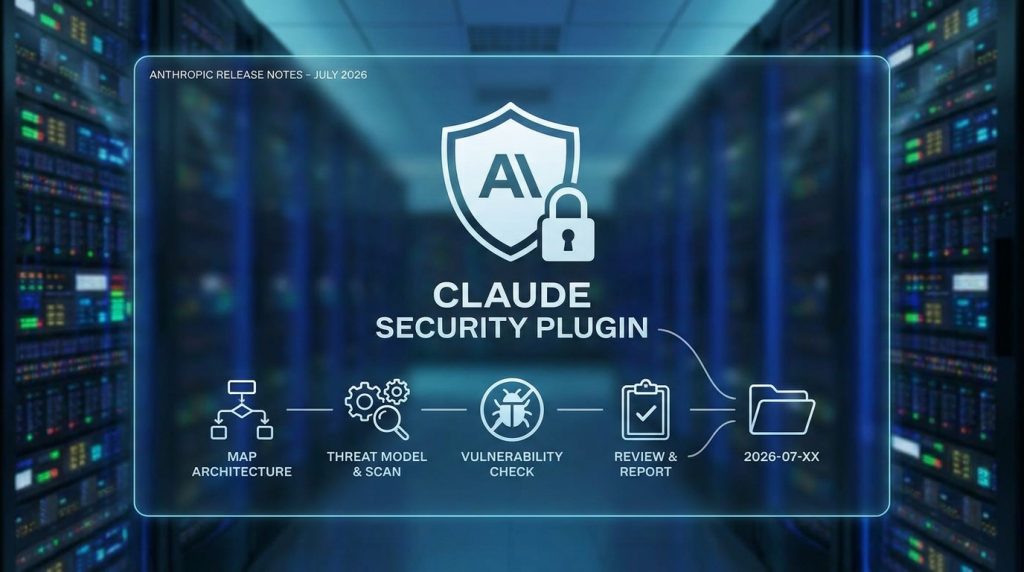
In July 2026, Anthropic’s release notes described the Claude Security plugin. It runs a multi-agent vulnerability scan inside a Claude Code session. Agents map the architecture, build a threat model, look for vulnerabilities, and review each finding before writing a report to a timestamped folder.
Why it matters: Security reviews are often skipped on small projects. A scan like this is a practical first pass before a client audit. It does not replace a professional penetration test for high-risk systems.
6. Cross-Session Messaging
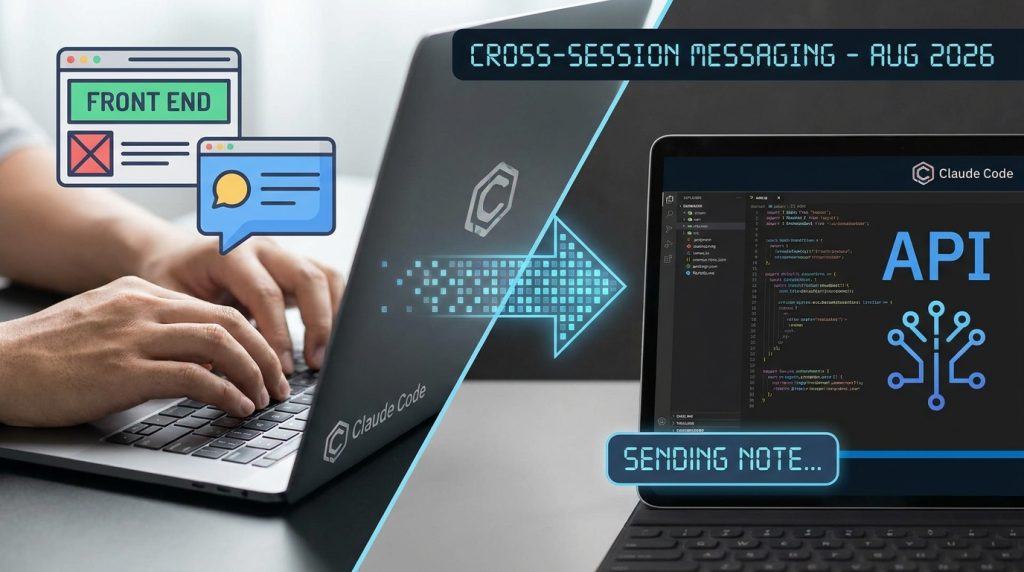
In early August 2026, Claude Code sessions gained the ability to message each other. A session working on the front end can send a note to a session working on the API, for example.
Why it matters: When you run several parallel tasks, coordination is the bottleneck. Session messaging reduces the amount of copying and pasting you must do yourself.
7. Auto Mode as the Default Permission Setting

Claude Code’s permission system controls what the assistant can do without asking. In the August 3 to 7, 2026 release notes, auto mode became the default permission mode.
Why it matters: Less repeated approval means faster progress. Speed still needs guardrails, so review your permission settings before you run Claude on a client’s production code.
8. Self-Hosted Runners for Teams

Version 2.1.225, released in August 2026, introduced self-hosted runners. These let Team and Enterprise customers run Claude Code cloud sessions on their own machines or containers.
Why it matters: Some clients require code to stay on their own infrastructure. Self-hosted runners make that possible while still using Claude Code’s workflow.
9. An iOS Simulator Pane for Mobile Developers
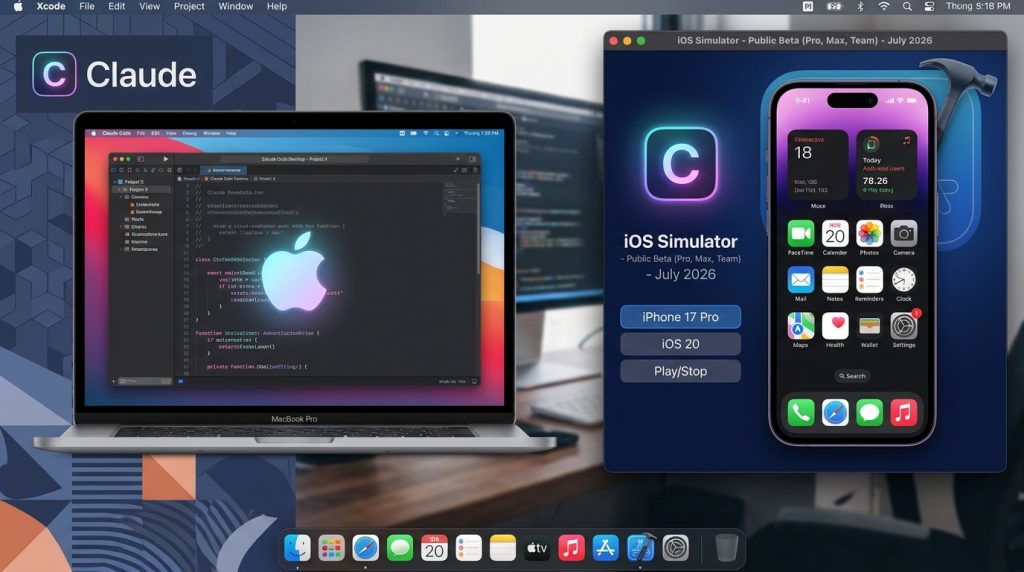
Claude Code Desktop on macOS added an iOS Simulator pane in July 2026. It is in public beta for Pro, Max, and Team plans.
Why it matters: If you build mobile apps for clients, you can test interface changes and check the results in one workspace.
How to Start Using Claude Code AI Coding Assistant: Step-by-Step
You do not need to master all nine features at once. Use this order.
- Pick one real task. Choose a small, low-risk job, such as fixing a broken contact form or writing a script that renames image files.
- Set up a clean project folder. Put the work in version control, usually Git, so every change can be reviewed or reverted.
- Write a clear instruction. Say what you want, what files matter, and how you will know the task is finished. For example: “Fix the contact form validation in the contact page. Add tests and confirm they pass.”
- Review every change. Read the diff before you accept it. Never deploy AI-written code you have not understood.
- Turn on background work after you trust the results. Start with subagents and background tasks once you know the assistant’s habits.
- Document the workflow. Use /team-onboarding or write a short setup note so the process is repeatable for future clients.
Common Mistakes to Avoid
Mistake 1: Giving vague instructions. “Make the website better” produces unclear results. Instead, state the file, the goal, and the test.
Solution: Write one sentence for the goal and one for the success check.
Mistake 2: Skipping code review. Automated fixes can look correct and still break edge cases.
Solution: Read every diff, run the tests, and check the page in a browser before delivery.
Mistake 3: Sharing client secrets. API keys and passwords should never appear in prompts, screenshots, or committed files.
Solution: Store credentials in environment variables and add secret files to your ignore list.
Mistake 4: Relying on outdated tutorials. Many blog posts describe older commands and settings. Claude Code changes quickly.
Solution: Check the official release notes and documentation before following any step-by-step guide.
Mistake 5: Assuming AI output needs no testing. Generated code can contain subtle bugs, insecure defaults, or licensing questions.
Solution: Add automated tests and perform a manual security check before launch.
Useful Tips for Beginners
- Start small. A ten-minute task teaches you more than a vague weekend project.
- Keep a prompt library. Save clear instructions that worked, such as “write tests before changing logic.”
- Use version control every day. Commit after each completed task so you can compare results.
- Track your time honestly. Measure how long a task took with and without the assistant before you change your pricing or promise faster delivery.
- Be transparent with clients. If AI tools helped with a project, you can explain your review process without overselling automation.
- Check your plan. Some features require paid plans, and team features depend on your organization’s setup.
Frequently Asked Questions
Is Claude Code an AI coding assistant or a chatbot?
Claude Code is an agentic AI coding assistant. It can read project files, edit code, run commands, and complete multi-step tasks, which goes beyond a standard chatbot conversation.
Do I need to be an expert programmer to use it?
Basic programming knowledge helps a lot. You need enough understanding to judge whether the output is correct, safe, and suitable for your client’s project.
Can freelancers use Claude Code for paid client work?
Yes, but check Anthropic’s current terms, your client’s requirements, and any data-handling rules before using it on confidential code.
Will an AI coding assistant replace developers?
The evidence so far shows that these tools change how developers work, especially on repetitive tasks. Strong problem-solving, communication, and judgment remain essential. Treat any prediction about job markets as uncertain.
Where can I find the latest Claude Code updates?
Use Anthropic’s official release notes at code.claude.com. Release details change often, so check the date and plan requirements before you rely on a feature.
Final Thoughts
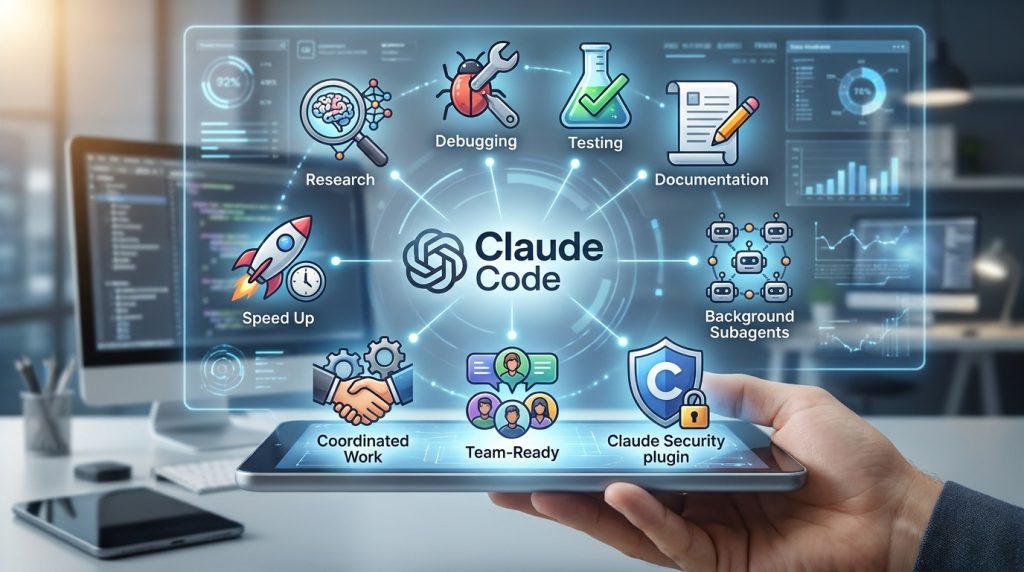
A modern AI coding assistant can speed up research, debugging, testing, and documentation. The nine features covered here, from background subagents to the Claude Security plugin, show how quickly Claude Code is moving toward coordinated, team-ready work.
Your next practical step is simple. Choose one small task this week, give Claude Code a clear goal, review the result carefully, and record what you learned. Build your skills gradually, and you will know which features actually help your work.
For more practical guides on digital work, visit Digital Task Compass.